


Recently, I discovered some problems after turning off my computer screen. I usually turn off the screen when converting videos, but every time after converting, I find that the icon on the screen has moved slightly out of position, and I have to spend a while to find the file. Or when using a remote computer to control the computer, the screen resolution changes, causing the entire desktop icon position to be messed up.
Recently, I found DesktopOK’s desktop icon location backup and restoration tool. It is a small tool that can be used without installation. It is simple to operate and has practical functions. You can save the current arrangement of desktop icons with just one click. If the icons are confused in the future, just click Restore to restore them to their original appearance. It is not only suitable for the work environment, but can also be used as a fun tool to prank colleagues. It is a little helper that is both practical and entertaining!
DesktopOK download and install
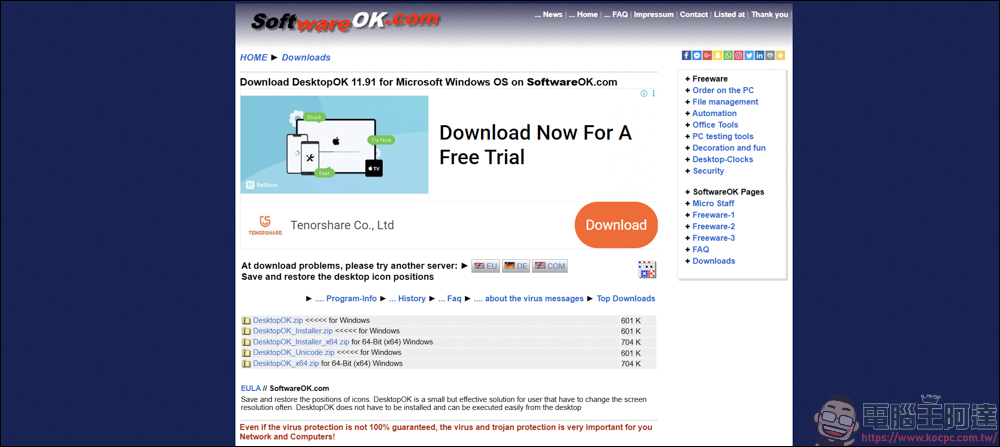
DesktopOK can be downloaded from the URL above. There are installation versions and installation-free decompressed files, depending on the readers’ needs:
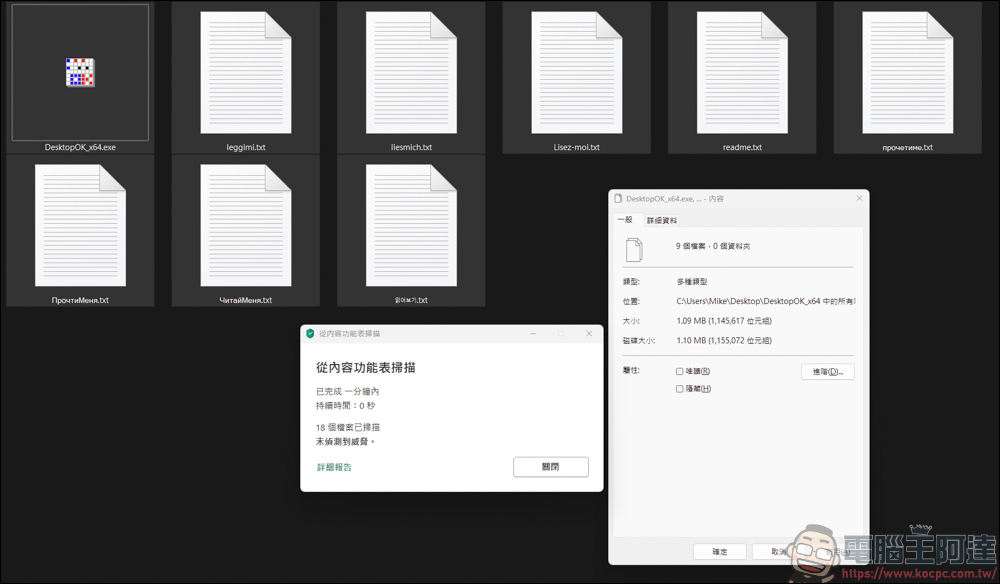
I downloaded the unzipped version and the file is only about 1.1MB. In addition, scanning with anti-virus software did not find any viruses, so readers can use it with confidence:
DesktopOK usage introduction
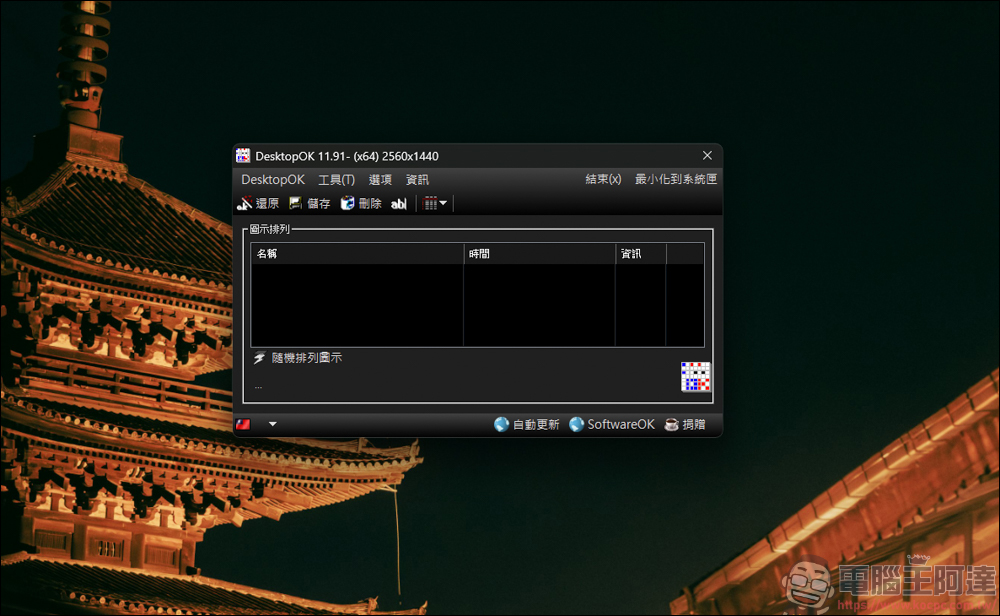
Click DesktopOK_x64.exe twice to open the program:
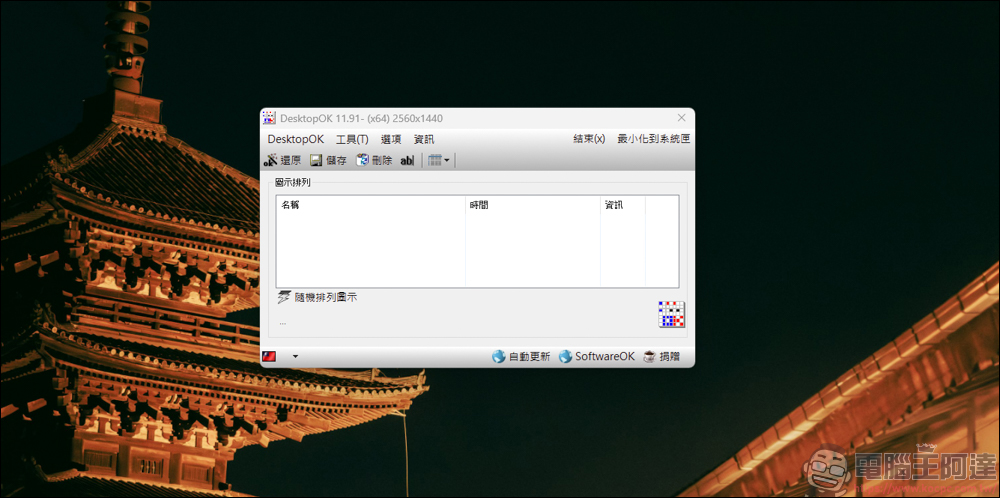
There is also a dark theme version where you can change the interface color:
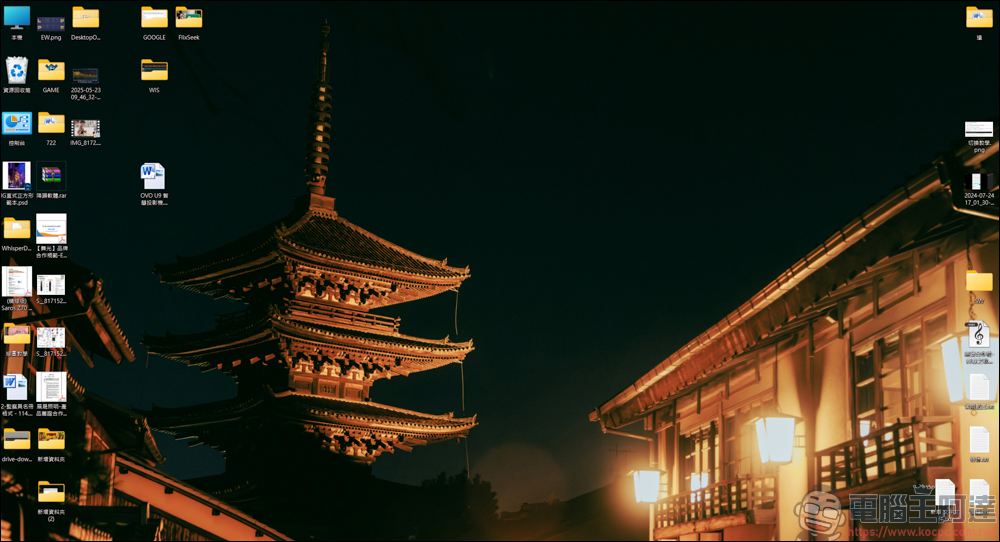
Although my desktop is cluttered, for the most part I can find the file location I want to execute. But recently, after turning off the screen to convert videos or remotely control the computer, the location of the files will move for some reason. For people like me who are used to fixed locations, it is very painful to watch:
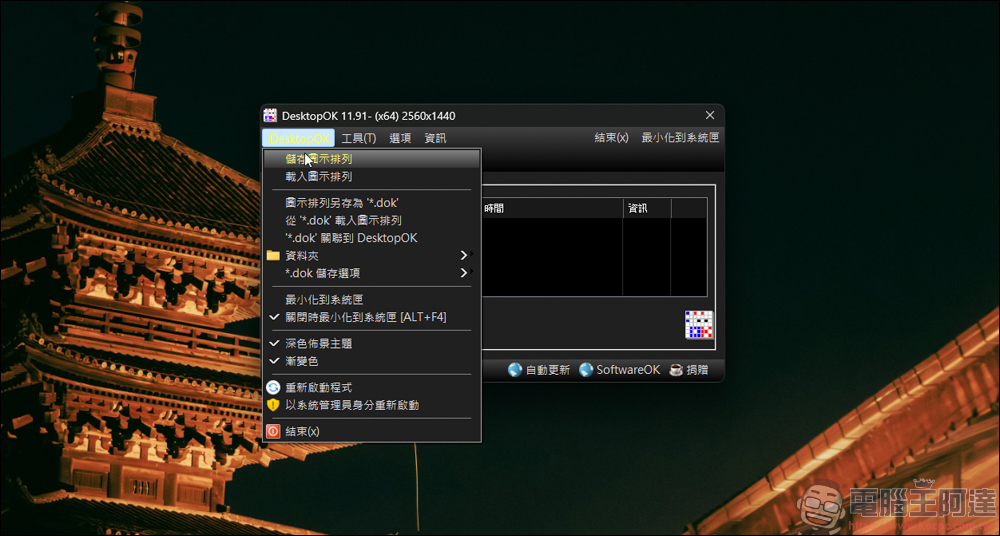
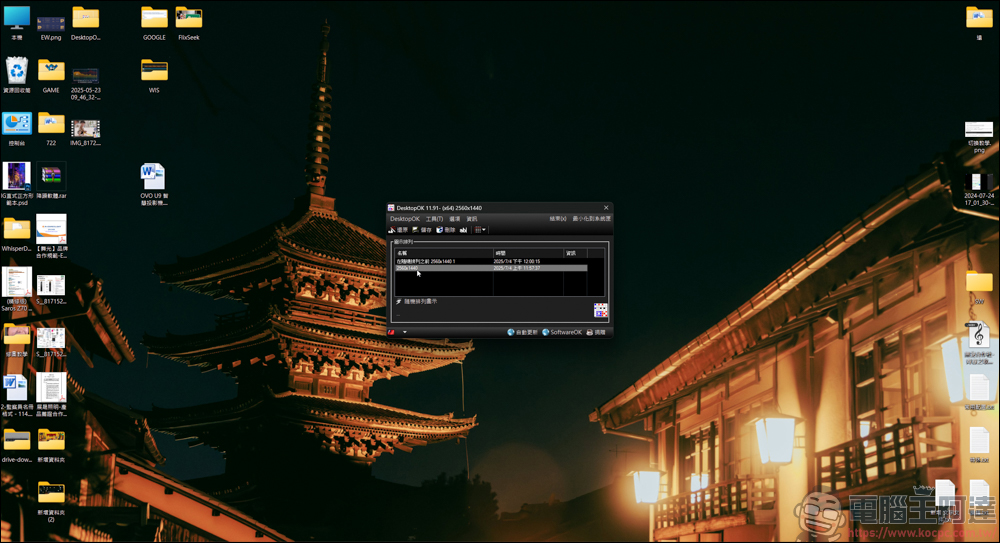
DesktopOK is a software that can record the location of your current desktop icons. It is very simple to use. Click DesktopOK on the upper left → Save icon arrangement:
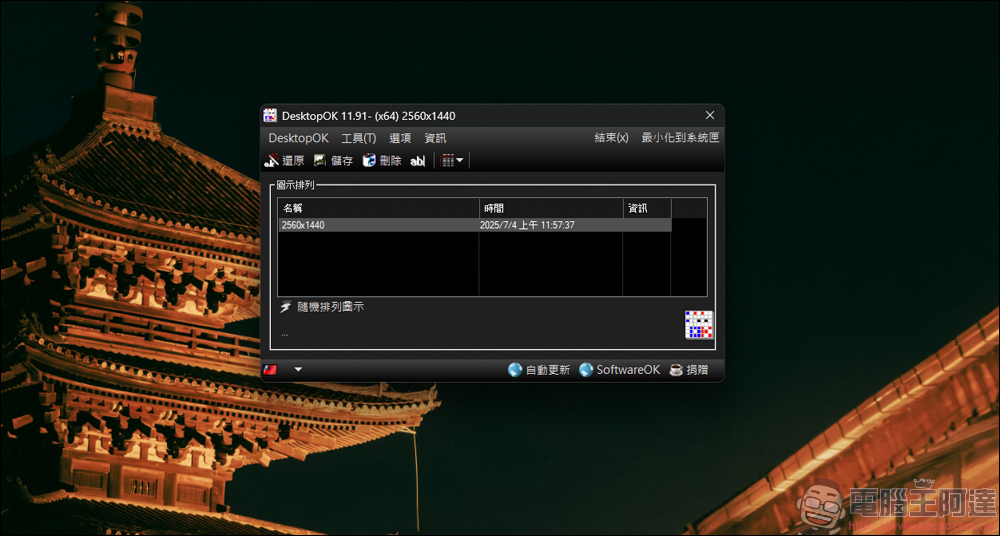
After execution, the software will download the current information record. Click the name twice to change the project name:
Next, let’s try DesktopOK to see if it works. First, I moved some folders and files to the top of the desktop:
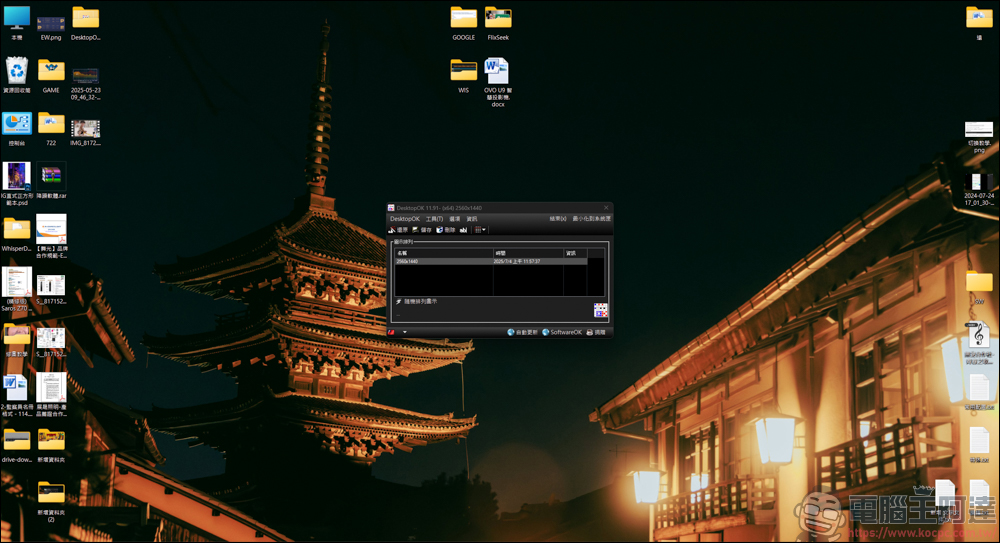
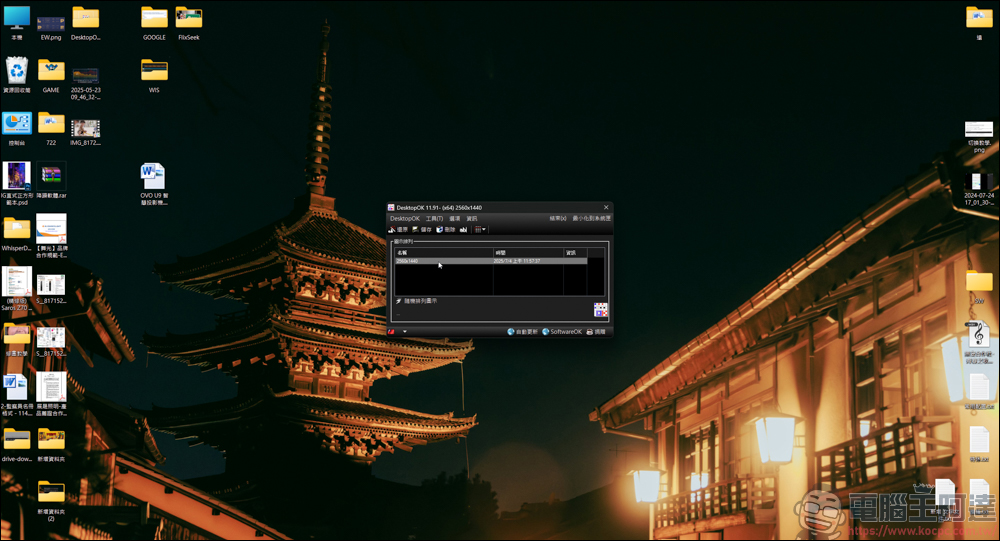
Then I double-clicked the project in the original desktop content, and the folders and files that I had moved returned to their original locations:
In addition, DesktopOK also has the function of randomly arranging icons:
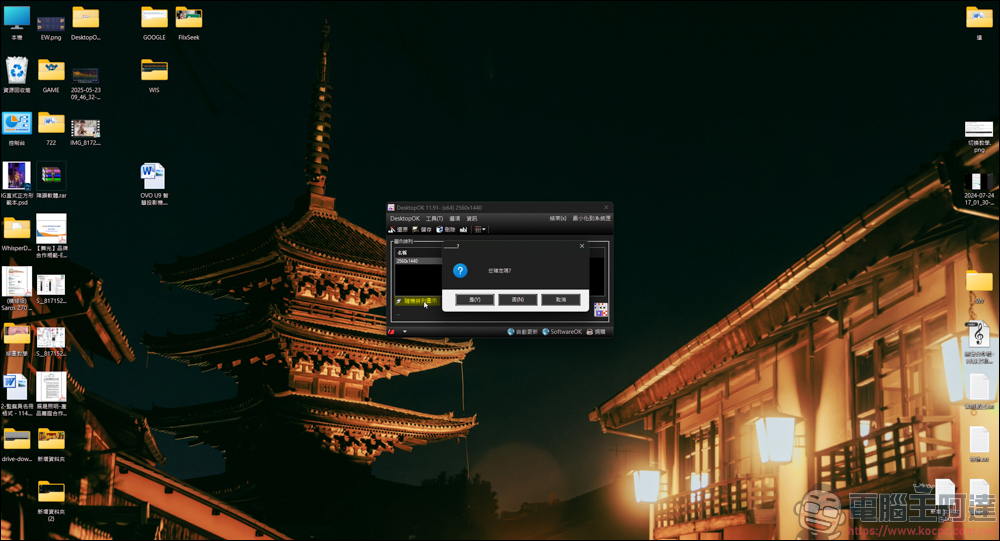
After execution, the various icons on the original desktop were disrupted, and the desktop used to prank colleagues seemed to work well (by mistake)
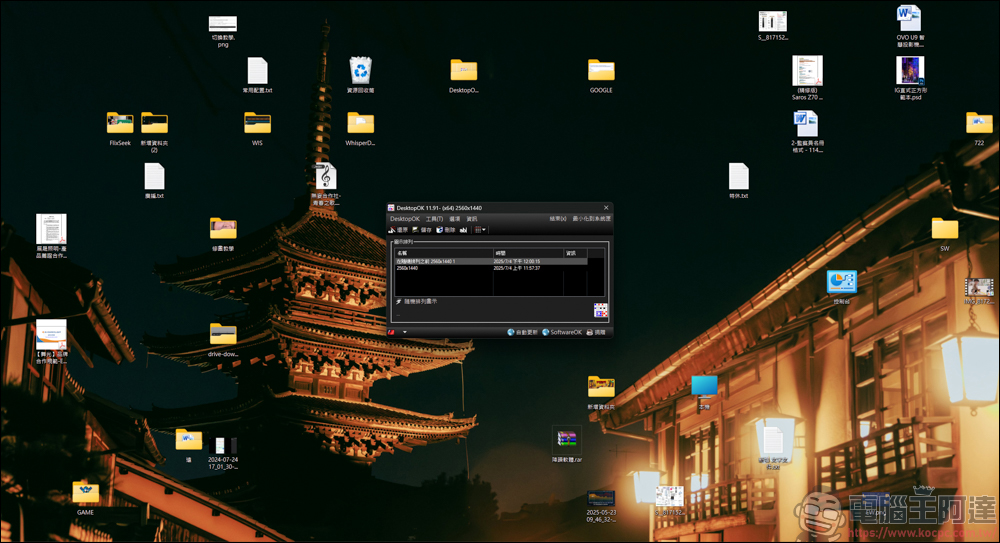
As long as you double-click the originally saved desktop script (random mode will also generate a script of the original desktop), you can restore the position of your original desktop icon. It is a very useful little tool. In addition, DesktopOK also has other functions available, but the desktop icon restoration function is the most practical, and there is nothing else to recommend:
Source: KOCPC Chinese