


We have sorted out previouslyList of Mac models that can be upgraded to the new generation of macOS Tahoe operating system, readers who are on the list may feel that “it’s okay to upgrade”, but it should be noted that even if you can upgrade, it does not mean that you can use all the new features. In order to let users clearly know their Mac Whether it is fully compatible with macOS Tahoe or not, a developer has created the “macOS Tahoe Guide” website. After you select your Mac model, it will tell you which functions are fully supported, which functions are only partially supported, or even unavailable.
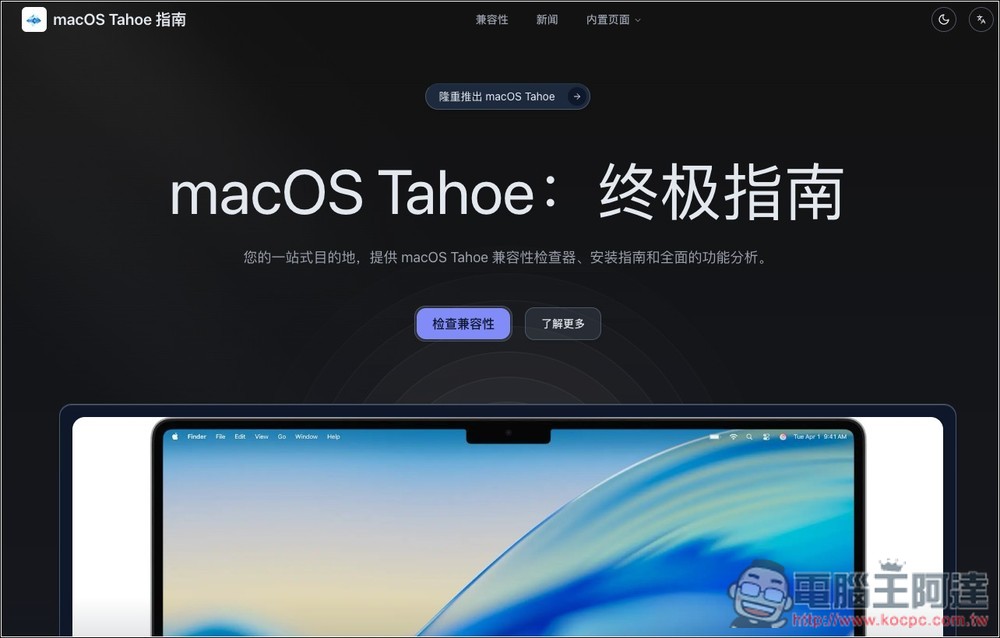
“macOS Tahoe Guide” Checks If Your Mac Can Use All New Features After Upgrading
“macOS Tahoe Guide” is a tool that can check your Mac’s compatibility with macOS Tahoe in a few seconds. It will not only provide a complete report, but also provide upgrade recommendations for your reference. Provides Chinese and English interfaces.
Click the link above to enter the “macOS Tahoe Guide” and click “Check Compatibility” on the screen:

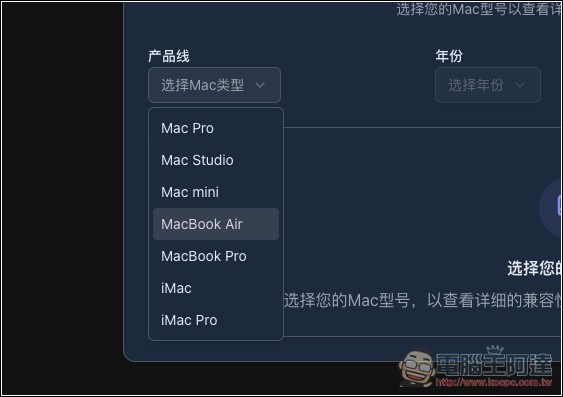
Then select your Mac type, year, and model. If you are not sure, you can go to Apple Menu -> About This Mac in the upper left corner of your Mac. Your Mac name, inches, year, and chip will be displayed:

Available across the full range of Macs, including Mac Pro, Mac Studio, Mac mini, MacBook Air, MacBook Pro, iMac and iMac Pro:
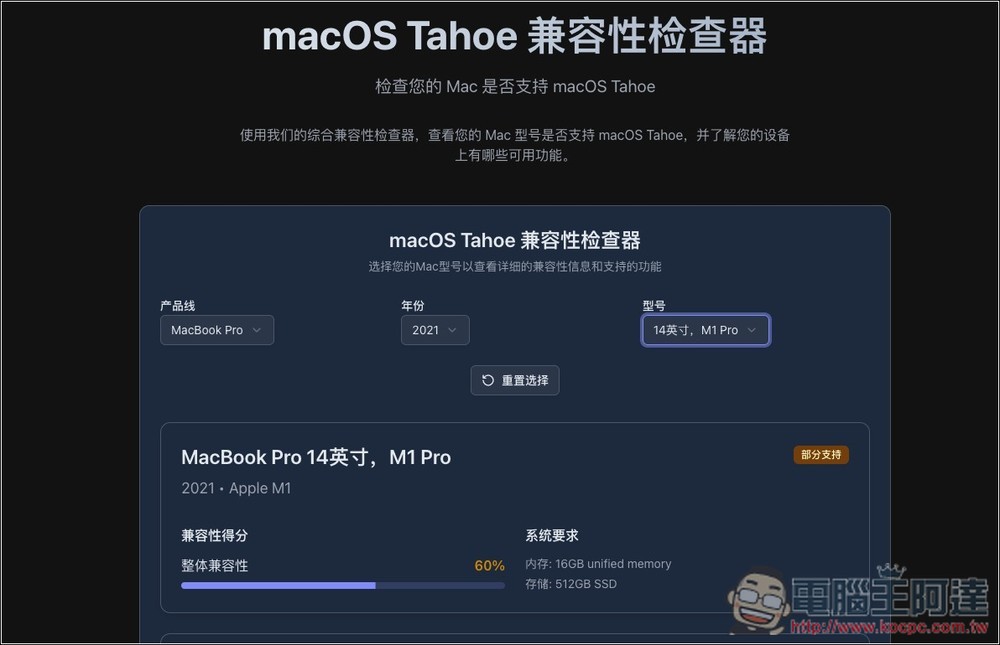
Mine is a 2021 14-inch MacBook Pro, equipped with an M1 Pro chip. After selecting, you will be informed of the compatibility score below. I didn’t expect that my MacBook Pro only has a 60% score, which means that I cannot use 40% of the new features of macOS Tahoe:
Scroll down and there will be a detailed report. The new interface Liquid Glass UI, Mac phone applications, universal controls, etc. are all fully supported, but Apple Intelligence (AI), Enhanced Focus, Apple Games, and real-time translation are only partially supported. Game mode requires an M2 or newer chip to use, so my MacBook Pro cannot enjoy this feature. It is really sad. Metal 4 graphics is not supported, and an M4 processor is required to get the full feature set:

Before using this website, I thought that my MacBook Pro could use all the functions of macOS Tahoe. I wanted to say that it could still hold up, but I didn’t expect that some key functions were unavailable. I really thought about upgrading.
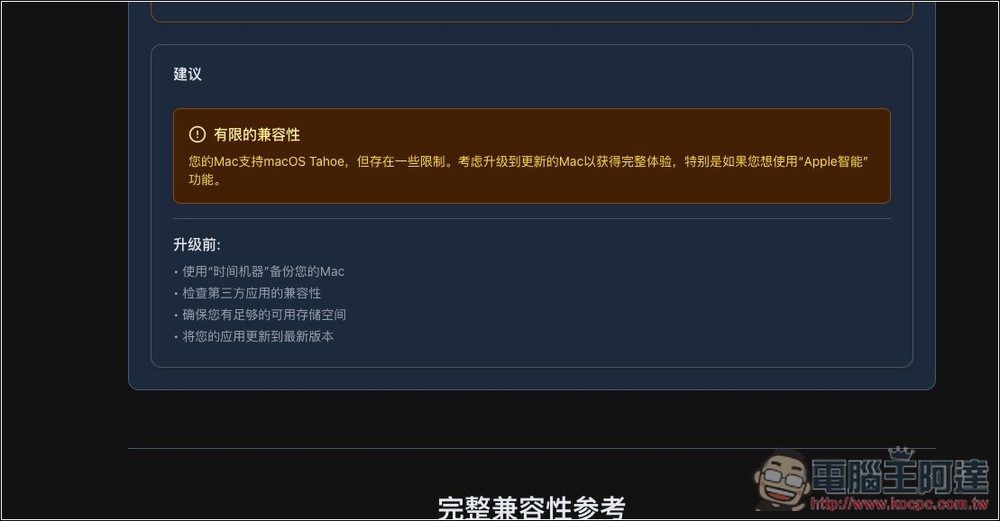
It is also recommended to take a look at the suggestions for scrolling down. Its advice to me is, “If you want to use Apple’s smart features, you should consider upgrading to a new Mac.” Here are some things you need to pay attention to before upgrading:
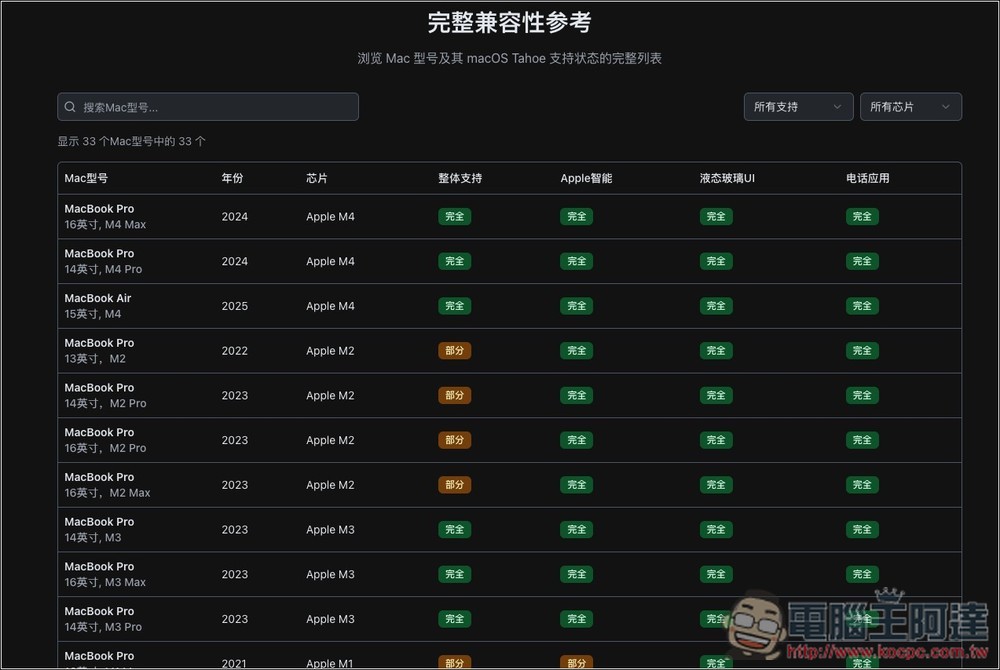
There is also a complete compatibility reference at the bottom. If you are considering upgrading and don’t want to buy a Mac that is not 100% compatible with macOS Tahoe, be sure to take a look here to make sure that the Mac model you want to buy shows full support. Basically, just choose Apple M3 or M4 and you will be fine:
Source: KOCPC Chinese