


Whenever you get a new Apple device, the first thing you need to do after turning it on is log into your Apple ID, you can also choose to create a new Apple ID if you don’t have one already. Without an Apple ID, you won’t be able to download apps from the App Store on your iPhone, or even get support for tracking your lost Apple device. An Apple ID is also required to log in to iCloud and sync data.
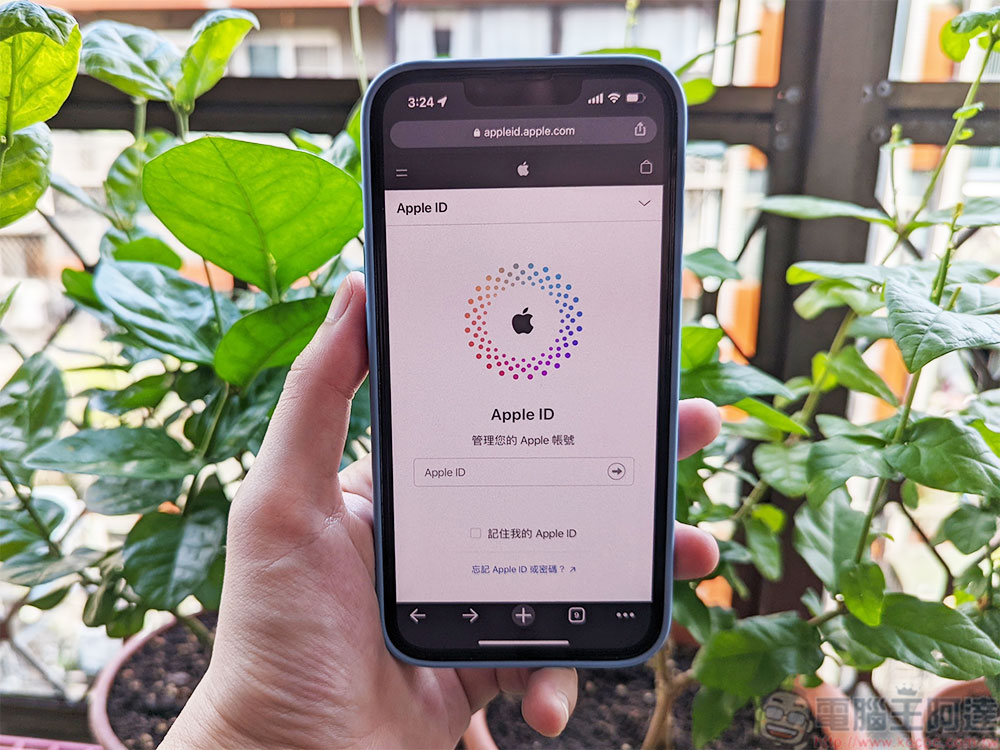
Can I use two Apple IDs on my iPhone at the same time?
Usually, you will find that most iPhone users only have one Apple ID on their device, but what if you want to have two Apple IDs on your iPhone? Maybe you’ll want one Apple ID for work and another for personal use, such as downloading apps from the App Store. Fortunately you can have two Apple IDs on one iPhone, but you should be aware of one important limitation.
You cannot use two Apple IDs at the same time to perform all functions on your iPhone. What this means is that you can use your primary Apple ID for iCloud, FaceTime, iMessage, and other features, while your second Apple ID is used for App Store and iTunes purchases. In other words, you must first think clearly in your mind which one is the main one and which one is the auxiliary one. So how to add a second Apple ID to your phone?
- Open the App Store, click on your profile picture in the upper right corner, then scroll to the bottom of the page and click “Log Out”.
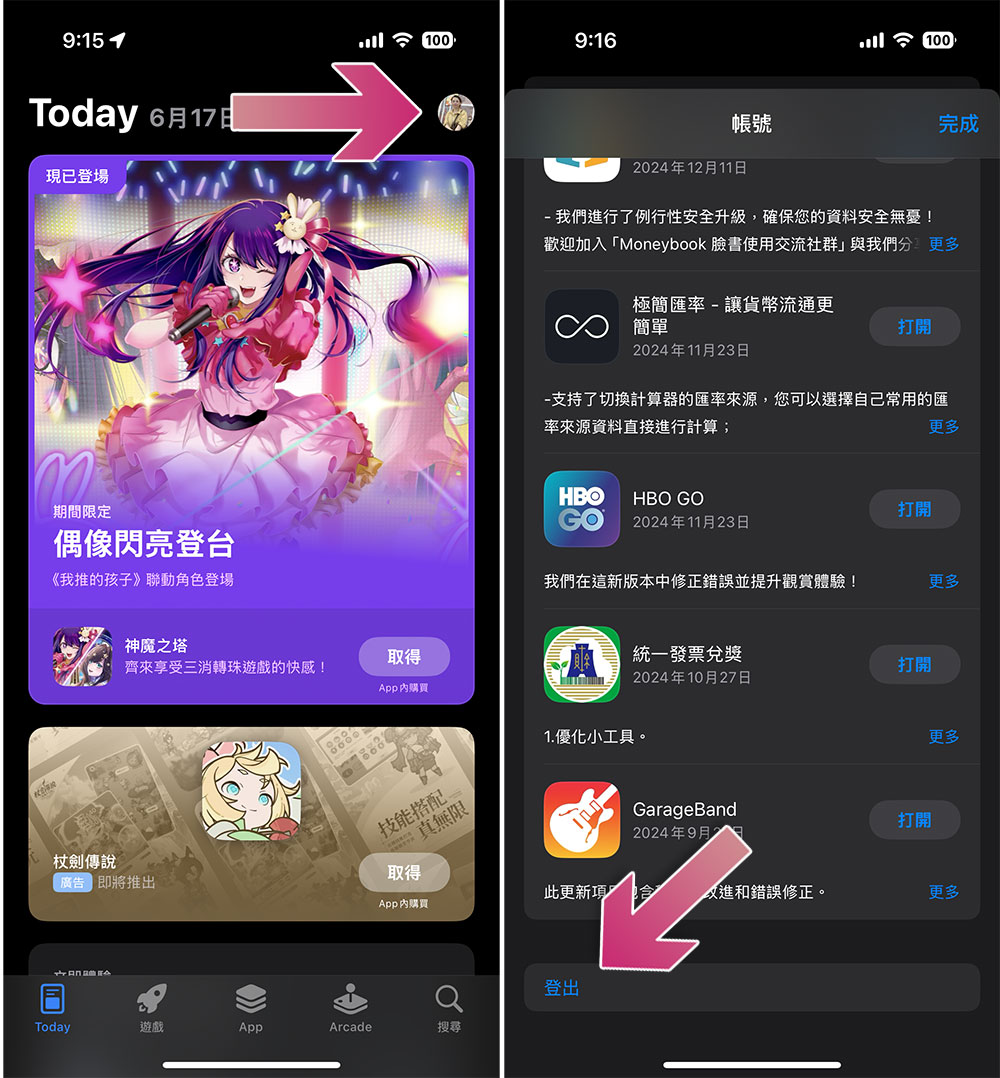
- Reopen the App Store and click on your profile in the upper right corner again.
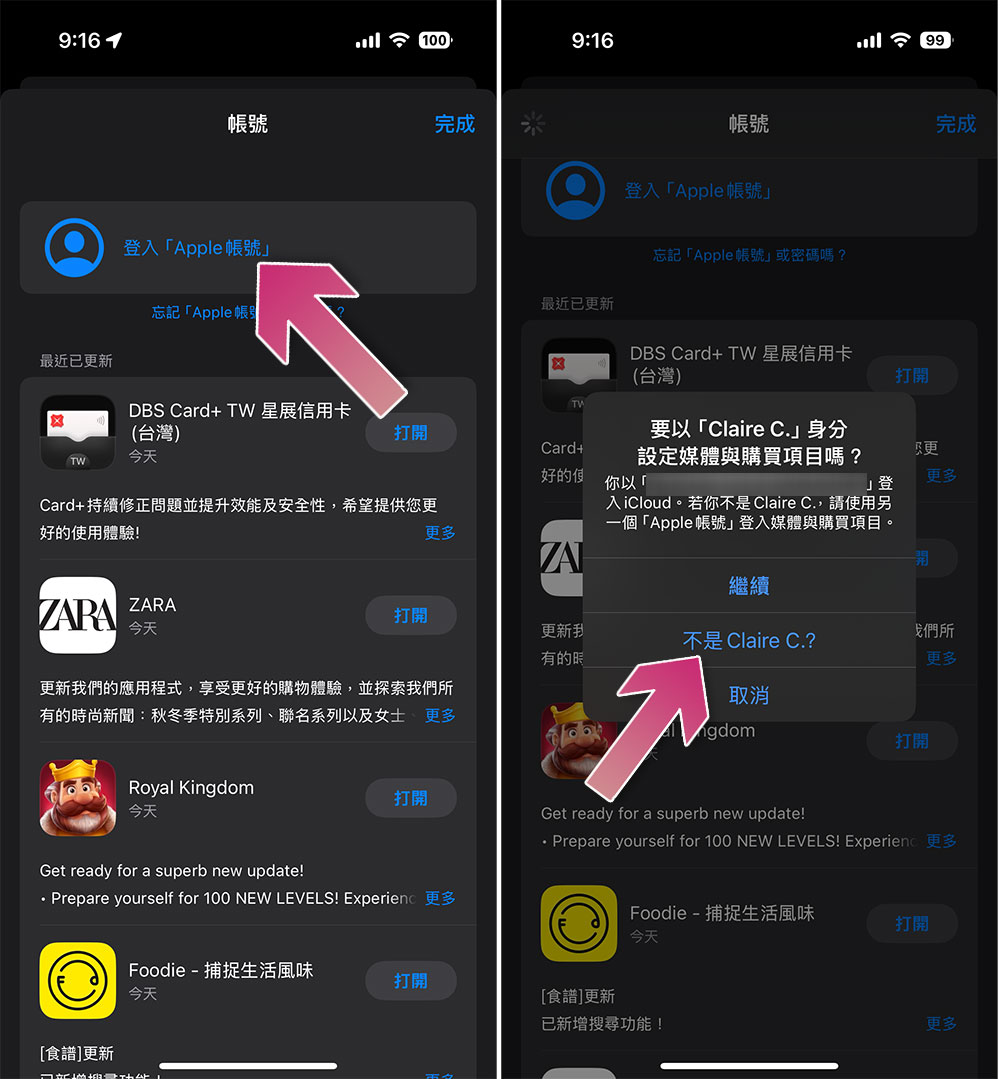
- Click “Sign in with Apple Account”.
- Select Not XXXX?, enter your secondary Apple ID sign-in details, and follow the on-screen instructions to complete the sign-in process.
Once completed, your secondary Apple ID will be logged into the App Store. However, there are some restrictions on using different IDs for purchases in the Apple Store and iTunes. If you use a secondary ID to download an app, you won’t be able to update using your primary ID. In addition, you will not be able to use a different Apple ID to make in-app purchases, and you will see a notification like “This app was purchased using a different Apple ID” when you execute it. However, Apple providesMerge two ID purchasesand add them to shared features within the same home group.
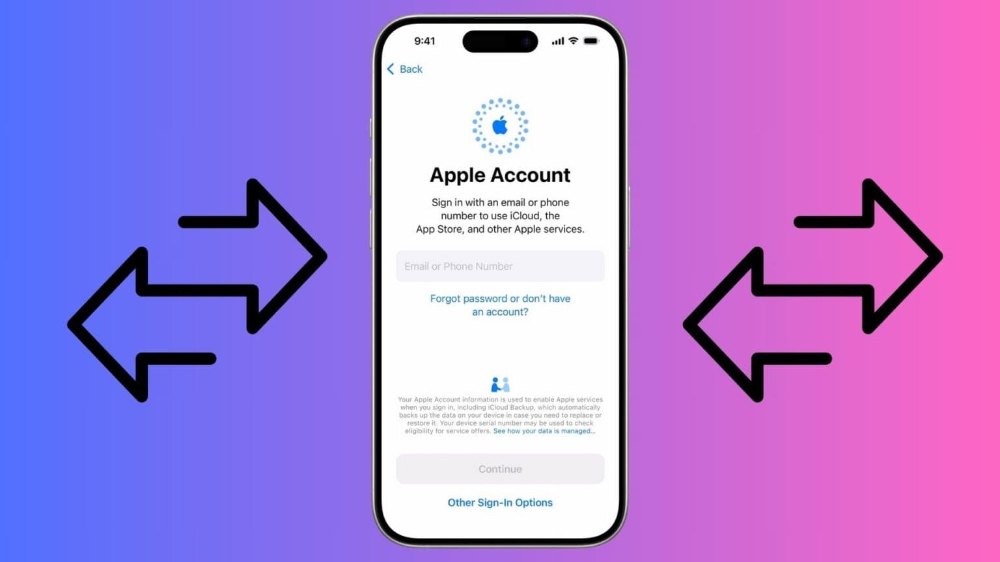
If you buy a new iPhone, you’ll have to sign in again with two IDs on the device to restore all the apps you had on the old device with two Apple IDs. The process is a bit tedious, but if you don’t mind it, then setting up two Apple IDs is not a big problem.
Source: KOCPC Chinese