


After entering the testing phase in January and gradually improving it, the official version of the mobile operating system Android 16 finally began to be rolled out to Pixel phones today (6/11). This update brings some major upgrades, including Material 3 Expressive visual design elements and new tablet productivity features built in conjunction with Samsung. Many of the features introduced in Android 16 are most useful on Pixel.
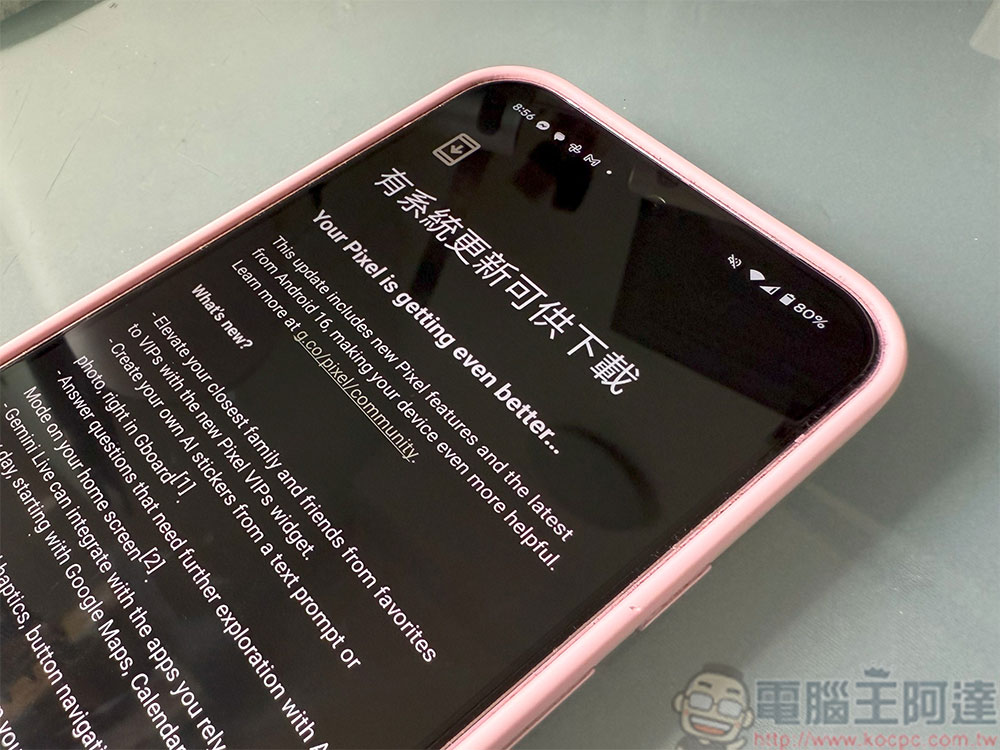
Android 16 is officially released, pick up your Pixel and update it!
Android 16’s instant updates highlight ongoing activity with new progress-oriented notifications, and Google is working with OEMs to integrate these updates into existing features on other brands of phones. In addition, notifications will also be reorganized and grouped to help keep the notification panel looking cleaner, an adjustment that will be coming to non-Pixel phones soon.
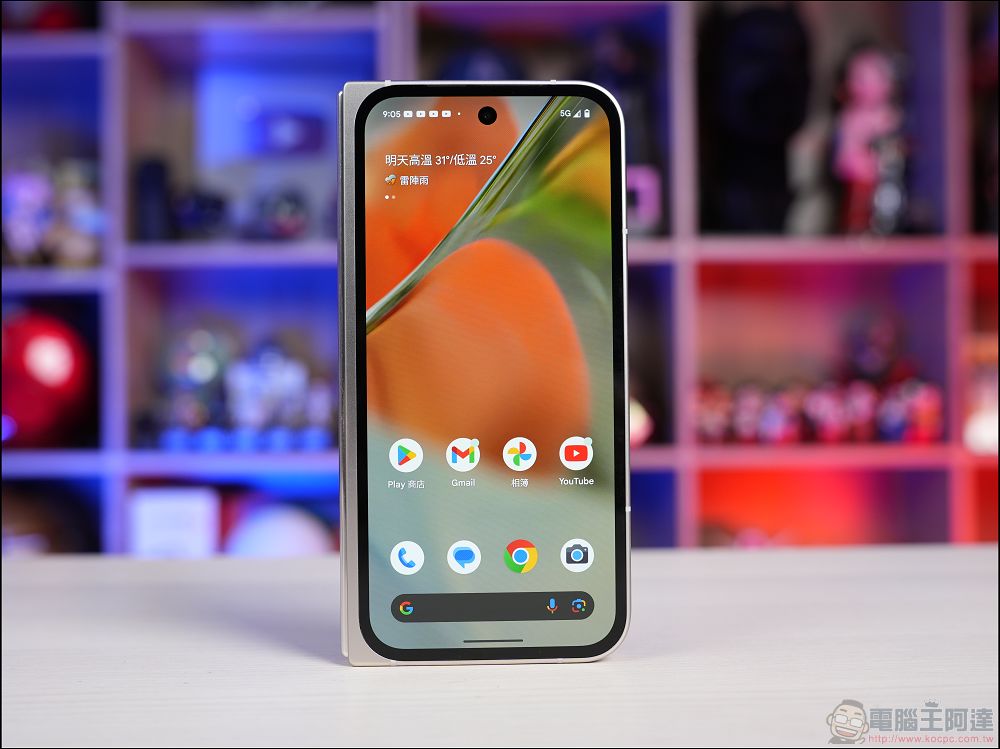
Another big change for users in Android 16 is a Samsung DeX-style desktop mode available for tablets. Google said it worked closely with Samsung to develop the desktop-style app window feature, which will be launched later this year. Other smaller but still meaningful changes include the ability to swap audio inputs when using connected hearing aids, and the option to enable Google Advanced Protection features directly from the phone’s settings.
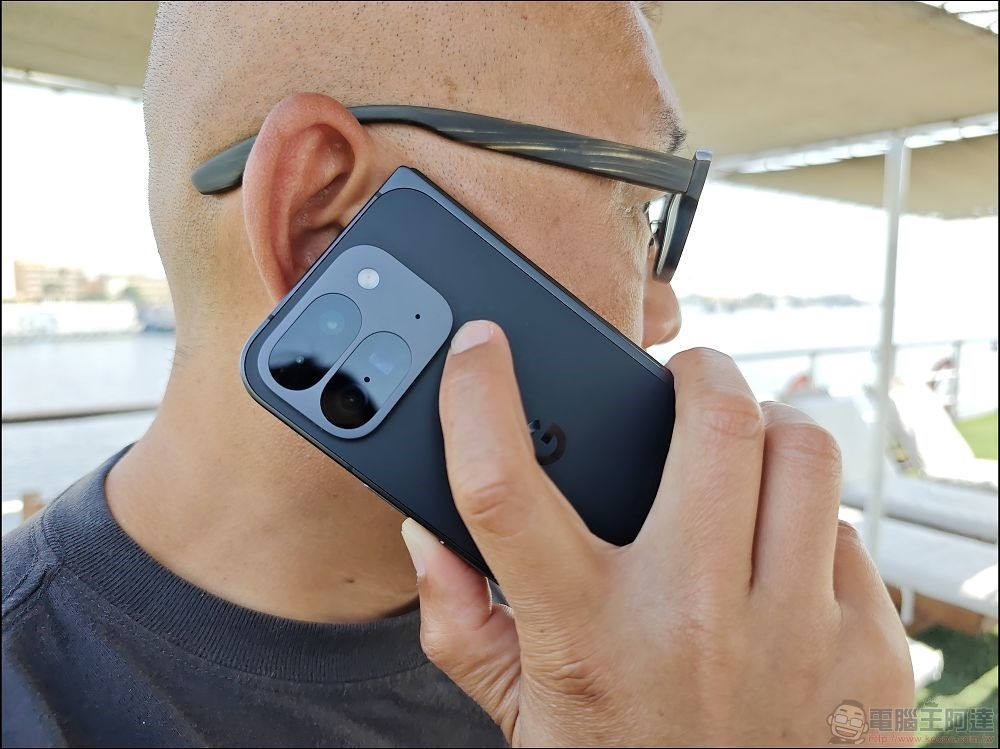
Starting today, the stable version of Android 16 updates will be available on compatible Pixel phones. The first wave of updates includes Material 3 Expressive design changes, and more changes will be seen later this year. Android 16 will also be rolled out to devices from other Android manufacturers in the coming months.
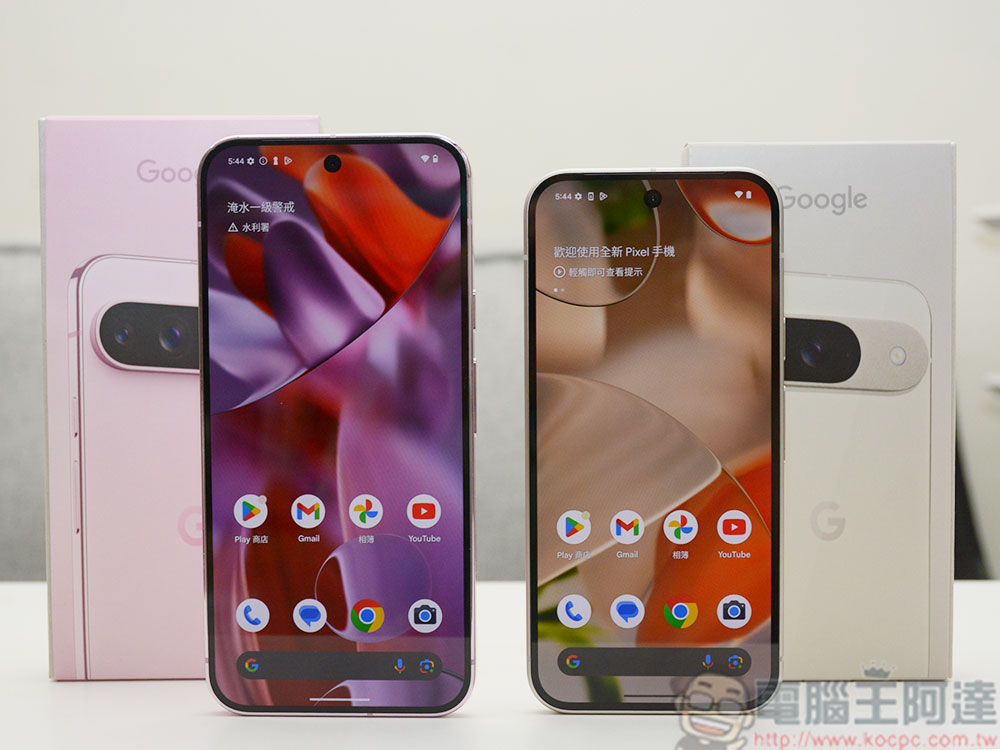
Pixel users can now use the following steps to update the mobile operating system. The file size is about 1.5GB, so you may need to use a charger and Wi-Fi to update more safely:
- Open the Settings app.
- After clicking “System”, select “Software Update”.
- Click “System Update”.
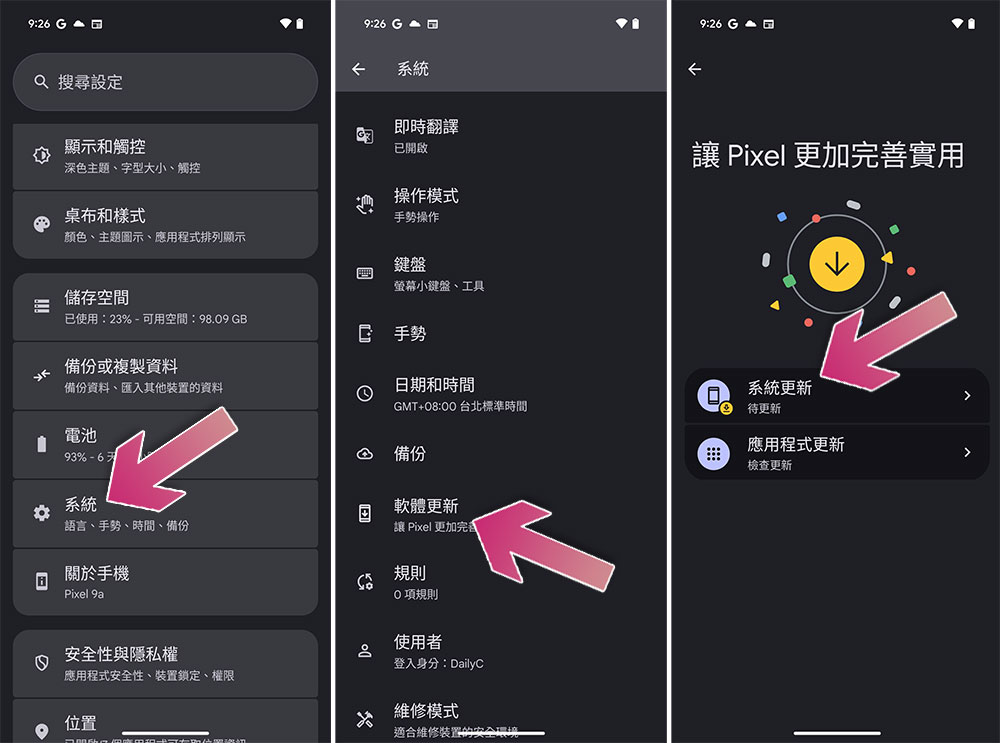
Source: KOCPC Chinese