


Windows 95 It can be said to be an operating system that has accompanied the growth of many people. According to data, Windows 95 sold 7 million units in the first month after its launch. In 1998, it had a very high market share of about 57% to 60% in the world. Therefore, some people may want to take a look back. This article will introduce a convenient free open source tool “windows95 (yes, that’s the name)” that supports Windows、Mac, Linux, not only has the installation file, but also provides an installation-free version, which can be opened and used directly after downloading. It has basic tools, games, etc. It also supports Internet access and can browse old versions of major websites.
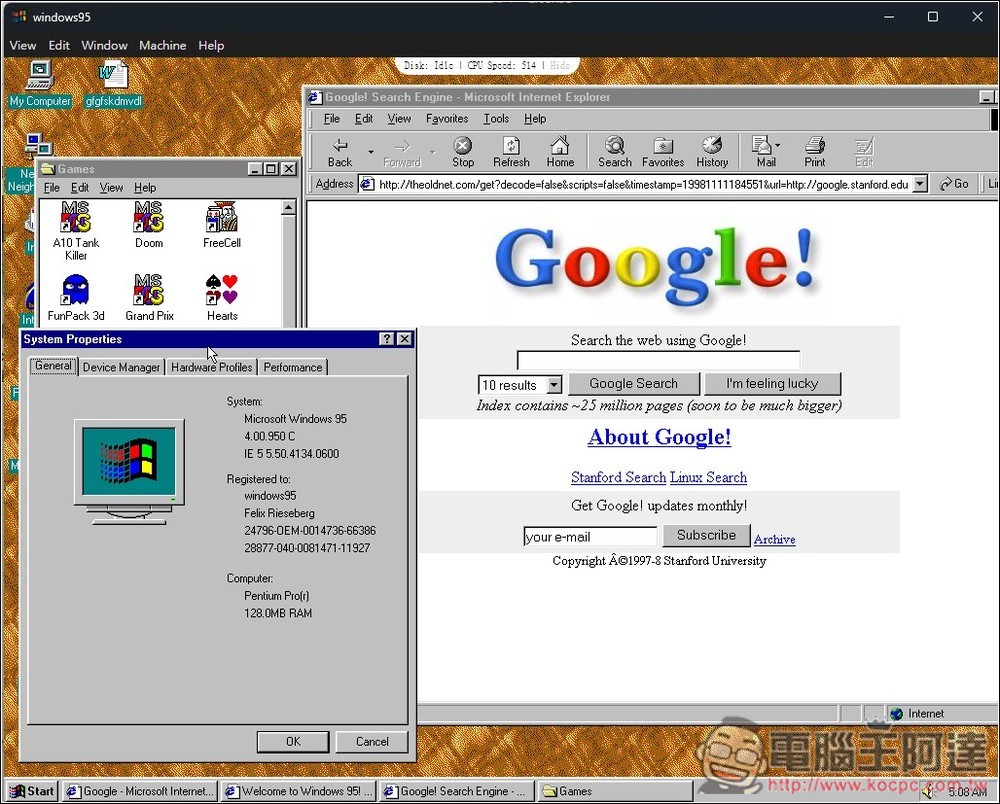
If you want to relive the Windows 95 operating system, open this free tool
This windows95 open source tool is developed based on TypeScript, JavaScript and Electron architecture, and integrates the v86 virtualization engine, which means it is not through an emulator or virtual machine. The Windows 95 operating system is a complete version, with many built-in classic applications, including Microsoft Office 95 (Word, Excel, PowerPoint), Internet Explorer 5.5, Microsoft FrontPage, and classic games such as Solitaire.
It also supports network functions, but most modern websites cannot be displayed properly, but you can browse old websites through The Old Net, which is quite interesting.
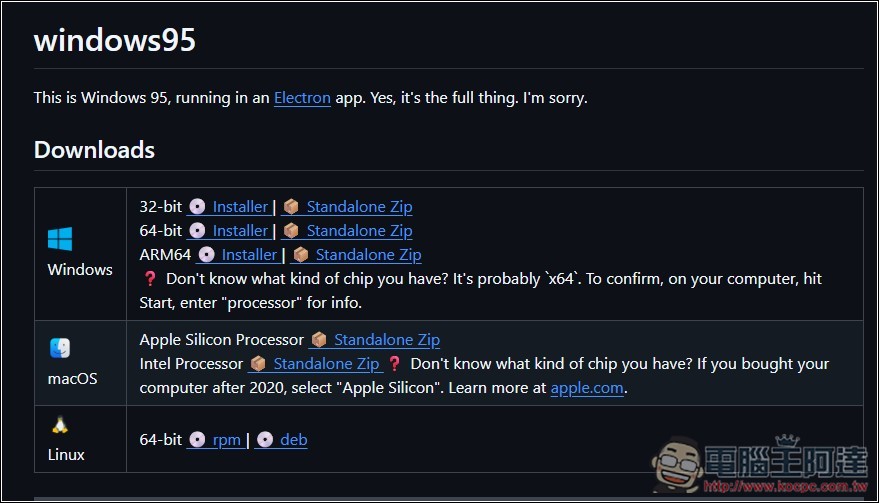
After clicking the link above to enter the windows95 project, you will see the download points for Windows, macOS, and Linux. In addition to the installation files, there are also installation-free versions. It depends on which one you want:
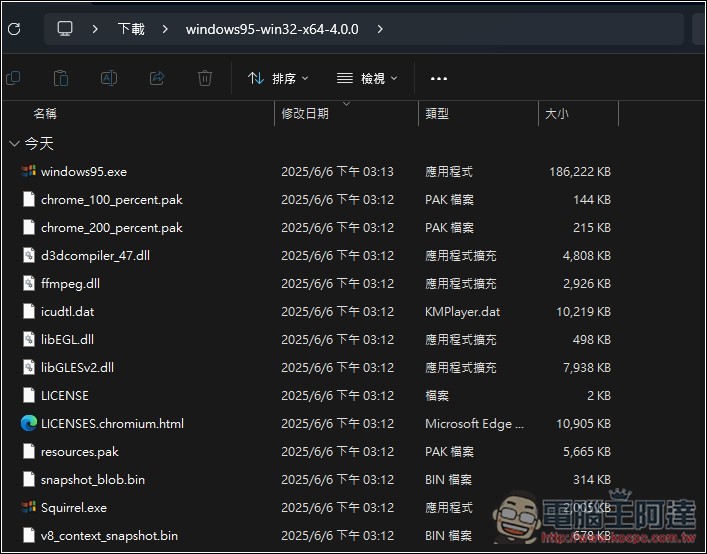
I downloaded the Windows installation-free version. After downloading and unzipping, open the folder and click on the windows95.exe file to execute:
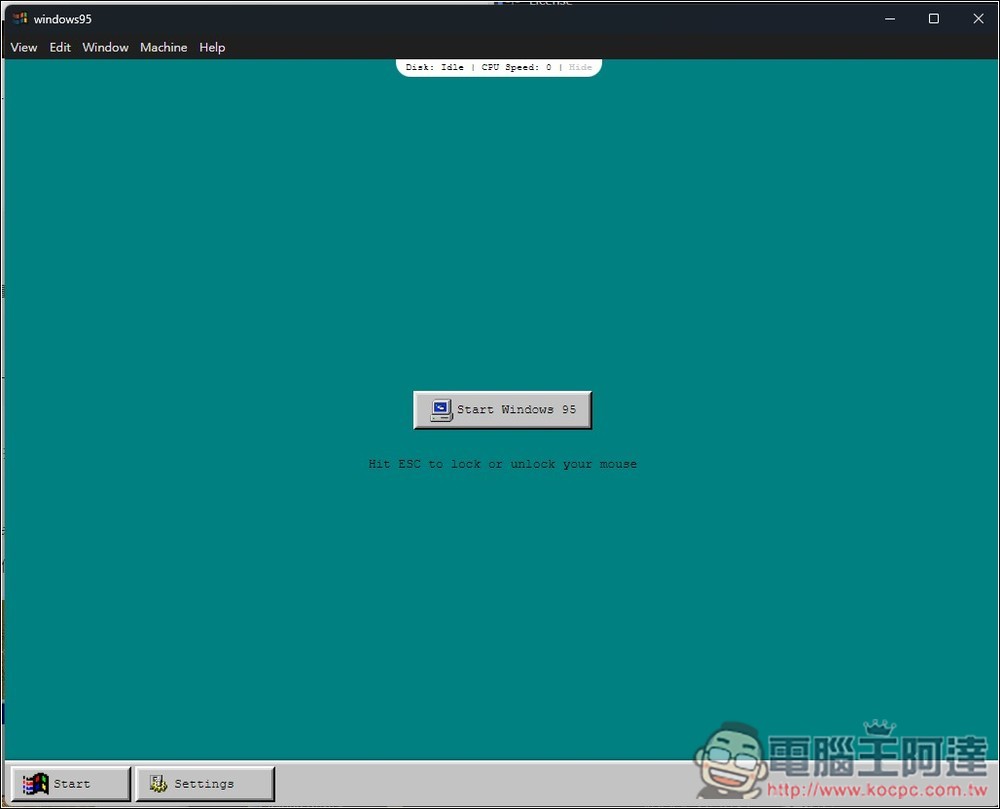
Then you will see this screen, press Start Windows 95 to run it. In addition, if you want to lock or release your mouse during use, just press the ESC key:
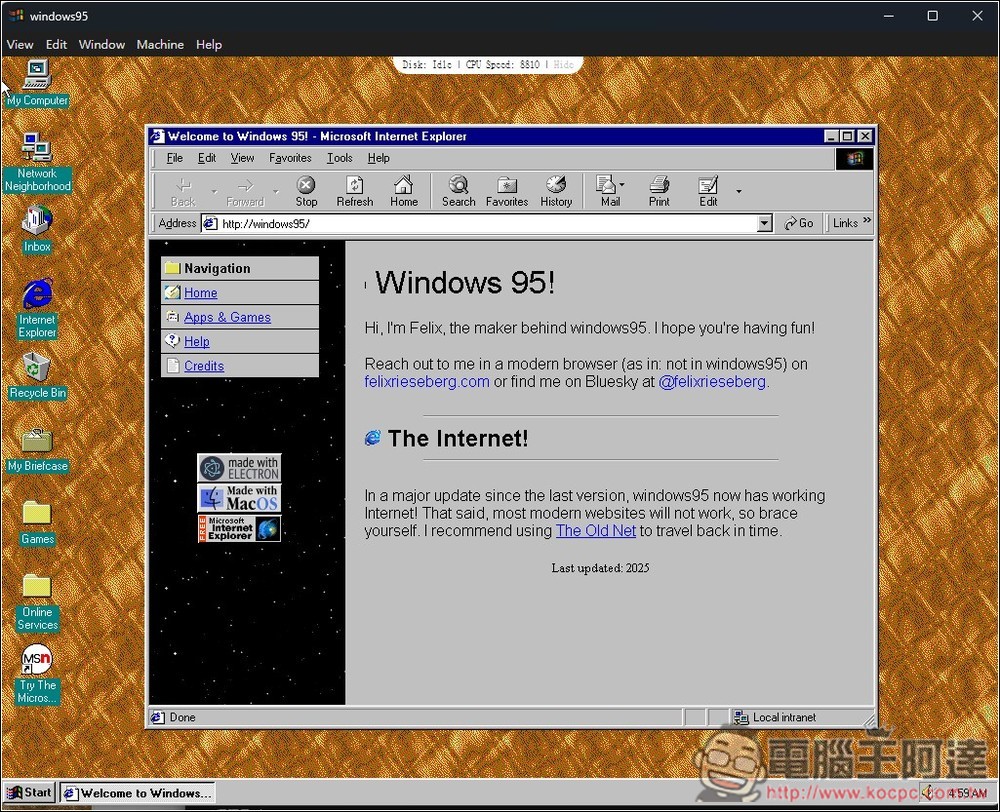
You can start using it after entering the desktop. By default, IE’s Windows 95 user manual page will open. It is worth noting that the network description below mentions that although Windows 95 supports the Internet, most modern websites cannot run, so developers recommend using The Old Net to browse older versions of websites:
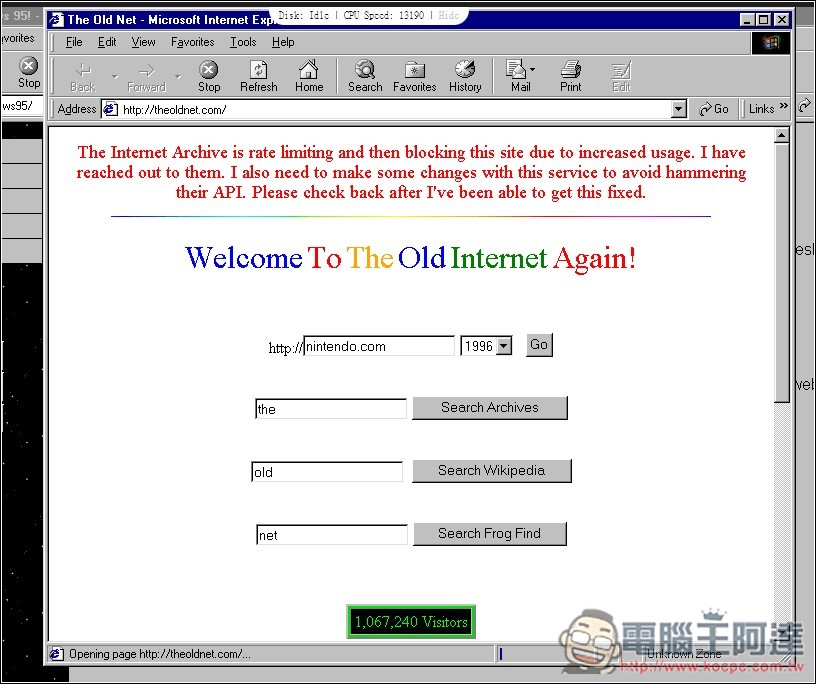
After clicking the The Old Net hyperlink, you will enter this page. You can enter the URL you want to browse at the top, select the year on the right, and press Go to start browsing:
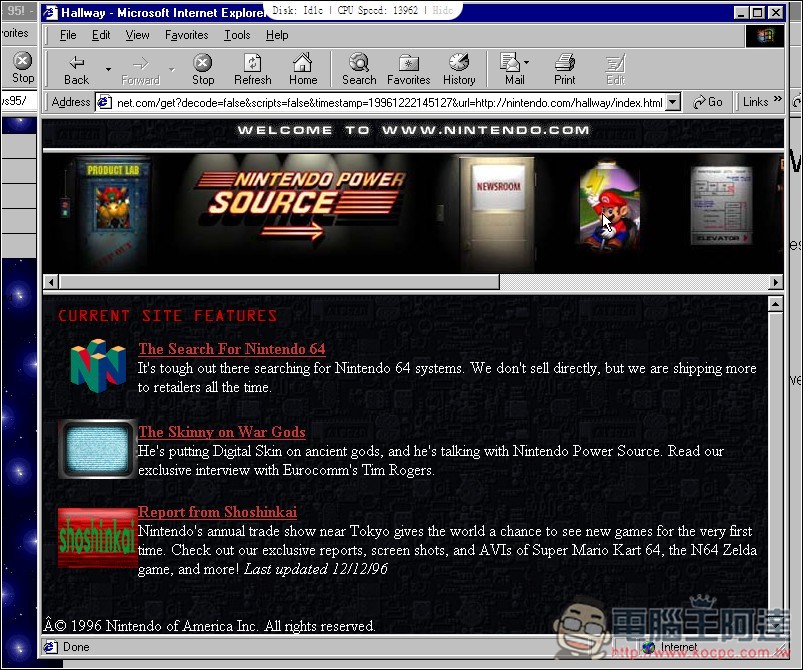
Here’s an old version of Nintendo’s website:
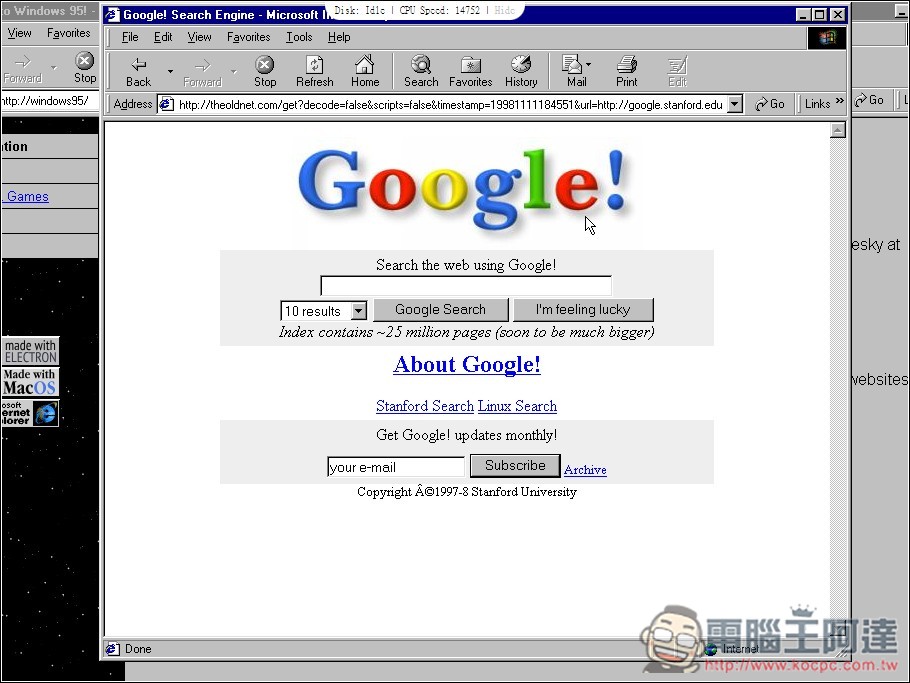
Google’s old version of the website is no problem in actual testing:
The game folder shortcut has also been added to the desktop, allowing you to open and play the game directly. There are all the familiar landmines, solitaire, and three-dimensional pinball machines.
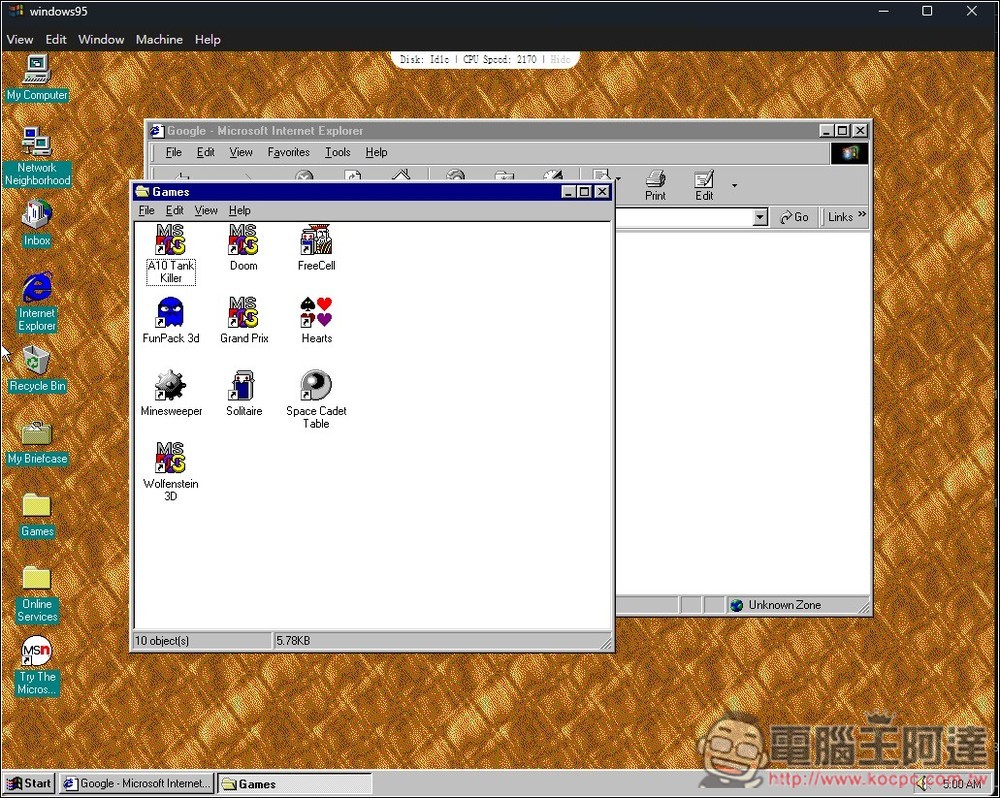
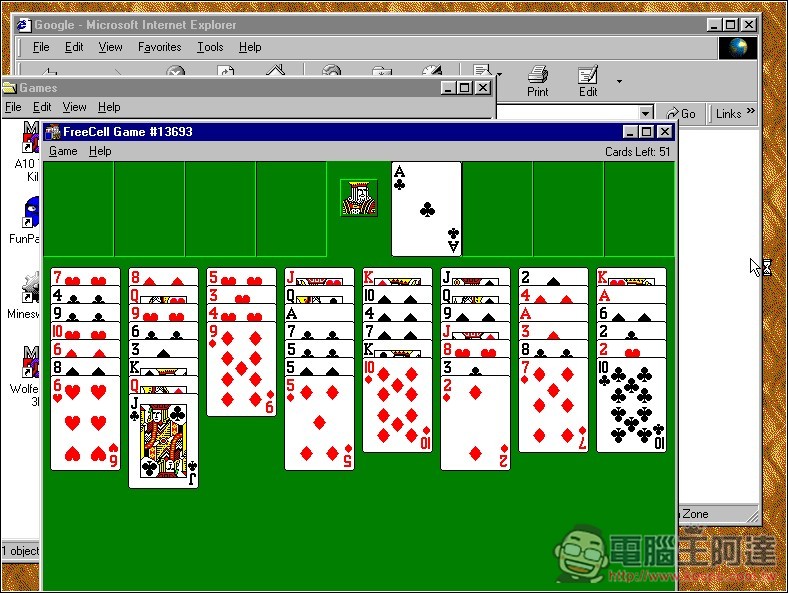
It’s really good to play Solitaire once in a while when you’re bored:
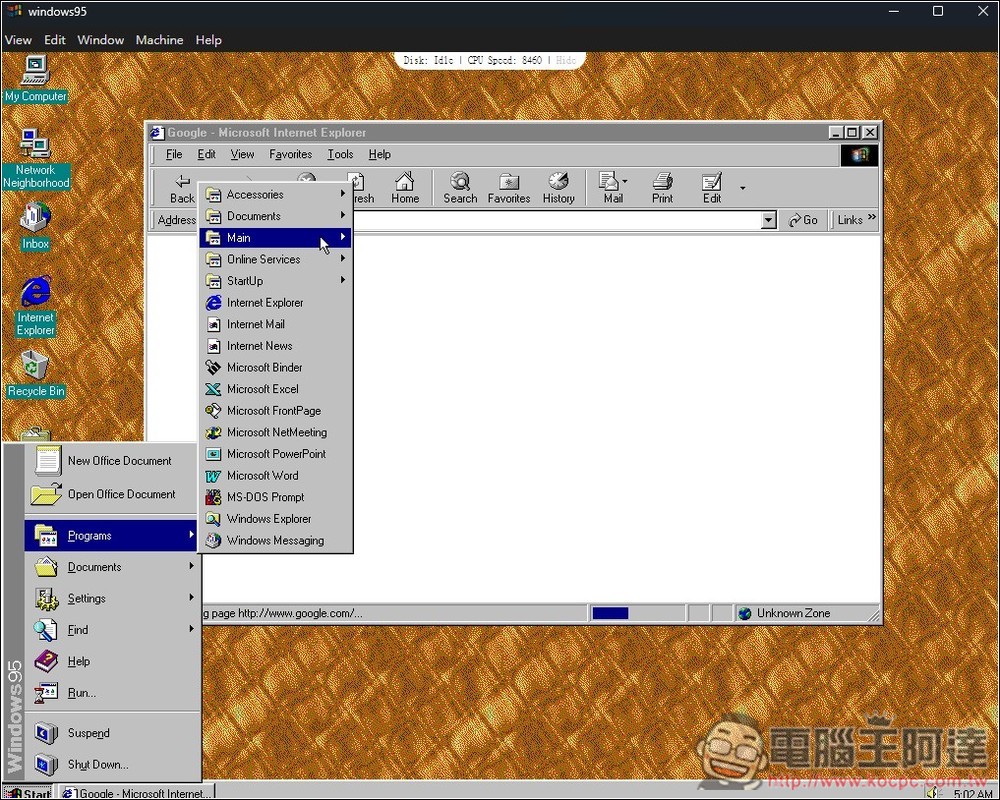
In the Start menu, you can also find other preset applications, such as Word, Excel and PowerPoint of the Office series:
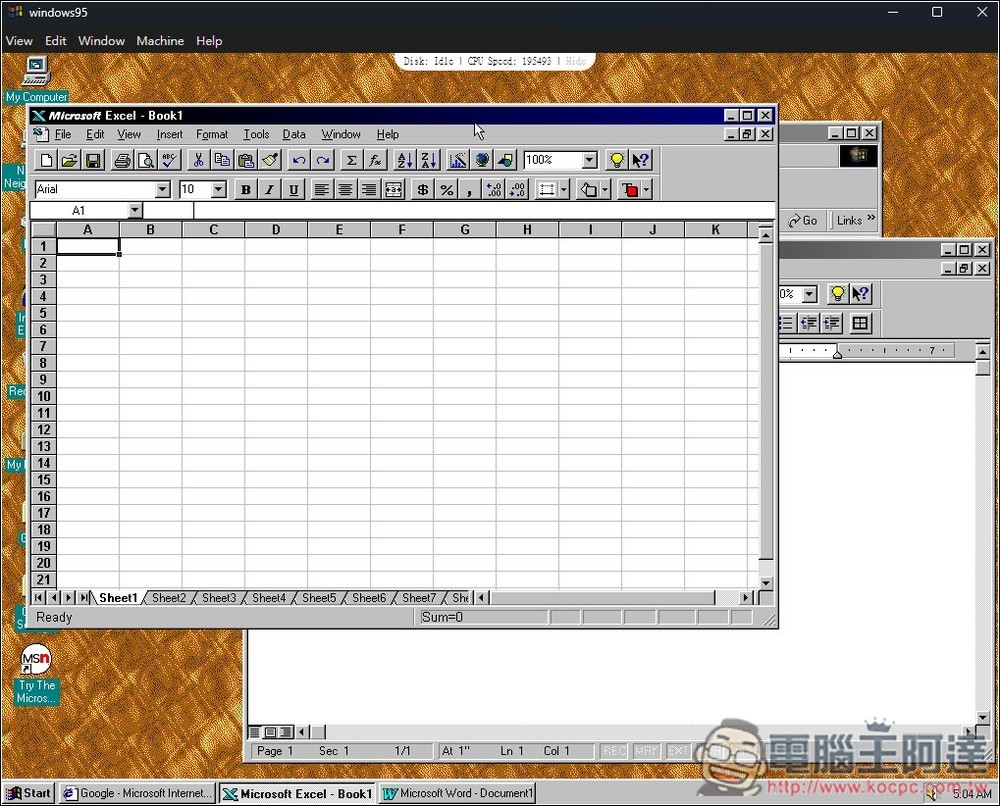
The Office series opens with an old version interface, which is quite nostalgic:
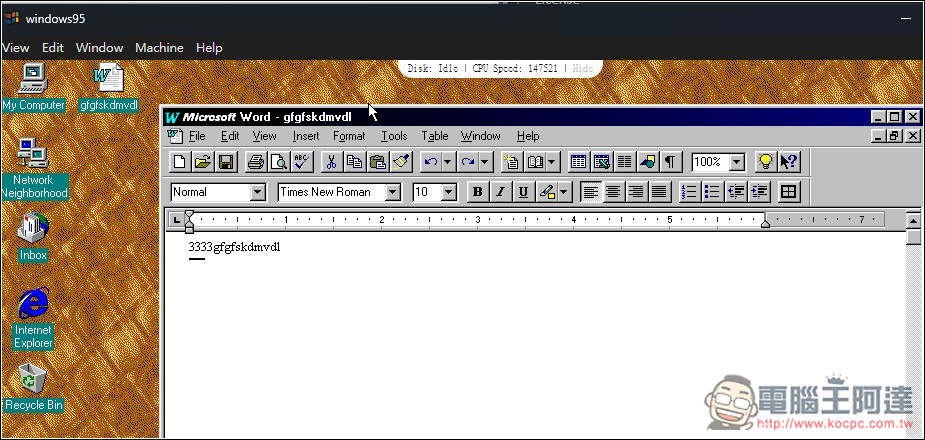
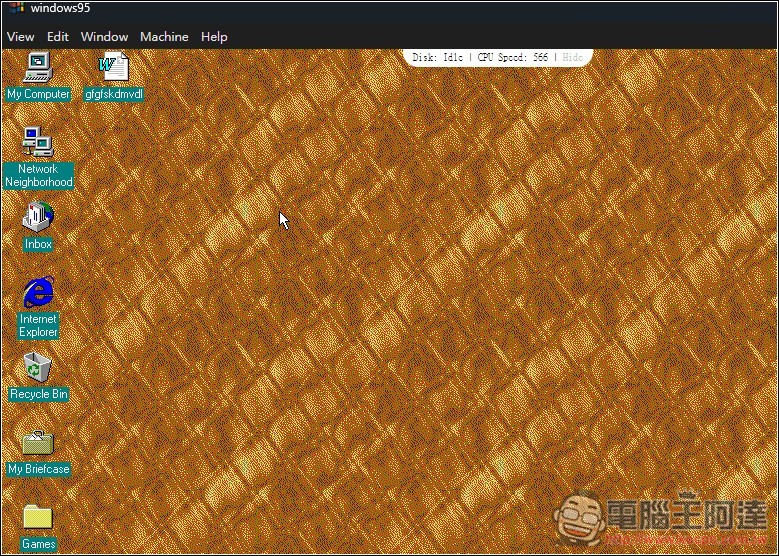
In addition, according to the developer’s instructions, this tool will also record your last settings, which means that the next time you open it, it will be in the same state as the last time you closed it. I also tested opening a Word file, typing in whatever content I wanted and saving it on the desktop, then closing Windows 95 entirely and opening it again:
Sure enough, the Word file I saved is still there:
Source: KOCPC Chinese