


In the late 1990s,USB On the scene, the serial port and PS/2 gradually faded out of people’s sight and were replaced by a relatively simple way, which completely changed the way we use computers. It has now become the standard way for peripheral devices and external storage devices to be connected to computers and smartphones. But USB itself isn’t as monolithic as you might think, and even though the likes of USB Type Mini B and Micro USB have disappeared from newer consumer products, the range of speeds and standards supported by the now ubiquitous USB-A and USB-C ports remains confusing.
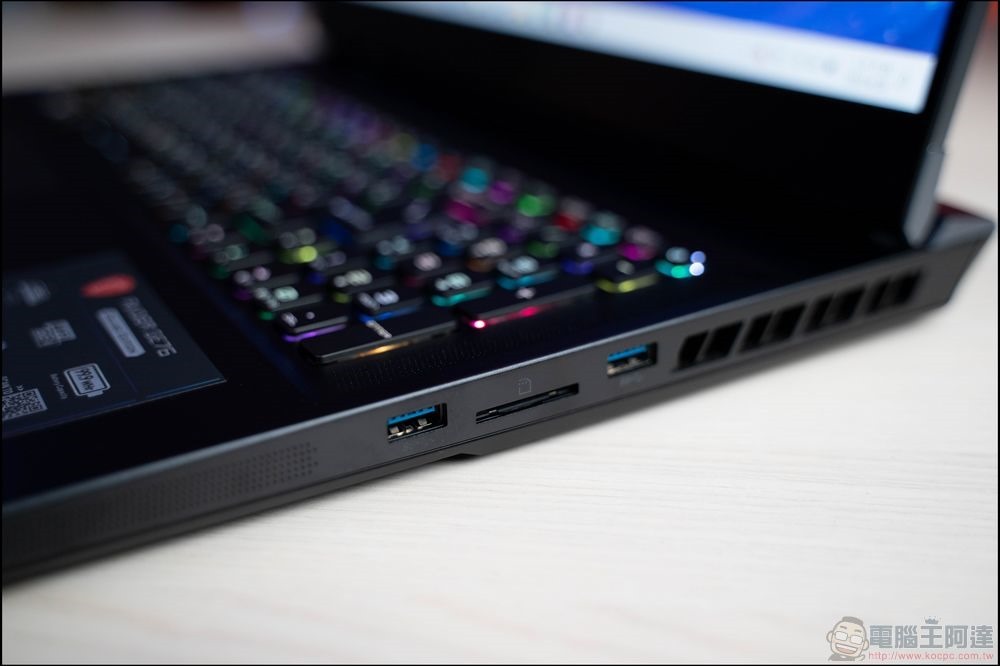
See the specifications at a glance! Summary of current mainstream USB port symbols and icons
The USB-IF has designed a series of icons for the USB specification to allow consumers to quickly identify the protocols used by specific USB ports and thus see the performance they will provide. Unfortunately, not every device or component uses these icons because it requires paid certification. Nonetheless, we will focus this time on the official symbols of USB ports approved by the USB-IF as of 2025, and although there have been some changes over the years, we will try our best to tell you even the older versions of the diagrams.
USB 2.0
USB 2.0 is not the first version of USB by its name, but it started to put the development map of the protocol on the table and sounded the death knell for those outdated serial ports and parallel ports, so that’s why we start here. Furthermore, you’re unlikely to encounter any USB 1.0 or 1.1 even on the most affordable computing devices.
Introduced in April 2000, USB 2.0 brought transfer speeds of 480Mbps, dwarfing the 12Mbps of USB 1.1. The increase in speed meant that USB could now be used for bandwidth-hungry peripherals such as Wi-Fi adapters. But USB 2.0 not only catapulted USB into the mainstream, it also introduced the iconic USB logo. The logo continues to change as USB-IF introduces newer, faster protocols, but the plain old logo isn’t what you often see now. Some mainstream gaming motherboards are still equipped with USB 2.0 ports, but most of them use text instead of icons. Even the USB-IF seems to have abandoned USB 2.0, and its current icon list starts with USB 3.0.

USB 5Gbps(USB 3.0、USB 3.1 Gen 1、USB 3.2 Gen 1)
USB 3.0 was launched in November 2008. The theoretical maximum speed has been greatly increased to 5Gbps. Even if it is almost out of reach to obtain a complete 5Gbps, the lowest-end USB 3.0 device should be able to double the speed of USB 2.0 products, which is a major upgrade.
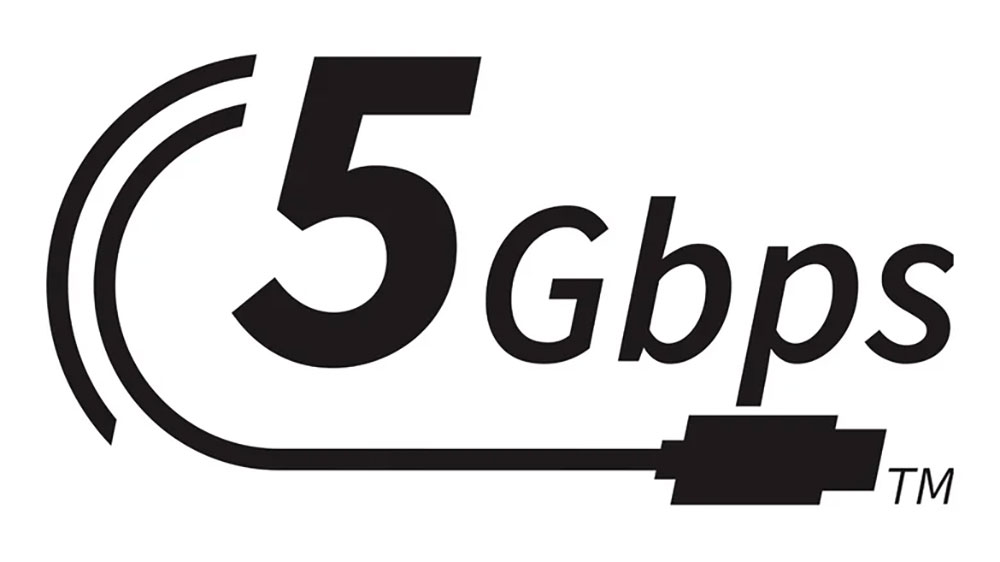
USB-IF subsequently made some updates to USB 3.0, which also changed the illustration. In 2013, USB 3.0 was renamed USB 3.1 Gen 1 and introduced a new 10Gbps version, known as USB 3.1 Gen 2. In 2017, the USB-IF introduced a 20Gbps mode and reshaped existing speeds, listing 5Gbps as USB 3.2 Gen 1, 10Gbps as Gen 2, and 20Gbps as Gen 2×2. Feeling confused? The USB-IF recognized this confusion and tried to simplify consumer branding in 2019, introducing the USB SuperSpeed 5Gbps logo and port logo that followed the old trident, adding the letters “SS” to the base of the trident and writing “5” above it to indicate speed.

But that soon changed, and starting in 2021, USB 5 Gbps ports are represented by a USB trident and text that says 5Gbps, but this is only an official recommendation, and manufacturers sometimes use other ways to mark USB 3.0, including using blue USB ports, or sticking with the old USB 3.0 SuperSpeed logo.
USB 10Gbps (USB 3.1 Gen 2, USB 3.2 Gen 2)
Next up is USB 10Gbps, which you may already know by its current names as USB 3.1 Gen 2 and USB 3.2 Gen 2. As we mentioned earlier, USB 3.1 Gen 2 came out in 2013, doubling the protocol’s theoretical maximum bandwidth to 10Gbps, or 1,250 MB/s. Most devices can’t fully maximize the connection – some external SSDs, for example, have a maximum transfer rate of around 1,000 MB/s – but it’s still a welcome speed bump.

It has also undergone some name changes. Becoming USB 3.2 Gen 2 in 2017, the USB-IF then launched the USB SuperSpeed 10Gbps brand for consumers at some point in 2019 before dropping all USB 3.0-derived SuperSpeed designations in 2022. The USB-IF’s current official logo for USB 10Gbps ports is identical to the USB 5Gbps logo, except that the slower protocol’s “5 Gbps” is replaced with “10Gbps”. This replaces one version of the old SuperSpeed logo’s trident, which had a small “10” above one branch of the trident.
Not every manufacturer adopts the USB-IF’s official logo. Many gaming motherboards use red USB ports to indicate 10Gbps USB ports. Even more interestingly, some manufacturers, like ASRock, actually use the old trident icon for the USB 5Gbps and 10Gbps ports on some motherboards.
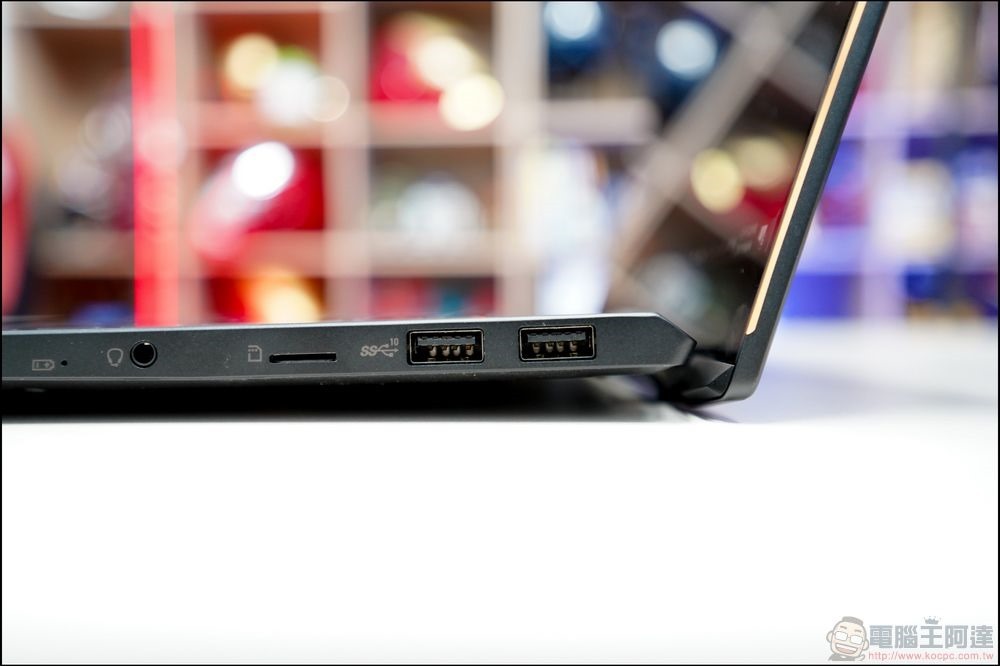
USB 20 Gbps(USB 3.2 Gen 2×2)
The USB 3.0 confusion reached its peak in 2017, when the USB-IF imported what was originally called USB 3.2. This new version will be capable of 20Gbps and will only be compatible with USB-C cables. Of course, as you probably know by now, the USB 3.2 name didn’t stick, at least not entirely, and in 2019 the USB-IF renamed the 20Gbps protocol to USB 3.2 Gen 2×2, upgrading what used to be called USB 3.1 Gen 1 and Gen 2 to USB 3.2 Gen 1 and Gen 2 in the process.

As with USB 10Gbps, the official logo for consumer use (although few companies follow the recommendations) also differs, dropping the number in favor of “USB SuperSpeed 20Gbps.” There is no “SuperSpeed”, which is how the USB-IF certification currently refers to this protocol: USB 20Gbps. And the logo is the same as we’ve seen before, just with bigger numbers. That said, USB 20Gbps had a different logo in the 2010s, with “SS” and the number “20” added to the classic trident.
You might not see this particular logo very often, as laptop manufacturers seem to be skipping 20Gbps in favor of pairing 10Gbps and 40Gbps combinations together.

USB 40Gbps port (USB4)
More than a decade after the launch of USB 3.0, the USB-IF finally launched a major version update to USB4 in 2019. USB4 triples the theoretical maximum bandwidth in the protocol to up to 40Gbps, or up to 5,000 MB/second, which is the fast data transfer speed required by the fastest external SSDs.
When it debuts, USB4 uses a new version of the classic trident. This updated Trident removes the “SS” text and moves the speed indicator to the base of the Trident, and also has a fancy little semicircle around the number “40,” presumably to add some visual style and differentiate it from the USB 3.0 image).
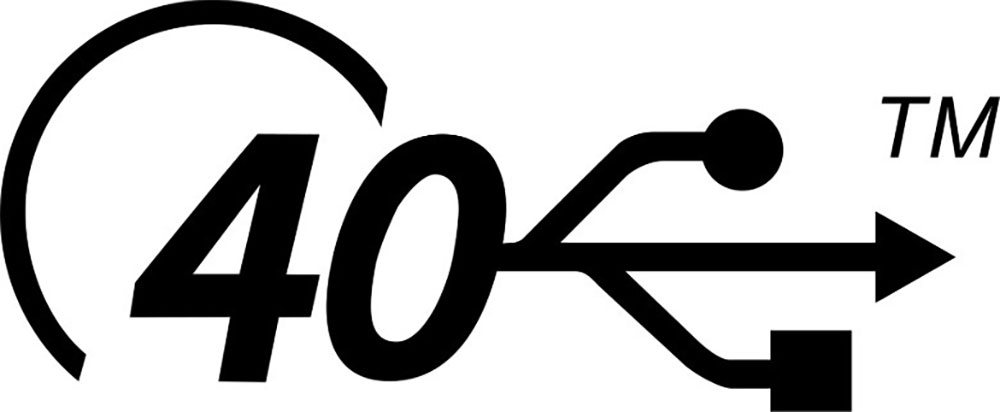
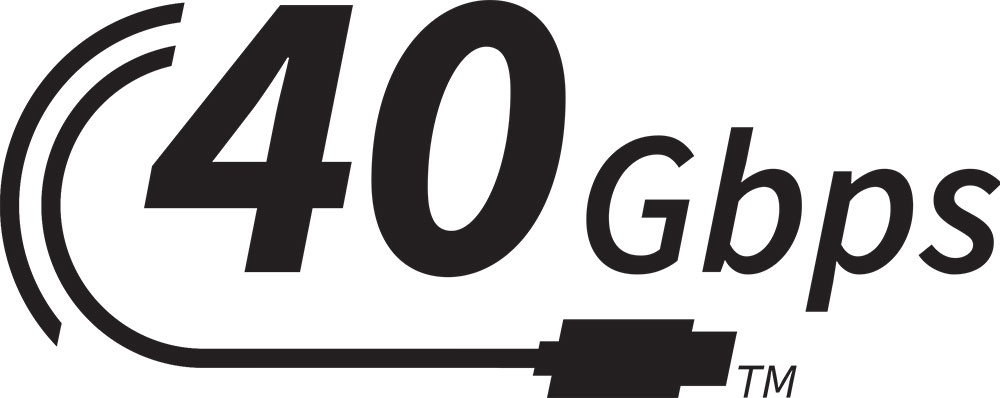
But the logo didn’t last long. The USB-IF launched its current logo guidelines in 2021, then dropped the “SuperSpeed” brand the following year, which is the logo you may be familiar with by now, consisting of the transfer rate and USB cable pattern. Given that fewer than 2,000 products are USB-IF certified as of mid-2025, you can almost certainly find quite a few ports that support USB 40Gbps without any markings on them.
USB 80Gbps(USB4 2.0)
Just when most of us thought we wouldn’t see a repeat of the USB 3.x naming fiasco, the USB-IF launched USB4 version 2.0 in 2022, of course, with the supposedly more user-friendly USB 80Gbps name.
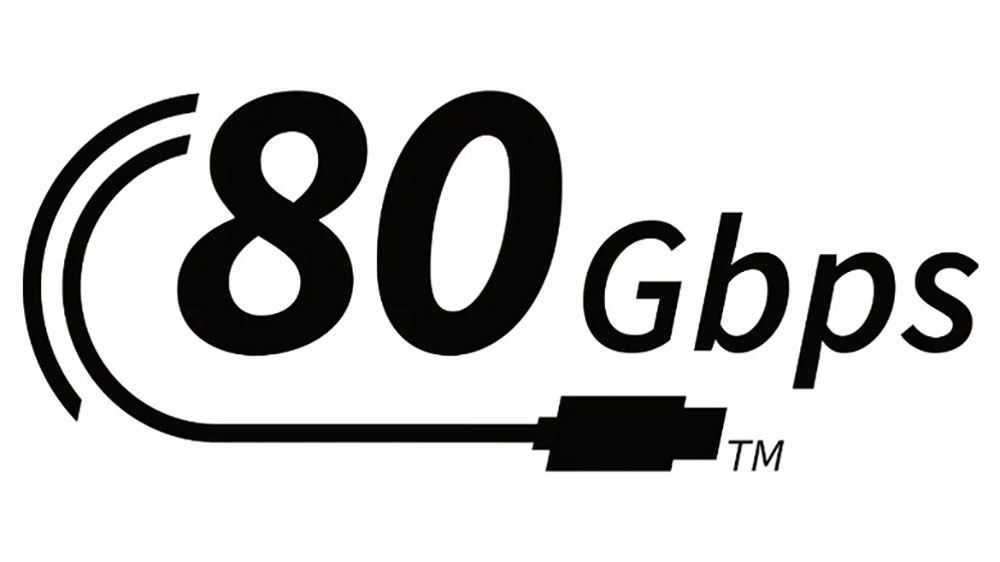
On the plus side, USB 80Gbps speeds have doubled again to an impressive 80Gbps or 10,000 MB/s. Yes, on paper, USB can now break into five-digit transfer rates. The USB-IF launched USB4 version 2.0 after a 2021 logo change, so the protocol has only one logo, the now-familiar 2D curved USB cable graphic and the words 80Gbps for transfer speed. But while you won’t see any of the old logos, whether you’ll see a USB 80Gbps logo is another question entirely.
Thunderbolt
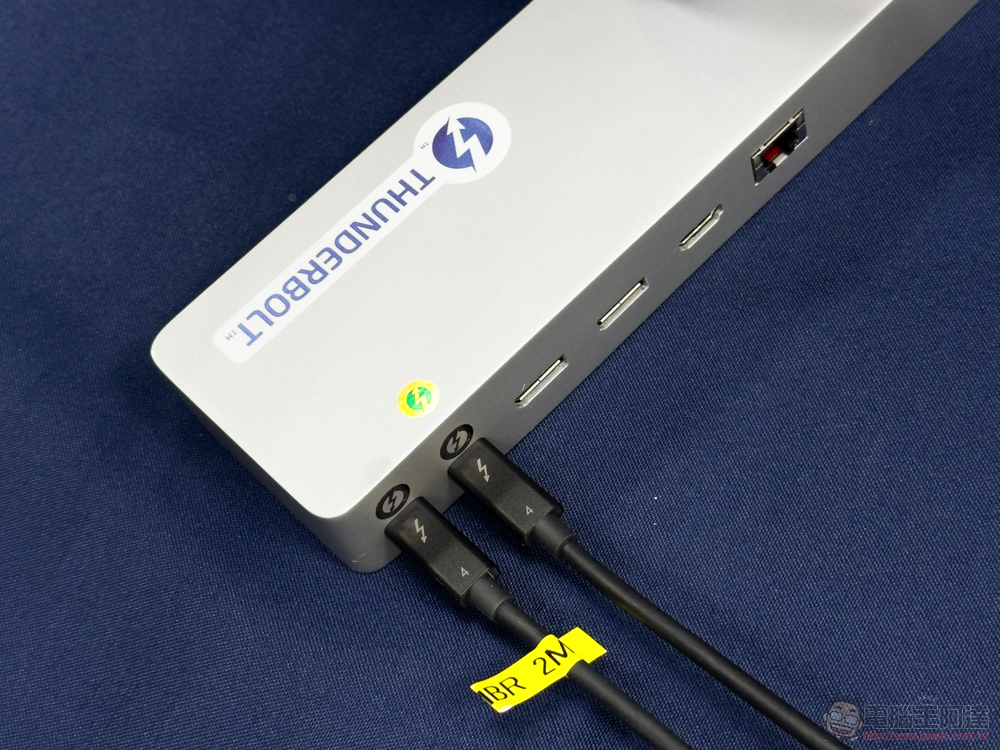
First, let’s make it clear that Thunderbolt is not USB. However, the latest version of Thunderbolt uses a USB-C port and is interoperable with USB, so it’s worth discussing Thunderbolt to help avoid confusion. The latest version of the Intel protocol is capable of the same 80Gbps limit as USB 4, and the two are so similar that some devices label their highest-speed USB-C ports as Thunderbolt 5 ports, followed by USB 4 2.0.
Officially, Thunderbolt ports are marked with a lightning bolt with an arrow at the bottom, but this isn’t always the case, and some brands don’t mark it with anything.
USB charging
In 2012, USB-IF introduced USB Power Delivery, often referred to as USB PD. USB PD combines the capabilities of USB 2.0 and 3.0 to power devices, allowing the power adapter to deliver 100W of power through a compatible cable and USB port. USB-IF increased it to 240W when USB PD 3.1 was launched in 2021, and the latest version of USB PD 3.2 requires support for adjustable voltage, because finer voltage adjustment should make charging capabilities more complete.
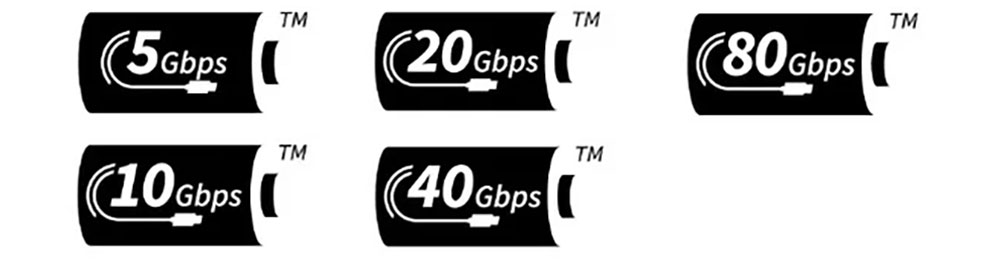
All the latest USB protocols can support USB PD, so you’ll find PD-supported connections ranging from 5Gbps to 80Gbps (the latter may take a while to become mainstream). USB-IF’s USB PD branding displays the protocol’s logo in white text on a black background over a stylized battery image. Like the USB protocol itself, the logo has undergone some changes over the years, and until 2021, batteries will adopt the trident logo for all speeds. That changes in 2021, with USB-IF replacing the trident logo with the new Gbps logo featured in this article, however, the battery image looks the same.
DisplayPort over USB-C
Finally, let’s look at DisplayPort based on USB-C, expressed by adding the DisplayPort logo next to USB-C. The correct name should be DisplayPort Alt Mode. This standard was first introduced by VESA in 2015, before the organization updated the protocol to 2.0 in 2020. VESA developed DisplayPort Alt Mode using USB-IF, with flags indicating a specific set of features.
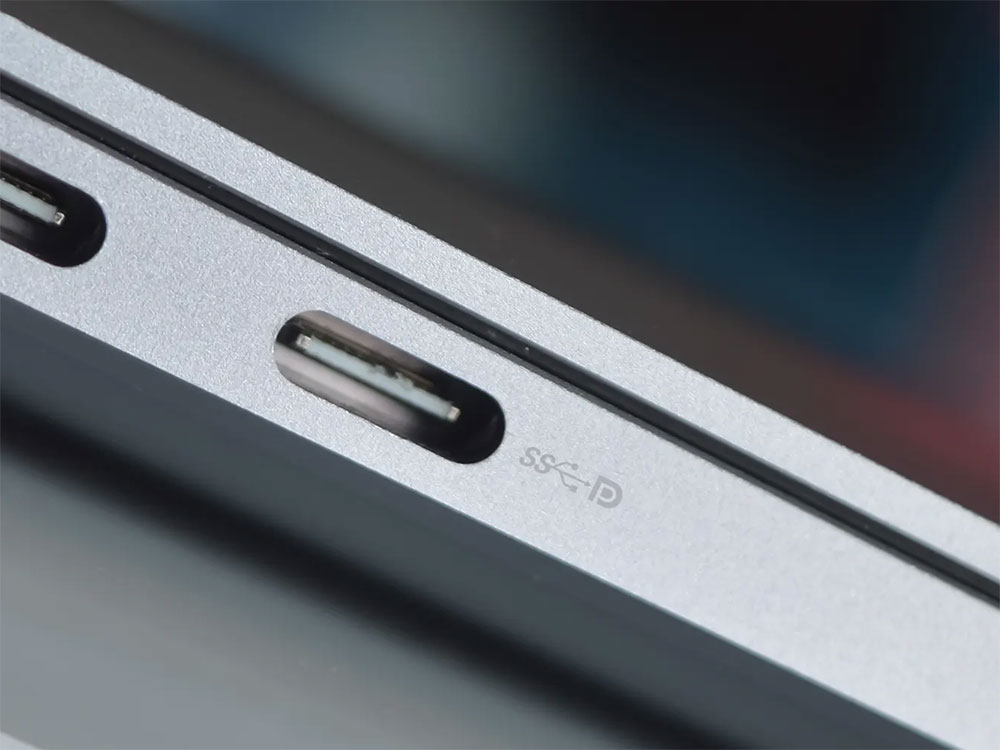
These include displaying 8K resolution images at 60Hz, transferring data at USB 3.1 rates, and delivering 100W of power. Therefore, a DisplayPort-enabled USB-C port can power a monitor and output whatever you want it to display via a single cable, while also serving as a traditional data transfer port. As you may have noticed, the biggest drawback to this standard is that newer versions of USB have long since supplanted its functionality and transportability, so you’ll typically see it on older laptops. While you’ll still see USB-C DisplayPort support on some laptops (sometimes without the official DisplayPort logo), USB4 and Thunderbolt appear to be emerging as the eventual replacements.
Source: KOCPC Chinese