


Due to various functions, applications, and modern people’s dependence on smartphones in life and work, running out of battery power is more serious than before. You may even feel that the battery life of your iPhone has become shorter. The Apple Watch you wear on your wrist is always connected to your iPhone, so isn’t it a huge battery drainer? This time we will find out about it.
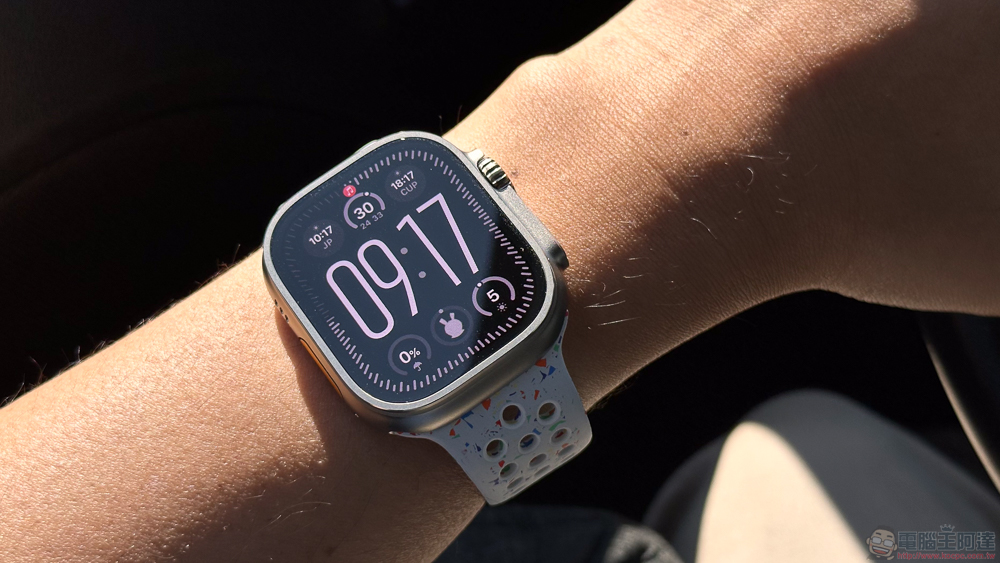
Will the Apple Watch drain my iPhone’s battery?
The new Apple Watch integrates with the iPhone more efficiently than before, but the connection between the two devices may still drain the iPhone’s battery for some special reasons, but the chance is not as high as you think. Long story short, the Apple Watch probably won’t drain your iPhone’s battery, and if you’re experiencing iPhone battery issues, there are plenty of reliable ways to extend, test, or even replace your battery.
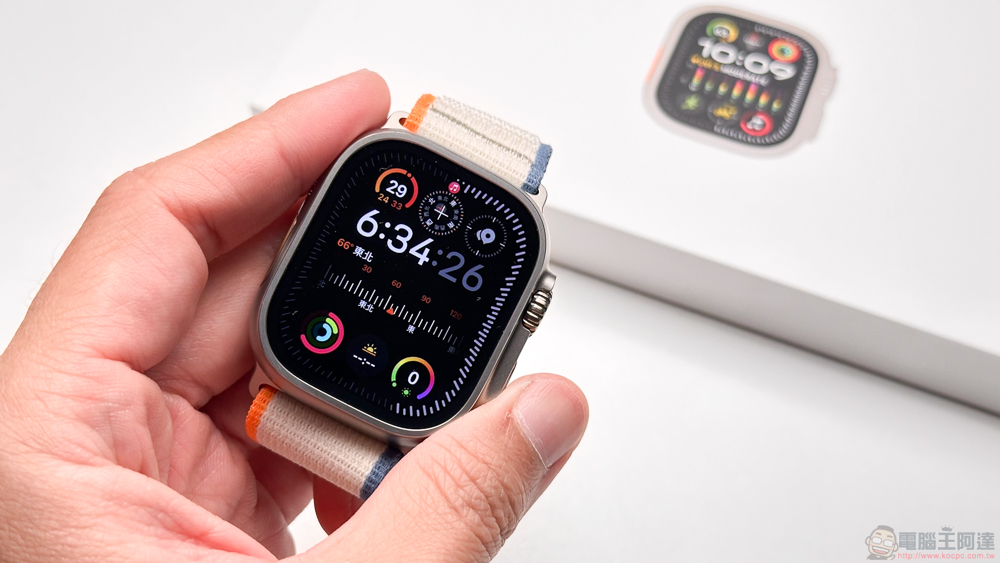
The wireless connection between iPhone and Apple Watch is an efficient process that Apple has improved in the past 10 years. The two devices are mainly connected via Bluetooth (especially Bluetooth Low Energy), and can also be connected to the mobile network through Wi-Fi. Among them, Bluetooth is the most efficient and reduces the battery consumption of both devices.
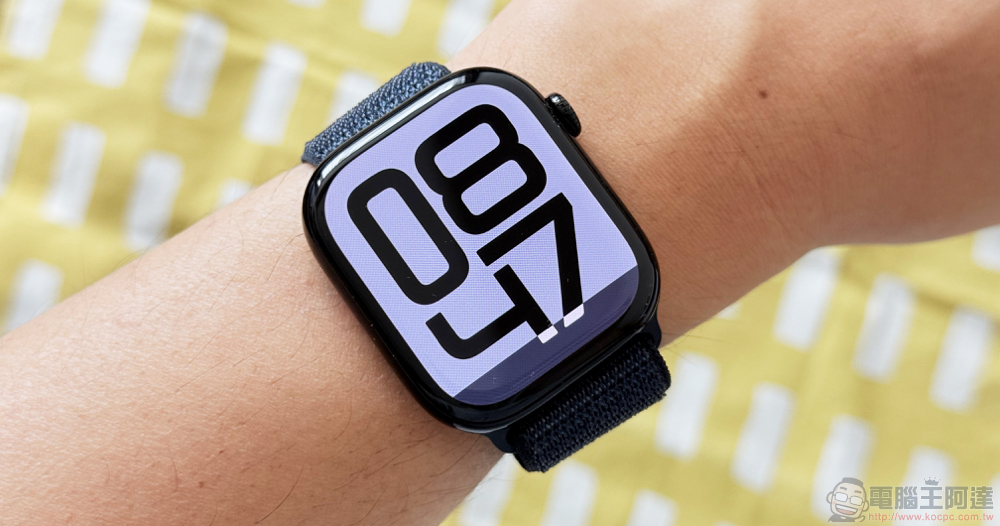
The connection between devices itself is the most power-consuming function. Frequently switching connection types between Bluetooth, Wi-Fi and mobile network connections consumes a lot of power, but if your connection is always consistent, it can greatly reduce power consumption. For example, you can leave your iPhone charging at home and wear your Apple Watch downstairs to take out the trash. When you enter and exit the range of Bluetooth and mobile networks, the watch and iPhone may be forced to repeatedly change the connection type. However, as long as this isn’t an ongoing issue, the battery drain is generally minimal.
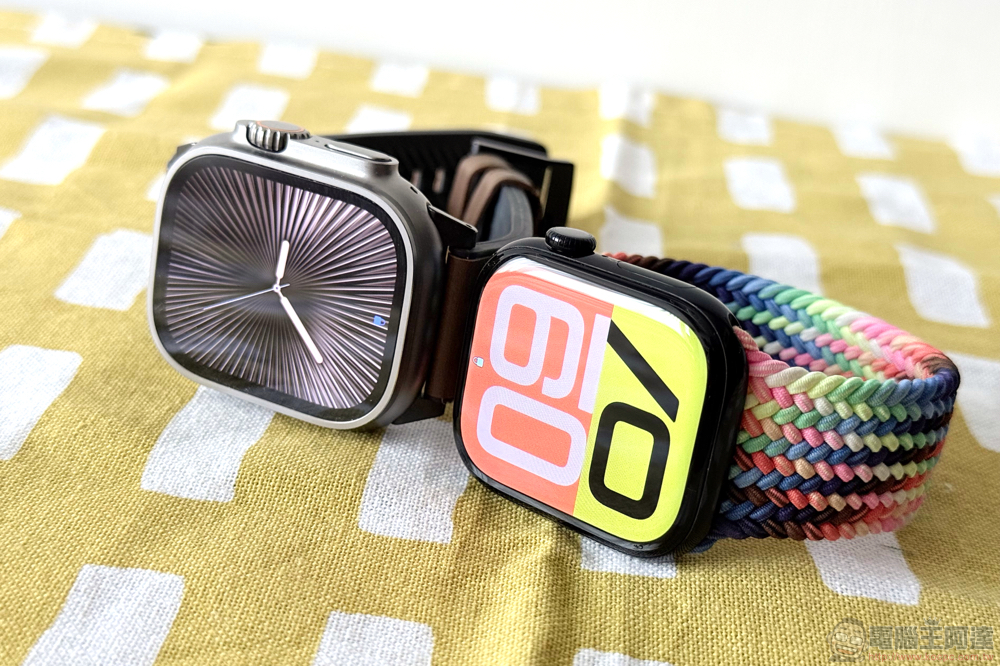
Apple Watch may also cause battery drain when using certain functions. The Apple Watch is not designed as a standalone device, so it must rely on the iPhone for some functions. Certain apps use power to send data from your watch to your phone and vice versa, so fitness trackers and other apps that rely on GPS location for services can be particularly battery-hungry, so you may want to pay close attention to which apps use GPS and location services.
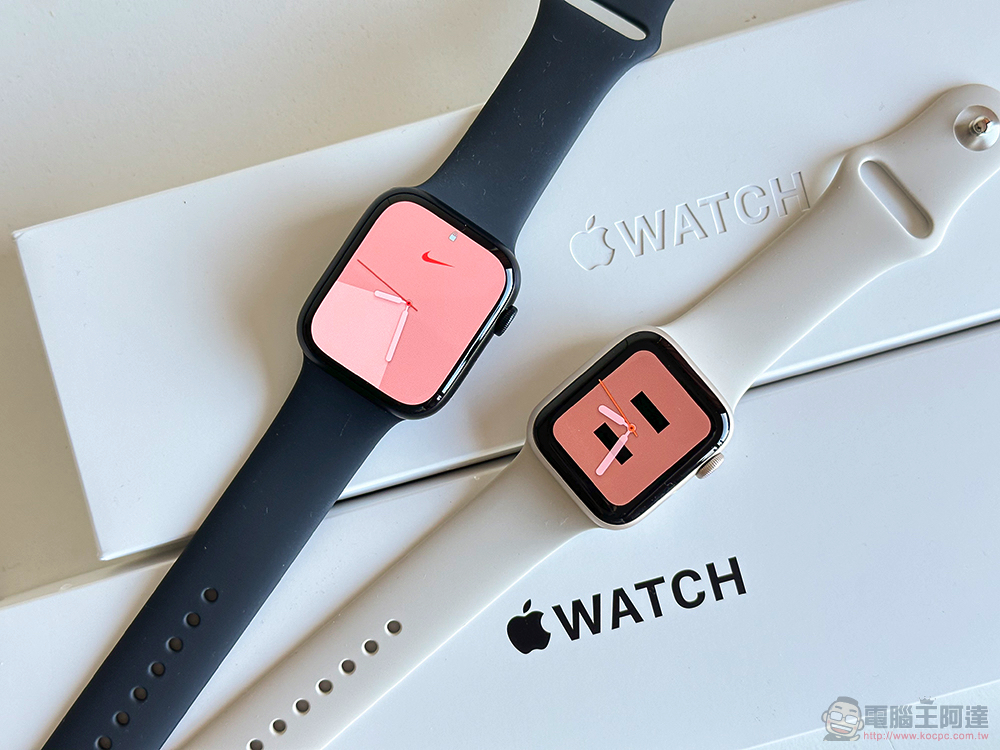
Overall, the Apple Watch generally has the least impact on the battery life of a connected iPhone. If you’re having trouble, there are a number of techniques you can use to maximize your iPhone’s battery life. One of the simplest options is to enable Doze Mode, which reduces background app activity on your iPhone, as well as mail retrieval and other non-essential functions, to help extend battery life.
Source: KOCPC Chinese