


Whether it’s a TV, computer monitor, smartphone, or tablet, you’ve probably seen the word “HDR” somewhere on the spec sheet. HDR, or High Dynamic Range, is now an important standard for displays and content, but if you haven’t dug into it, it can be confusing. If you only have a superficial understanding of HDR, or even just know the word, we will tell you what HDR is, why you should pay attention, and make sure you know what it is talking about next time you see it.
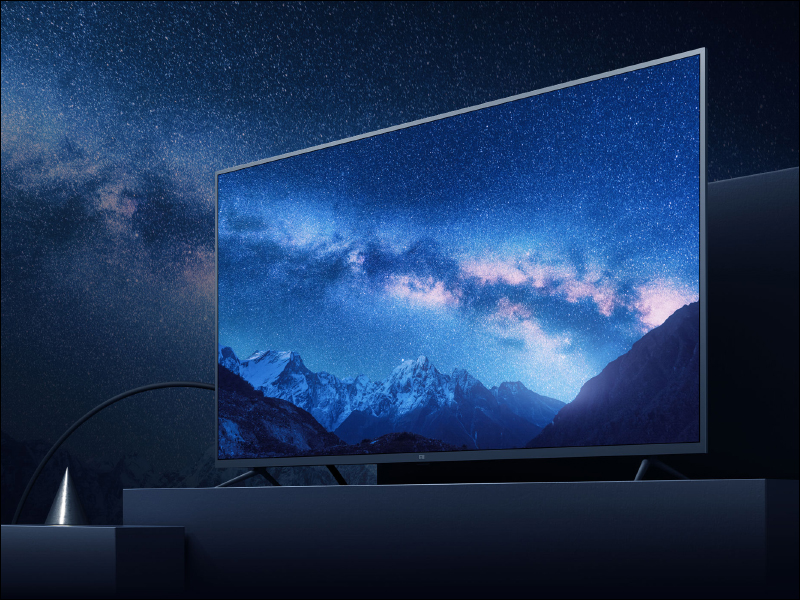
What is HDR in TVs and Monitors? Why should you care about it?
What is HDR?
A monitor’s “HDR” in Chinese means dynamic range, meaning the gap between the brightest white and the darkest black it can produce, which sounds a lot like contrast ratio, but HDR also covers a wider range of colors and more nuances in the transitions between those colors. In practical terms, this allows HDR displays to show bright light in a scene, while cast shadows remain dark and full of internal detail. HDR images more closely match real-world colors and contrast and expand what content creators can do. Done right, HDR videos can deliver truly stunning visuals.
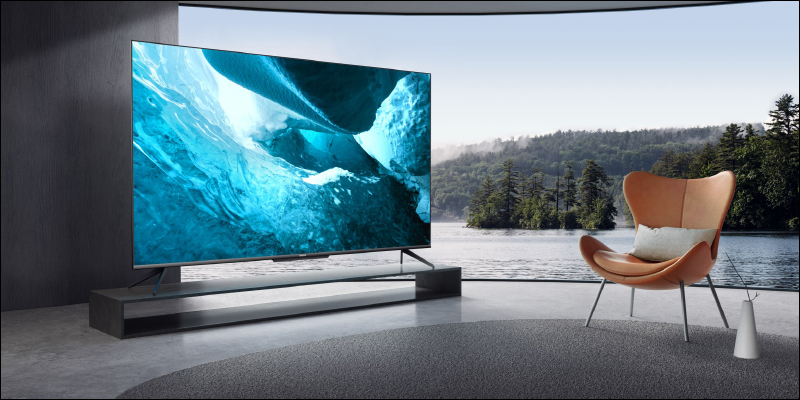
How HDR works
HDR has three main components. The first one is brightness and peak brightness. You will usually see screens measured in “nits”. A typical SDR screen has a lower brightness range, usually between 300 and 500 nits, while a good HDR screen will have a brightness of at least 1,000 nits or more. There’s some ambiguity about how many nits a display should deliver to be true HDR, but since this is about range rather than absolute values, there’s more wiggle room there.
The next major component is contrast, which is a measure of how bright and dark the display is at the same time, such as how bright the highlights in a scene can be compared to the shadows. Some display technologies, especially LCDs, have poor contrast; OLED, on the other hand, is a self-illuminating technology that can turn off individual pixels to get perfect black, effectively having infinite contrast, which is why OLED has struggled with peak brightness issues but is currently the best HDR display on the market.
The last part is the color gamut, which is the measurement of the number of colors and their divisions that can be copied. HDR content uses a wider color gamut, such as DCI-P3 or Rec. 2020, and the screen displays more shadows and deeper saturation than SDR content.
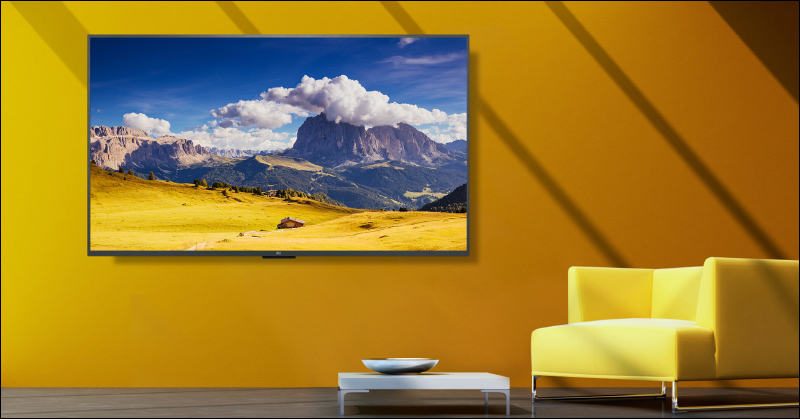
What is the difference between HDR and SDR?
The main difference between SDR and HDR is not kind, but quantity. SDR content is optimized for SDR displays, and as screen technology continues to advance, content creators are no longer limited by older SDR displays, so they are coming up with new standards to expand the brightness, contrast, and color gamut of their videos.
If you know your display can hit 600 or 1000 nits, you can take advantage of that to create better, more vivid content. That being said, most content still has SDR as the lowest common denominator, with HDR the more advanced option, and most modern content is available in both formats.
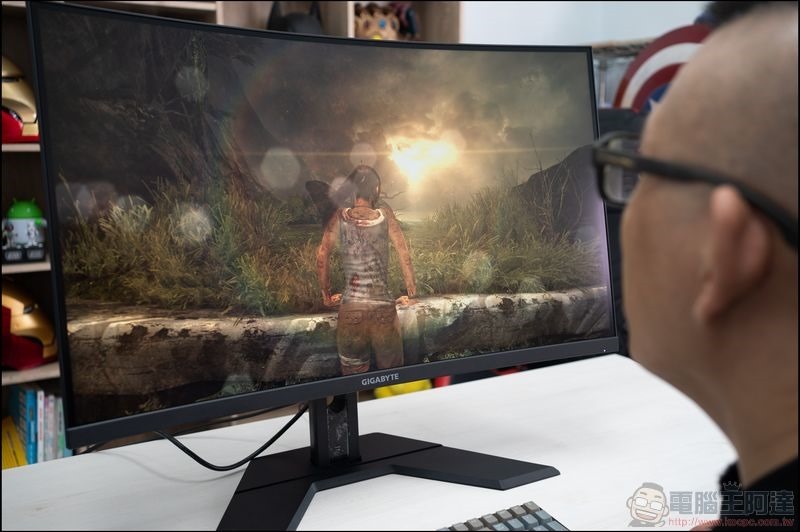
What types of HDR formats are there?
Do you think HDR is a single standard? There are some format battles in the HDR world, the most common of which are listed below. Support varies by device, but HDR10 and Dolby Vision are the most common combination on TVs and streaming services:
- HDR10
The most common baseline format, which uses static metadata (brightness information remains constant throughout the video). - HDR10+
Add dynamic metadata to adjust brightness on a scene-by-scene or even frame-by-frame basis. - Dolby Vision
A higher-level format with dynamic metadata and support for up to 12-bit color (although most screens still support 10-bit). - HLG(Hybrid Log-Gamma)
Designed for live streaming, this specification is often used in sports and news. - Advanced HDR by Technicolor
Rarely seen in consumer devices and largely unused.
Do you need special hardware or content?
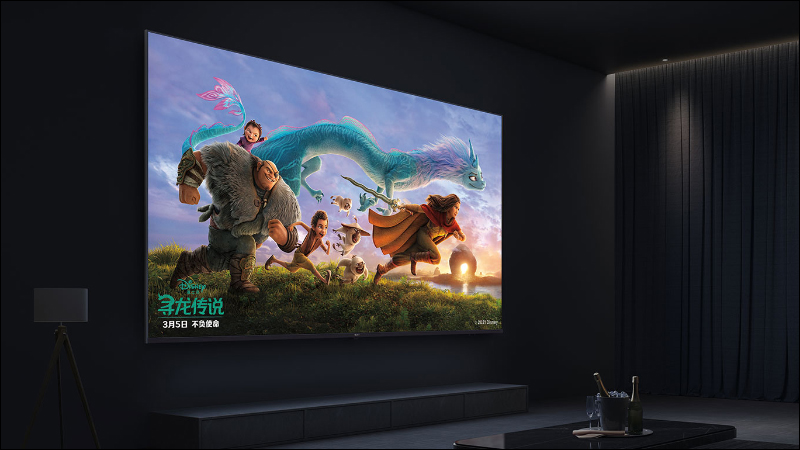
It’s clear from the discussion so far that you’ll need a modern TV that meets HDR specs to experience its benefits. While 1000 nits is the optimal brightness for a truly premium HDR experience, at least you’ll want to have a TV that can achieve a minimum brightness of 600 nits.
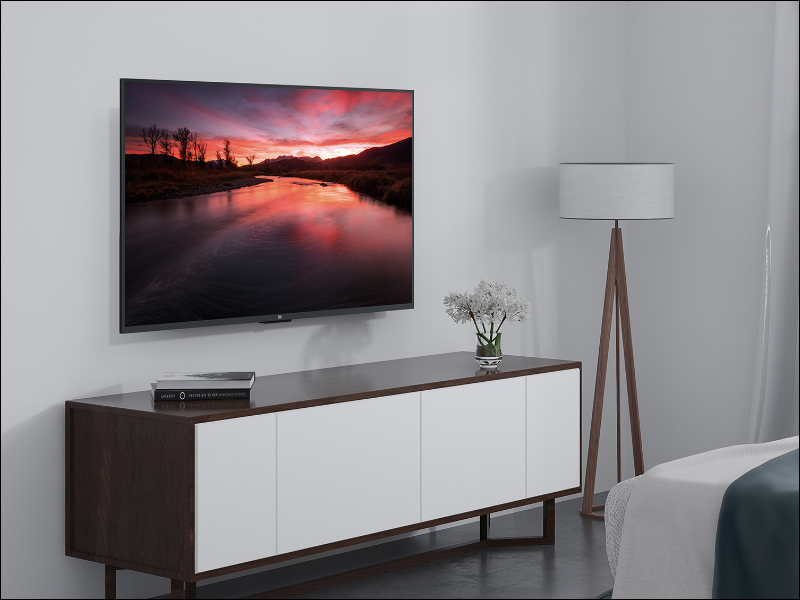
You also need HDR content. In terms of physical media, only 4K UHD Blu-ray offers HDR, while standard Blu-ray and DVD do not support it. That being said, many modern TVs have features that can tone map SDR content onto HDR. It uses algorithms to infer how SDR content will look when displayed on an HDR device, which means even HDR TVs can improve the image of SDR content. However, whether it actually looks better depends on the monitor or device performing tone mapping.
HDR content is easier to find on streaming services, the latest content, especially movies, should be tuned for HDR services like Netflix, and modern smartphones can even provide HDR playback when using streaming services. The source of your HDR content is also important, your streaming device, console or Blu-ray player itself needs to support HDR, and your TV or monitor also supports the format, otherwise it will fall back to the lowest standard used by both parties, such as HDR10. If you have a smart TV, the internal apps should support HDR for all content, but not every HDMI port is required to support HDR on some TVs, so make sure your streaming device is plugged into an HDMI port listed as HDR capable. Additionally, you’ll need HDMI 2.0 or preferably HDMI 2.1 cables for 4K HDR viewing.

Why is HDR important for movies, TV and games?
HDR is a big visual upgrade. HDR versions of movies are more vibrant and realistic, and while higher resolution helps improve image quality, contrast, color gamut, and Black Level have a much greater impact. If there are two options: 4K SDR and 1080P HDR, the latter brings a better visual experience than the former because of more natural colors and richer details.
For games, the advantages are even more obvious, especially those designed with HDR in mind. In some games that often display extremely dark scenes versus extremely bright scenes, the difference between HDR and SDR can be noticeable, with SDR images looking dull and bland in comparison.
Not all HDR is created equal, is what you’re seeing real HDR?
Just because it says HDR on the package doesn’t mean it’s going to be a great experience. Some budget screens technically only accept HDR input, but aren’t bright enough for HDR to work. Other apps may not display wide color gamut correctly or handle metadata correctly. In some cases, a cheap monitor that “capable HDR10” but has low brightness and contrast may even look worse than SDR.
You can check to see if you have the following certifications:
- VESA DisplayHDR 600 or higher
- Dolby Vision support
- 10-bit depth (8-bit + FRC is a compromise, but it works)
Almost all monitors will have an indicator telling you whether HDR is active, and briefly display a notification when the mode switches. However, the easiest way to check if HDR is actually working is to switch between SDR and HDR for the same scene and look for the following signs in the case of HDR:
- The screen is noticeably brighter in high-brightness areas than SDR.
- Colors look richer, not just more saturated.
- You can see details in both dark and light areas at the same time.
If you already have a suitable HDR screen and the content is in place, you will undoubtedly find that the gap between them is quite obvious.

Source: KOCPC Chinese