


Do you want to collect the good videos and pictures you saw on Xiaohongshu? Especially teaching content, it is often forgotten after viewing it once. At this time, it would be much more convenient if it could be downloaded to a computer and reviewed at any time! Today I want to introduce a super practical Chrome extension function “Xiaohongshu downloader”. With just a few simple steps, you can download videos or pictures directly from Xiaohongshu. There is no need to open additional strange websites, and there is no need to worry about advertisements and malicious links, making downloading more secure. The following will teach you step by step how to install and use it!

Download the Chrome plug-in “Xiaohongshu Downloader”
Readers, please go to the Chrome online app store to add the Xiaohongshu downloader to the Chrome application:
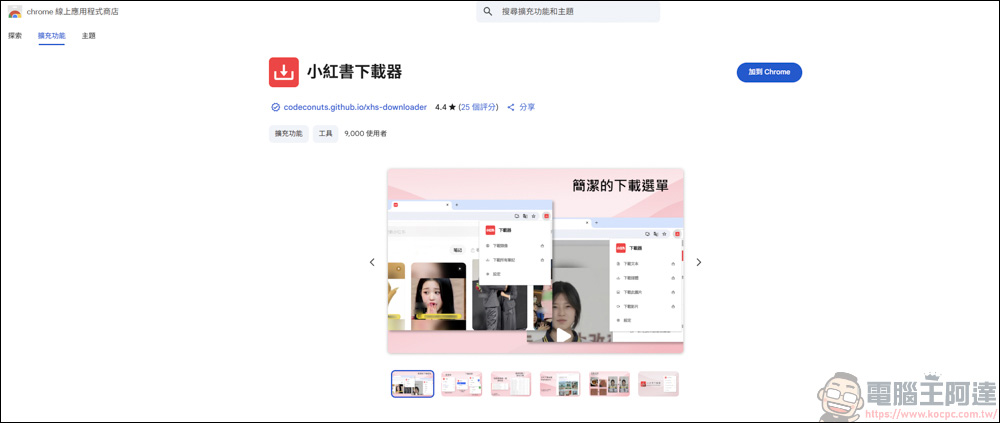
After adding it, a new page will pop up on the webpage, which contains simple instructions for the Xiaohongshu downloader:

Instructions for using Xiaohongshu downloader
Then go to the Xiaohongshu page first, remember to log in to your account first:
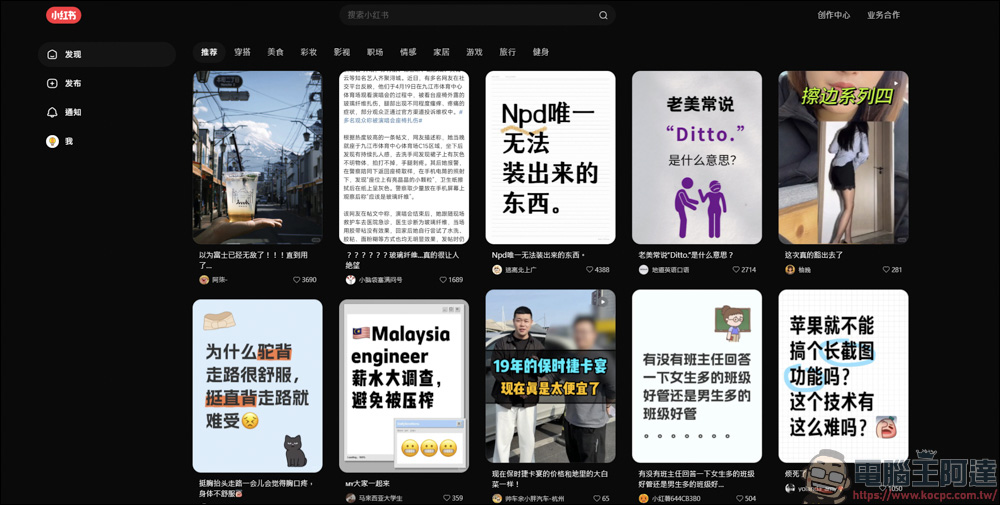
Recently, I have been fascinated by some PS tutorials posted by Dafa, but because I forget them every time I look at them, I want to download the videos to facilitate my review in the future:

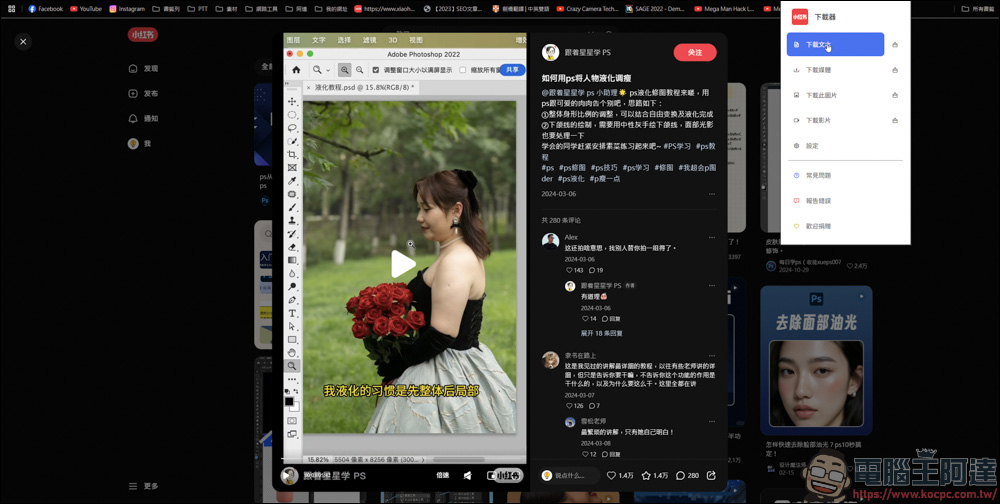
Take this video as an example. After clicking the video, please stay on the video page:
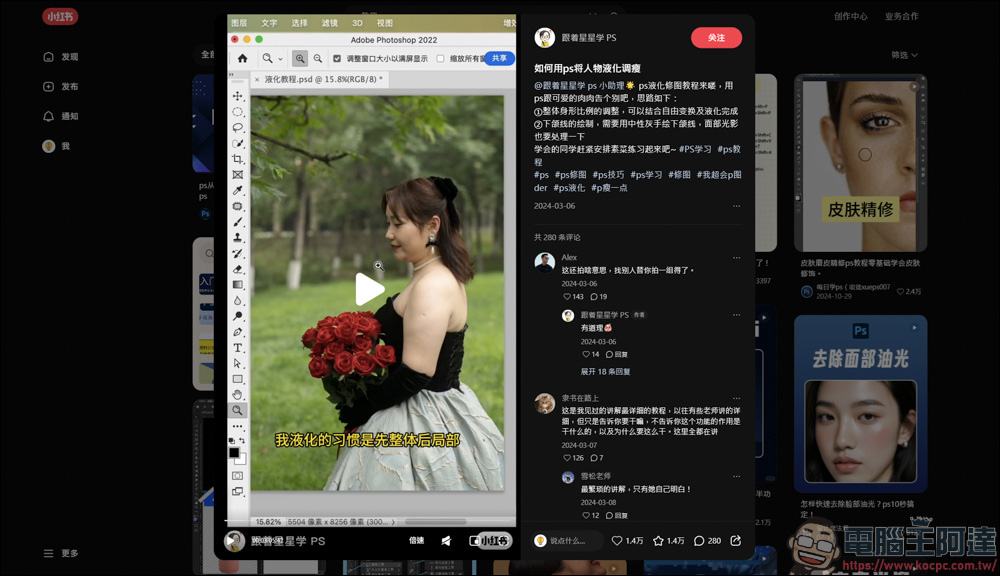
Then execute the Xiaohongshu downloader in the Chrome plug-in:
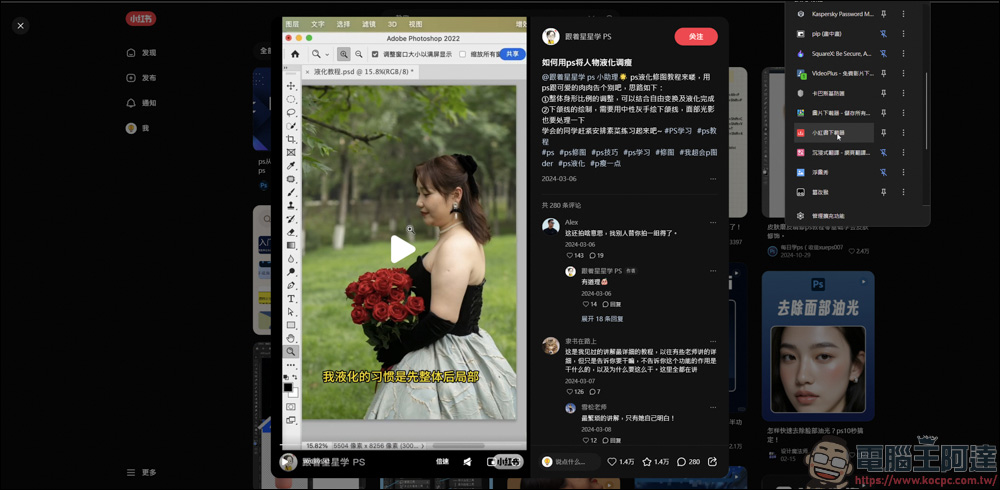
There are many different download functions in Xiaohongshu Downloader, including downloading text/media/this file/video…etc.:
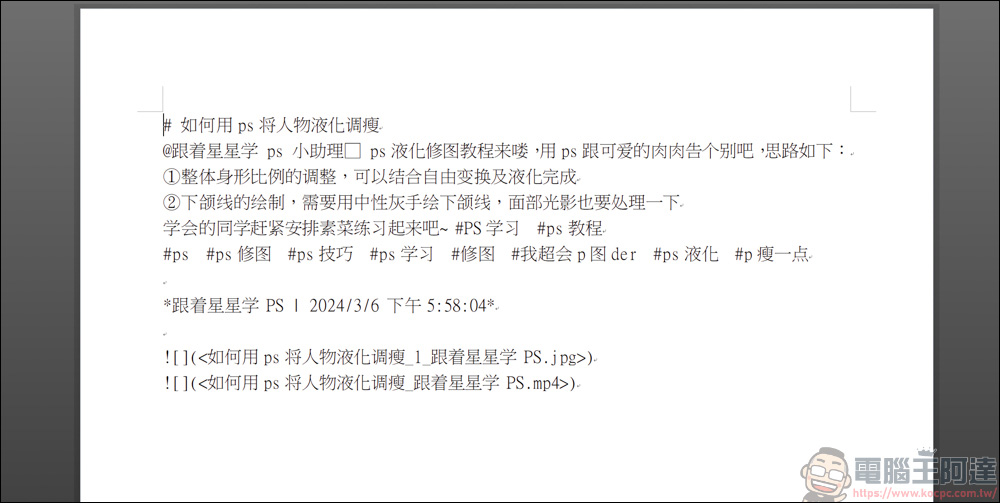
The downloaded text can be opened and read through Word, but I personally think it is faster to directly copy the text on the web page XD:
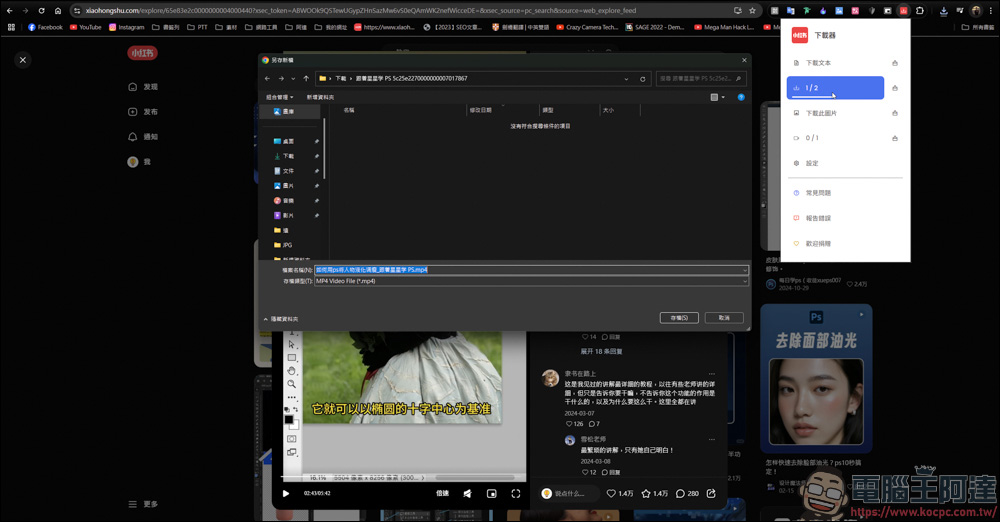
The download function of Xiaohongshu Downloader is a little different. If you just want to download videos, just click on the download video function; conversely, the same is true for pictures. But if you want to download it together with the cover image, click Download Media to download the image + video:
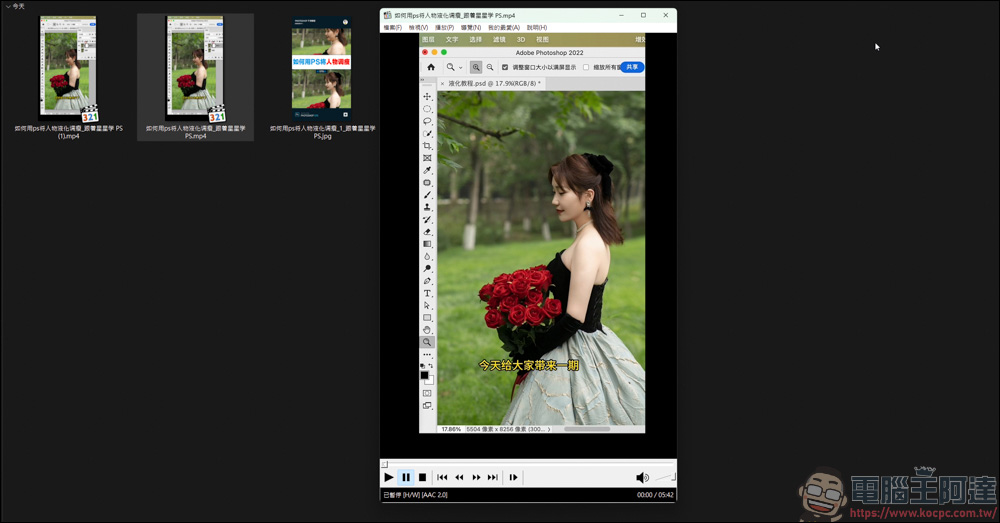
Let’s look at the download results here. Since I clicked on downloading media and videos, there are two videos and pictures in this list at the same time. It is recommended to just click to download the media. If you want to find files in the future, you can quickly find them directly from the cover image:
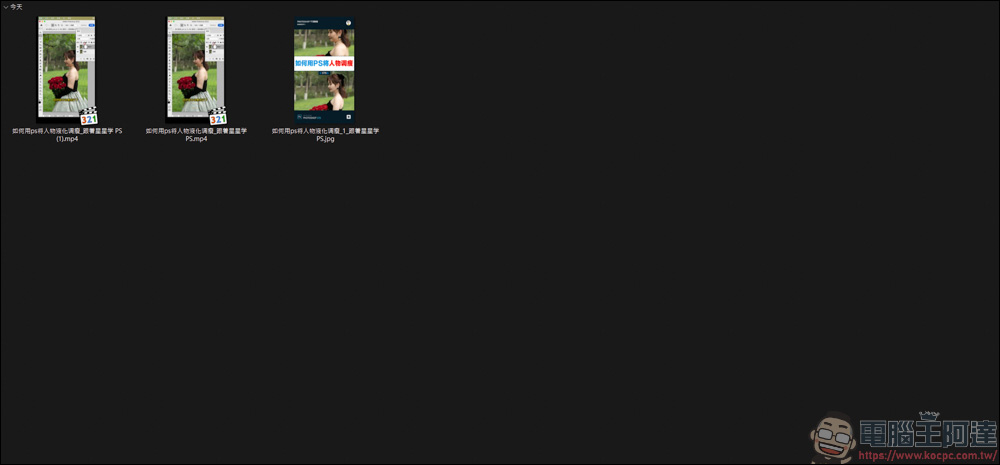
The downloaded video file format is MP4, and the image and audio functions can be played normally:
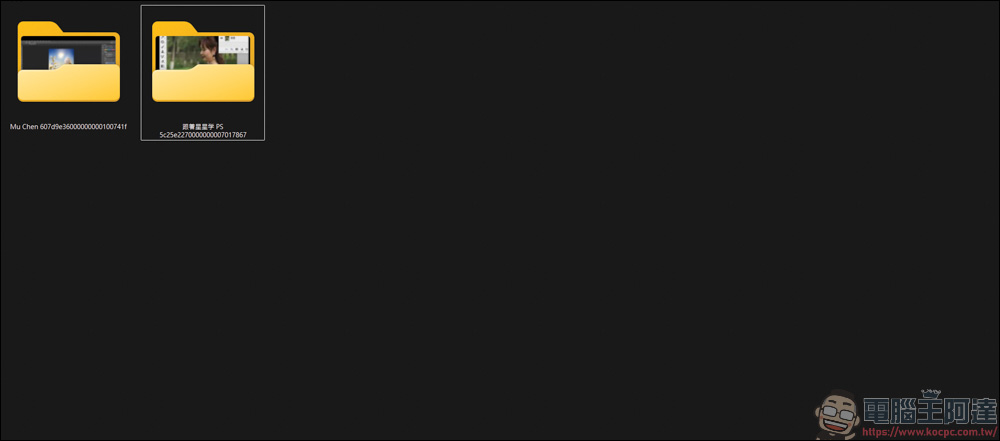
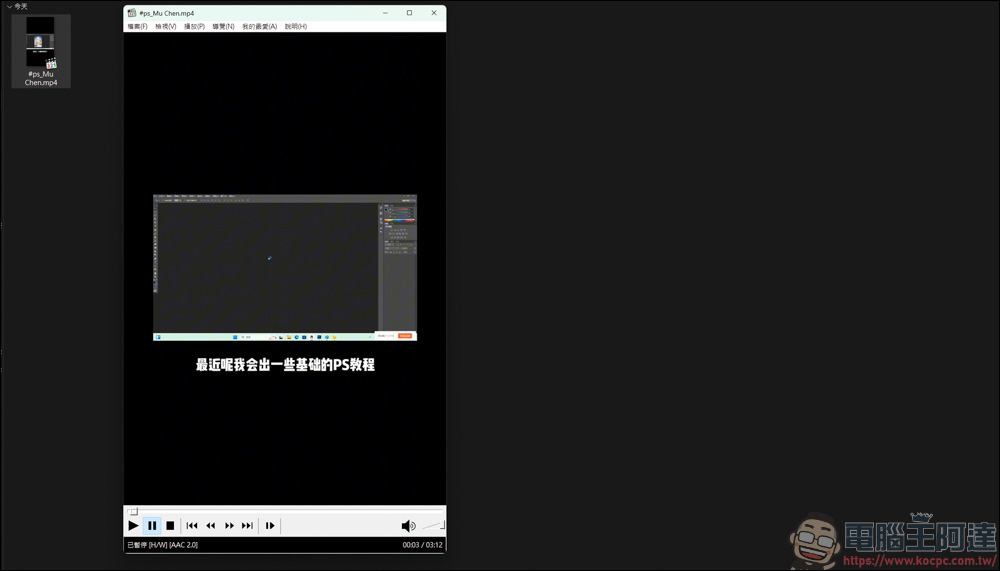
Xiaohongshu Downloader has a feature that I think is quite good. When you have a lot of videos to download, you don’t have to classify them at all. It will automatically name the folder of the material, and the name will start with the name of the author of the video. In this way, if you want to find the author’s videos later, you can find them through the folder and video name, so you don’t have to worry about forgetting where you found them:
The Chrome plug-in “Little Red Book Downloader” allows you to download Little Red Book videos without opening other web pages. This way, you can avoid being troubled by advertisements on the website, and you don’t have to worry about strange malicious links in the downloaded web pages. As long as you add the extension function to your browser, you can easily download Little Red Book videos:
Source: KOCPC Chinese