


No matter in work or life, occasionally there will be files that need to be shared with others. Although the cloud is very convenient now, you may not necessarily want to upload them to your own cloud, especially those files that are not very important, or the people you want to share with are not acquaintances. Filebin, which I will introduce in this article, is a good option. It can be used without registration. There is no upper limit on file capacity or quantity, which means that large files are no problem, and they will be automatically deleted when the time is up, so you don’t have to worry about it.
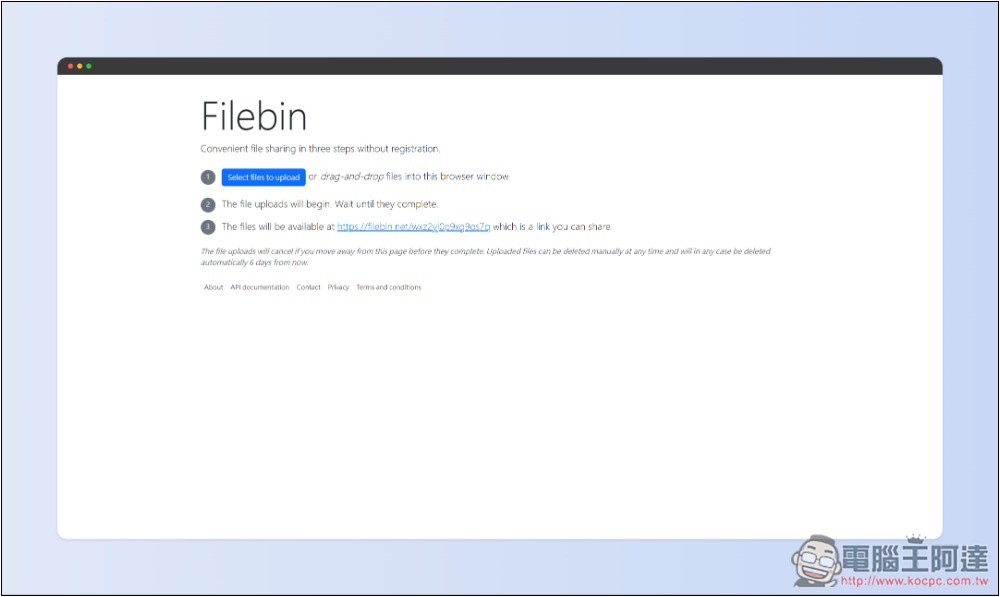
Filebin free file sharing space tutorial, you can use it without registration
Filebin is a free sharing space with a very simple interface design. It features no upper limit on file capacity, and it will be automatically deleted at a specified time, or you and anyone can delete it manually as long as you know the sharing URL of the file.
One thing to pay special attention to is that it is emphasized in the privacy statement that although Filebin has an HTTPS transmission protocol to protect the security of data transmission, the file is not encrypted on the server side. It means that the file name and file content are readable by them, so they recommend that users encrypt the file content themselves before uploading.
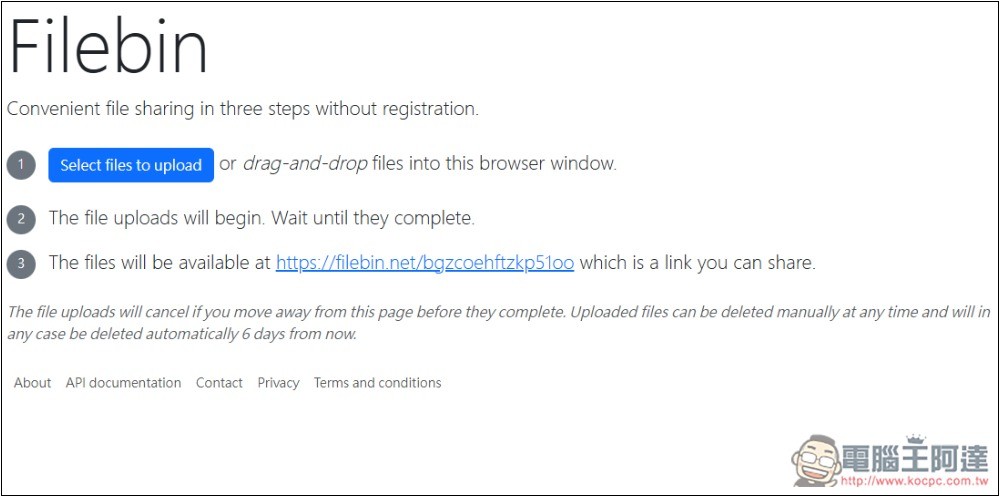
The interface of Filebin is as simple as the picture below. After entering the website, click Select files to upload to upload the files you want to share, or you can directly drag and drop. There is no limit on file size or quantity, you can upload as many as you want. In addition, when you open the website, it will first tell you what the URL of the file shared this time is (the third point), and you can copy it first. If they are not manually deleted, the server will automatically remove these files on the 6th day:
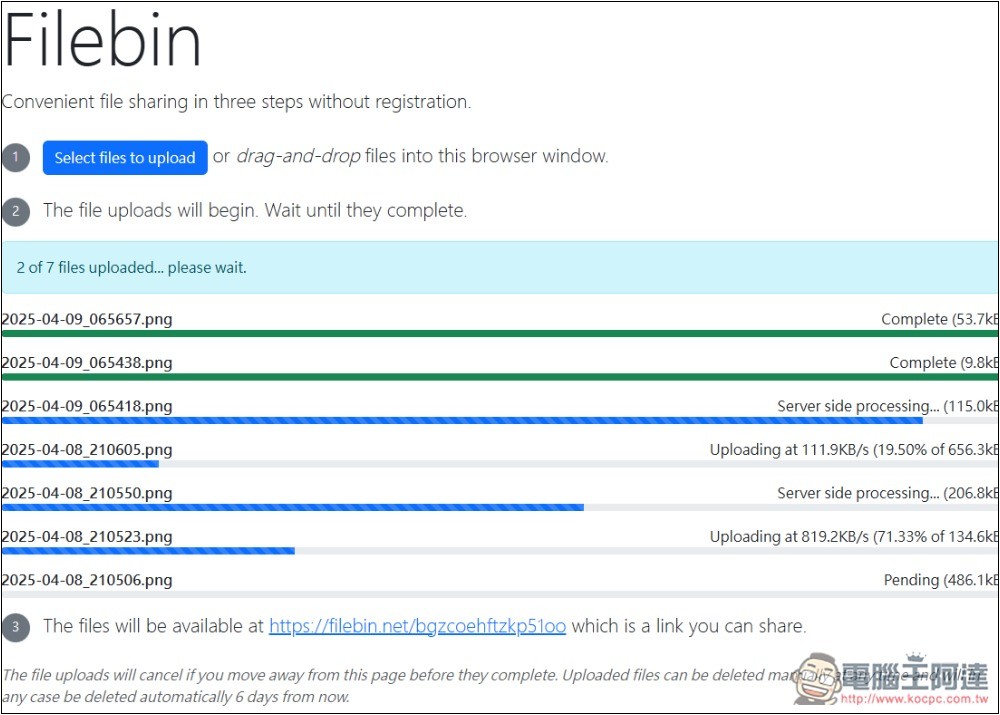
Although it is good to say that there is no limit on file capacity, the upload speed in my test is very slow, about 100~300KB/s. If you share dozens of GB, or even hundreds of GB, it will take a long time to upload:
After uploading, it will look like this screen. Others who open the file URL will also see the same screen, with a QRCode in the upper right corner. Each file will be noted with the format type, size, and how long ago it was uploaded. Press Download files to download all files with one click:
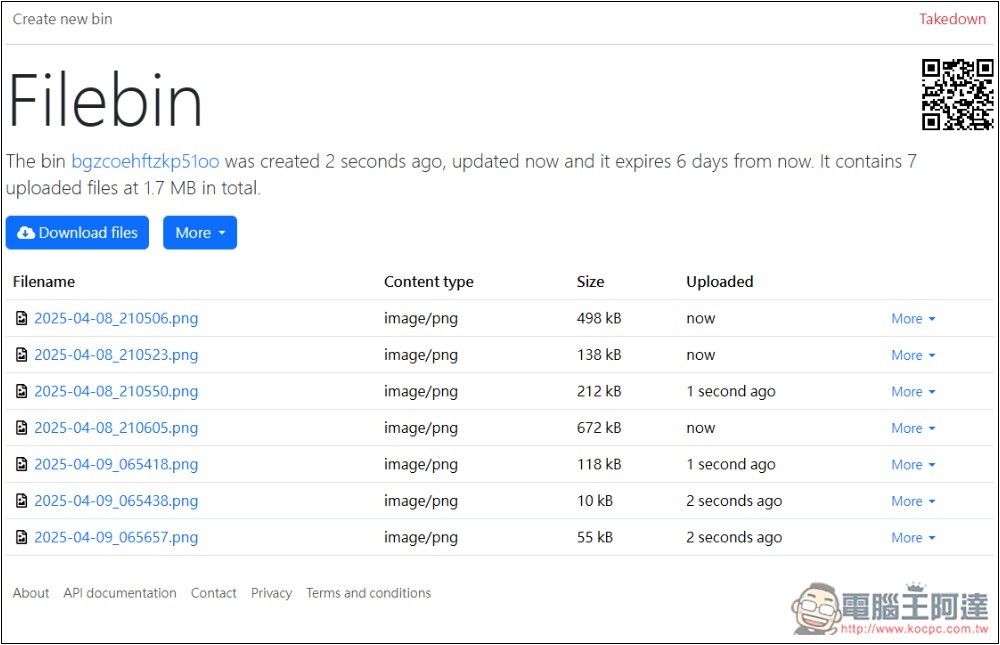
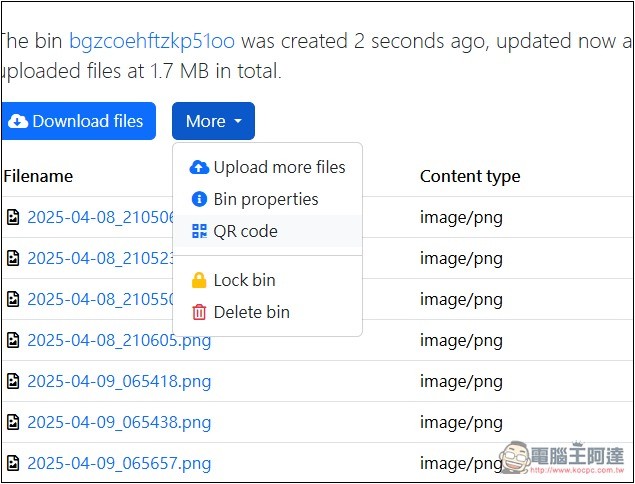
There are more functions in the More button, including uploading more files, viewing Bin information, QRCode, locking Bin and deleting Bin. If you want to delete all the files shared this time, press Delete bin (anyone who knows the URL of this file sharing can perform these operations, including deleting files):
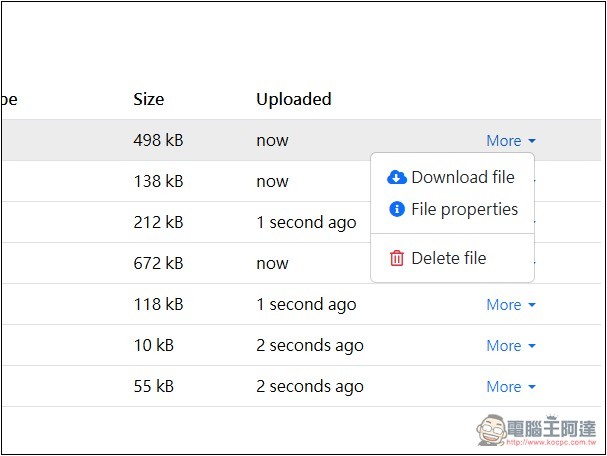
If you only need to download a single file, open the More menu on the right and you will see the download button:
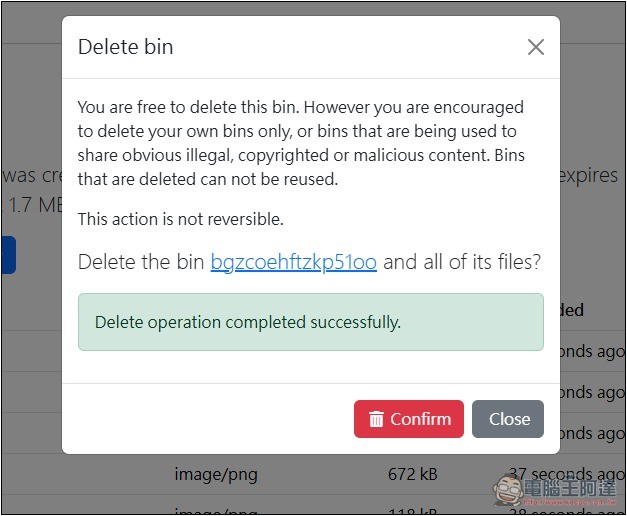
After pressing the delete function, a confirmation screen will pop up. Deletion cannot be restored again:
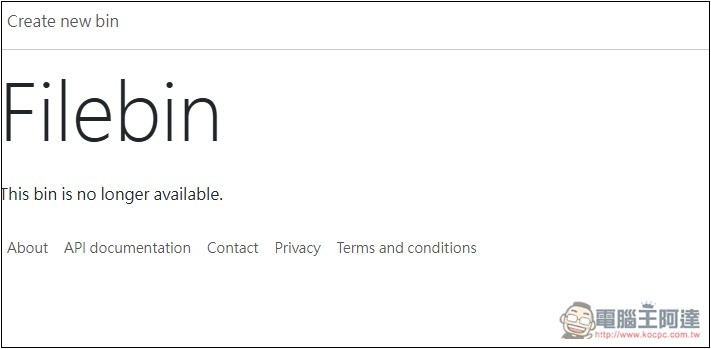
After completion, open the file sharing URL again, and it will appear that this bin is no longer available:
If your file does not exceed 10GB, you can also try what we have introduced before YDRAY, it can be used without registration, and the upload and download speeds are very fast. The server is also located in Europe, boasting very high security.
Finally, I would like to remind you that this free file sharing space is only suitable for unimportant files. It is recommended to use your own cloud for important files.
Source: KOCPC Chinese