


Touch screens are common on various gadgets, and they can be seen on mobile phones, tablets, watches, and even car navigation systems. Just when you are accustomed to it, you will unconsciously take the touch screen into consideration when purchasing a Windows laptop. But is a touch screen really a must-have for computers? Is it worth spending a little more of your purchasing budget on?
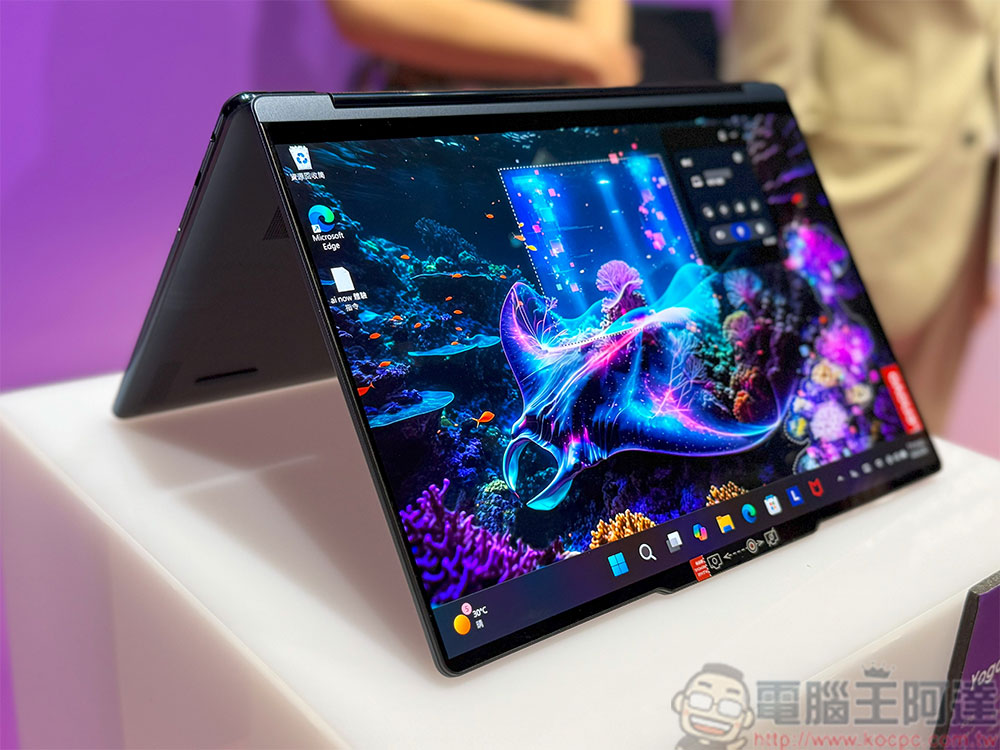
Do you need to choose the touch screen option for your laptop?
Touchscreens are usually more expensive
Touchscreen laptops usually cost more than non-touch laptops, and even if the price difference doesn’t seem huge, you can still save the extra budget for other, potentially more important upgrades, such as a higher-end processor, additional RAM, or a better GPU. But the cost difference doesn’t end at the time of purchase. When your touch screen cracks, the cost of repairing and replacing it is much higher than that of a regular monitor.
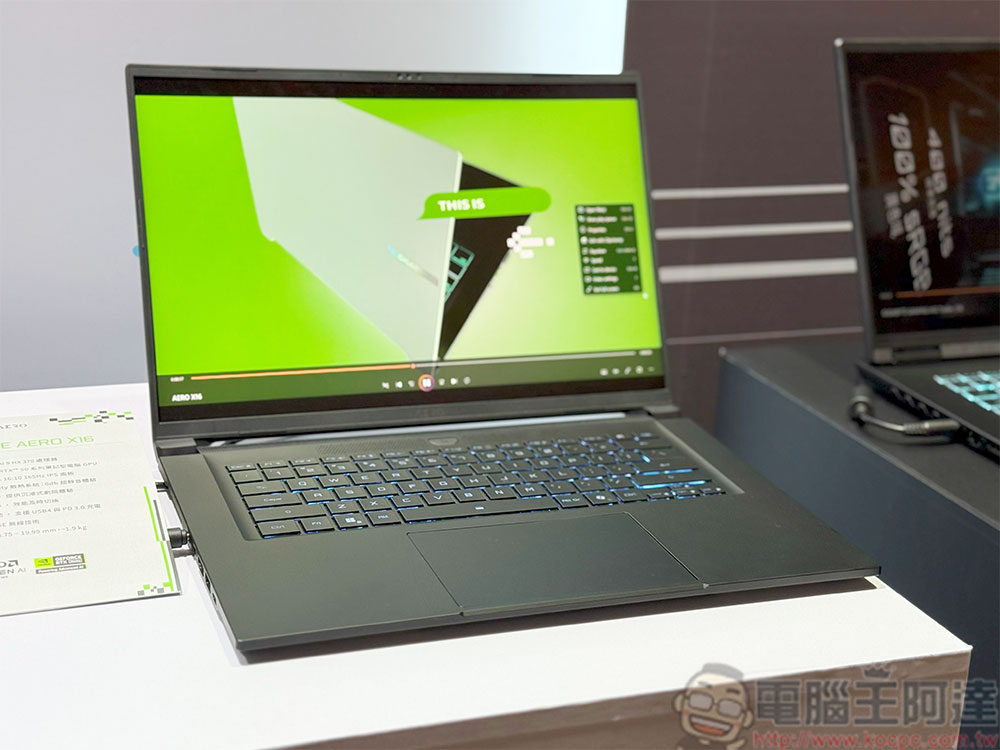
Not all touchscreens are created equal
The quality of touchscreens on laptops can vary greatly. Some may be responsive and smooth, while others may feel dull or glitchy. This is especially true on cheaper laptops, since something is often sacrificed to reduce costs.
There’s nothing more frustrating than having to poke the screen multiple times before it responds. If you’re thinking of investing in a touchscreen Windows laptop, make sure it’s from a trustworthy brand with a good reputation for responsiveness. When you use it, please pay attention to the screen resolution. A low-resolution (such as 1366 x 768) touch screen will look pixelated, which will affect your overall usage experience.
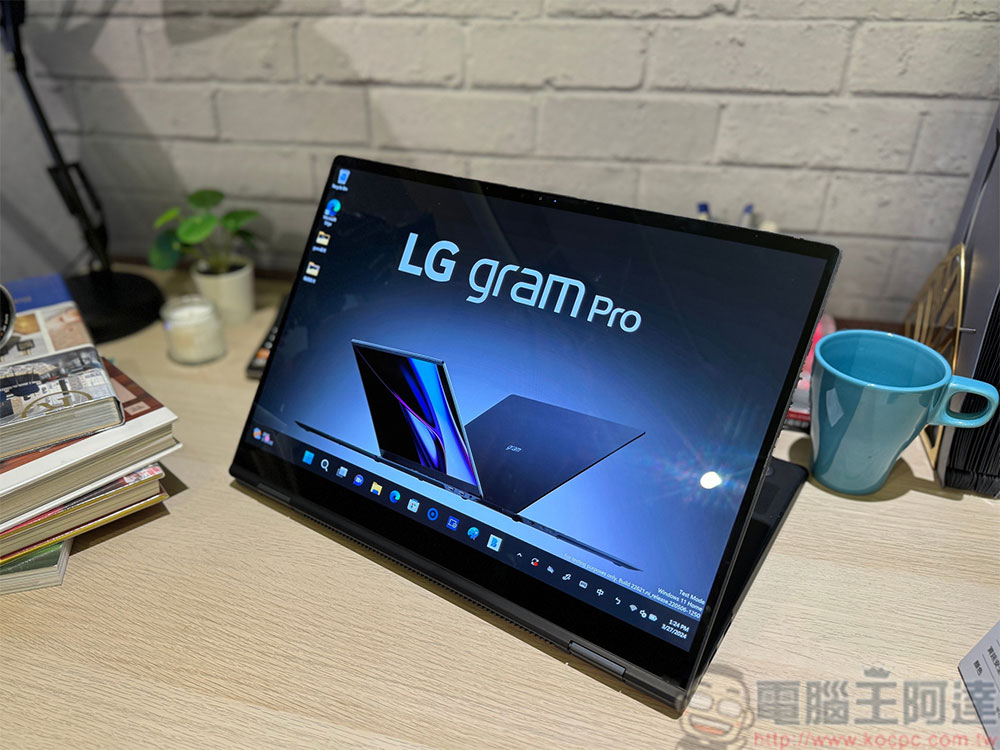
Touch screens consume more power
Touch screens consume more power than traditional screens because the touch elements are always on and ready to record your clicks, swipes, and even inevitable accidental touches. Even if you are not actively using the touch screen, it will still quietly use up power in the background. So if you rely on your laptop for long periods of time for work, class, or traveling, this can be a big problem. Of course, you can also carry a charger with you at any time, but there are not sockets everywhere for you to recharge at any time.
You may not use your touch screen as much as you think
Many people buy a laptop with a touch screen thinking that they will use this feature all the time, only to realize later that they barely use it. Unless you have a specific way of using it (which we will mention later), you will find that you still use the keyboard and trackpad, or an external mouse most often.
The touch screen will feel very novel and exciting at first, and you can use it to do small things. After a week or two, you will realize that your traditional input method is faster and more intuitive for you. For most people, a touch screen is not necessary, but a dispensable feature.
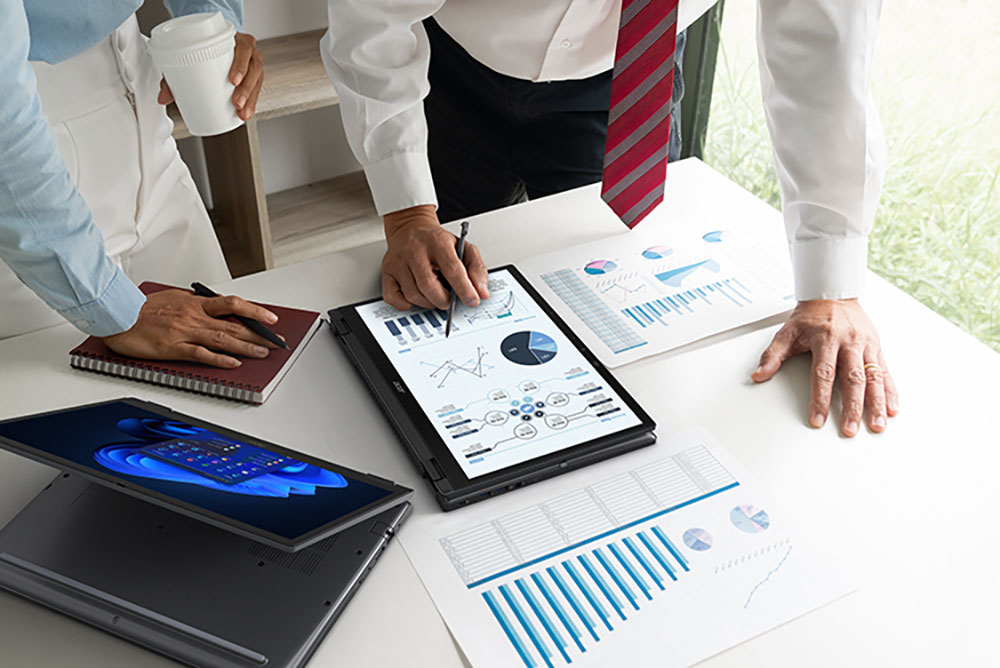
Who is really suitable for touch screen?
Touch screens aren’t for everyone, but they can be a huge help when they fit your workflow. For example, if your daily work involves hand drawing, design or image editing, then a touch screen laptop (especially one that can be paired with a stylus) may be a good helper. Programs such as Adobe Photoshop and Illustrator will also become more intuitive when drawing directly on the screen.
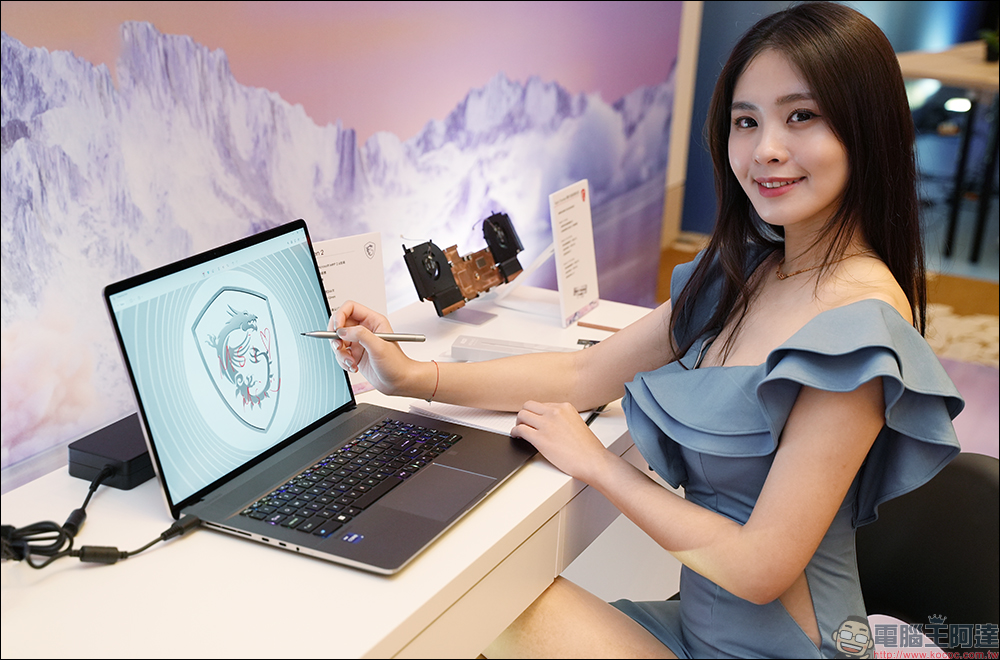
As students, researchers, or anyone who needs pen and paper to imprint ideas into their memory, typing is great, but sometimes, handwriting can help you remember them more deeply. With a touch screen, you can take notes directly onto the screen and organize them digitally using apps like OneNote or Evernote.
Another group of people who will find touch screens convenient are professionals who frequently need to browse spreadsheets, charts, and presentations. If you’ve ever tried using a trackpad to highlight a chart or annotate a slide during a meeting, you’ll understand the difficulty, and everything feels easier with a touch screen.
Source: KOCPC Chinese