


With the development of science and technology, notebook computers are very rich in functions and powerful in performance. In addition to being upgradable, their functions are almost comparable to desktop computers. Of course, more functions will make the notebook more expensive, but you may not necessarily be able to use them all. When you have a limited budget, you have to spend every penny wisely and make some trade-offs in some parts. This time, we’re going to list 5 parts you can skip ahead of time so you can save some of your hard-earned money.
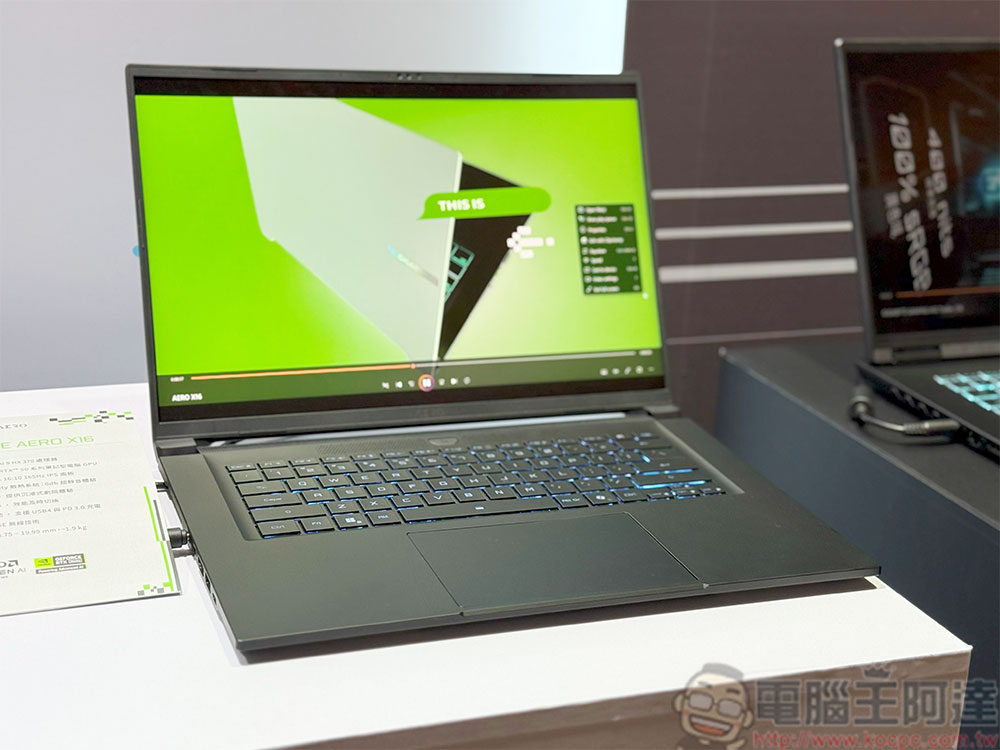
Have a limited budget? 5 things you can ignore when buying a laptop
touchscreen
2-in-1 laptops do have their existence. The touch screen is not only an optional input method for a large number of different types of applications, it is actually the best choice for drawing and creating. Having said that, if you have not made up your mind to include a touch screen as one of the necessary items, then this feature is dispensable for you, and there is no need to buy a laptop equipped with a touch screen.
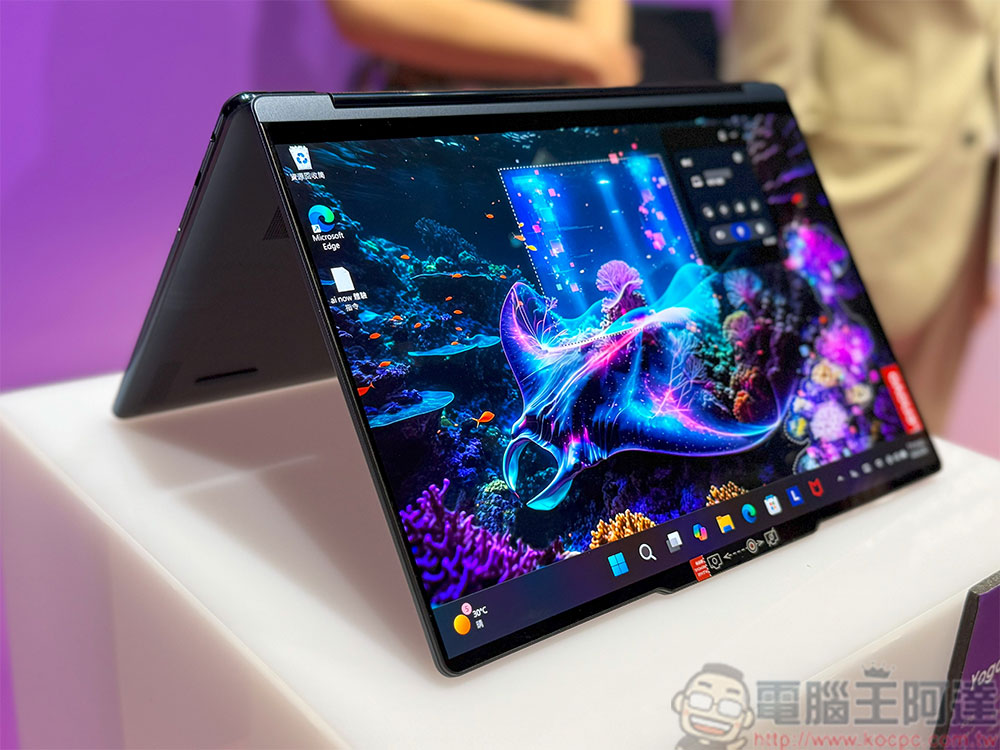
Most touch screens are glossy due to different production methods and properties. Although some laptops will try to add anti-glare or matte coatings to alleviate this situation, if there is a light source or light behind you, the visual experience will be affected. Not only that, the additional cost of a touch screen makes this type of laptop much more expensive than other models. If you don’t often use a stylus or touch, and there is no need to use tablet mode, you can skip the touch screen option.
ultra high resolution display
The ultra-high-resolution display on the laptop looks stunning, and if you don’t have a big screen connected, it’s pretty good for a primary screen, but it’s more than enough. Monitors with 4K image quality above 24 inches look great. However, no matter how large the laptop screen is, the display range is still relatively small and cannot fully demonstrate the true potential of the 4K screen. Most laptop screens fall between 14 and 16 inches. At this size, you can’t clearly tell the difference between 1440P and 4K. Not only that, 4K monitors consume more power and performance from the laptop, so you don’t need to spend more money on your laptop specifically for a 4K screen.
mechanical keyboard
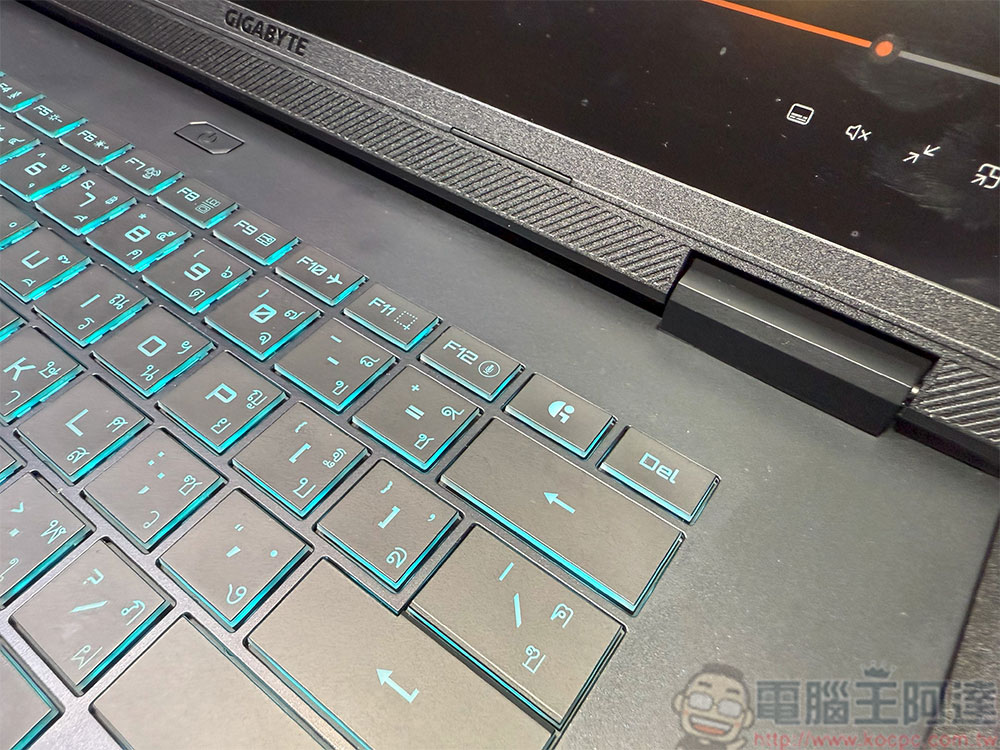
Some laptops are equipped with mechanical keyboards, which are especially common in e-sports and gaming-oriented models. Compared with membrane and scissor-foot structures, mechanical keyboards can maintain consistent key triggering when typing and playing games, but for laptops, it will only increase the size and unnecessary cost. Unless your laptop is exclusively for gaming and the extra weight and thickness won’t bother you, for most use cases, there’s no specific reason to buy a laptop for a mechanical keyboard. Nowadays, with the continuous improvement of various brands, even membrane keyboards can provide a very good typing experience.
AI acceleration
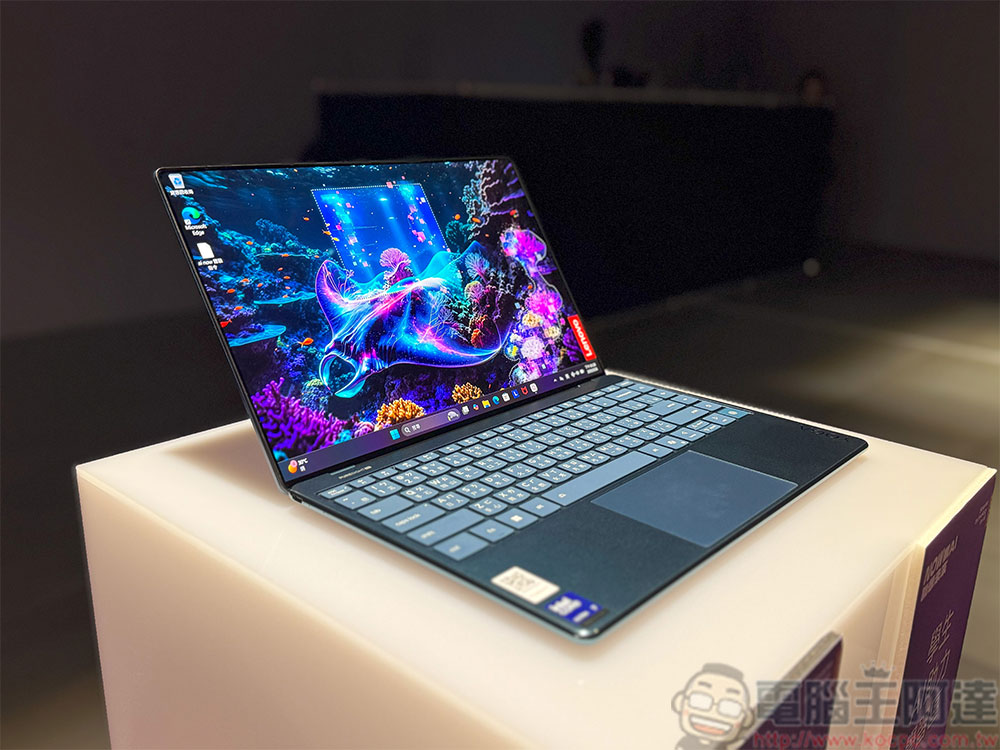
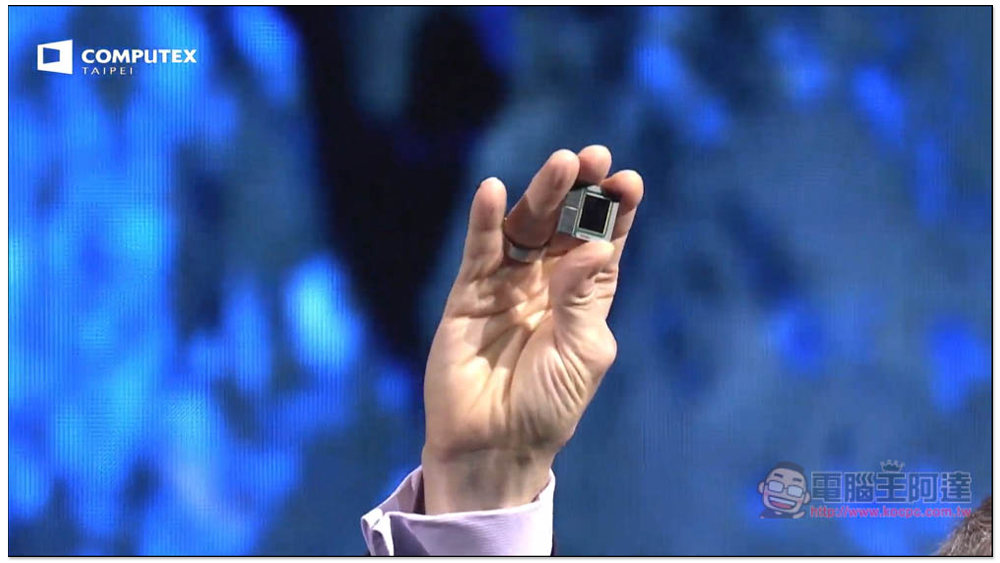
AI is everywhere, and a high degree of integration can be seen on mobile devices; in laptops, Microsoft seems to have gone out of its way to hope that every Windows laptop can have a Copilot key. Apple has chosen a slower, more conservative approach to AI integration than Microsoft, but we could soon see an acceleration.
All laptops launched in the past few years will have some kind of NPU inside to handle AI workloads. NPUs are gradually being integrated into more general workloads, but at this stage, it is not yet important to pay more for a specific NPU.
Enhanced speaker system
If you need better audio, you may want to buy a laptop with a built-in audio system of a certain brand. Whether it is Dolby, Harmon Kardon or other brands, the size of the laptop’s hardware will suppress the sound performance. These systems may make the sound louder due to the inclusion of multiple speakers throughout the system, but it certainly won’t sound good enough to be worth spending the extra money on. If you want better audio performance during use, investing in a good pair of headphones will be more worthwhile than any type of special built-in speaker system.
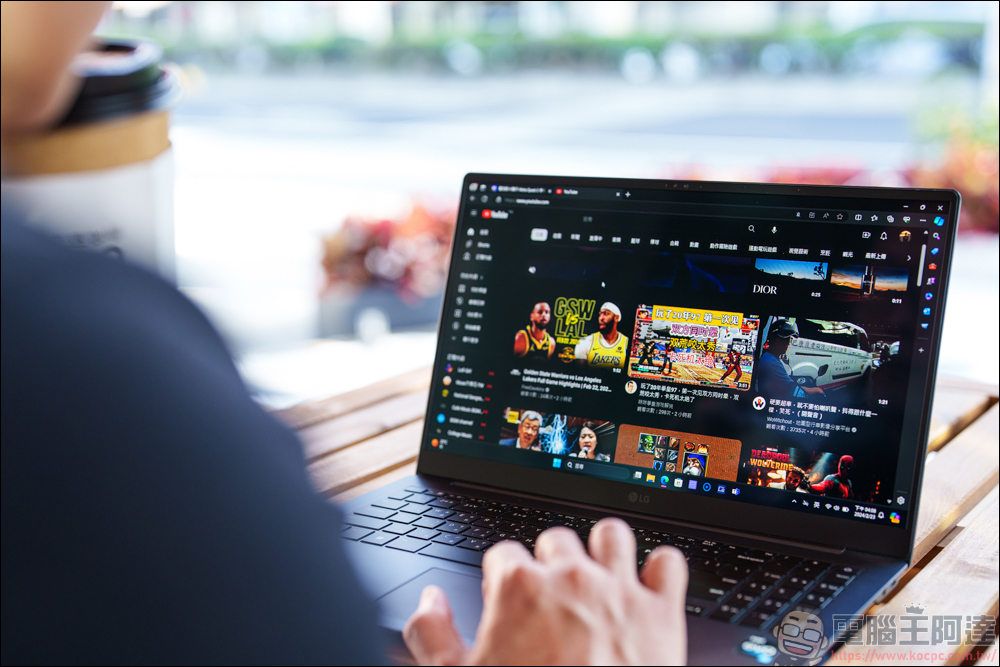
When you are shopping for a laptop, it is very easy to be fooled by the rich functions boasted by various brands, but if you return to your real needs and meet the most important core conditions within a limited budget, the rest will be the icing on the cake. If you want to save your budget as much as possible, then you should think about which selling point functions you do not need or use, and gradually reduce the necessary list, so that you can truly buy the functions you need at a reasonable price.
Source: KOCPC Chinese