


When Apple decided to abandon the 3.5mm headphone jack on the iPhone, it received overwhelming criticism from all sides. The first-generation AirPods debuted alongside the iPhone as an instant solution, and now, nearly a decade later, Apple’s AirPods have become one of the most popular Bluetooth accessories on the market. Over the years, it has been continuously improved and evolved, and it has also gained several new features, such as adaptive audio, conversation awareness, and the ability to accurately track and find lost AirPods using iPhone.
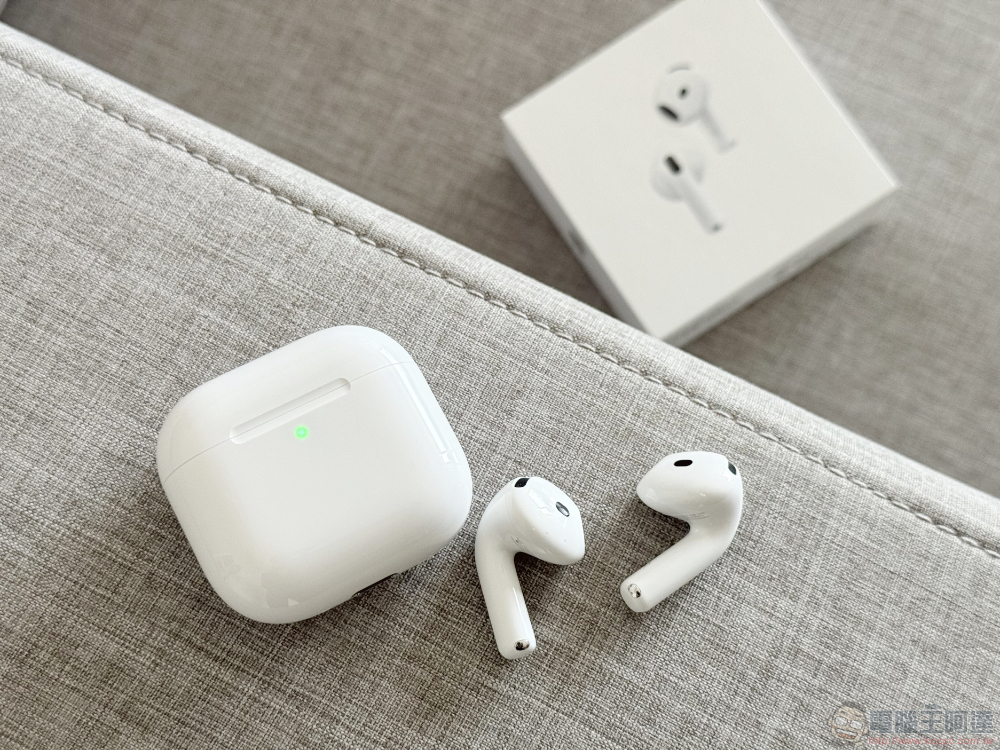
Can I use my iPhone to charge AirPods? What to do?
Another useful addition to the AirPods range is wireless charging, which allows you to charge the AirPods charging case by placing it on a Qi-certified wireless charger. Some models even come with MagSafe charging, allowing you to attach them to a wireless charger faster. The AirPods also have good battery life and stay charged while in the charging case. Still, it’s not uncommon for you to inadvertently start your day with a pair of completely drained AirPods. In that case, you should be happy to know that you can charge them using your iPhone, but as is always the way with Apple, there are some conditions.
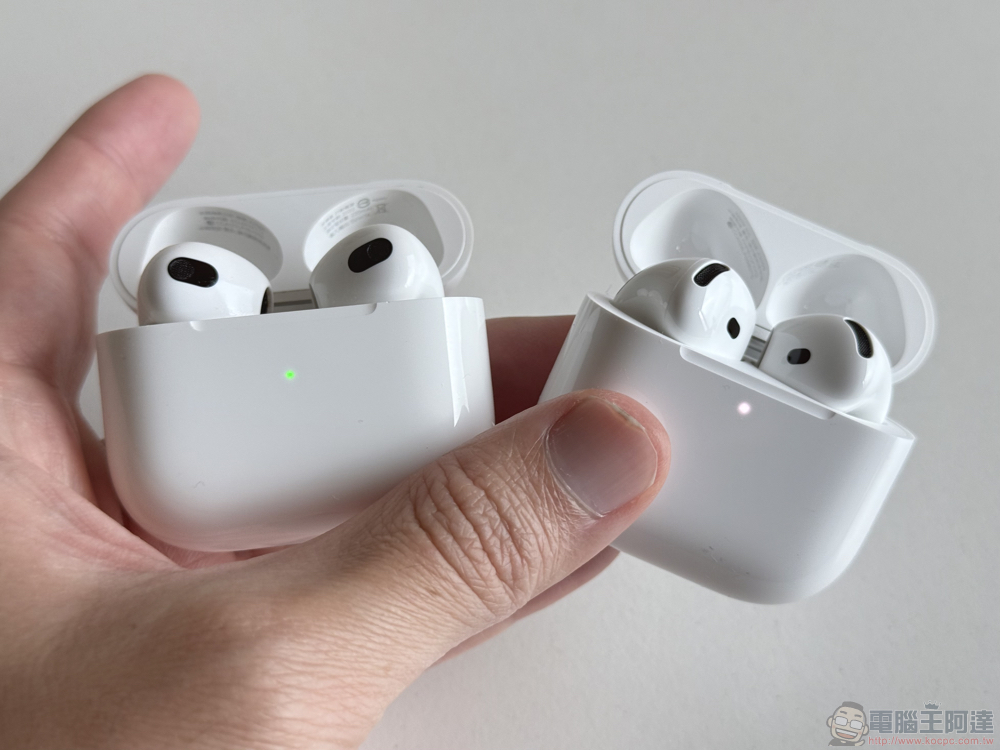
You can use your iPhone to charge any model of AirPods, provided you have an iPhone 15 or newer variant with a newer charging interface. After under pressure from the European Union, the long Lightning era is over, and Apple finally bowed its head and released the iPhone 15 series equipped with USB-C. USB-C on iPhone has many advantages, including faster file transfers, higher charging speed limits, and the ability to connect your iPhone to a display.
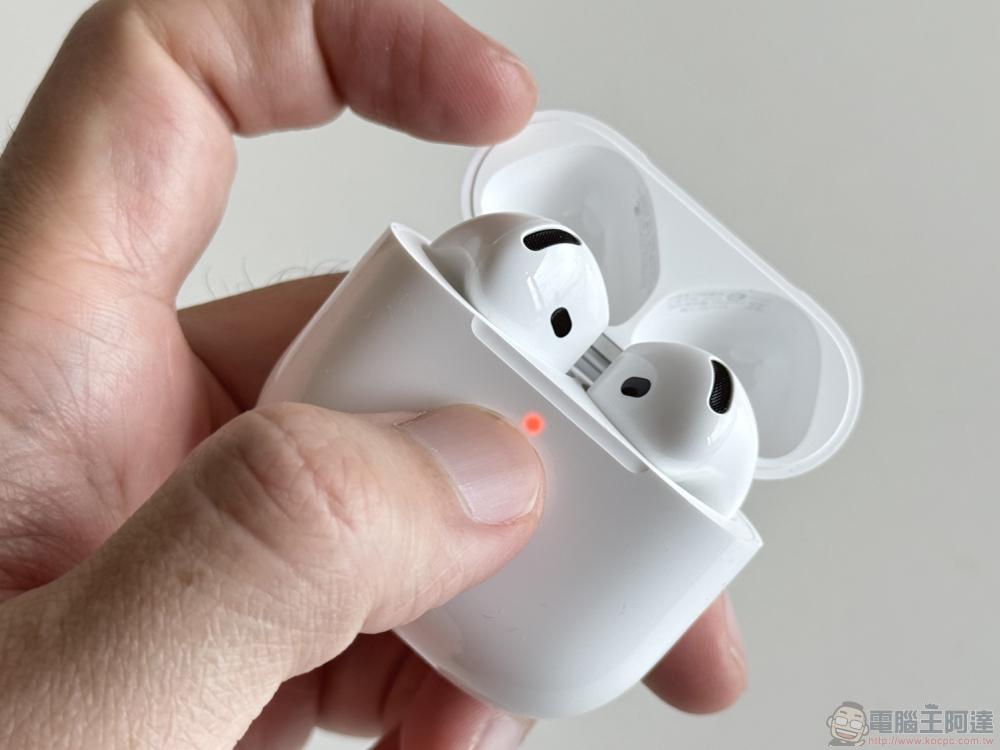
Another feature of USB-C is reverse charging. Android phones have been able to do this for years, but you can now use reverse charging on your iPhone. The process is simple, connect one end of the charging cable to your iPhone and the other end to the device that needs to be charged, and it works with all models of AirPods as long as you have a cable that can connect them to your iPhone.
For example, if you have a pair of AirPods that charge via the Lightning port on the charging case, you’ll need a Lightning to USB-C cable. AirPods 4 and AirPods Pro 2, which charge via USB-C, can also be plugged into an iPhone via a USB-C to USB-C cable.
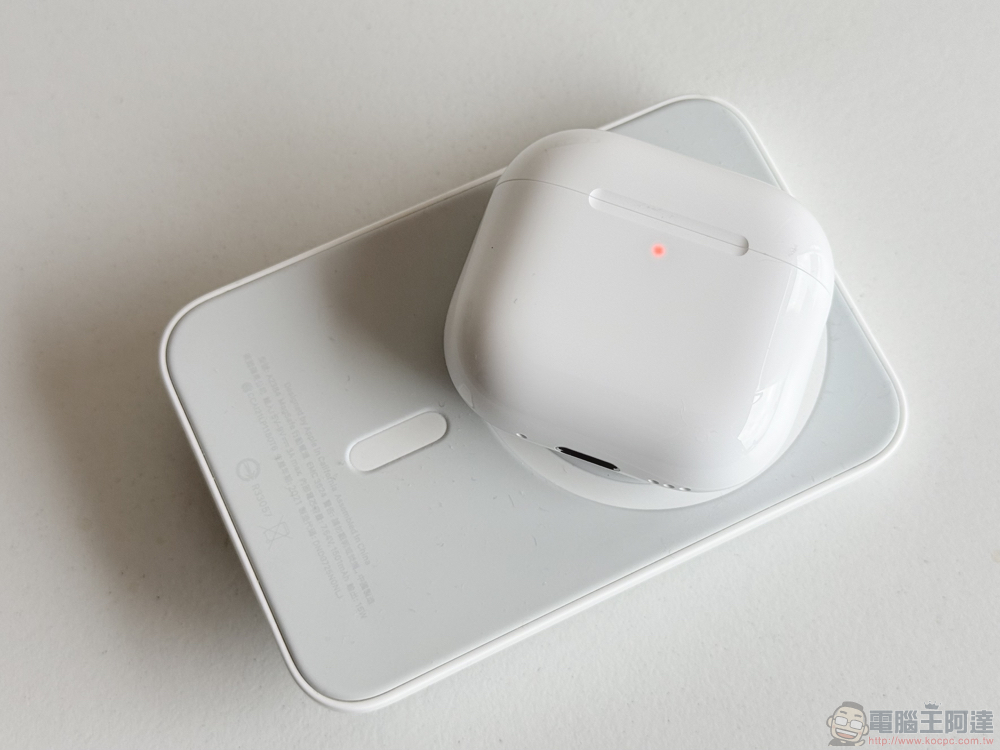
Every model since the iPhone 12 comes with MagSafe, except the iPhone SE and iPhone 16E. While it’s practical to try attaching MagSafe-compatible AirPods charging cases to the back of your iPhone, you’ll be disappointed to find that they don’t charge or even stick to the phone like other MagSafe accessories. Many Android phones have reverse wireless charging, and you can actually charge your AirPods using another Android phone.
Source: KOCPC Chinese