


Whether it is a corporate official website, a personal blog or a brand image website, the website’s favicon (website icon) is an indispensable part. After all, when users are used to opening dozens of web pages at once, Favicon is the key to making your website stand out among browser paginations! In addition, this small icon will appear on search engine results pages to enhance the brand’s professional image.
However, designing a beautiful and practical Favicon yourself may be a challenge for people who are not good at graphic design. At this time, you can try Aha Icon, a free online favicon generator. Not only is it easy to operate and supports multiple languages, it also provides a wealth of color matching, font and adjustment options to help you easily create your own website logo! Next, let’s take a look at the features of Aha Icon and how to quickly create your own Favicon through a few simple steps!
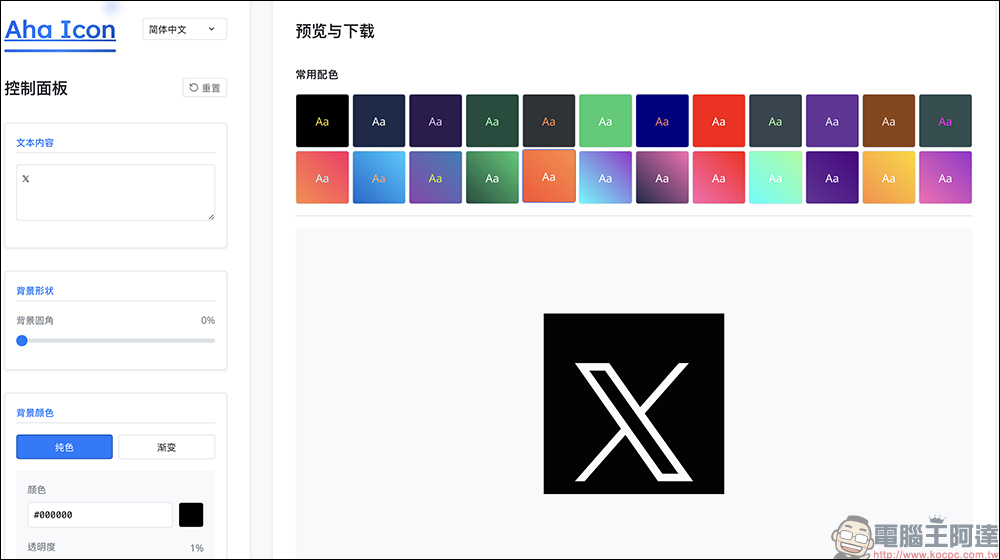
Want to make your website more recognizable? Free Favicon generator Aha Icon helps you get it done with just one click!
Why do you need a good Favicon? The website icon is just a small detail, but it can have a huge impact:
- Improve brand recognition:
Users can recognize your website at a glance and reduce the churn rate. - Enhance professional image:
A beautifully designed Favicon makes your website look more premium. - Improve search results display:
Favicon will appear in Google search results, making your website more clickable. - Enhance user experience:
When users open multiple tabs, a clear favicon can help them find your website quickly.
What’s so great about Aha Icon?
- Completely free, use anytime:
Aha Icon does not charge any fees and does not require registering an account. You can use it directly by opening the web page. This is great news for users who need to quickly generate favicon! - Easy to get started, no design background required:
Compared with professional design software such as Photoshop or Illustrator, Aha Icon’s operation interface is simple and easy to understand, and even users with zero design experience can easily get started. Just enter text, select colors, fonts, and fine-tune the details to quickly get your own Favicon. - Multi-language support, friendly Chinese interface:
Aha Icon has a built-in multi-language interface, including Traditional Chinese, so both novices and experienced users can easily find the functions they need. - Rich color matching and gradient options:
Website favicons should not be the same. Aha Icon provides a variety of common color schemes as well as eye-catching gradient colors to make your website icons more recognizable. - Built-in multiple high-quality fonts:
Aha Icon has a variety of built-in selected fonts, including popular fonts such as Playfair Display, Roboto, Open Sans, Montserrat, Poppins, etc. to ensure that the fonts of website icons can be clearly presented. You can also adjust the font style, such as bolding, italics, and even fine-tune the line spacing and character spacing to make the overall visual effect more perfect. - Instant preview, what you see is what you get:
When adjusting colors, fonts or positions, all changes are instantly reflected on the web page, eliminating the need to blindly guess the design outcome. - Multiple formats and sizes supported:
You can choose PNG or ICO format when downloading, and come in different sizes from 16px to 256px to meet various website needs.
How to use Aha Icon to quickly generate Favicon?
Step 1. Turn on Aha Icon
First, open Aha icon website, after entering, you will see many Favicon examples mainly in English or emoticons. These examples can be brought directly into the editor for easy testing and modification.
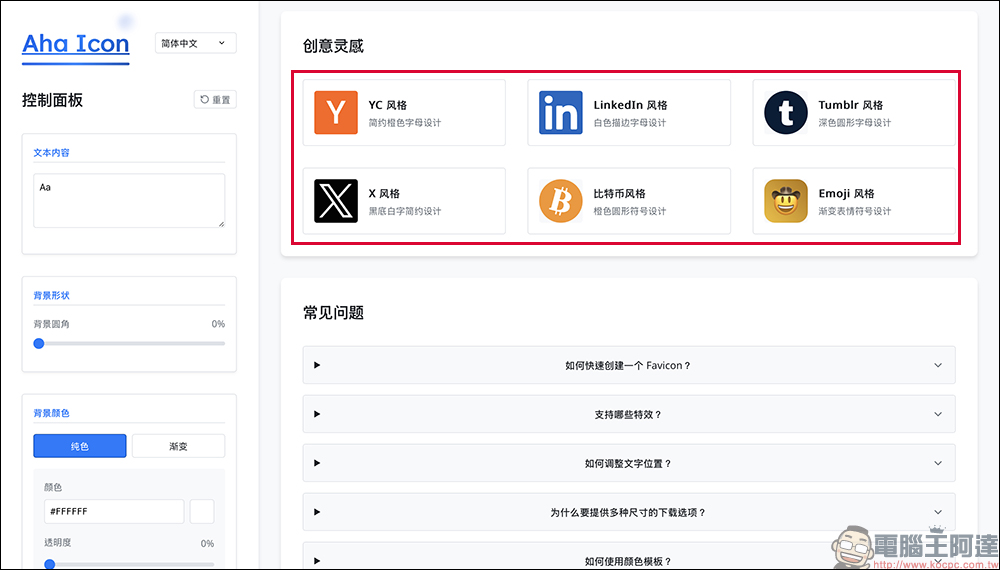
Step 2. Set text content and color
Next, enter your website name abbreviation (up to 2 letters) from the left control panel, or use an emoji as an icon. If your brand name is long, it is recommended to use a combination of initials, for example: Instagram → IG
Next, choose the right color combination. Aha Icon offers basic colors, gradient colors, and even custom colors.
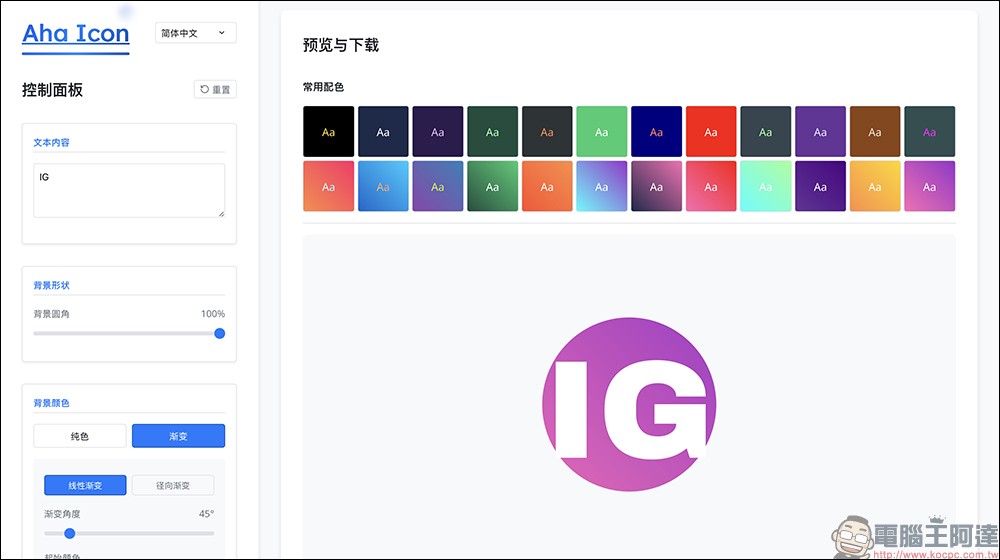
Step 3. Adjust font and style
Choose a font that suits the style of your website. You can add bold, italic, or adjust the font size.
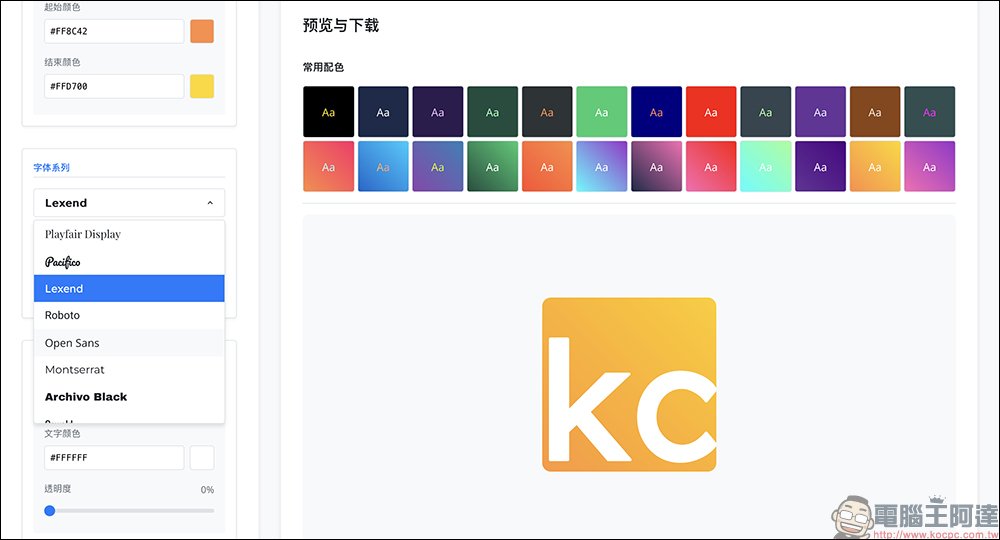
Step 4: Fine-tune details to ensure perfect visual effects
In addition to the basic font and color settings, you can also fine-tune the character spacing and line spacing to make the icons still legible in small sizes. You can also adjust the horizontal and vertical position of the icon through the “Text Position” option to ensure that the pattern is centered.
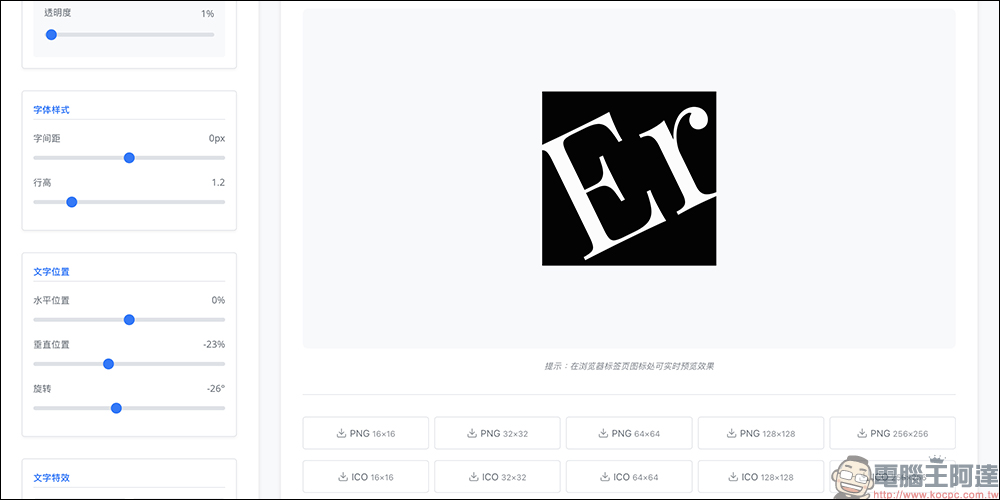
Step 5. Download Favicon
Finally, select the image format you want to download (PNG or ICO) and choose the appropriate size (it is recommended to download at least 32px, 48px and 256px to meet the needs of different devices), and you will get your exclusive Favicon!
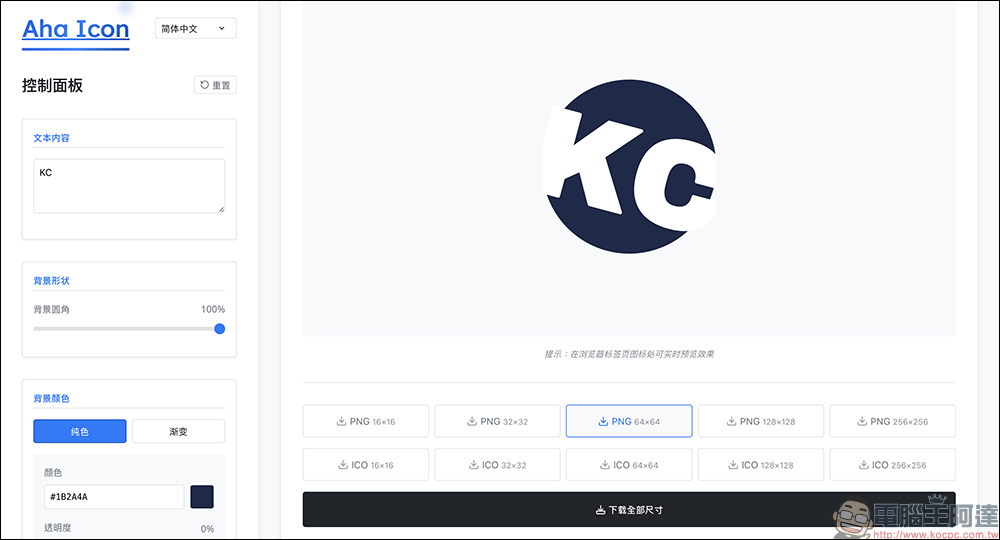
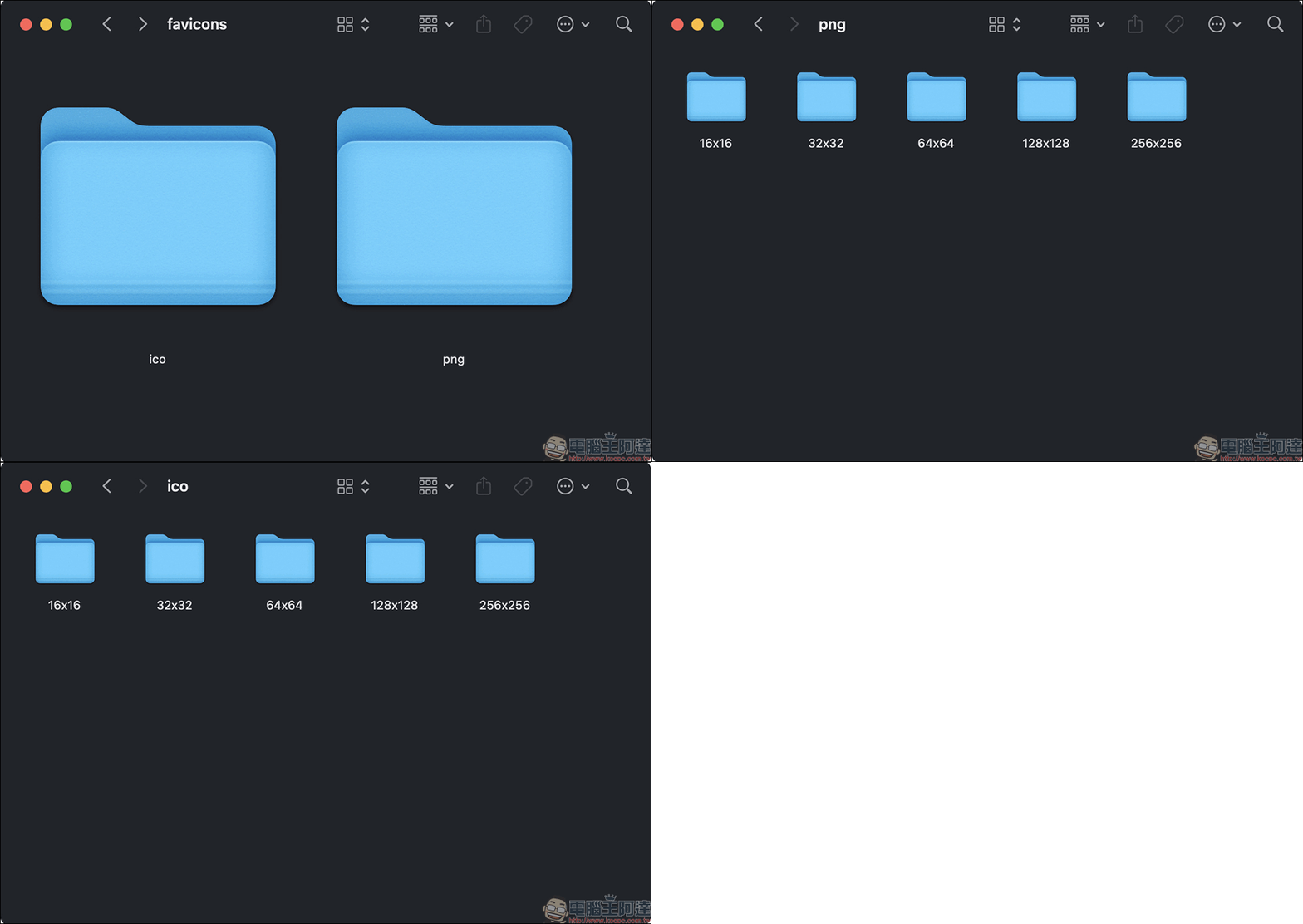
If you choose “Download all sizes”, icon files of various sizes and formats will be packaged at once, and will also be thoughtfully classified into two folders, ico and png.
Aha Icon Free Favicon Generator
Further reading:
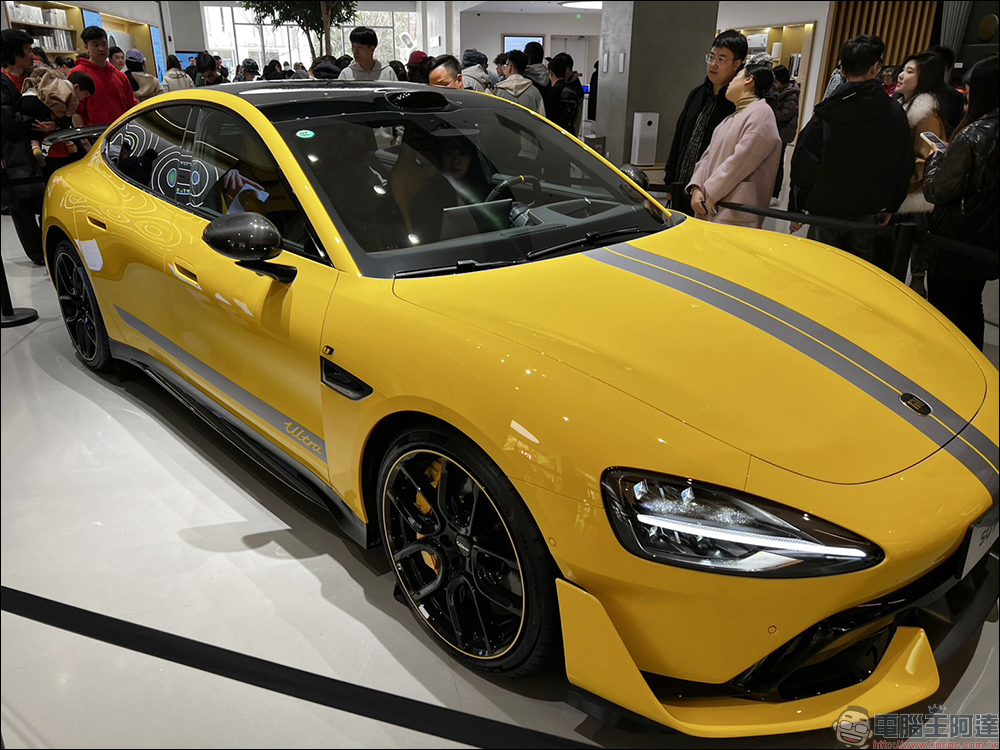
Xiaomi Xiaomi SU7 Ultra real car preview! The fastest four-door pure electric supercar in history with 1,548 horsepower
Source: KOCPC Chinese