


In life, we occasionally encounter situations where we need to share files and photos across devices. Most people probably use communication software such as LINE or cloud drives. In this article, I would like to recommend a free tool “Salad Room” that I find quite convenient. You can open a room with a browser and easily transfer files across multiple devices, whether on the same or different networks. What’s more important is that under the same network condition, after the device opens Salad Room, it will automatically join the room. This function is very convenient.
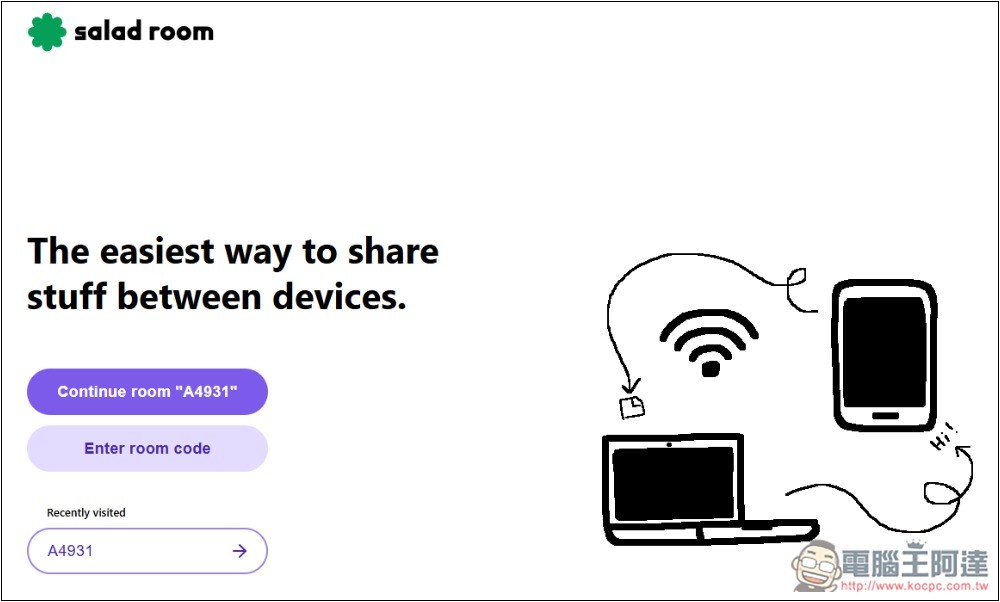
Salad Room is a free tool to easily transfer files and messages across multiple devices
Salad Room is a free tool that allows everyone to transfer files and messages to each other in the room by creating a room code. Each room supports up to 25 participants, which can represent 25 devices. Each file can transfer up to 2GB, so it is not suitable for large files.
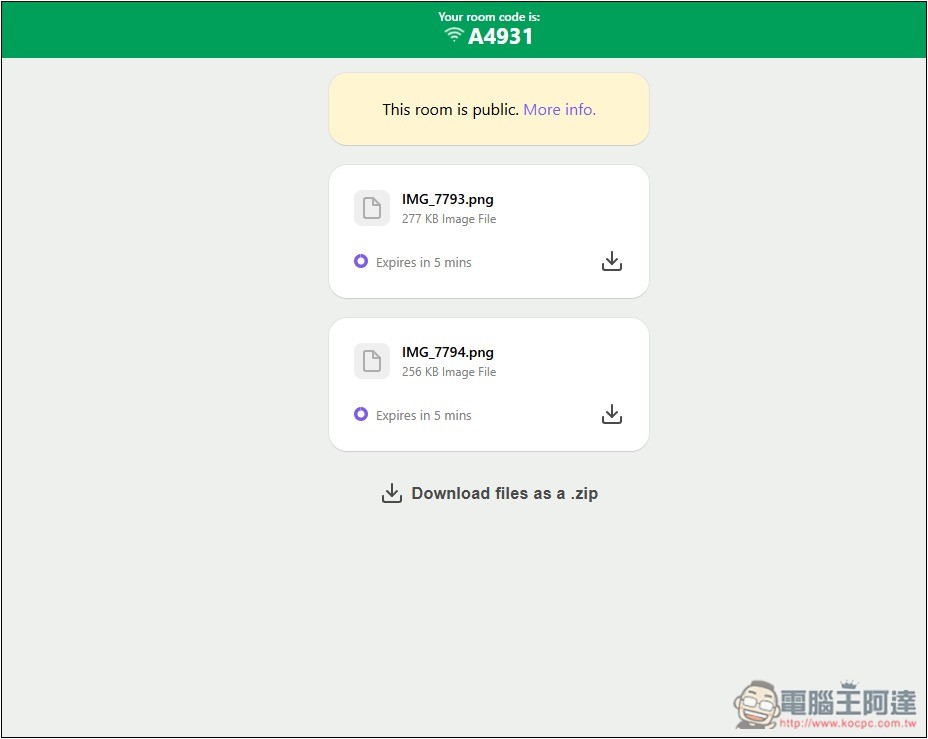
The transferred files will be stored in Amazon S3 and will be saved for up to 24 hours. After that, they cannot be used. However, according to my test, the files will expire after 5 minutes. I am not sure whether they are deleted or inaccessible.
Each room lasts for 30 minutes, beyond which it must be re-established.
For the security part, Salad Room has basic security measures such as HTTPS and server-side file encryption. However, please note that this service is not designed for transmitting sensitive information, so it is not recommended for transmitting important files.
Salad Room also doesn’t use cookies, has no ads, and only uses simple, anonymous analytics to collect basic statistics including page views, unique visits, and total button clicks that cannot identify any individual.
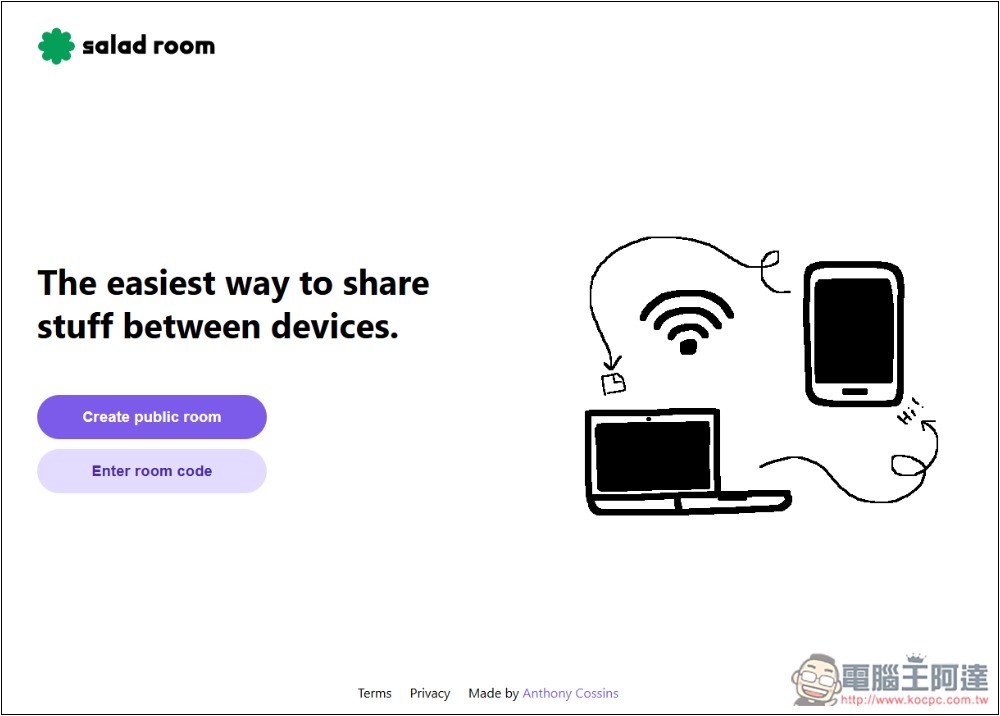
The usage is very simple. After opening Salad Room, press Create public room to create the room:
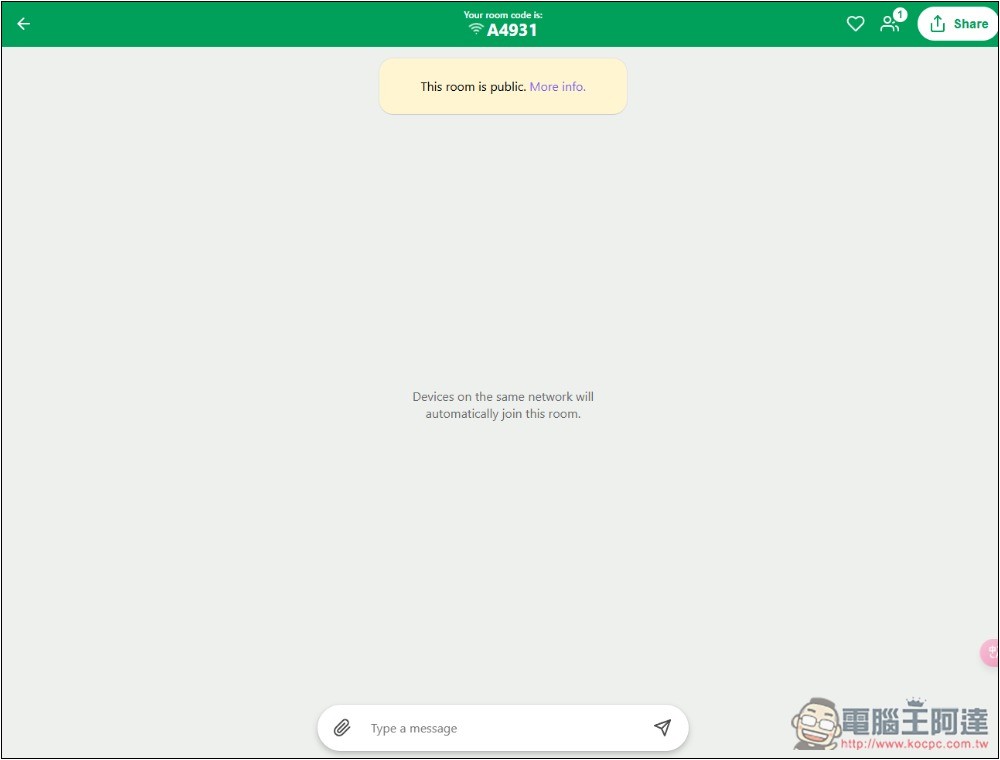
Then you will get the room code A4931. You can share this code with others, but be careful not to leak it, because anyone who knows the code can join directly without any permission. If they are under the same network, they will automatically join after opening the Salad Room, and there is no need to fill in the code:
For example, if I open the Salad Room with my mobile phone, it will automatically join A4931. Even if it is not there, the Continue room “A4931” button will appear on the screen, and the screen will show how many devices are currently connected:
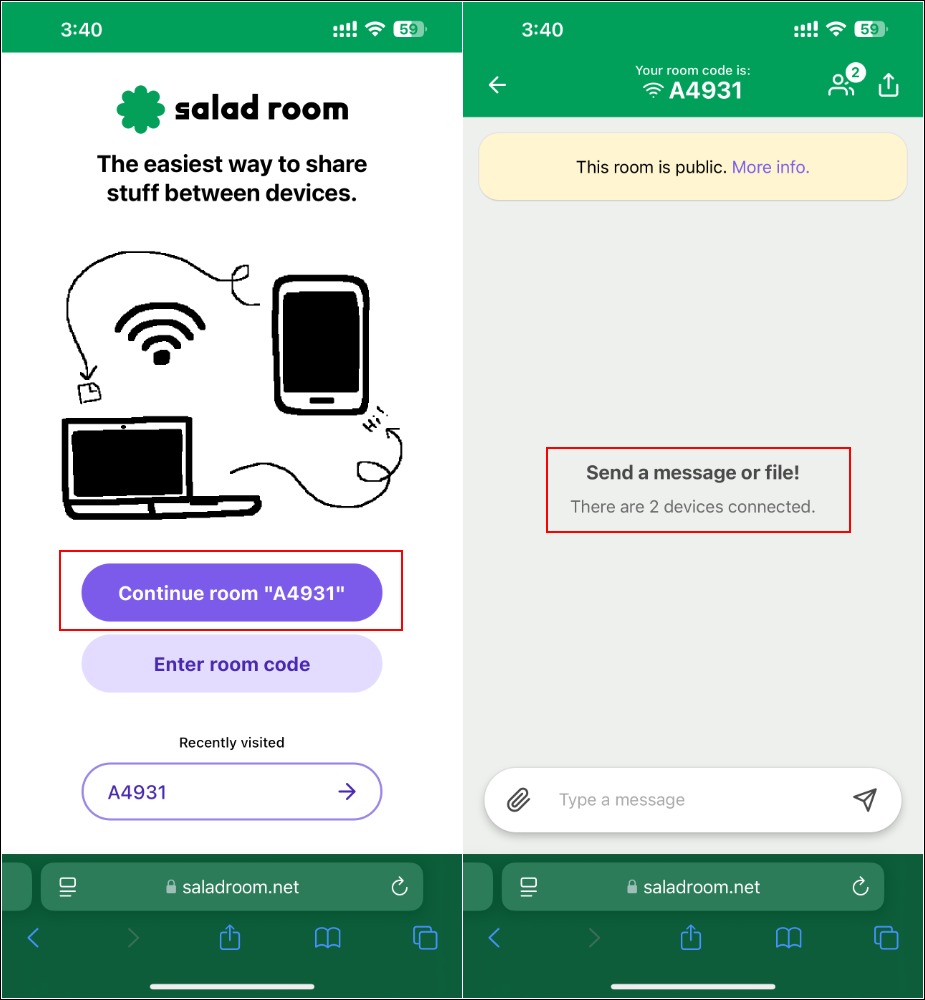
Regarding the auto-join feature, the developers also explain that Salad Room uses hashed IP addresses to create and match chat rooms, so your IP address is not stored in plain text and only a partial hash value is used to find the chat room.
After transferring the files, a download button will appear for each file, and there will also be a one-click function to package it into a ZIP archive at the bottom. In addition, you can also notice that the bottom of the file will display how long it will expire. After the time expires, it cannot be downloaded again:
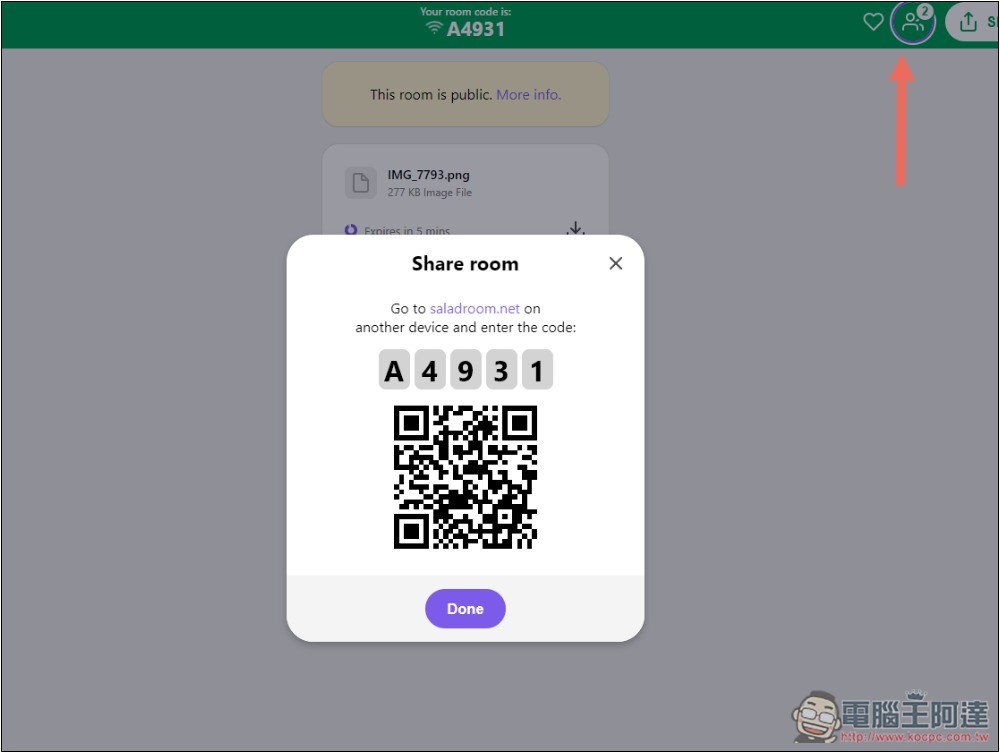
In addition to sharing codes, you can also create a QRCode for others to scan and join quickly:
Source: KOCPC Chinese