


When you are ready to enjoy streaming videos, video calls or browsing the web on your mobile phone, it is extremely annoying to encounter lags and buffering from time to time. Even the fastest, best-performing phones can feel sluggish due to a poor Wi-Fi connection, but the problem doesn’t always lie with your router, and sometimes many of the issues that crop up can be fixed on your phone without a complicated fix or the purchase of a new device.
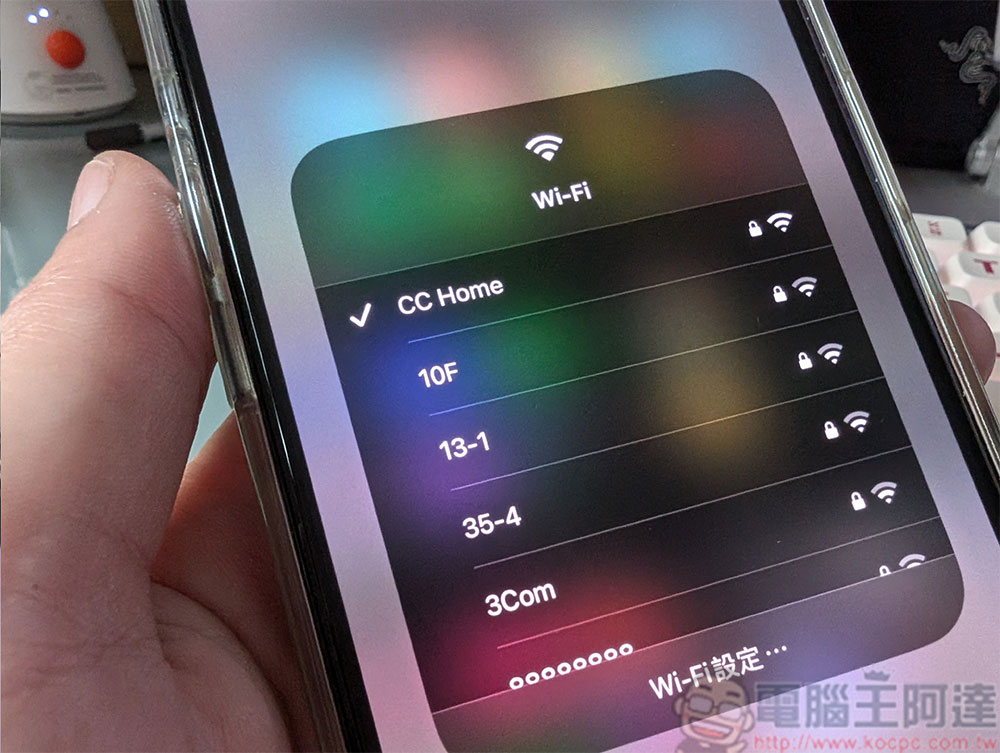
Mobile Wi-Fi is slow? The solution is that simple
When you connect to Wi-Fi and feel that the network speed is very slow, it may not necessarily be a problem with the router every time. This router is not responsible. You can speed up Wi-Fi with a few simple actions from your phone.
Rejoin Wi-Fi and connect
Sometimes the simplest approach is the most effective, and just like rebooting your phone can cure a serious ailment, one of the easiest ways to speed up your Wi-Fi is to delete and rejoin Wi-Fi and then reconnect. It may sound basic, but it makes sense. Over time, the network settings stored on your phone may become outdated, especially if the router has been updated or reconfigured. A mismatch between the two may cause connection problems, such as slow speeds or frequent disconnections. By disconnecting and reconnecting, you can update and reset the handshake between the device and the router, often eliminating temporary glitches that slow you down, in less than a minute and without delving into a complicated setup process.
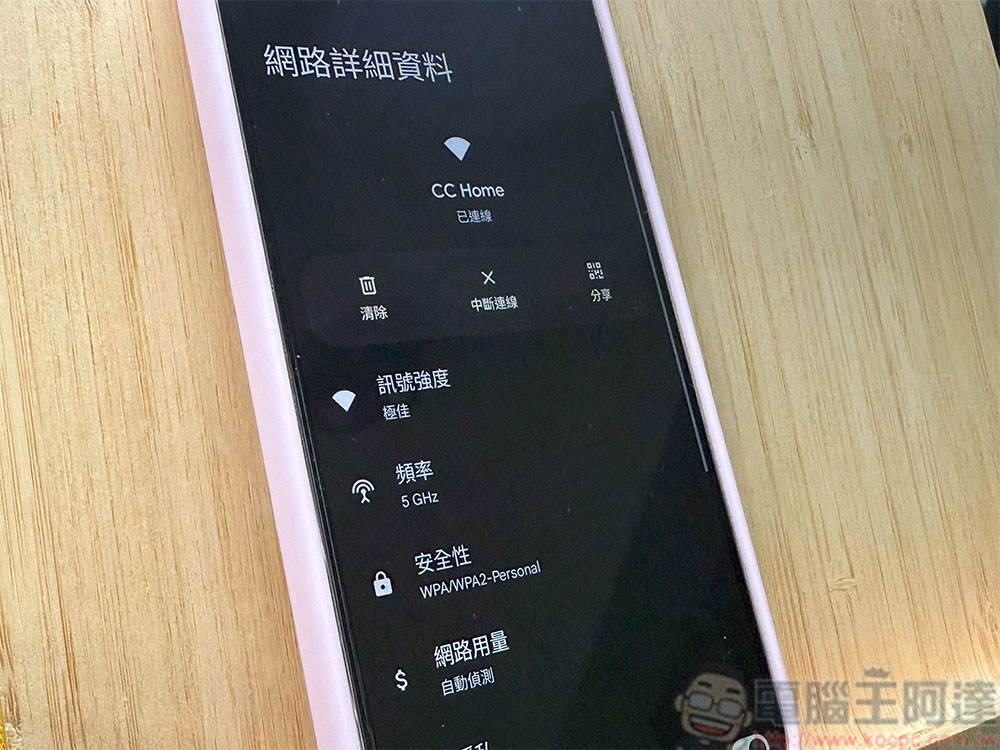
If this doesn’t solve your phone’s Wi-Fi problem, you have more options, such as going into your phone’s Wi-Fi settings to check the frequency band you’re connected to. Most modern routers offer both 2.4GHz and 5GHz bands. Each has its advantages, and using the right method at the right time can improve your online experience.
- 2.4GHz frequency band
The wider range and ability to penetrate walls make it ideal for situations where you are further away from the router or in a different room, however, it is often susceptible to interference from other devices such as microwaves and Bluetooth devices. - 5GHz band
Faster and less distracting, perfect for media streaming, gaming or video conversations. But it has a shorter range and is immune to obstacles, and if you’re located near a router, switching to 5GHz can improve speeds.

In many cases, turning Wi-Fi off and on will cause your phone to automatically connect to a stronger band, if not you’ll need to manually select it in Wi-Fi settings. Some older routers don’t have the 5GHz option enabled by default, so you may also want to check your router’s settings. A small switch can have an impact on your phone’s network speed, especially when you’re trying to stream or video call at higher quality.
VPN improves security, but speed will be affected
If you have the habit of using a VPN, you need to pay extra attention to this issue. VPNs are great for protecting your privacy and helping you browse securely and access geo-restricted content, but there’s one problem: they can slow down your connection because your data is connected through additional servers, sometimes halfway around the world.
While some premium VPN services often claim to minimize slowdowns, the reality is that encrypting and rerouting traffic adds an extra step to your network. If you want faster Wi-Fi speeds when you’re not working, have extra security, or access certain services, temporarily turning off your VPN can have immediate results.

Background running secretly consumes bandwidth
Some applications can also silently occupy bandwidth by running operations in the background, slowing down the network speed. What goes on in the background? Such as file synchronization services, media downloads and application updates, etc. Closing background applications frees up limited bandwidth. On Android and iOS you can check which apps are running in the background and stop them. But you have to note that some of the work done in the background is very important, so your key must be on the balance between bandwidth and ensuring that the service is normal, rather than affecting the basic service because of extreme choices.
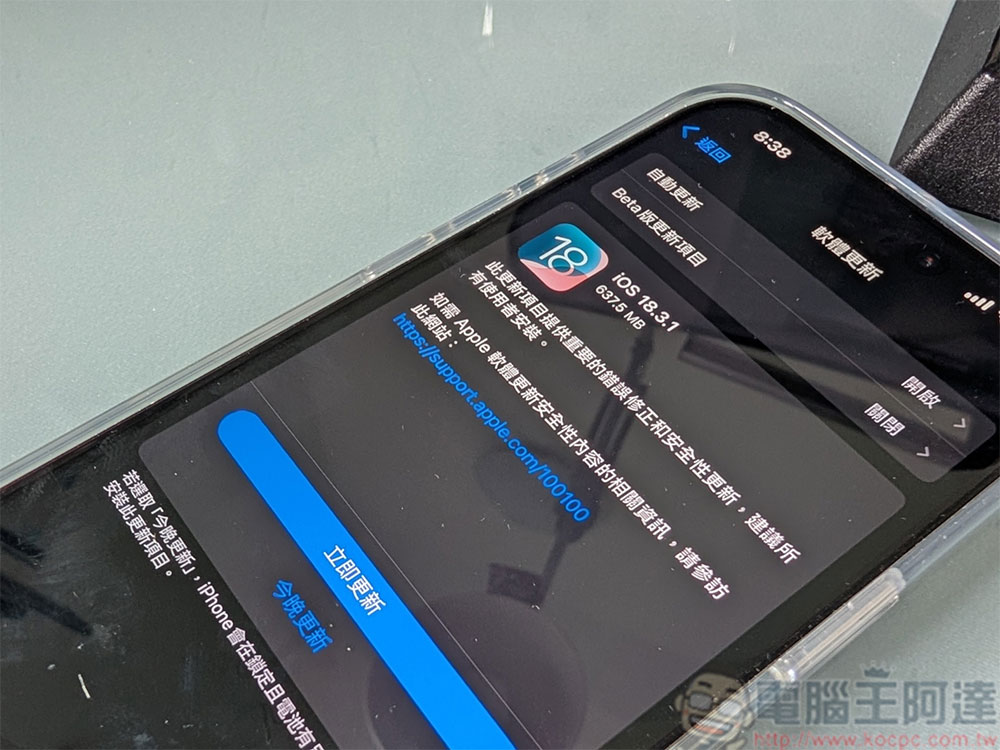
Don’t ignore any system updates
Finally, the most important and most overlooked solution is to keep your phone’s software up to date. Mobile phone manufacturers often include new features and improvements in software updates, many of which improve wireless network connections and resolve bugs that may affect Wi-Fi performance. These updates often optimize the way your phone communicates with different routers, manages bandwidth, or handles network switching.
You can experience improvements in stability and speed after installing the system update for Wi-Fi enhancements. In addition, staying updated ensures that you get the latest security fixes and features. If you’ve been putting off system update notifications, consider taking a few minutes to install it. The benefits will outweigh the occasional bug.
Wi-Fi issues don’t just affect affordable phones, even the most expensive flagship phones can suffer from network connection speeds. Improving your phone’s Wi-Fi doesn’t always require a complicated fix, and often small tweaks can make a difference. Whether it’s resetting the network settings on your phone, switching to a faster band, turning off your VPN, closing some essential background apps or actually installing a software update, these processes can strengthen your phone’s connection. With just a few minutes of troubleshooting, you can enjoy lag-free streaming, web browsing, and calling, all with the simplest of actions and minimal effort, all without the need for additional equipment.
Source: KOCPC Chinese