


You may choose to buy a second-hand TV for many reasons. For example, your favorite model happens to be available for purchase from a friend, or the second-hand price is more acceptable. Nonetheless, before the sweet prices go to your head, you should be more careful than when buying a new TV. In addition to comparing brands, specifications and prices, there are some parts that require your special attention and patience to do some inspections.
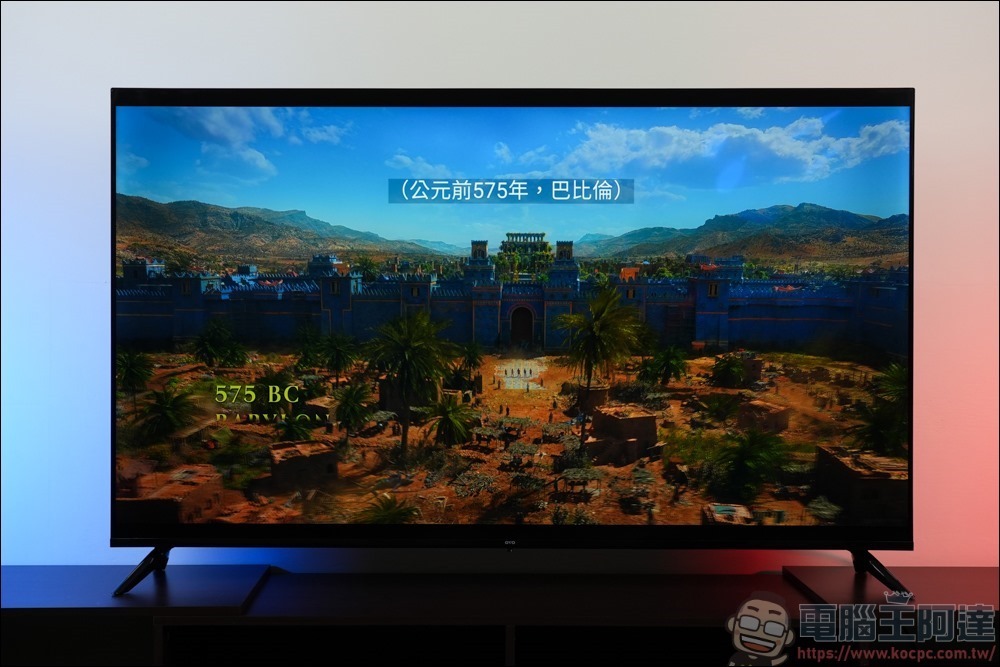
When buying a second-hand TV, what should you pay special attention to?
It’s hard to find the latest TV models on the second-hand market, and when you buy a used TV you get little or no warranty depending on where you buy it from. On the other hand, if you buy a TV from an individual, there is no option to repair or return it if something goes wrong, making it even riskier. So, this time we have listed some brief considerations to ensure that your purchase is worth the price.
Screen status
Checking for screen defects is the first thing you should do when buying a used TV. Although you bought a second-hand TV at a good price and brought it home, it can be quite a headache if it has problems that you can’t immediately notice, such as an aging panel or intermittent screen flickering. You can minimize this by inspecting the screen thoroughly before buying the TV. First, check the screen for cracks or scratches. While a small scratch may not look like much, sometimes small scratches can be distracting, reduce image quality, and may worsen over time.
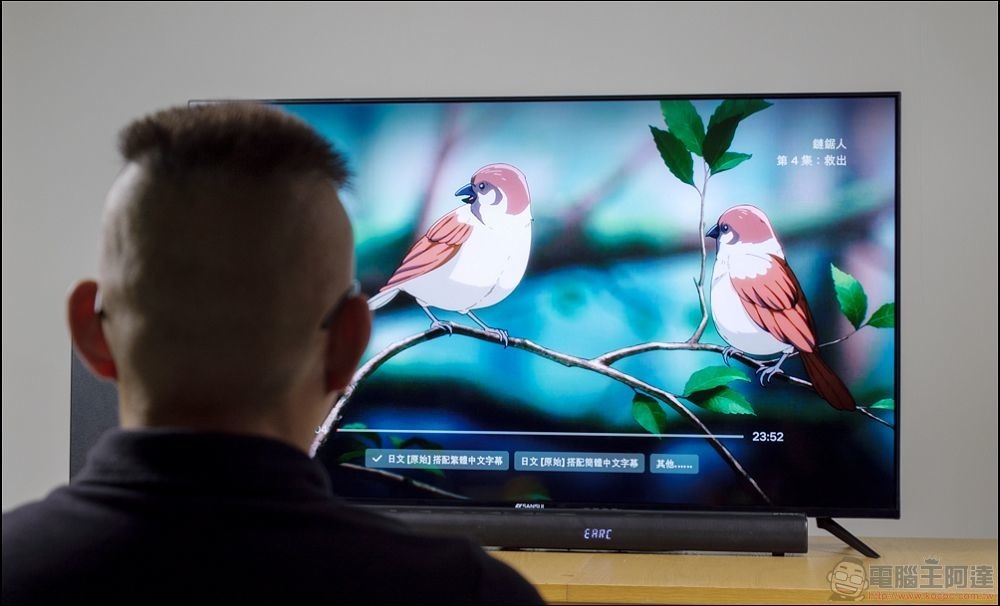
You should also check the screen panel for dead pixels. You can turn on the power of the TV and keep the screen black to find out whether there are bright spots of light or small spots of light that always keep the same color to find dead pixels; some brands of TVs also have built-in pixel tests (such as Samsung), which makes checking more convenient. You can end your screen check by making sure there’s no screen burn-in (especially on OLED models), discoloration, black spots, or brightness inconsistencies. Although you can spend additional money later to repair problems such as aging of OLED TVs, this is not something you should bear when buying a second-hand TV.
Port functions
Ports are one of the most important parts of your TV, and if they aren’t working properly, you’ll have a hard time connecting them to other devices in your home. Depending on how long the seller has owned the TV, the ports may have been used for a long time, which is why it is so important to test all ports (HDMI, USB, VGA, etc.) before buying a used TV.
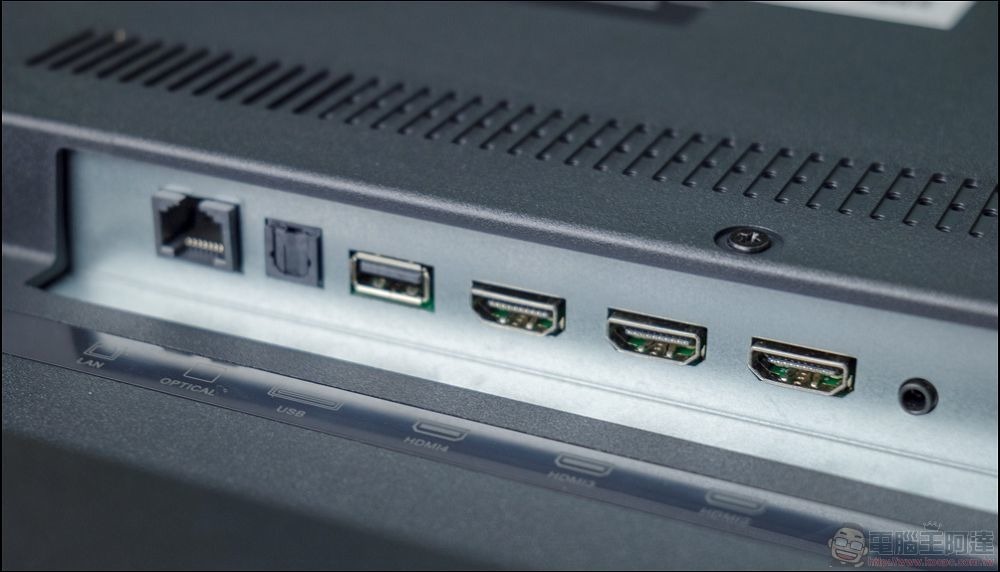
You can do this by plugging a device into each port and seeing if it works properly. You should also inspect your TV’s ports for any signs of wear, including loose connections, bent pins, dirt buildup, and other signs of damage that could negatively affect your TV’s performance. You’ll also want to make sure the TV you buy is compatible with the external devices you plan to use it with. Even TVs that appear to have the ports you need, and they are in good condition, may not support the latest standards, and you may end up with an older TV with HDMI ports that does not support HDMI 2.1 and cannot support 4K@120Hz gaming.
Smart features and software support
When you buy a smartphone, it initially runs smoothly and responds quickly, but after a few years it stops receiving updates and even fails to perform some basic functions. Smart TVs model much the same as phones, slowing down over time and making some apps and features unavailable after the software ends support.
How often a smart TV gets updates depends on the manufacturer, which is something you want to consider when buying a used TV. For example, if the TV you’re considering buying is 5 years old and manufacturer software updates support it for 7 years, then after 2 years it will stop receiving support and security updates and may experience compatibility issues with streaming services and other apps. Before buying a used TV, you need to confirm this information to determine whether the TV is worth buying.
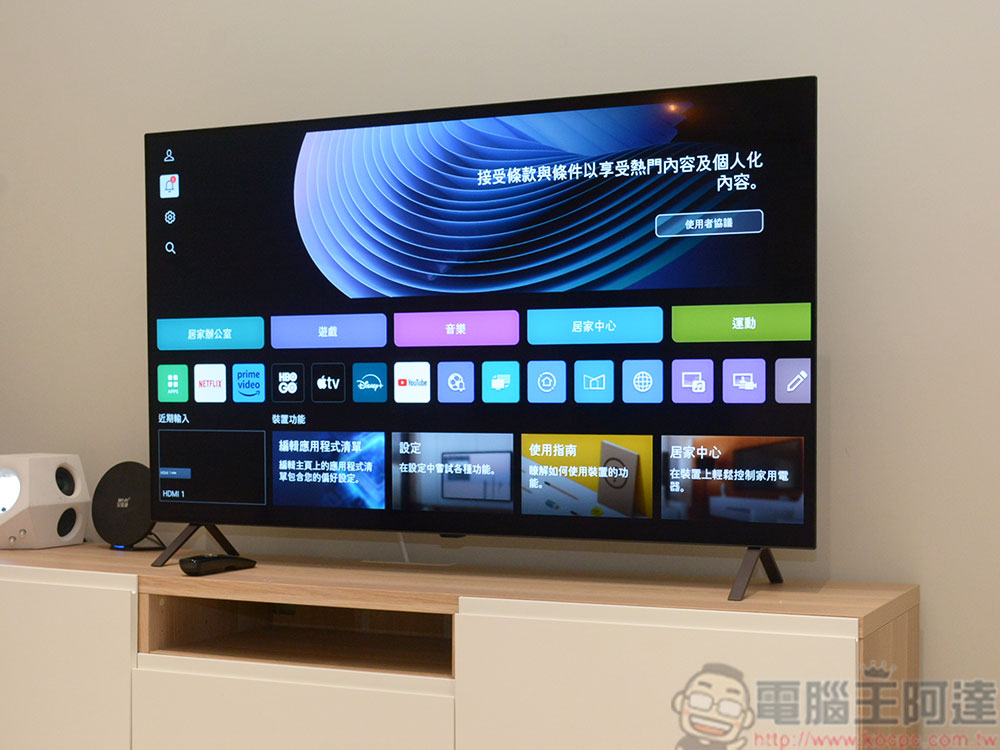
If you have certain must-have apps, you should also make sure the TV you’re considering supports them. Not all smart TVs are available with the same apps, and many developers prioritize getting their apps on big platforms like Samsung and LG before moving on to lesser-known TVs. While there are workarounds, such as turning an old dumb TV into a smart TV, knowing these details ahead of time can save you from surprises when you bring your used TV home.
Age and usage history
TVs are just like any other electronic product, the older they are the more likely they are to have problems. On average, TV upgrades take about 5 to 10 years to replace. You may be able to use it longer, but the likelihood of failure increases over time, which is why it’s important to pay attention to the age of your TV before buying a used one. As a rule of thumb, second-hand TVs that are no more than 5 years old are the best to buy.
You’ll also want to know how well the TV has been used before buying it. Even if a TV model is relatively new, if it’s heavily used, you may run into problems after you get it home. Ask the seller how the TV will be used; a TV used primarily for home entertainment may be in better condition than one used in a commercial setting such as a sports bar. You should also ask the seller about the TV’s repair history and whether it has had any modifications, to better understand the condition it’s in and identify issues that may arise in the future.
sound quality
Although everyone focuses on picture quality when buying a TV, sound quality is equally important. Whether you’re watching the NBA or your favorite movie, it can be frustrating if you can’t hear dialogue or commentary because of subpar speakers, or if you get home and find that the speaker sound is cracked or even broken. This is why sound testing should be a must when buying a second-hand TV.
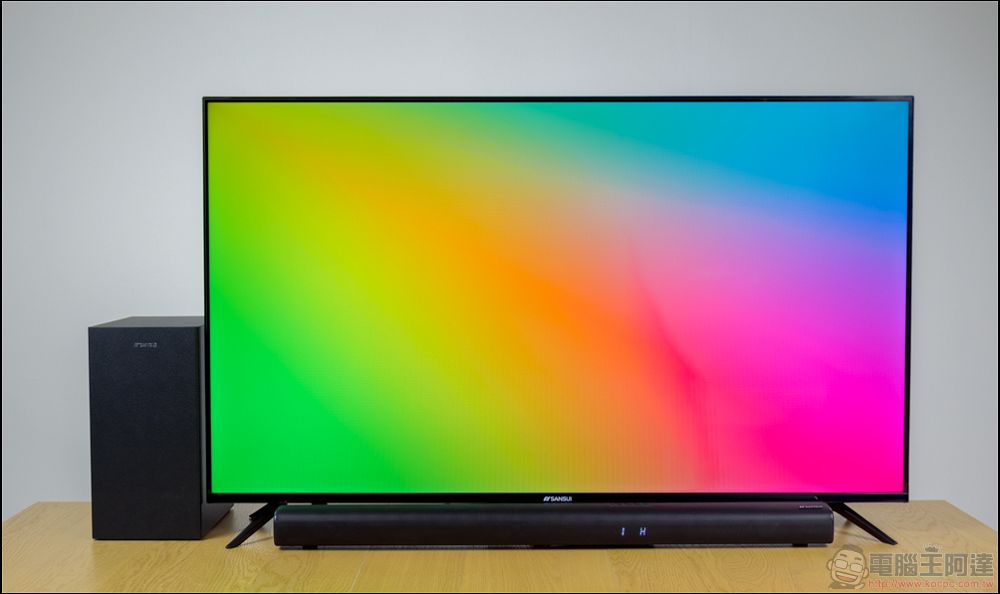
To check the sound quality of your TV, play movies or music directly on the TV and adjust the playback volume to test the speakers to see if there is distortion, noise, or unbalanced sound output. If you hear any of the sounds mentioned above, it’s likely that your TV’s speakers are damaged. If you want to supplement your TV with a sound bar or sound system, be sure to test the audio port to make sure it’s working properly.
Source: KOCPC Chinese