


Have you ever wanted to make the LINE interface more personalized? Now, LINE has launched a new free font – “Coriander”, making your chat interface no longer the same! This font is not only a beautiful font, but also a cultural bridge. “Coriander” was born to enhance the digital experience of Traditional Chinese, especially by supplementing Taiwanese native language characters, including Hakka Chinese characters, Taiwanese Chinese characters, and aboriginal Roman characters, etc., to make the expression of the language more complete and show more local cultural characteristics. Continue reading this article and I will teach you how to apply this free font in LINE.
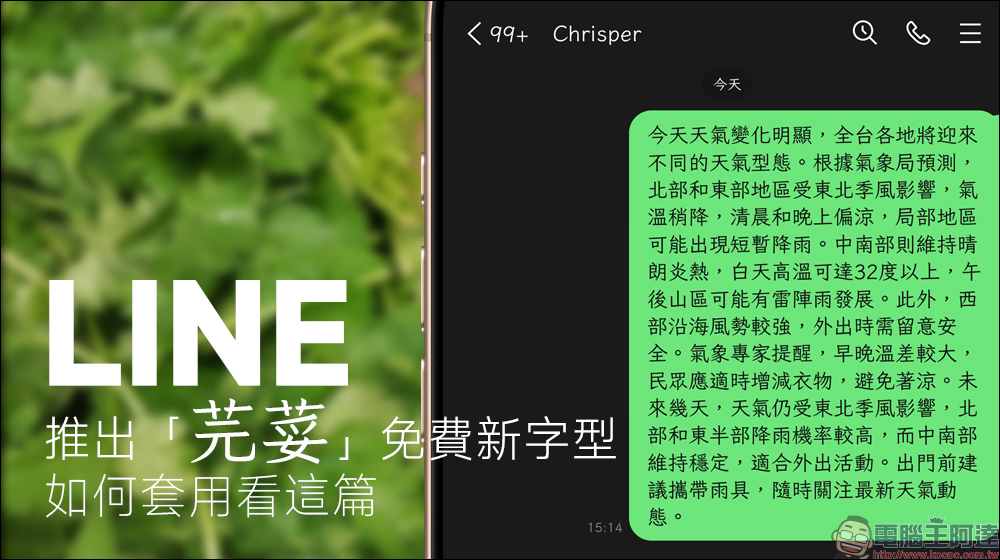
LINE launches the free font “Coriander”, how to apply it please read this article
The name of this font is “coriander”, which is actually the coriander we are familiar with. This ingredient occupies a place in Taiwan’s food culture. People who love it can’t wait to add more, while those who don’t like it will avoid it. The design inspiration of the “cilantro” font comes from such extreme emotions, hoping to bring an impressive experience like coriander. Now, LINE also officially supports this font, allowing users to easily apply it and make daily conversations more personalized!
The “Coriander” font was first adapted from Fontworks Klee One by But Ko, the initiator of “Zi Hi”. It was originally a Japanese font, but But Ko has made significant optimizations and adjustments to make it more suitable for the use environment of Traditional Chinese. This font retains the original regular script and Song-style brushstrokes, while further solving the problem of missing characters in many traditional Chinese fonts.
Not only that, the development team also specially added glyphs for Taiwanese, Hakka and other local languages to the “Coriander” font, making this font more in line with the writing needs of Taiwanese people. The most important thing is that “Coriander” is Taiwan’s first open source hard-pen regular script font. Not only can it be downloaded for free, but it can even be used for commercial purposes, making it easier for more people to use this font.
(Further reading:“Coriander” Coriander free font is available for free download! Taiwan’s first open source set of hard-pen regular script fonts)
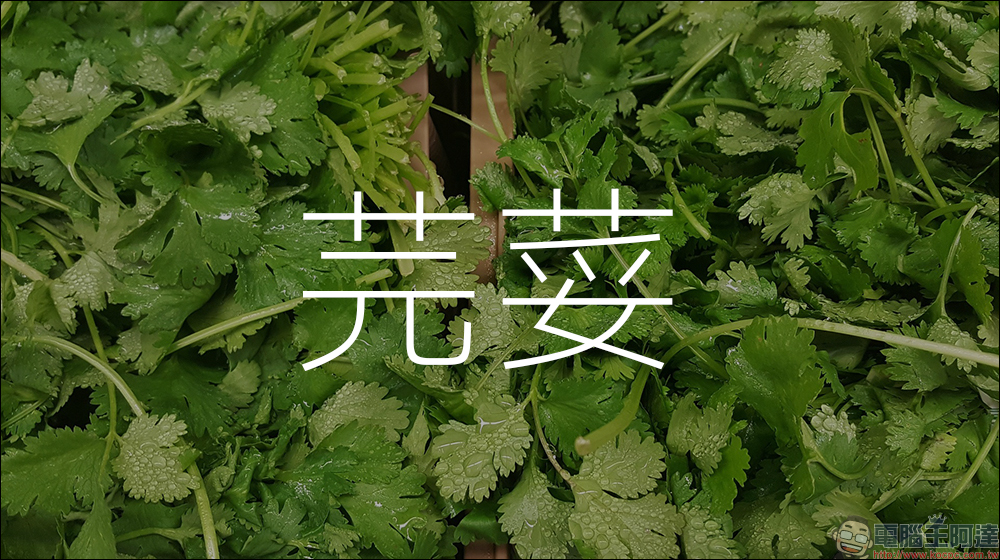
Now, LINE has also included this font with strong Taiwanese characteristics into one of its built-in font options, allowing users to directly use this font by simply switching it in LINE settings without downloading or installing it, and enjoy a more personalized interface style!
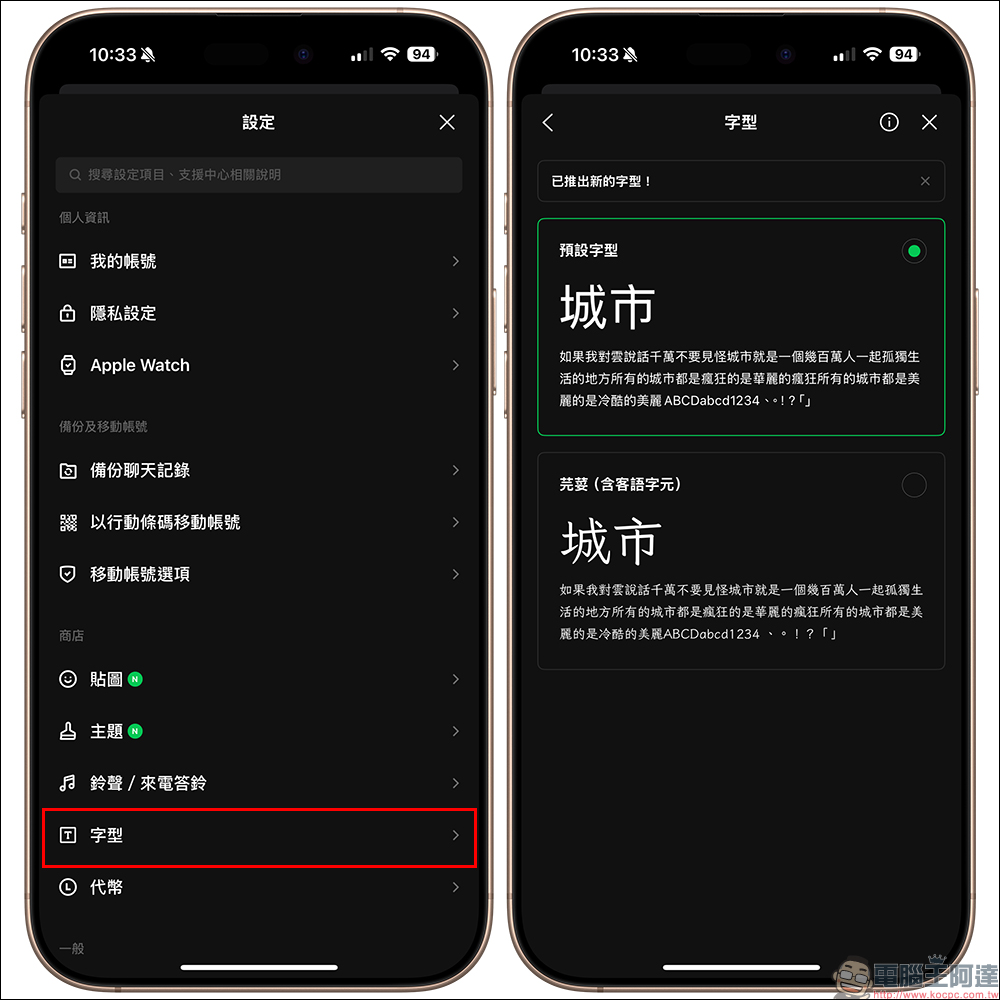
To give your LINE interface a new look, you can instantly apply the “Coriander” font in just a few simple steps. First, update LINE to version 15.0.0 (inclusive) or above, then open LINE, go to the homepage and click “Settings” to enter, then click “Font” to see that in addition to the default font, there is now a new font “Coriander”.
In the next step, select the “Coriander” font and click “Apply”.
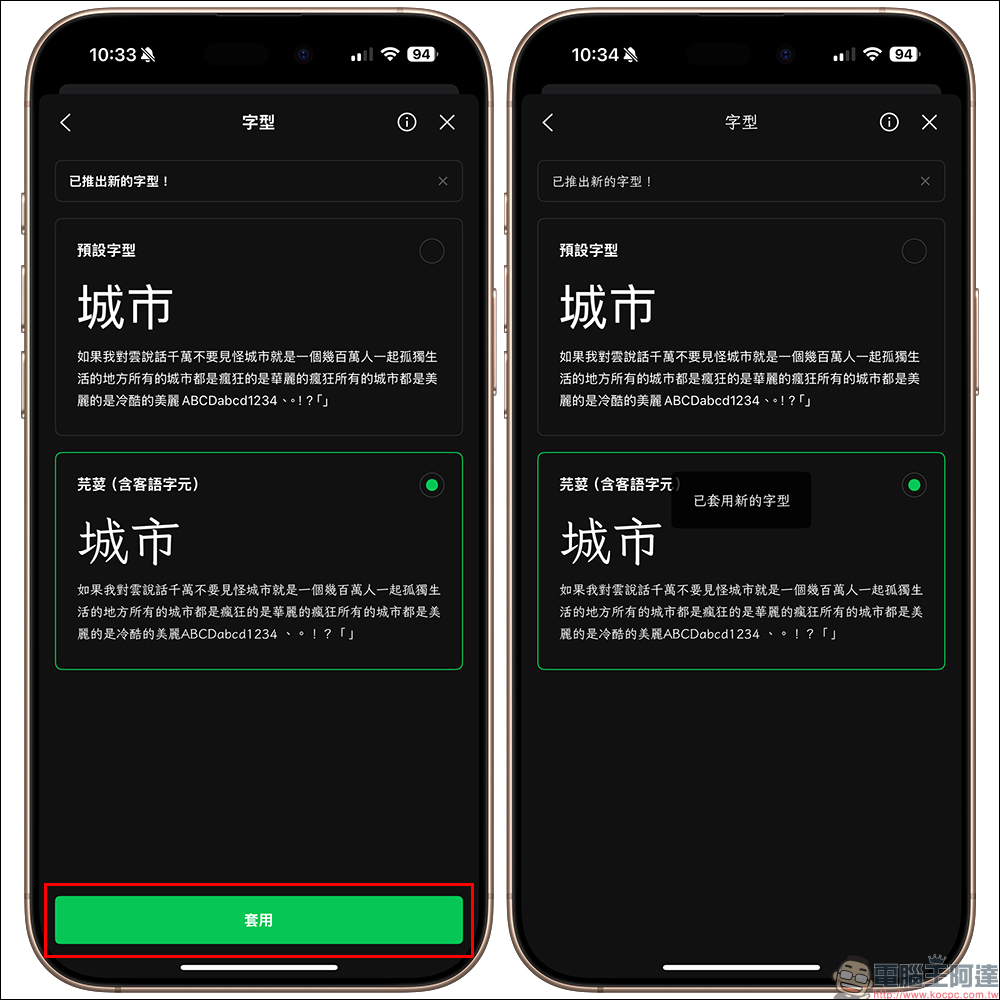
Once completed, your LINE interface will immediately change into a “coriander” font, making the entire conversation screen more distinctive and bringing a new visual experience.
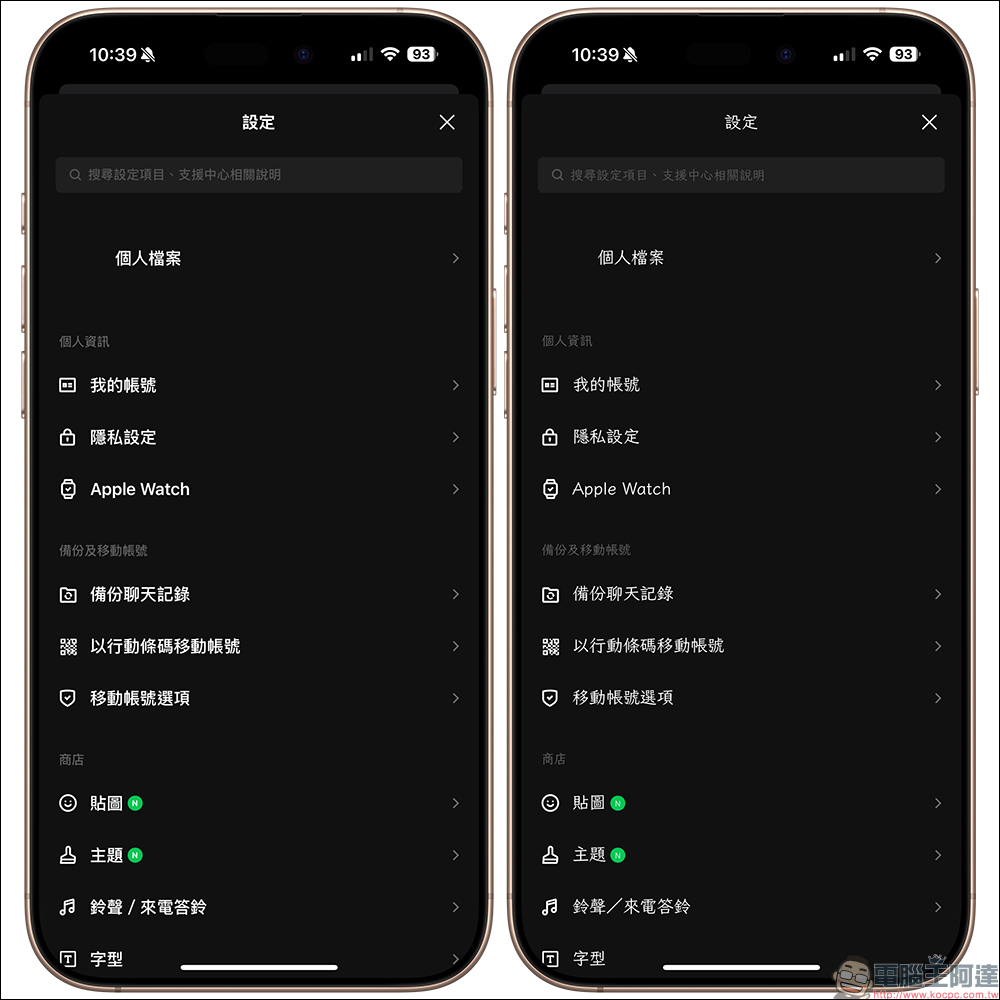
Compare the display effects of the original default font and the new “Coriander” font.
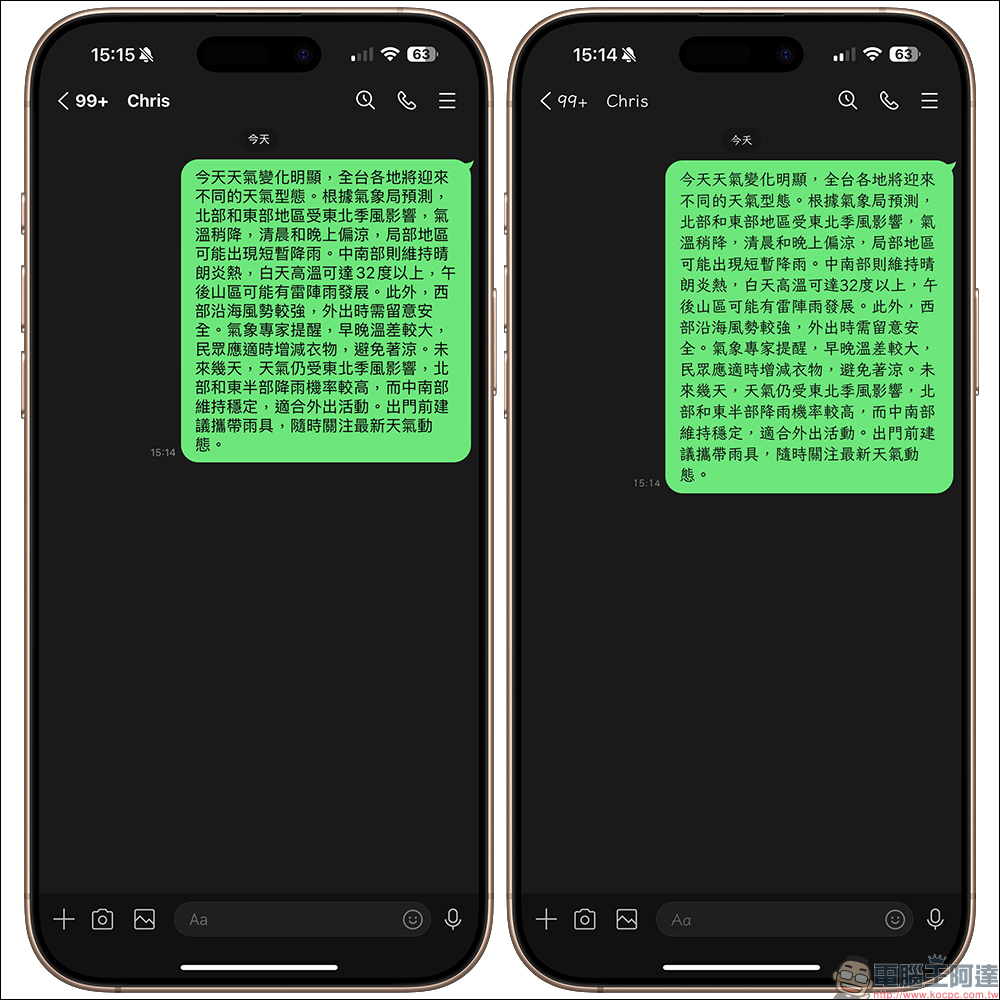
Update your LINE to version 15.0.0 or above now, follow the instructional steps, change to the “coriander” font, and enjoy the unique interface style! Whether you are a cilantro lover or someone who hates cilantro, the “cilantro” font can bring you a unique visual experience. If you also like this font, you might as well share it with your friends so that everyone can experience this free font with strong Taiwanese characteristics!

The “Coriander” font can only be seen on your own device after the settings are completed. If you want your friends to experience the “Coriander” font together, remember to ask them to update to the applicable version and set the font!
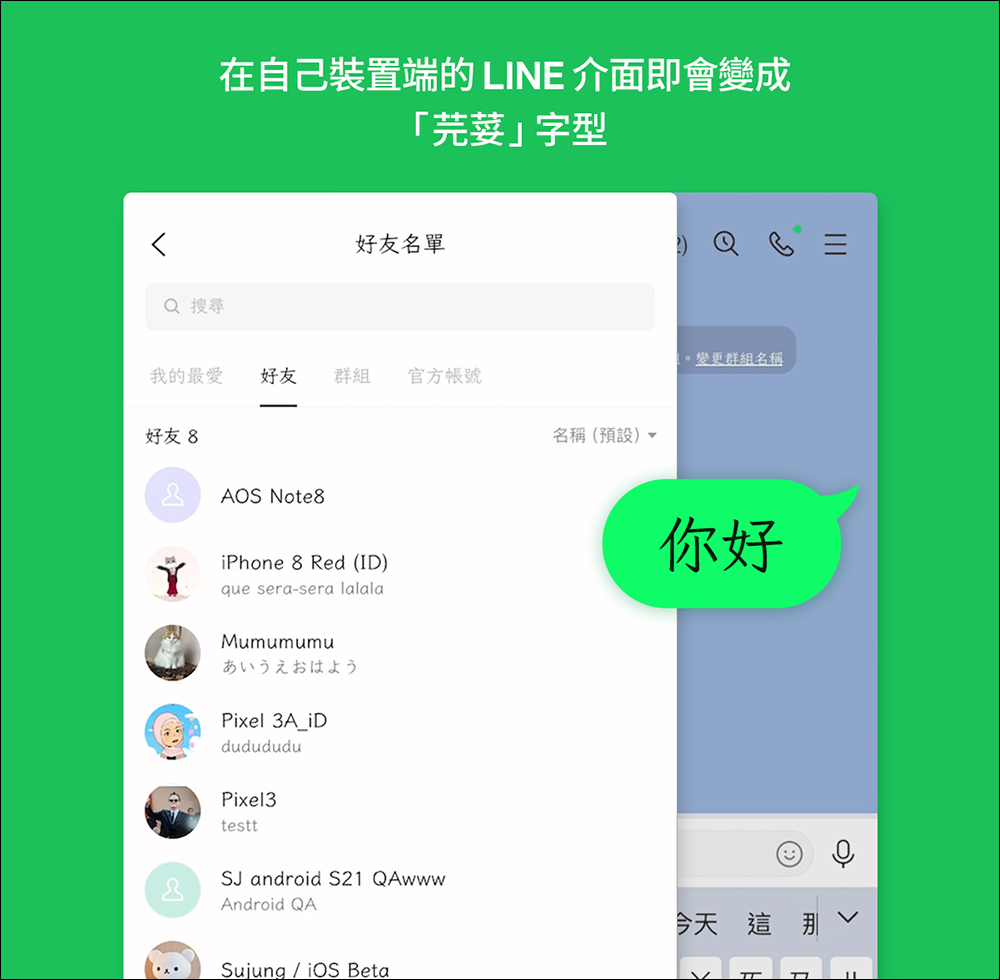
▲Picture source:LINE Taiwan official BLOG

Source: KOCPC Chinese