


QR Code is ubiquitous in our lives, from scanning timetables to ordering food at restaurants, QR Code seems to be so pervasive. When scanning QR Code becomes a normal action, unscrupulous people are waiting for the opportunity, and a new type of network security threat called “Quishing” is born. This time, we will learn about this new attack method. It is cunning, seemingly simple, but also very aggressive.
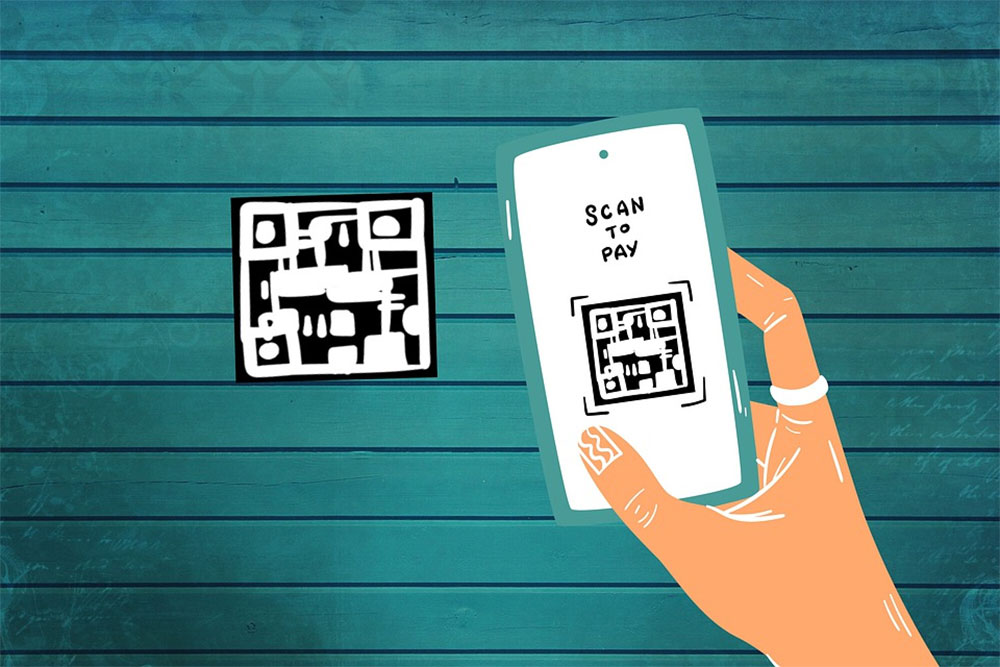
What is “Quishing”? How to protect yourself from harm?
Quishing is a new word created by merging the words “QR Code” and “Phishing” (phishing). It refers to an attack method that embeds malicious links in QR Code. When the user clicks on the malicious URL that appears after scanning the QR Code, you will not be directed to a legitimate website as usual, but will be loaded into a web page that attempts to steal information, infect the device, or perform other harmful actions.
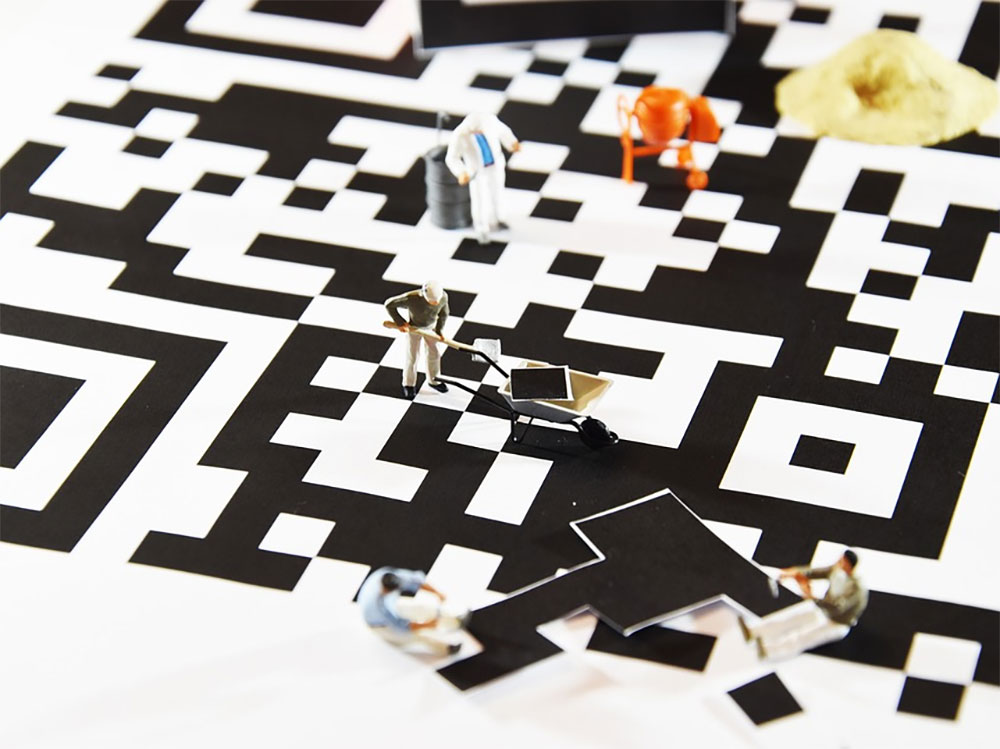
Although the name may not sound like much, it is a real security threat. While we all know we shouldn’t visit reputable websites or download unknown files, due to the nature of a QR Code, there’s really no way to know what the content is until you click on it. Scan, click, and you’ll be taken to another website that may display content you don’t want to see, or directed to a malicious file download. Many businesses rely on third-party services or URL shorteners to create QR Codes, which means embedded links may not necessarily lead directly to the official website, making it more difficult to detect whether the person performing the quishing attack has tampered with the QR Code.
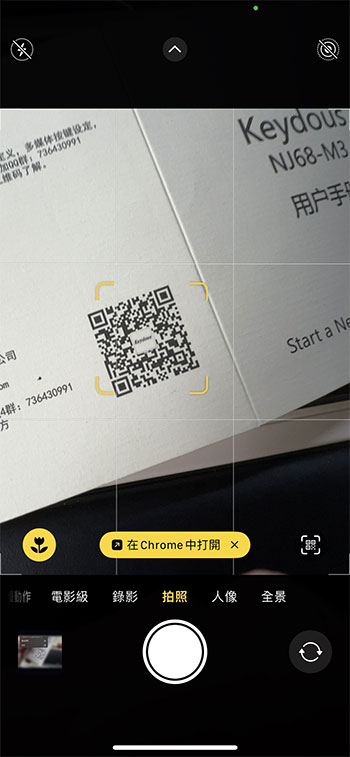
Does Quishing really pose a security threat? Yes, attacks using this method have been found to be simple but very effective. Parking charges, restaurant payment and tipping systems, and promotional QR codes have been tampered with to commit fraud around the world. Usually, you only need to paste the deceptive QR Code sticker onto the normal official QR Code. Then, these QR Codes will be linked to fake login pages and payment websites, either allowing you to pay directly to the scammers, or stealing your information for other future scams.
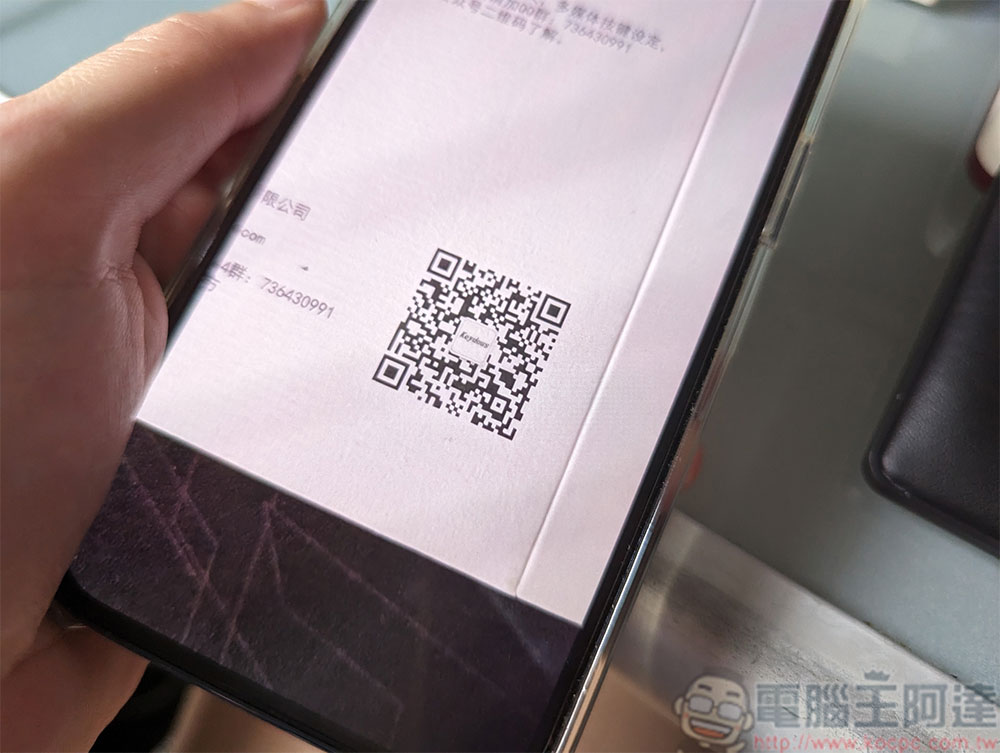
How to protect yourself from Quishing?
There are some simple yet effective steps you can take to protect yourself against this new type of attack:
- Use the QR Code scanner that comes with your device. Third-party scanners in the app store have a poor track record when it comes to security and privacy.
- Before opening a link, verify the address the QR Code is trying to send you, and avoid opening links that use shortened URLs.
- If possible, avoid using QR Codes to pay, especially if the payment link leads to an unknown address. Also remember that fake websites often use names similar to the official ones, check for spelling errors.
- Don’t scan random QR codes in public places.
- Enable privacy protection and turn off automatic downloads in your web browser.
- Check the QR Code you are about to scan. If it has been obviously tampered with, stop your action.
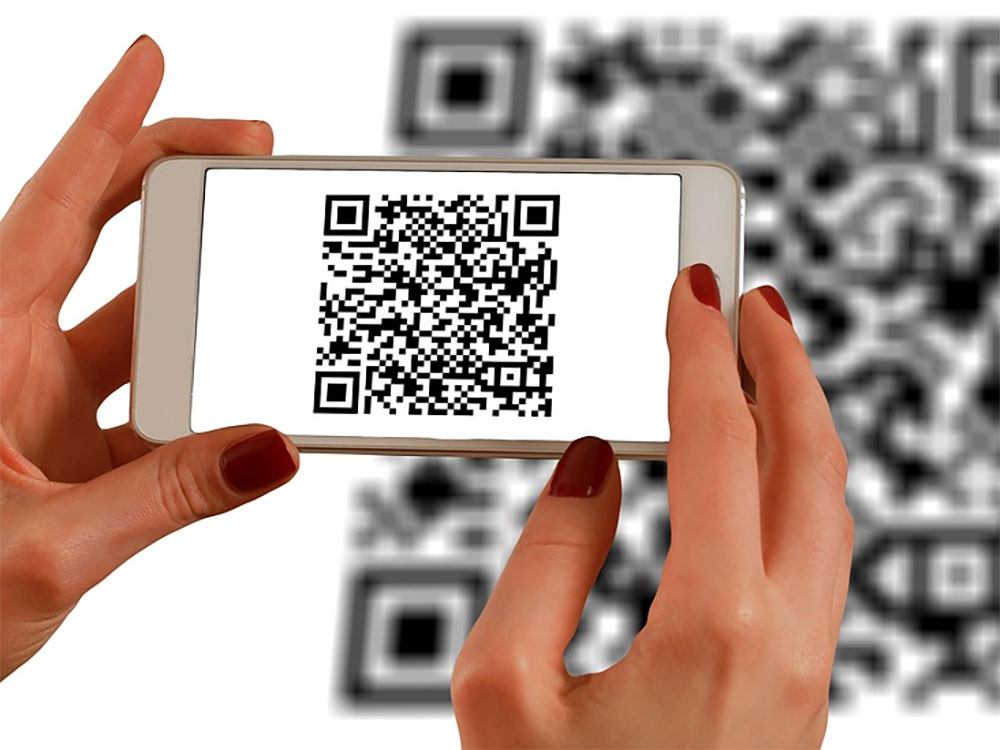
QR Code brings a lot of convenience to life. You no longer need to enter lengthy URLs, Wi-Fi passwords, etc. It also makes criminals ready to make moves. The simpler the action, the more careful you have to be. I hope you will stay vigilant and pay attention to safety at all times.
Source: KOCPC Chinese