


If you are someone who likes to play pranks on colleagues in the office, or are interested in interesting simulation website tools, then the fun website “GeekPrank” I will introduce today is well worth playing. The “GeekPrank” website provides a variety of simulation functions. Through the web page, you can simulate various classic computer interfaces and usage scenarios. You can secretly change your colleague’s picture to a picture that will overwhelm him when he leaves his seat, achieving a spoof effect and increasing the joyful atmosphere of the office (hope he will not be beaten?
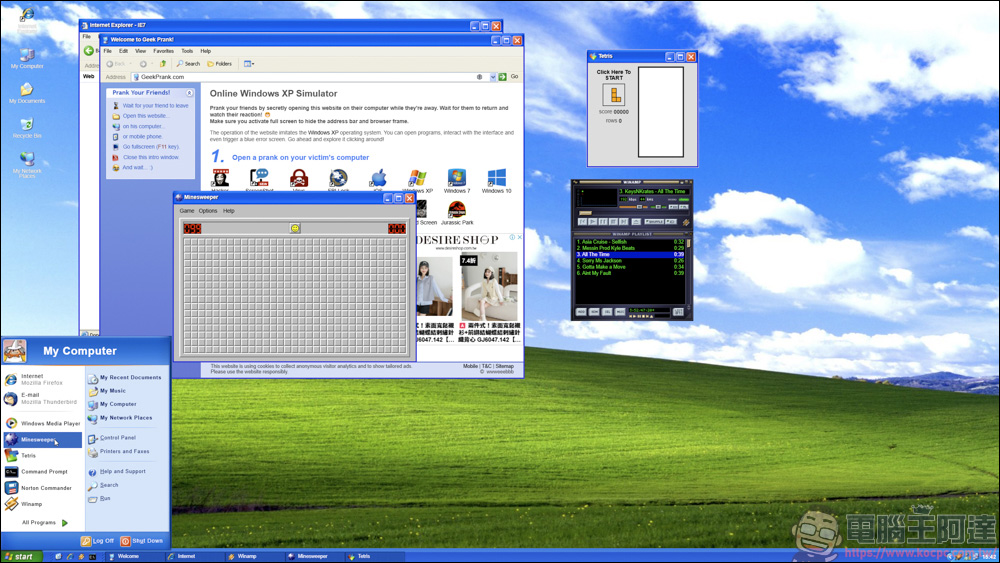
GeekPrank website introduction
First, click on the URL above to enter the Geekprank page. After entering, your web page will display the Windows XP desktop, and all functions on this page can be clicked. Most of the functions are in the folder on the homepage. We will select a few interesting ones to introduce later:
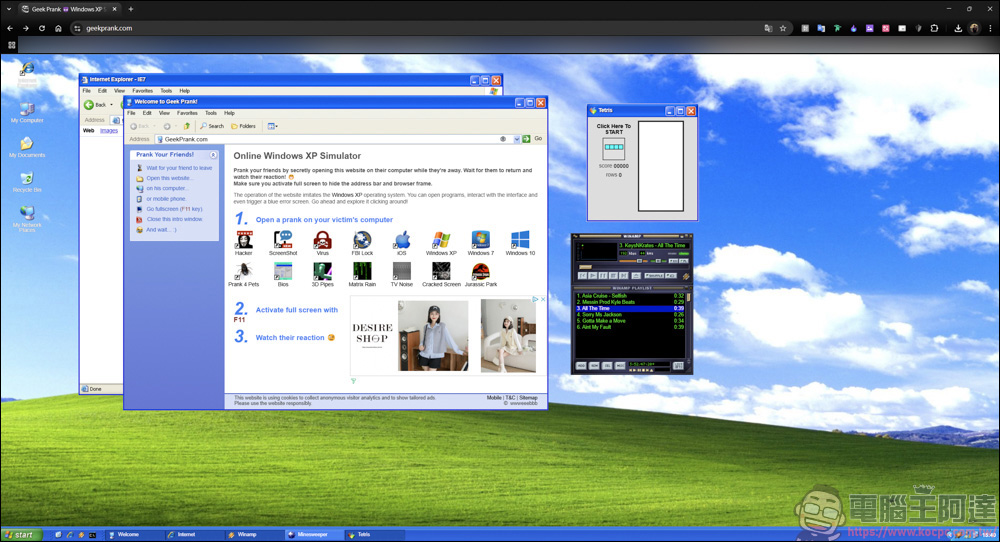
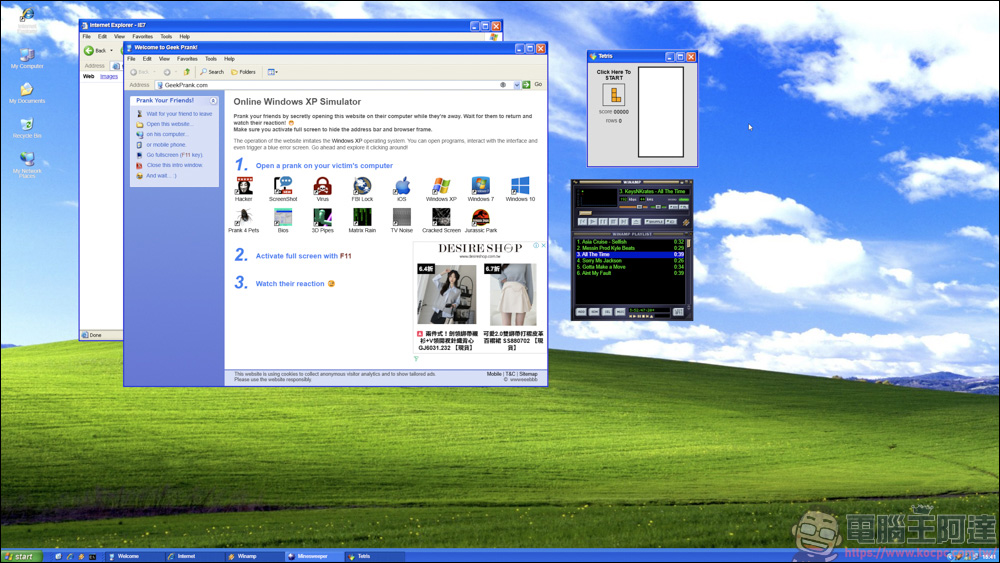
Of course, if you want to prank others, you cannot be discovered, so the first step is to press F11 to open the full screen. Although there are web ads inside, they will automatically disappear after a few seconds:
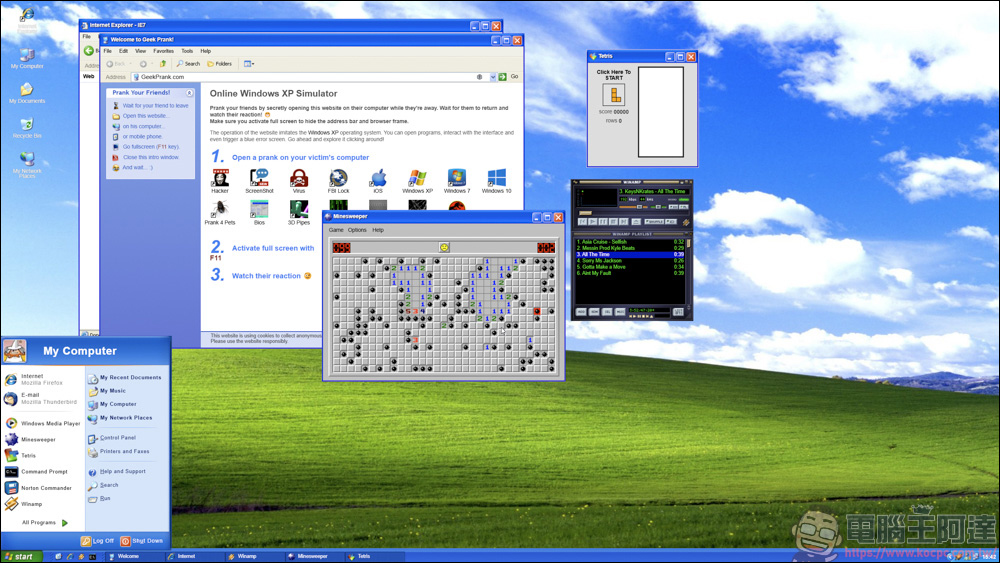
Most of the functions can be clicked to use. If you miss the old mine stepping game, you can also play it:
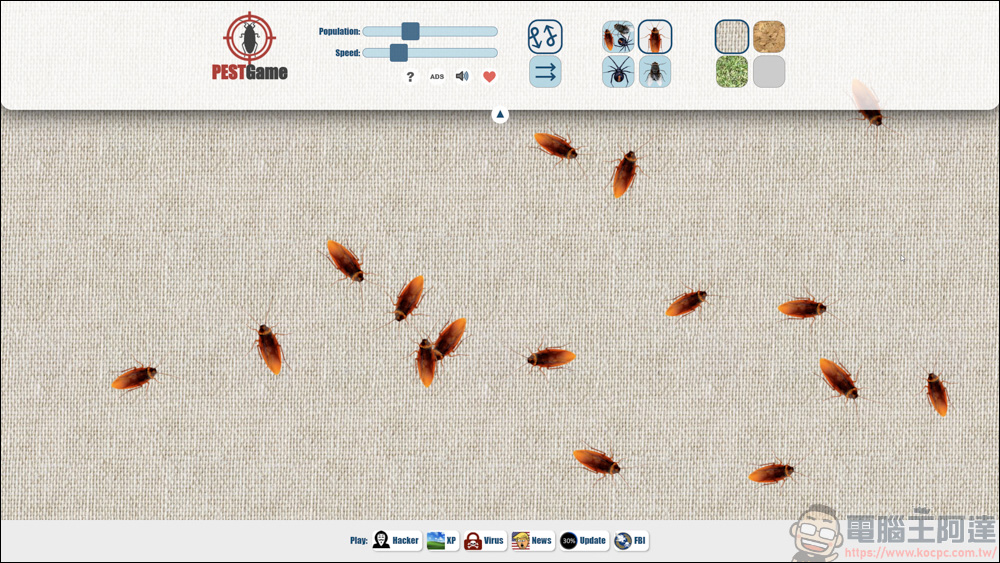
There are many functions you can use on the Geekprank page. For example, this function allows your screen to be filled with Xiaoqiang, flies, and spiders. If a female colleague comes back and sees such a picture on the computer screen, she will probably scream XD
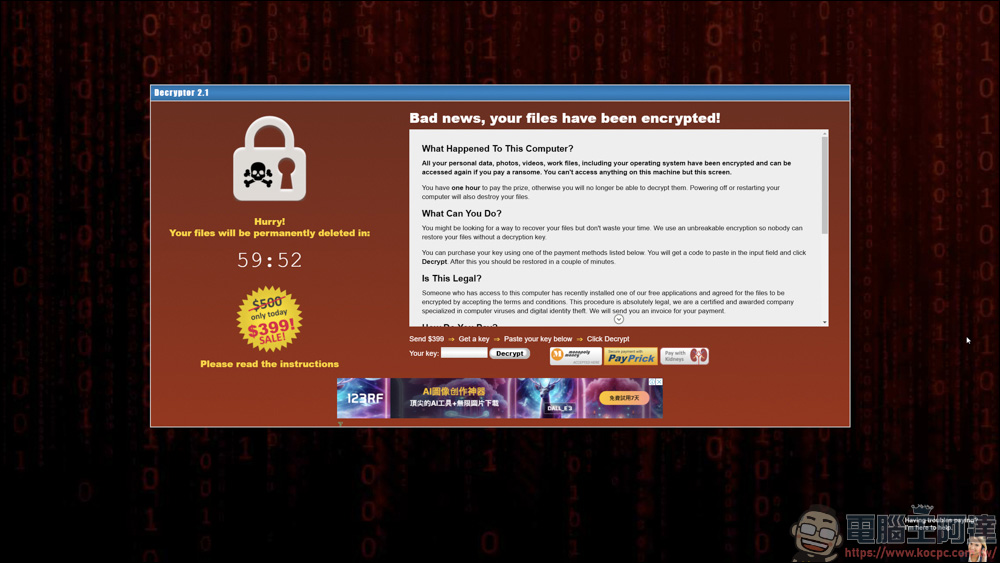
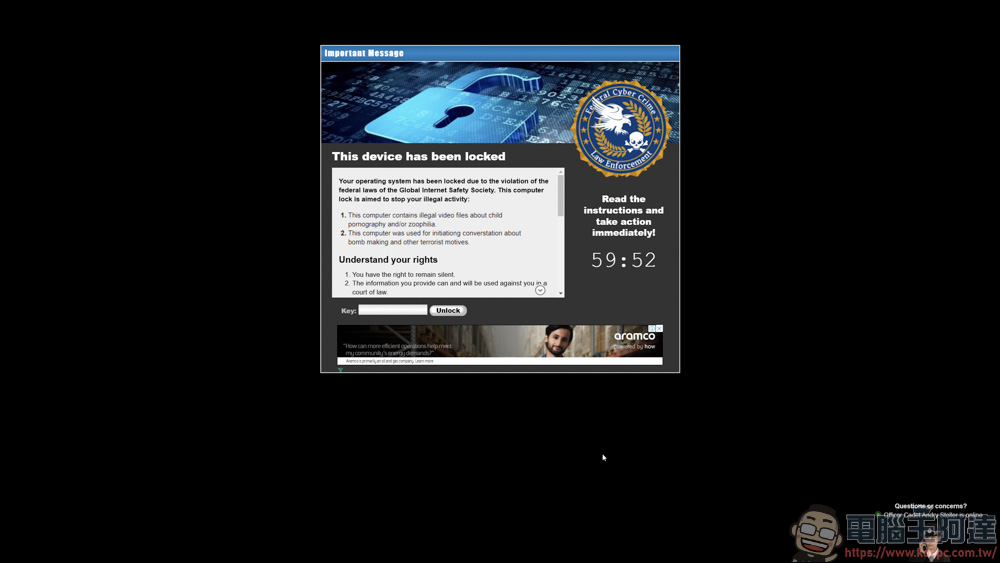
Like before, when your computer was infected with a ransomware virus, a screen asking you to pay would continue to appear. Without paying, it would be difficult to regain control of your computer. You can also simulate on Geekprank, but it only has a simulation function and does not actually require payment, so it doesn’t matter how you click XD
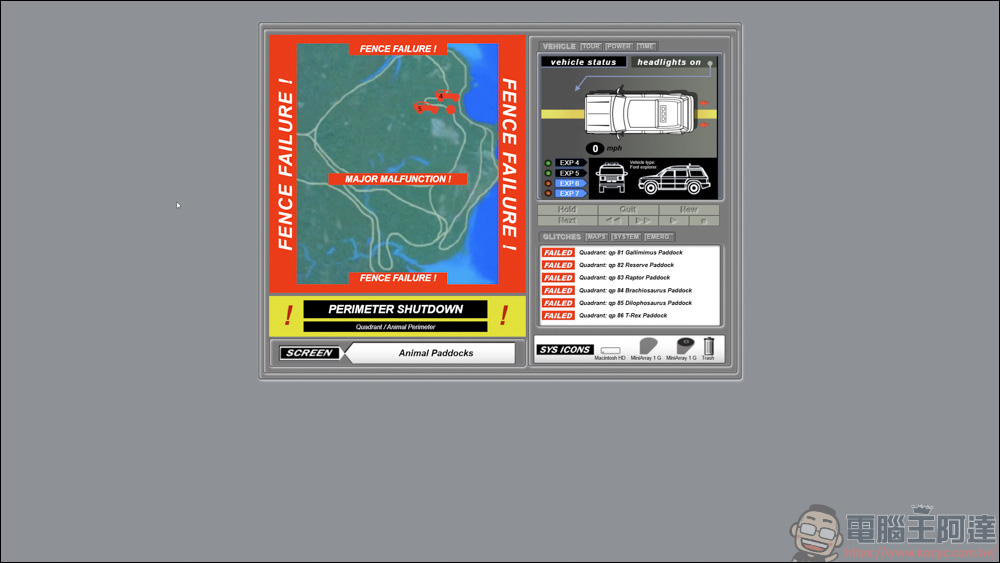
Have you ever watched Jurassic Park? Geekprank also simulated the situation in the park at that time. Is it quite realistic?
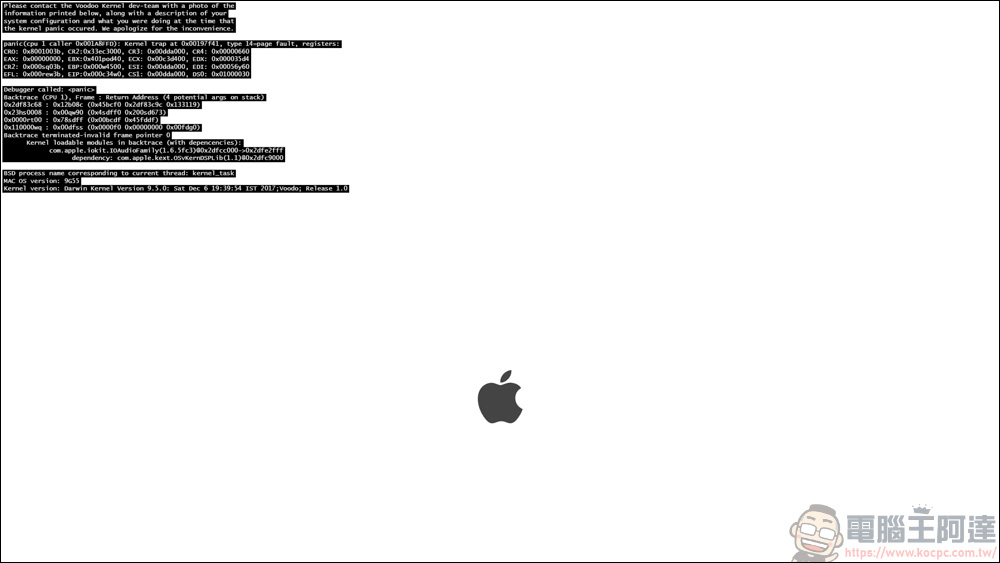
But the above pictures are not the most devastating. Geekprank also provides black screen simulation for Win7 and Win10. When you execute this function, the screen will display the message that the hard disk cannot be found. When your colleague comes back from using the toilet and sees this picture, he will definitely be extremely upset XDD
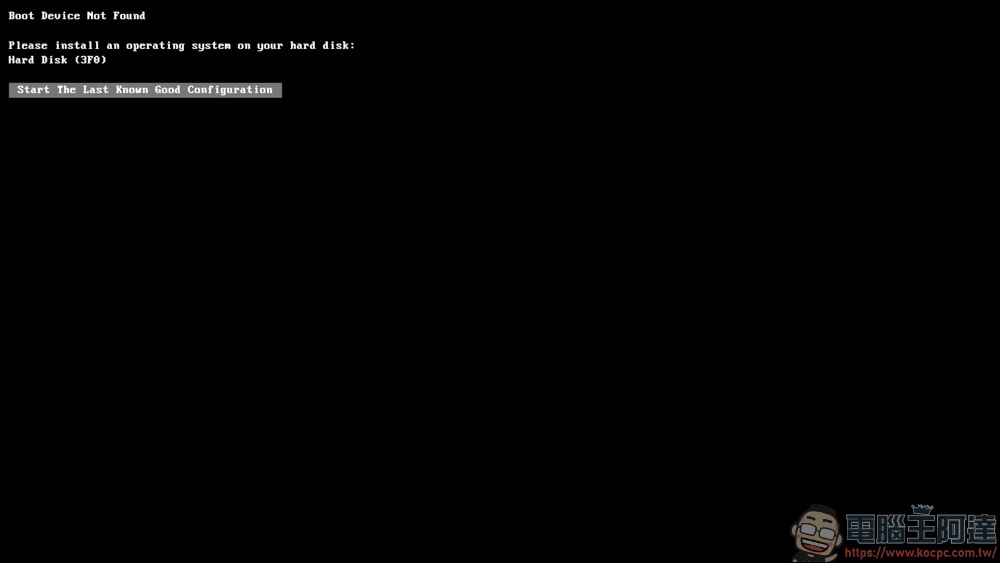
GeekPrank is a completely free website that does not require downloading or installation. You can use it directly by opening the browser. Whether you want to play a prank or let yourself feel nostalgic and feel the atmosphere of early Windows systems, it provides a very fun tool. Although GeekPrank is a safe simulation website, when using hackers, virus simulations or system crashes, please carefully consider the target of the prank to avoid causing discord among colleagues:
Source: KOCPC Chinese