


Although now Gemini ‘s Nano Banana and ChatGPT The image generation quality is quite good, but some users will still definitely want to try the well-established, well-known image generation models, such as Midjourney. However, the Midjourney official website still only offers paid generation to this day, with no free option available. The good news is,Meta AI The image generation model seems to have already been changed to MidjourneyMultiple international tests have reached this conclusion, and it’s now also available for free in Taiwan with no generation limits. This means you just need to open Meta AI to try using Midjourney to generate images or videos.
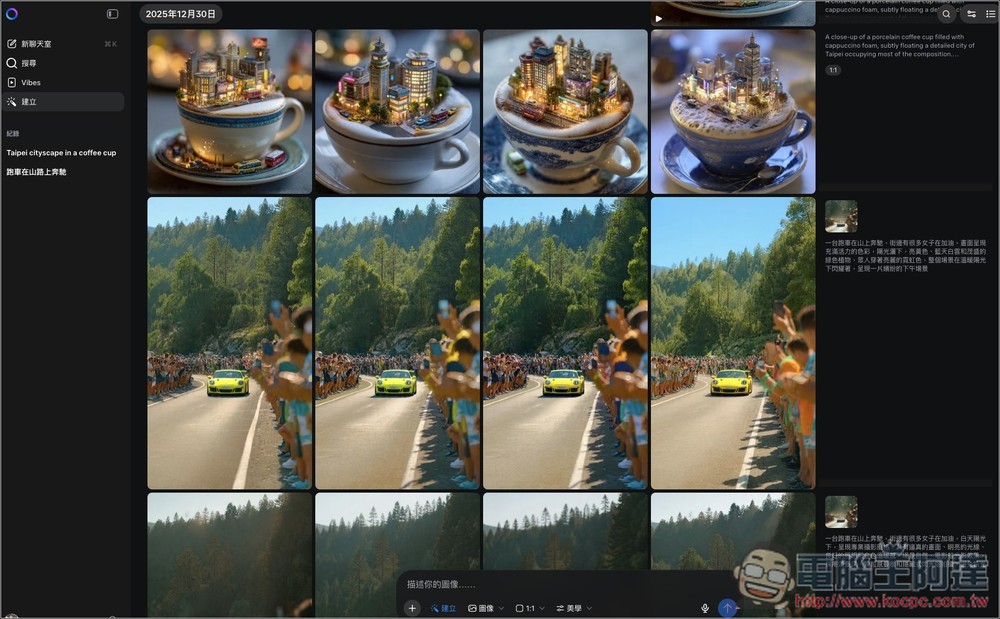
Now Meta AI can use Midjourney for free to generate images and videos! There’s still no limit on the number of generations.
As early as August this year,Meta has already reached a cooperation agreement with Midjourney.They will jointly develop AI technology for image and video creation. However, in the next few months, Meta AI’s image generation quality still wasn’t very good, and with the explosion of services like Gemini and ChatGPT, people gradually stopped expecting much from Meta AI. Then, starting in early December, changes finally began. One after another, netizens abroad noticed that Meta AI’s image generation model seems to have been switched to Midjourney, and testing the same prompts produced very similar image quality between Meta AI and Midjourney:
Users in Japan have also noticed this. Although Meta has not yet confirmed it, basically everyone thinks so:
Now open. Meta AI Then, go to Create on the left, and you can use Midjourney to generate images or videos. Enter the prompt in the box below. For images, it generates 4 each time, and the generation speed is also very fast:
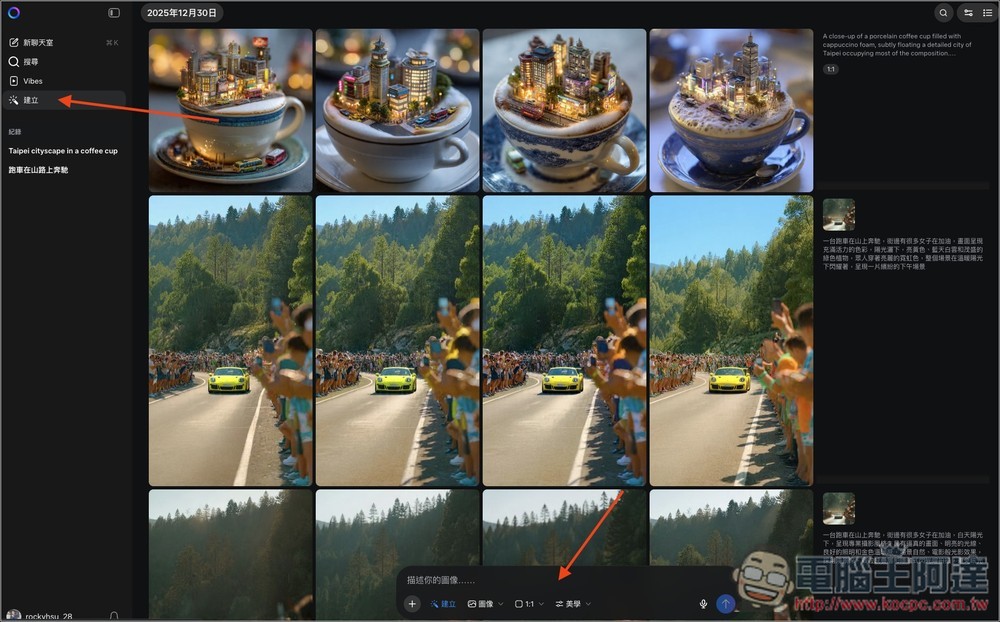
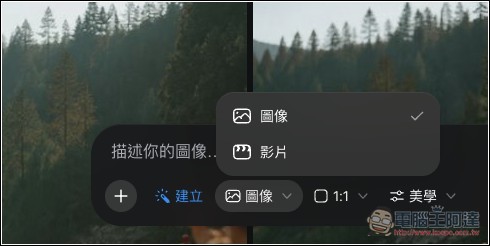
On the far left, you can switch between generating images or videos, and of course, you can also upload or convert generated images into videos:
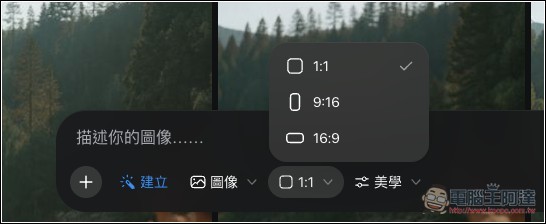
Supports three sizes: 1:1, 9:16, and 16:9:
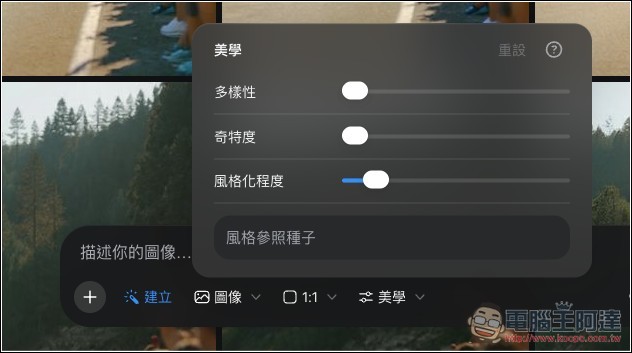
The aesthetic part is definitely worth playing with, offering three options—diversity, peculiarity, and degree of stylization—all of which affect the final generated image:
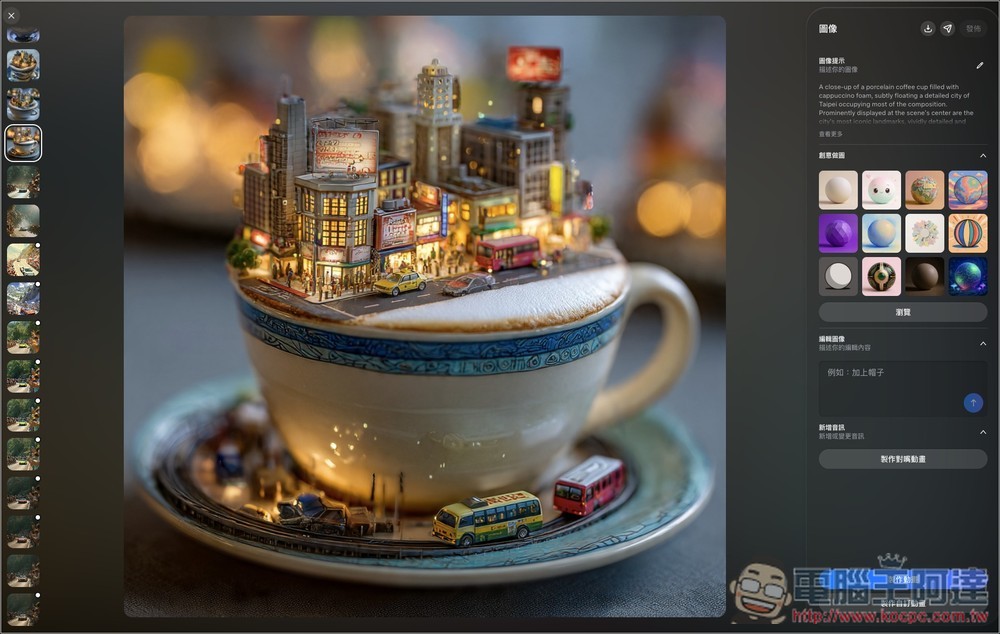
After the image is generated, you can click to go to the image page. Besides saving the image, you can also make some adjustments. For example, there are multiple creative image tools on the right; clicking one will start generating. Editing functions are also provided, allowing you to modify the image or add other elements. Image-to-video conversion and lip-sync animation creation are also supported:
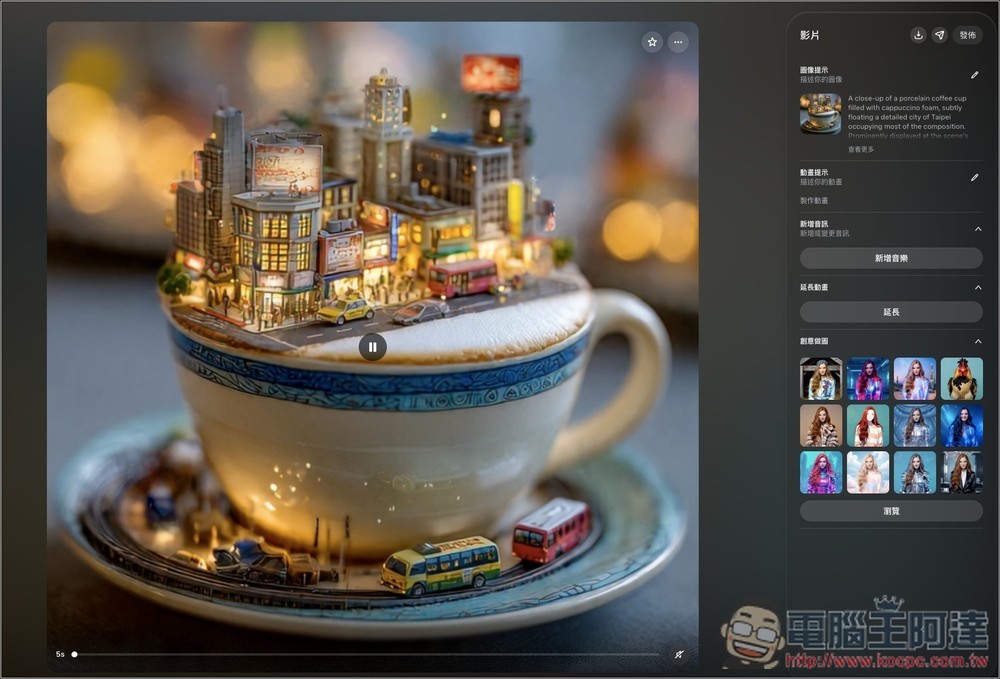
The image-to-video feature also appears to use Midjourney, generating 5-second short clips. Afterwards, you can also add music to the video, extend its duration, or create creative images:
There’s quite a lot of music provided:
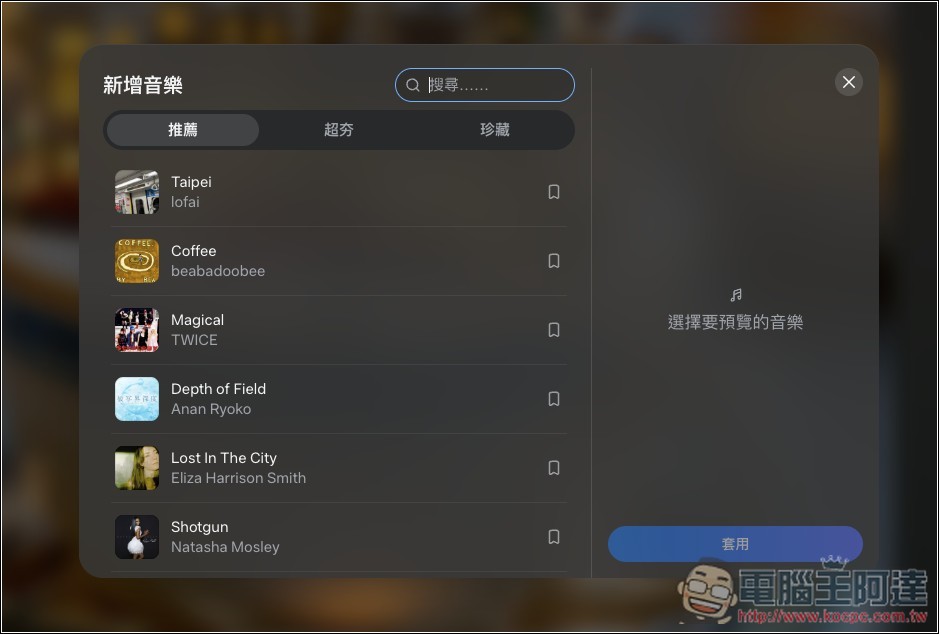
If you add music to a video, it can’t be downloaded. Keep that in mind. You can only choose to publish it to your News Feed:
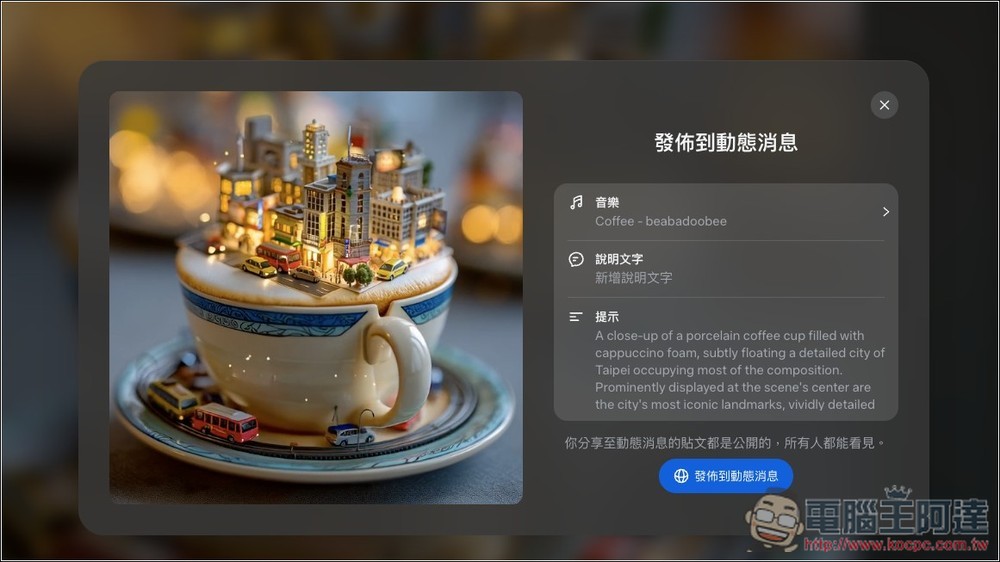
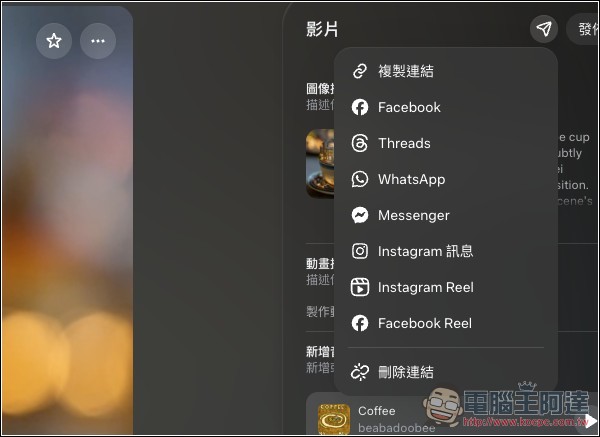
or create a link, share to FB, Threads, Instagram, etc.:
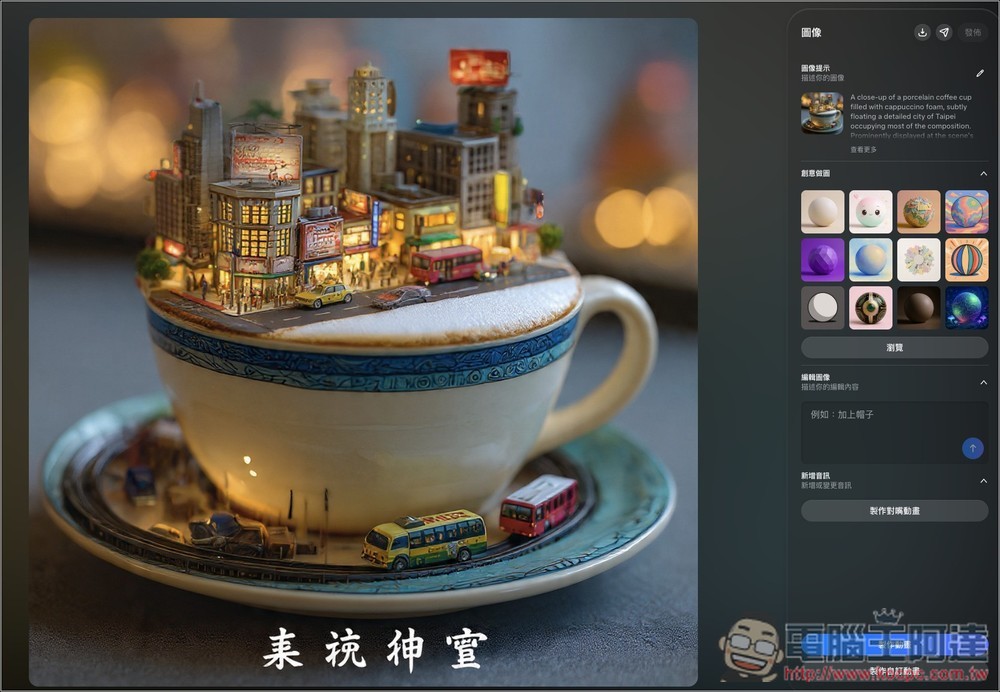
Midjourney still cannot generate images with Chinese characters; the results are very bad:
Source: KOCPC Chinese