


Today, there are many emulation methods to support x86 on Apple Silicon computers. Now, Parallels has also announced that it has begun a technology preview of Parallels Desktop for running “Windows 10, Windows 11, Windows Server 2019/2022 and some Linux distributions using UEFI BIOS on the existing x86_64 architecture” and “can create new Windows 10 21H2 and Windows Server 2022 virtual machines.” Continue reading Parallels Desktop launches Apple chip Mac support for x86_64 Windows preview report.
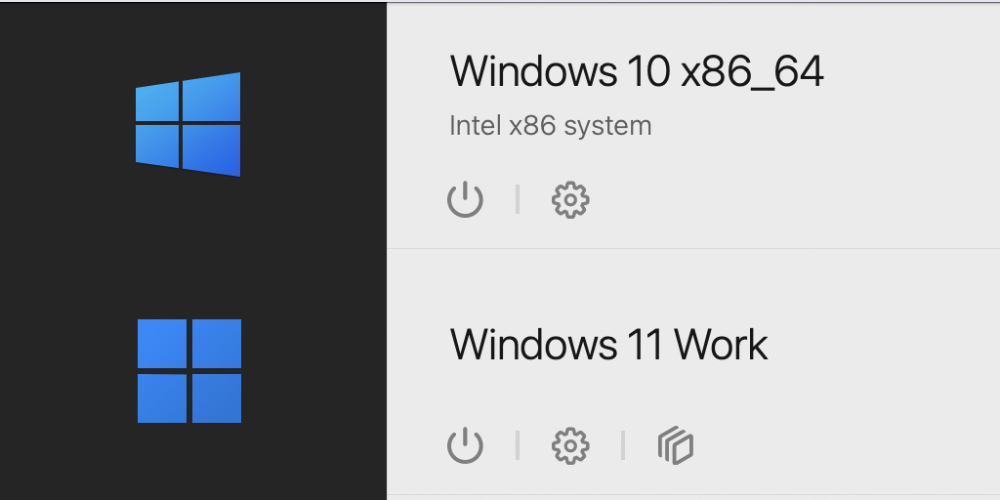
▲Picture source for this article: Parallels
Parallels Desktop launches preview of support for x86_64 Windows on Apple-chip Macs
When we first saw the launch of Apple Silicon Mac products, officials categorically stated that there would no longer be Windows dual-system support with Boot Camp. “One of the hopes” in many people’s minds is a way to install Windows through the Parallels Desktop virtual machine, which has a very good experience. In the early days of the launch of Apple chip Macs, it was still a dead end – although there was support for the Arm version of Windows 11 Professional and Windows 11 Enterprise…
Today, there are many emulation methods to support x86 on Apple Silicon computers. Now, Parallels has also announced that it has begun a technology preview of Parallels Desktop for running “Windows 10, Windows 11, Windows Server 2019/2022 and some Linux distributions using UEFI BIOS on the existing x86_64 architecture” and “can create new Windows 10 21H2 and Windows Server 2022 virtual machines.”
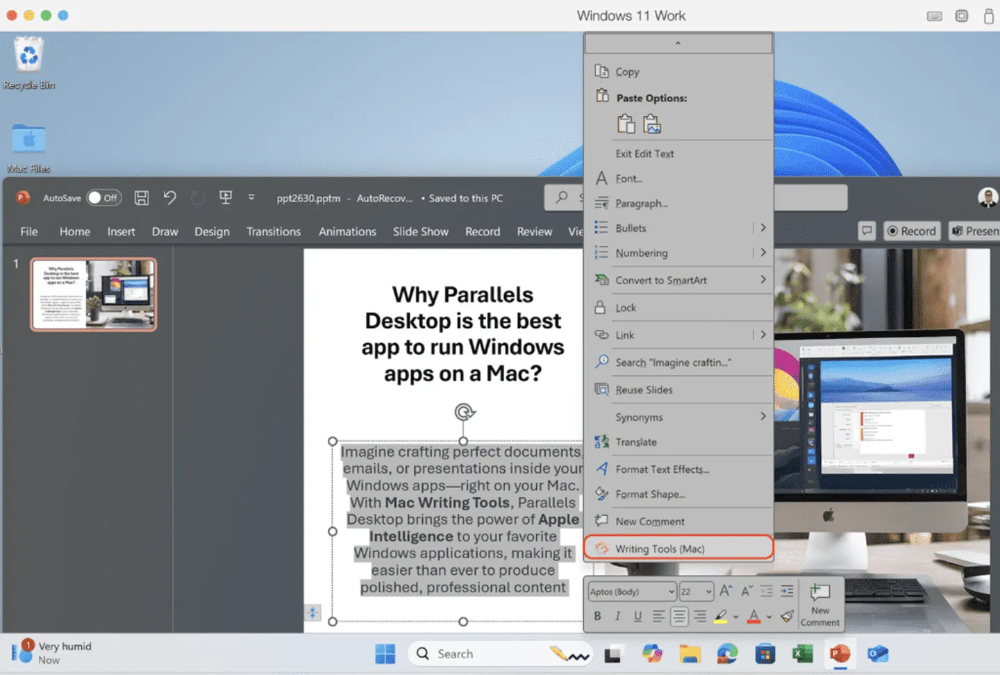
In short, if you prefer to use Parallels Desktop for x86 system emulation. In Parallels Desktop version 20.2.0, you can already enable early preview testing for Intel-based (x86_64) systems on Apple chip Macs – only Parallels Desktop Pro, Business, and Enterprise versions are supported. For details, see Parallels’ complete instructions.
Basically, their product manager Mikhail Ushakov warned foreign media very early, saying that the overall performance will be “really slow” – how slow? It probably takes about 2 to 7 minutes to start up. Because of this, it can be expected that the overall experience will not be very good. Therefore, in order to prevent everyone from mistakenly thinking that this support is highly practical, the official also hides related options by default.
Of course, this also depends on the performance of the hardware – for reference, the official version currently released is a screenshot of the version of Apple M1 Max equipped with 32GB unified memory. In addition, the official also mentioned that the x86_64 Windows 11 24H2 version is currently not supported (you guessed it right, it has something to do with SSE).
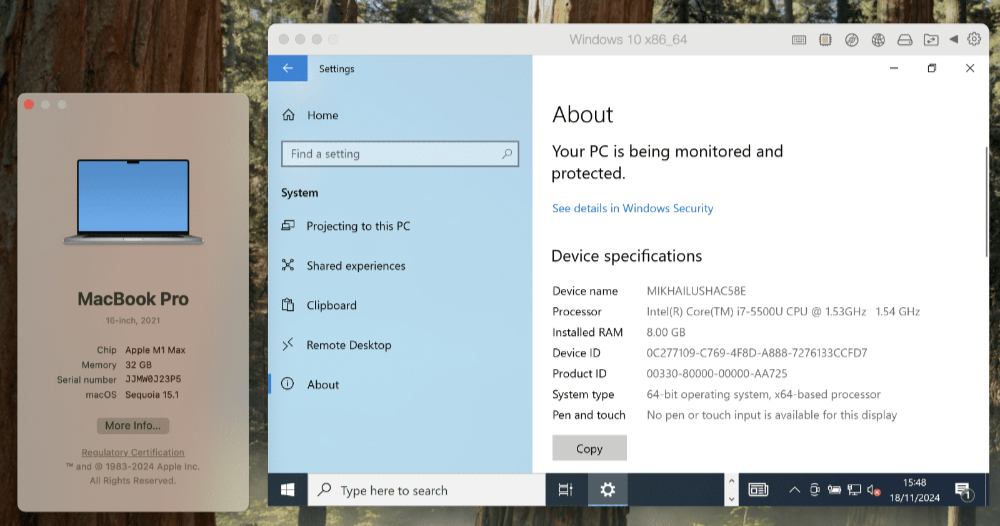
Finally, regarding the overall restrictions, the official list is as follows. You can refer to it:
・Performance is very slow. Windows boot time takes about 2 to 7 minutes, depending on hardware specifications, and the Windows operating system is also slow to respond.
・Only supports 64-bit operating systems, but can still run 32-bit applications. Since there are millions of apps around the world, we can’t test them all. You are welcome to try them out for yourself and give us your feedback.
・USB devices are not supported, which means you cannot connect external devices to the virtual machine (VM).
・Parallels hypervisor cannot be used, all virtual machines will be started through Apple hypervisor, and Nested Virtualization is not supported.
Quote sources:Parallels|Via:The Verge|
Further reading:

Source: KOCPC Chinese