


From the day you signed up for a new email address and received that first welcome email, your inbox has never been empty. Every website you visit, every service you sign up for, and every newsletter you subscribe to asks you to use your email address to receive more information. At first glance, these letters seemed like nothing, but as time went by, there were more and more letters. Before you know it, your inbox is filled with promotional emails and content you didn’t ask for, taking up valuable cloud space and cluttering your inbox.
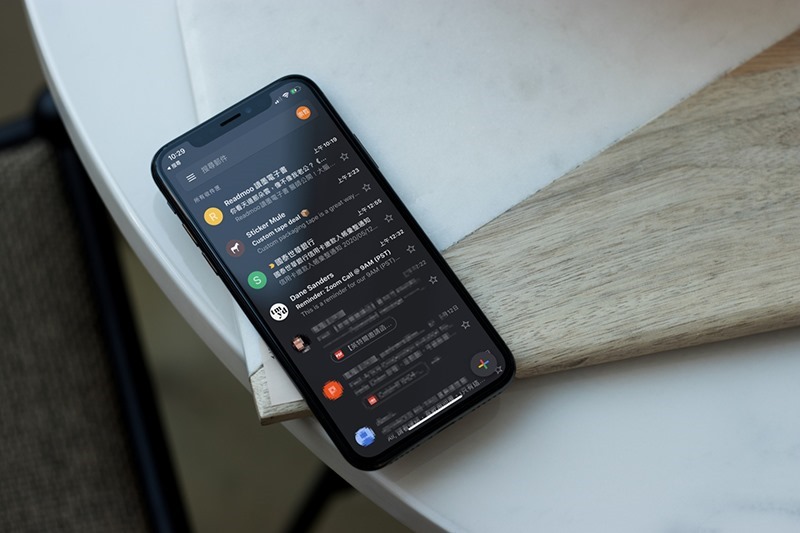
What should you do when you unsubscribe from your mailbox and still receive subscription emails?
To deal with these letters, you might try clearing out your inbox by unsubscribing from all unwanted emails. But I don’t know why, even though it was cancelled, the letters still kept coming. So does the unsubscribe button really work? Sometimes it seems to bring more spam. Why is this happening? What can you do to stop it?
Why do I still receive messages after unsubscribing?
You can choose to unsubscribe from almost all emails, but some are unavoidable. For example, if you purchase goods from a business or use any services, you will receive transaction-related emails, such as order confirmations, shipping progress, receipts or terms updates, etc. These are crucial to maintaining your relationship with the business. But in addition to what’s mentioned above, for example, promotions are completely optional, but some companies ignore your request to cancel your subscription.
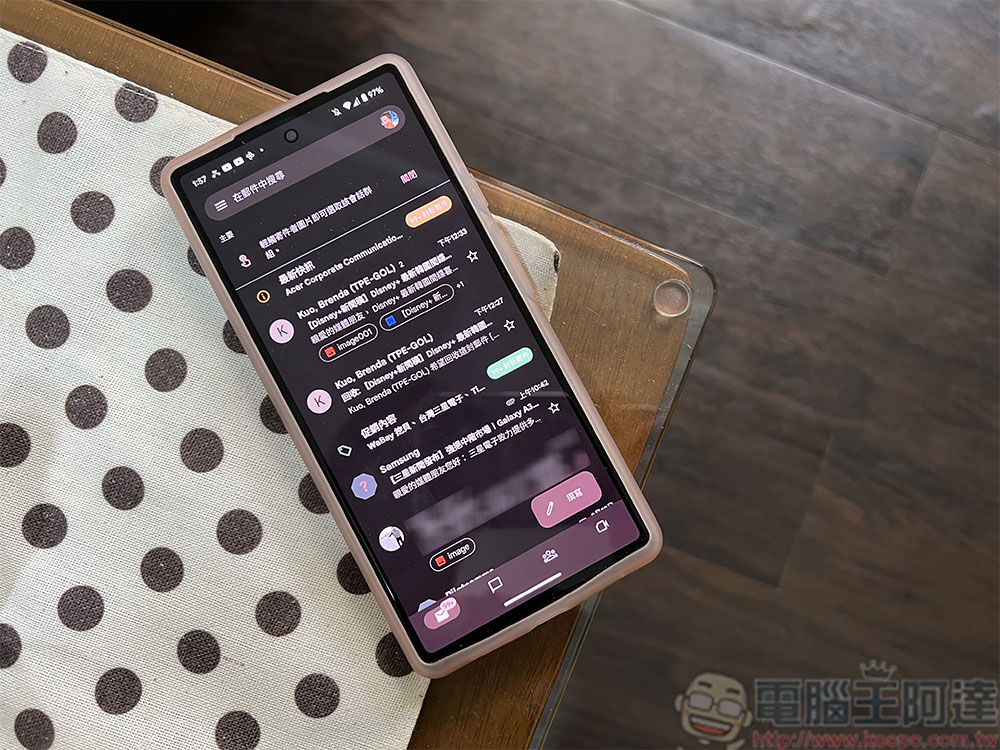
Ideally, clicking the unsubscribe button sends a signal to the company that you are no longer interested in receiving their information, and the company should remove you from their sending list. Generally speaking, legitimate companies will respect your request, but some will deliberately design the unsubscription process to be complicated and lengthy so that you give up halfway. Some companies take the unsubscribe request as proof that the email is valid and continue to send you other emails.
Before you start to panic, not everyone has malicious intentions. Sometimes delays are simply due to the mechanics of large email systems. Large businesses that manage large subscriber lists often take a while to process unsubscribe requests, so you will continue to receive emails for a while until the entire process is completed. However, some companies may use multiple email services and divide their lists into categories such as marketing, updates, or customer service. Unsubscribing from one type does not mean that it will automatically be deleted from other types of lists. If you want to completely stop receiving emails, you usually need to unsubscribe from each list individually.
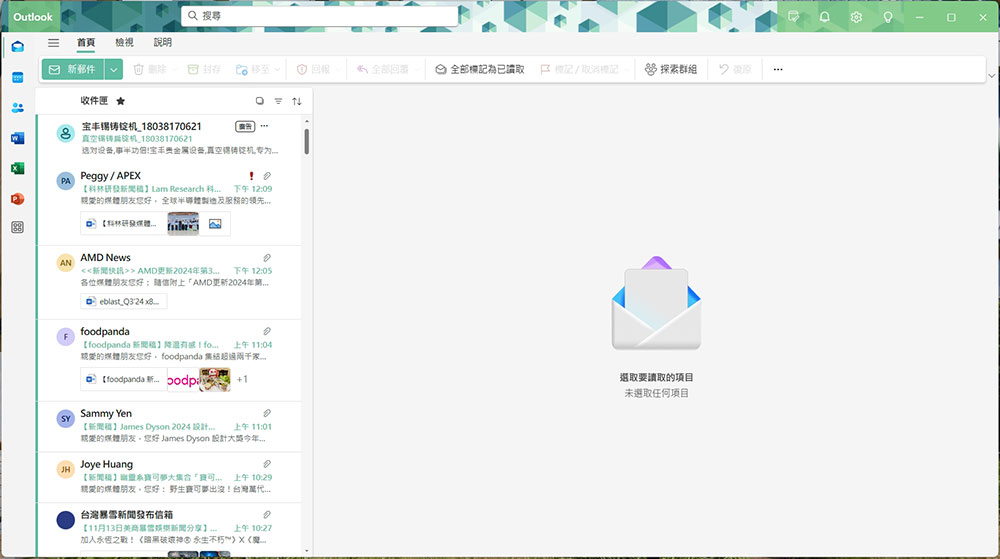
We’ve put together two options you can take to stop these subscription emails from continuing to clutter your inbox:
- Block sender and mark message as spam
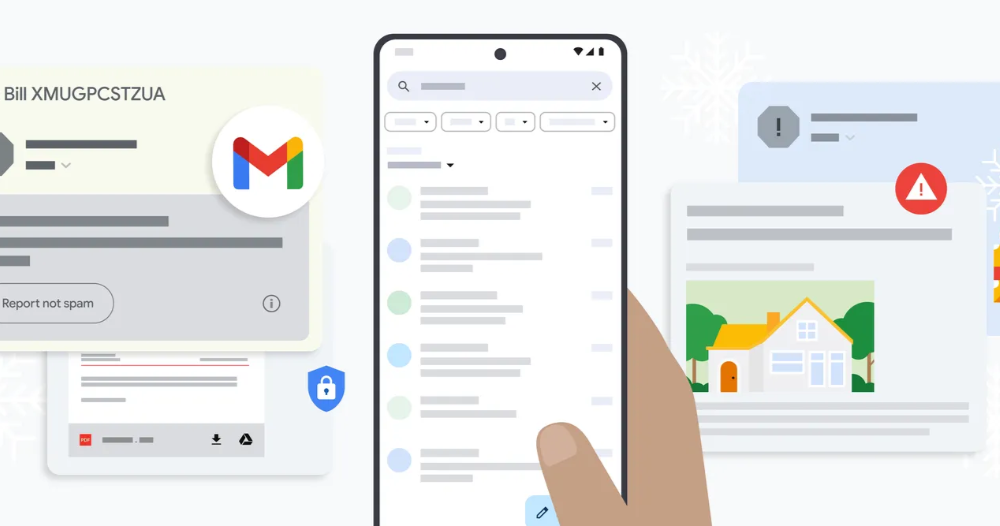
If you’re dealing with a legitimate business, it’s easy to block the email and presumably that’s the end of the communication and you’ll never hear from them again. However, if you are dealing with a malicious party, blocking does not necessarily guarantee that you will no longer receive emails. This is because bad actors use deception techniques to disguise the actual email, wrapping it in a shell that looks legitimate. For example, you might receive a letter that appears to be from a business, but the real address behind the sender might just be a random email, making it nearly impossible to stop the actual source of the spam. Another reason is that spammers rarely rely on a single mailbox, so even if you block one, they can still send it to you in another mailbox.A more effective method is to report spam. Spam filters work by analyzing the content, patterns and raw data of emails to more accurately identify and automatically classify them into the spam box. Reporting spam can train your email service provider’s filtering mechanisms to identify similar messages in the future.
- Build filters or rules to automatically sort or delete messages
Spam filters are the first line of defense against unsolicited email. But these filters are not perfect, and some fish may still slip through. Fortunately, email services let you add additional filters (Gmail) or rules (Mac Mail) to your settings, which automatically sort or delete messages based on specific criteria, making it easier to keep your inbox organized.Some emails are not exactly spam, but they still fill up your inbox, such as a summary of your weekly activities that you never opened even though you signed in. You can set filters to put them directly into spam, or move them to the Read Later folder if you want to read them later, rather than letting these emails accumulate and take up storage space.
How can I avoid receiving too many unwanted emails in the future?
Going forward, the only thing you can do is be careful when sharing your personal email address online. Spammers are very good at scraping the web for this contact information, so if you’ve ever published an email publicly, there’s a good chance that one (or even multiple) spammers have obtained the address and will inevitably receive spam. You just need to avoid making your personal mailbox public on the Internet, and you can basically prevent more spam from appearing in your inbox.
If you are a professional worker or business leader who needs to stay in touch, consider using tools such as Google Forms to establish contact information on your website instead of directly listing your personal email address. This allows customers to stay in touch with you and prevents your email address from being abused by spammers. On the other hand, manufacturers and platforms want to sell you as many goods or services as possible, so please think twice before subscribing to news or signing up for a free trial.
Please read the privacy policy on the website before logging into your mailbox to ensure that you do not inadvertently agree to share your contact information with third parties. Usually privacy policies are lengthy. You can use Ctrl + F (Command + F for Mac) to search for words such as “partners” or “affiliates” in the policy, which can help you quickly find the information sharing terms. If you still need to register, consider creating a dedicated email address or using a temporary address service.
Source: KOCPC Chinese