


Macs and MacBooks are expensive, so everyone hopes to buy one that can be used for a long time, as long as possible, until it is no longer useful. After all, it is really not cheap. But how long do Macs and MacBooks last? You may want to settle for a second-hand phone, but how old is it for a device to be cost-effective? This time we will provide you with the key information you need to know if you are hesitant about switching phones.
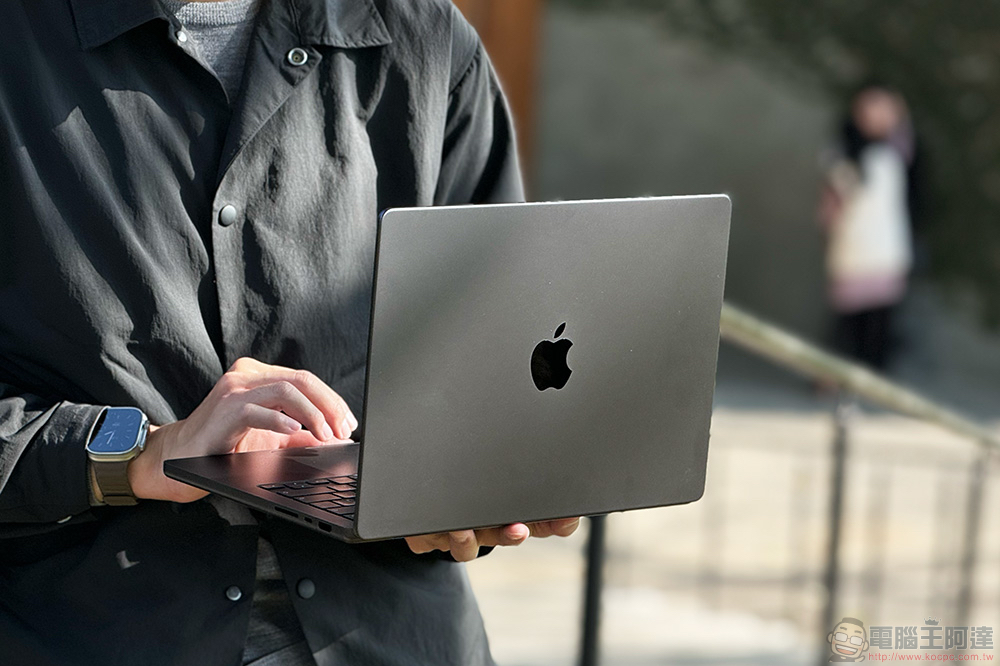
How long do Macs and MacBooks last? When should I switch phones?
One of the reasons why people usually consider replacing their Mac is that it starts to have problems, such as randomly shutting down and the battery performance declining and unable to charge. Although it is said to be repaired if it can be repaired, in some cases repair is no longer the best option, and the last thing you have to consider is to replace the machine.
When does it need a new Mac?
Although when you want to replace your Mac depends on your personal financial resources and needs, if your Mac shows some of the following signs, it indicates that your Mac has reached the end of its lifespan, and you really should consider replacing it.
- Apple no longer supports this model with the latest version of the software, which may leave you vulnerable to attacks.
- The app you need won’t run on your old Mac.
- It becomes difficult for your Mac to handle tasks, especially since you can no longer replace the RAM or other components in it.
- Some parts are damaged but would be too costly to repair or parts are discontinued and replacements cannot be found.
- Mac has become increasingly unreliable, often shutting down unexpectedly and crashing, and I have tried everything to fix it, but to no avail.
Which Macs does the macOS version support?
Only the latest versions of macOS get feature updates, but Apple typically continues to maintain the last three versions of macOS with bug fixes and important security updates to ensure the latest versions of Safari and other Apple services work properly. If the software is too old, you may also find that other Apple products are incompatible with your Mac. For example, without the latest security updates, you may no longer be able to use Apple Pay or other methods to pay for services online. If you want to sync your iPad or iPhone with your Mac (instead of using iCloud), you also need the latest version of macOS.
Below we have compiled a list of Macs that Apple still supports. If your Mac is no longer listed below, it means that it will not receive important security updates:
- macOS Sequoia
- MacBook Air in 2020 and Beyond
- 2018 and newer MacBook Pro
- Mac mini 2018 and beyond
- iMac 2019 and beyond
- iMac Pro from 2017
- Mac Pro in 2019 and beyond
- Mac Studio (all models)
- macOS Sonoma
- 2018 and newer MacBook Air
- 2018 and newer MacBook Pro
- Mac mini 2018 and beyond
- iMac 2019 and beyond
- iMac Pro from 2017
- Mac Pro in 2019 and beyond
- Mac Studio (all models)
- macOS Ventura
- 2017 or later MacBook models
- 2018 or later MacBook Air models
- 2017 or later MacBook Pro models
- 2018 or later Mac mini model
- 2017 or later iMac models
- iMac Pro (all models)
- 2019 or later Mac Pro models
- Mac Studio (all models)
When does a Mac become obsolete?
The key to determining the lifespan of a Mac is not only software updates, but also whether the hardware can be repaired if it fails. Apple has two criteria that indicate hardware support is disappearing: obsolete (off the shelves for more than seven years) and retro (off the shelves for more than five years). In the first stage of “retro”, you still have the opportunity to obtain parts for repair; in the second stage of “obsolete”, you can only seek third parties or repair by yourself.
If you look at Apple’s list of obsolete Macs, you’ll see that the company stops providing parts for Macs that have been off the shelves for more than seven years. In fact, the company may not even provide parts for Macs that have been off the shelves for more than five years. This may mean that the faulty Mac cannot be repaired, or that second-hand or sub-factory parts can only be found at a third-party repair center.
Should it be repaired or bought new?
If your Mac falls into the “obsolete” category and something goes wrong, it will be difficult to get the necessary original parts if you want to try and fix it, as Apple no longer supplies them. If your Mac is on the “retro” list, Apple may have the parts you need, but there’s no guarantee. If you’re lucky enough to get the part, an Apple repair center can even help you fix your Mac, but you know, the original parts plus labor can be prohibitive.
So the key points you should evaluate include whether you are willing to accept second-hand or aftermarket parts? Are you willing to handle it at a third-party repair center? Are the repairs cost-effective?
Back on topic, exactly how long is the lifespan of a Mac? Based on computer estimates, the limit is about five to eight years. It depends on your usage habits, but if your work or use requires high-performance support, although you don’t have to be aggressive enough to replace it every year, you can measure the degree of each generation of chip upgrades to determine when to replace it.
Source: KOCPC Chinese