


If you are a heavy user of Apple’s original Reminder app. Then you may want to consider using the “Remind Me Faster” App, which can speed up adding reminders/notes. Continue reading Is Kuaishou’s free app “Remind Me Faster” easy to use? This article tells you (use experience) the content of the report.
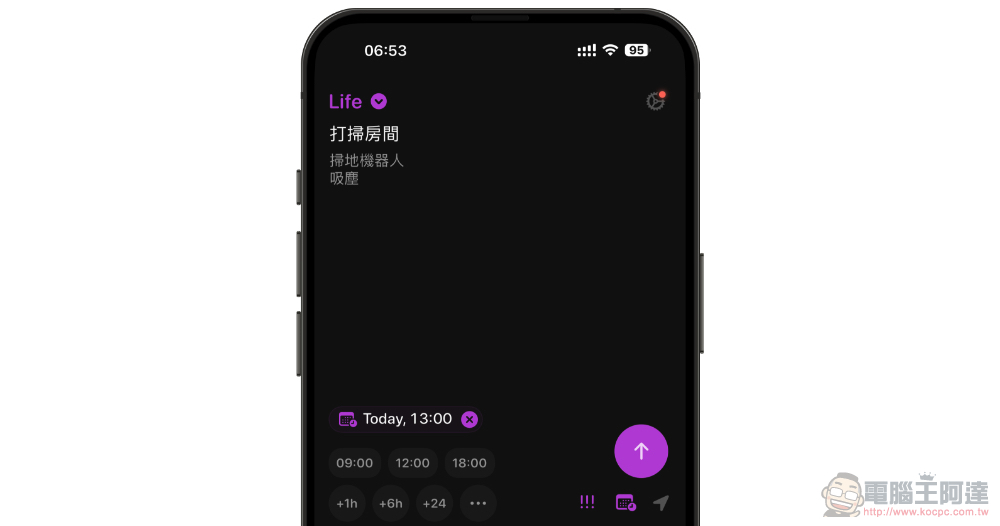
Is Kuaishou’s free app “Remind Me Faster” useful for adding reminders? This article tells you (use experience)
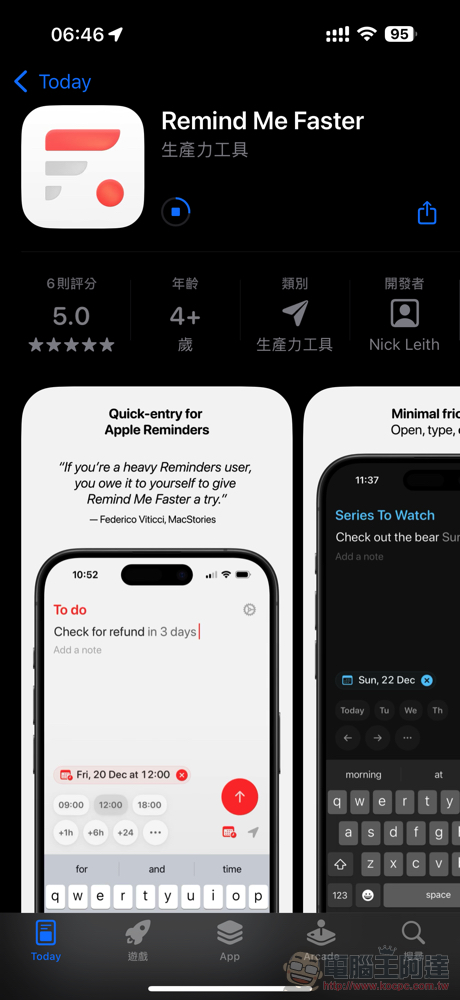
If you are a heavy user of Apple’s original Reminder app. Then you may want to consider using the “Remind Me Faster” App, which can speed up adding reminders/notes.
That is to say, if the developer hadn’t recommended it on an online forum, we wouldn’t have known that “Remind Me Faster” was actually an app that was already 8 years old. They have recently added more new improvements to the app. The important thing is that it also maintains the advantage of being ad-free and free to use – although there are some parts that can be unlocked for a fee, the free status is still very useful.
In this article, let’s briefly try it out and talk about the benefits of “Remind Me Faster”!
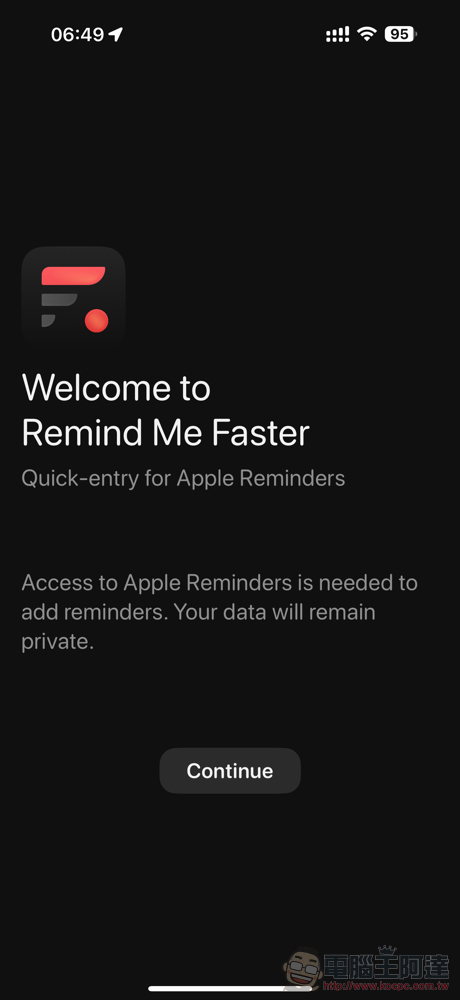
Basic permission requirements will be required to enter the application – currently only those that require access to the built-in reminder service.
“Remind Me Faster” is currently developed using EventKit for iOS/iPadOS. According to the developer, advanced features such as labels and other features of the original reminder are “yet” not supported at this stage. However, this does not affect the need to quickly join the reminder experience.
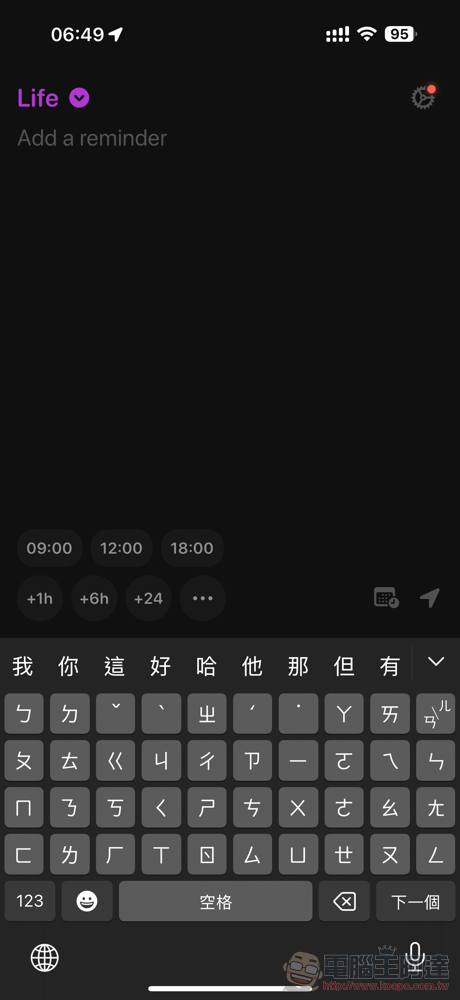
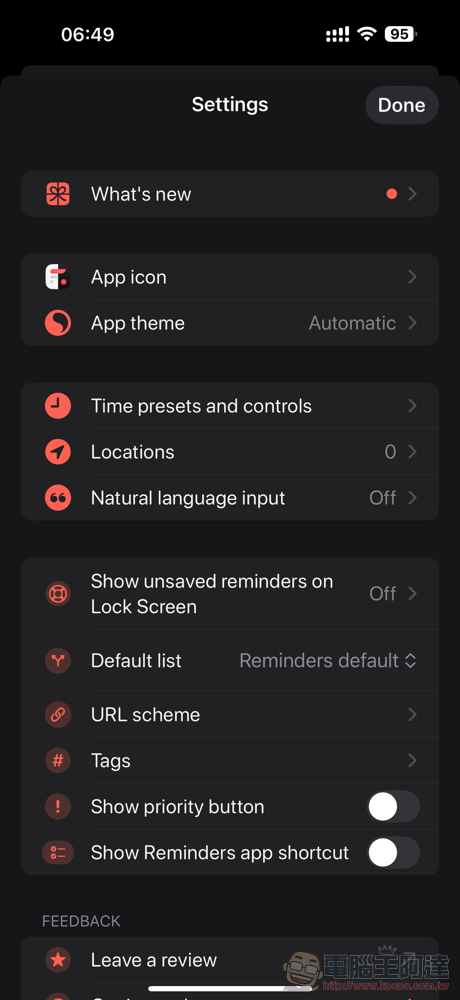
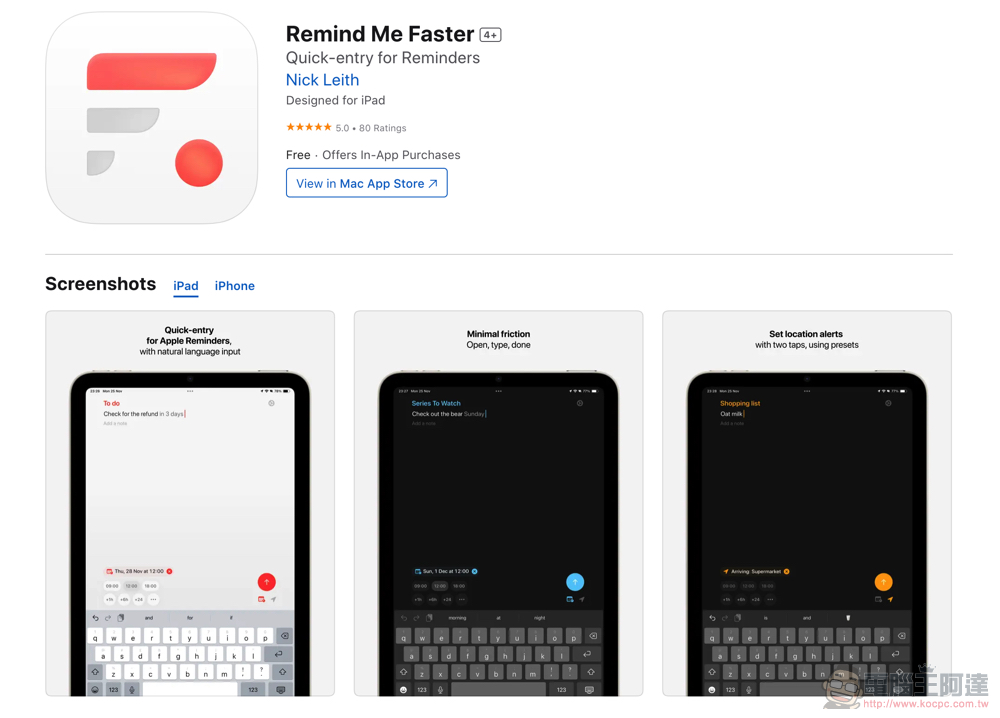
After entering the app, it will default to the reminder list you used before as a default new item. The cool thing here is that you can directly use gestures to swipe left and right to switch between different lists; swipe up and down to call out all lists – this page can also quickly go to the original Reminders App to confirm the current reminder list. It can be said to be quite smooth and easy to use.
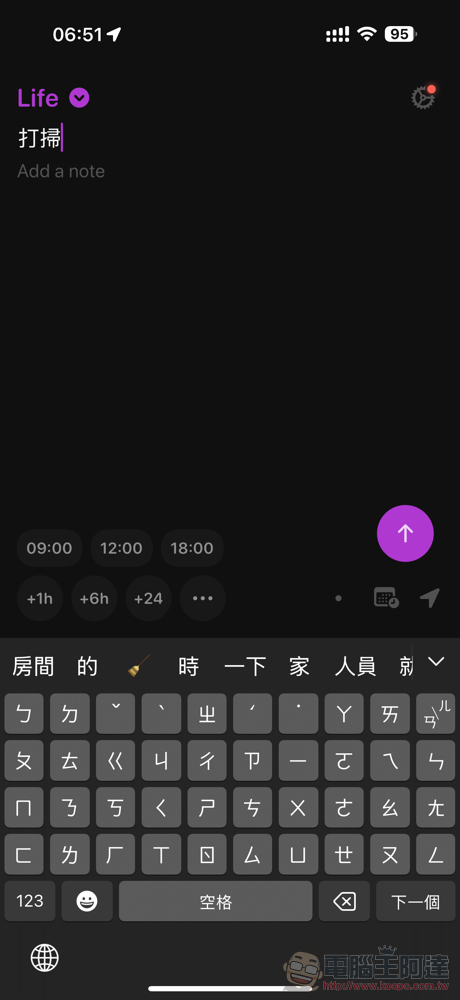
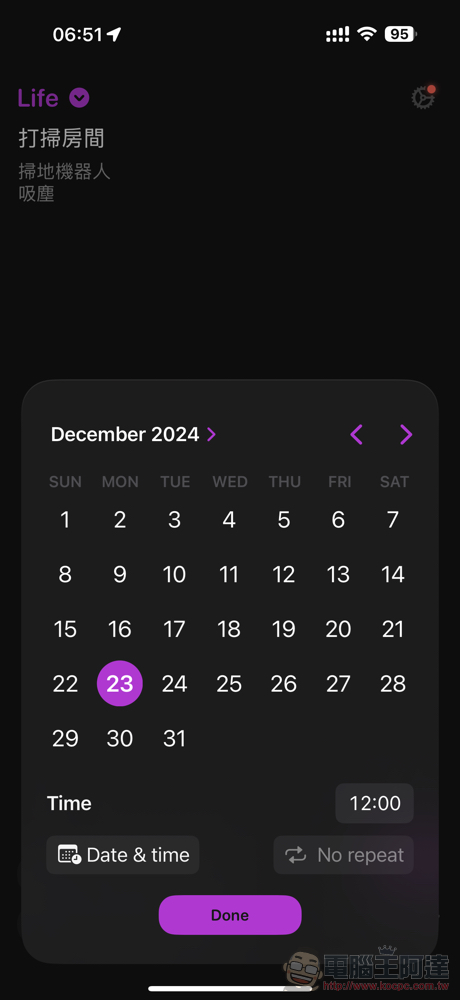
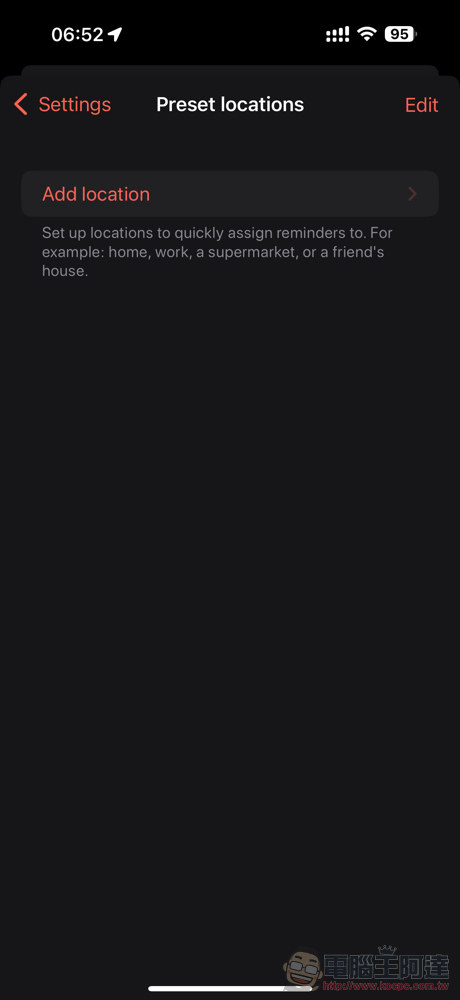
Compared to setting the time directly, “Remind Me Faster” provides several preset time points directly at the bottom of the interface – don’t worry about not being able to select the correct time point. Because in addition to the detailed date and time options, you can also adjust the time by using the “+” at the bottom after selecting the three preset time points – this is really intuitive. You can also directly set the default location fence for use.
Overall, “Remind Me Faster” really provides a user experience that allows you to add reminders very quickly – you can also easily switch the priority of reminders with a single click.
They also provide a paid feature for additional paid natural language typing reminder content (there is also a fee to change the App Icon). The official feature list of “Remind Me Faster” is simply translated as follows:
• Set reminders with preset time and duration with one click
• Set time reminders using natural language (eg: “Reply to Mike at 10am tomorrow”)
• Set up location reminders in two steps
• Use gestures to quickly switch lists
• Set priorities: • ! !! !!!
• Supports lock screen, control center and action button shortcuts
• Support sharing form and URL Scheme
Friends who want to try it, you canGo to the App Store to download and use “Remind Me Faster”Hello.
Further reading:
AirPods 4 active noise reduction model unboxing experience: fully “adapted” to your needs
Source: KOCPC Chinese