


Nowadays, almost everyone has more than one email box, which has long become a battleground for all kinds of marketing messages and spam. Have you ever opened a spam email only to find that you were the sender? The good news first, hackers may not be able to access your data, but how do they do it? This is a “spoofing” technique used to forge your email.
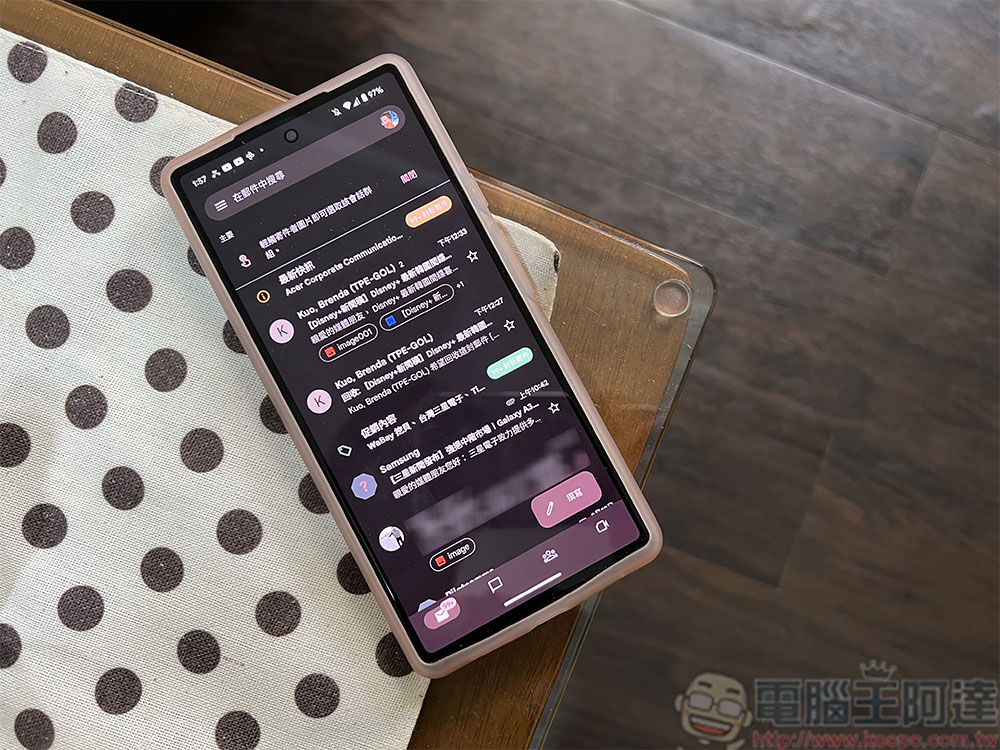
Why do you receive spam emails from yourself?
Spoofing is the practice of forging an email to make it appear that it comes from someone other than the original sender. Typically, spoofing will trick you into thinking the email is coming from someone you know, an organization you’re familiar with, or a business you work with, such as a bank. Email spoofing is simple because email systems don’t always have enough security checks to ensure that the address entered in the sender field actually belongs to you. This is just like when you go to the post office to send a letter, you don’t care whether it can be returned if it is truly undeliverable. You scribble on the sender and the post office cannot verify it one by one.
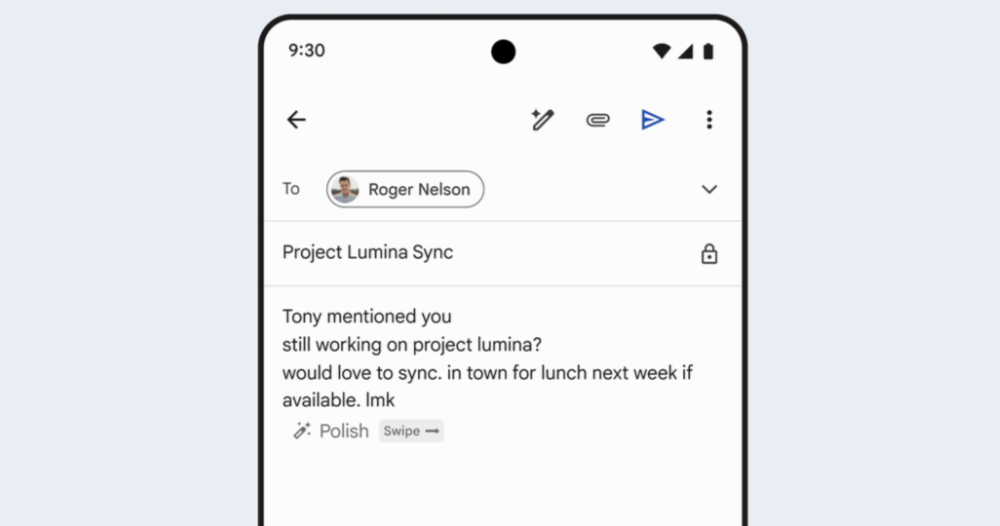
Email forgery works similarly to the previous example. Some online services, such as Outlook, pay special attention to the sender field when you send an email to prevent emails from being sent with forged addresses. However, other tools let you fill in whatever you want, as easy as setting up your own email server (SMTP). All the scammers need is your email address, which can be obtained from anywhere, including in various leaked documents.
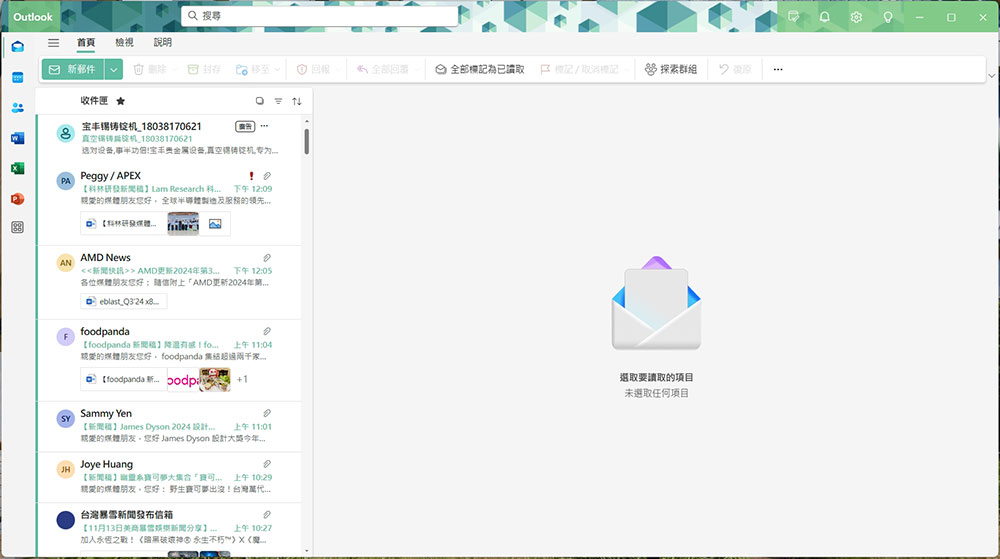
Scammers usually try to trick you with a fake address for two reasons. You send yourself a letter basically because you want to remember something important and don’t want the email to be marked as spam, but the unscrupulous person hopes to bypass your spam protection and get to you without being detected by the built-in spam filter. The second reason is to make the letter look more reasonable and legitimate. For example, you often see deceptive emails claiming that your account has been compromised. Although unscrupulous people may try to create panic by exposing your personal data or using other threatening words, in fact they usually only obtain your email address and most likely do not have any information about you.

How easily anyone can spoof a reply email address is not a new problem. Additionally, email providers don’t want spam to annoy their users, so they use some techniques to solve the problem. A common method is to use SPF and DNS records together to direct traffic to the correct hosting server or computer. When you send an email, the receiving service will check the SPF record of the sending domain to ensure that the email comes from an authorized IP address. If an email originates from an IP address that is not listed in the SPF record, it may be marked as spam or rejected. But SPF alone cannot solve the problem, because scammers can exploit the loopholes of SPF. When you receive the email, you will only see the sender instead of the full address, and they will fill in one email address as the actual name and another as the sending address that matches the SPF record. In this case, neither you nor SPF can identify it as spam. Businesses must also decide what to do with the results of SPF, and in most cases will choose to let the mail go through. That is, SPF only provides inspection results without a set of rules on how to handle them.

To address these issues, Microsoft, Google, and other email service providers have introduced domain-based Message Authentication, Reporting, and Conformance (DMARC) validation systems. It works with SPF to establish rules to handle emails marked as potential spam. DMARC first checks for an SPF scan, and if it fails, it blocks the message from getting through unless configured otherwise by the administrator. Even if SPF passes, DMARC will perform a match to ensure that the email address in the “Sender” field matches the domain the email came from, and due to widespread adoption of DMARC, we’ve seen a steady decrease in the number of scam emails.

Unfortunately, there is no reliable way to prevent spammers from lying about the address part. It’s best to use an email system that implements both SPF and DMARC, and you won’t see these targeted emails. These emails should be classified directly into spam. If your email provider allows you to control spam options, you can set it to be more restrictive. Please note that you may also be missing some legitimate messages, so be sure to check your spam box frequently to avoid missing important messages.
If you do receive a fraudulent email from yourself, please ignore it. Do not click on any attachments or links, and do not pay any ransom demands within the content. Simply mark it as spam or phishing, or simply delete it. If you’re concerned that your account has been compromised, lock it to keep it secure, change your password, enable two- or multi-factor authentication, and make sure you don’t use the same password on any account.
Source: KOCPC Chinese