


Although everyone should have cloud space now, the capacity of the free version is not large. When you need to share large files, it is definitely not enough. This article will recommend a good free file sharing service called YDRAY. It not only supports a single file up to 10GB, but also provides a password function. More importantly, it can be used without registration.
In addition, the upload and download speeds of most such free space services are very slow, but the one I tested YDRAY was not bad. I am not sure if it is because it has just been launched. For those who often need to share files, it is highly recommended to collect them.

YDRAY free file sharing space service operation tutorial
YDRAY is a file sharing space service that has just been launched. The privacy protection aspect that everyone is most concerned about is that according to the description, they provide the highest privacy protection when transmitting, sharing and transferring files, and ensure the security of user data by implementing more stringent data protection policies, such as: complying with the European General Data Protection Law (RGPD) Regulation (EU) 2016/679.
The servers are located in Europe and are advertised as all dedicated servers. All file transmission processes are point-to-point encrypted, so security is very good.
But even so, it is not recommended to use this free service for important files. It is safest to use your own private cloud.
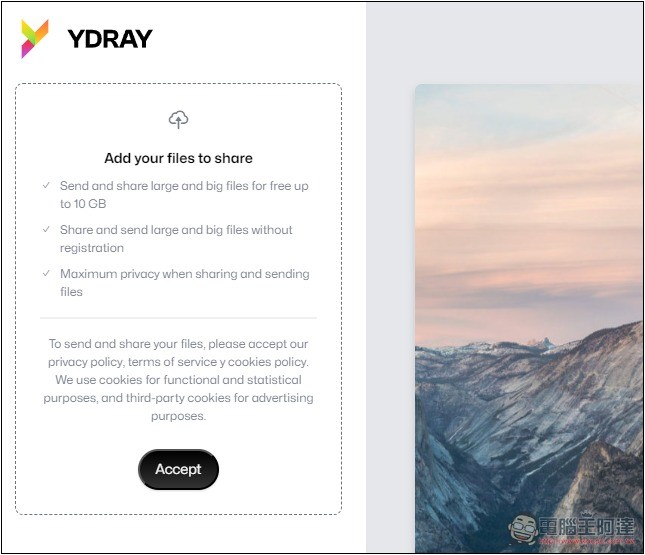
YDRAY is very simple to use. No registration is required. After entering the website, first accept the relevant terms of use and press Accept:
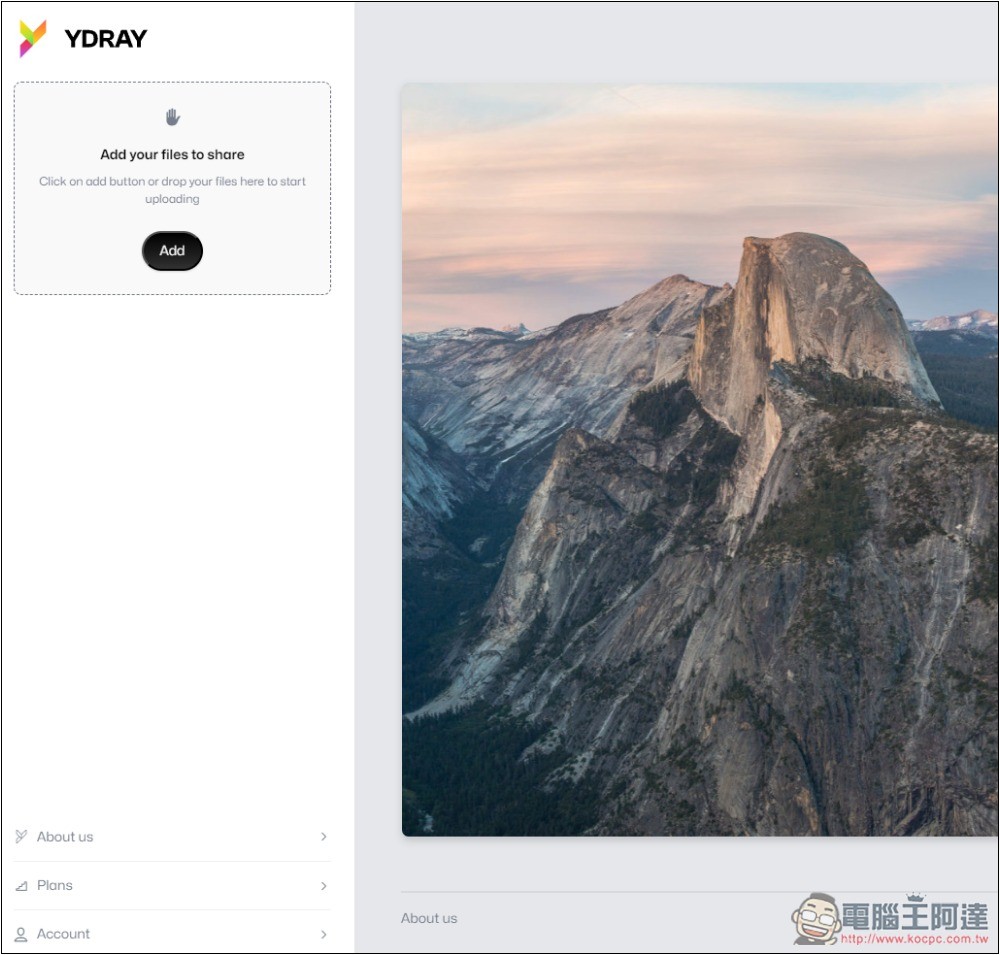
Then the upload function will appear on the left. You can drag directly or press Add to select manually:
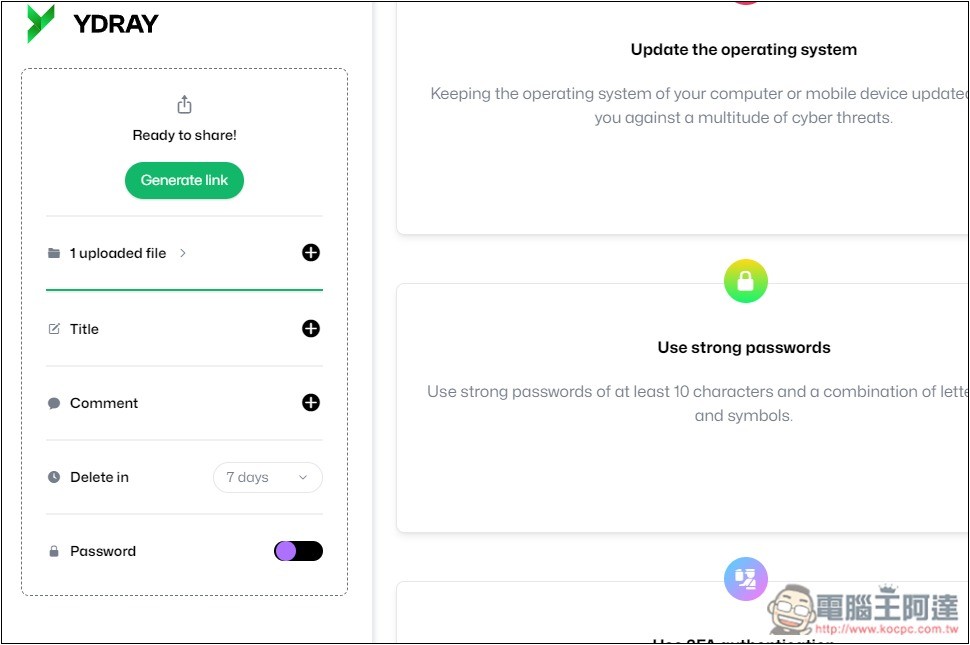
A maximum of 50 files can be shared at a time, and the total capacity is 10GB. This means that if it is just a single file, it can reach 10GB. Multiple large files must be shared multiple times. After uploading the file, there will be some setting options, including name, message, automatic deletion time, and password setting:
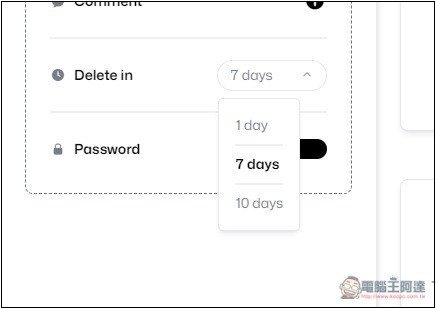
The automatic deletion date can be set to 1 day, 7 days and 10 days:
You can enter the password yourself:
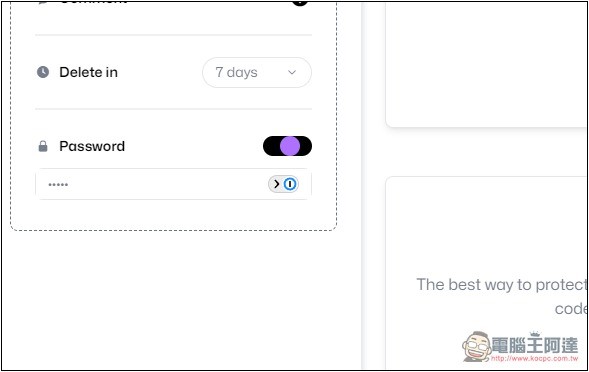
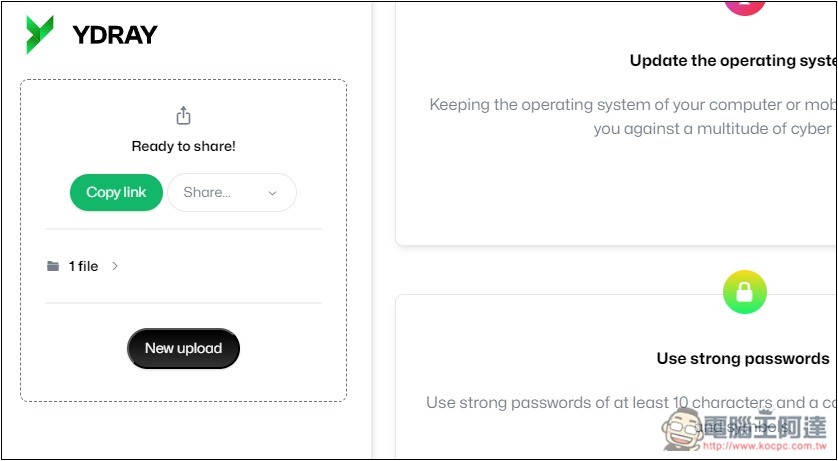
After clicking Generate Link, you can create a sharing link. Just click Copy link to share the link with the other party. The uploaded files can only wait until the expiration date and let the server delete them automatically. There is no way to delete them manually:
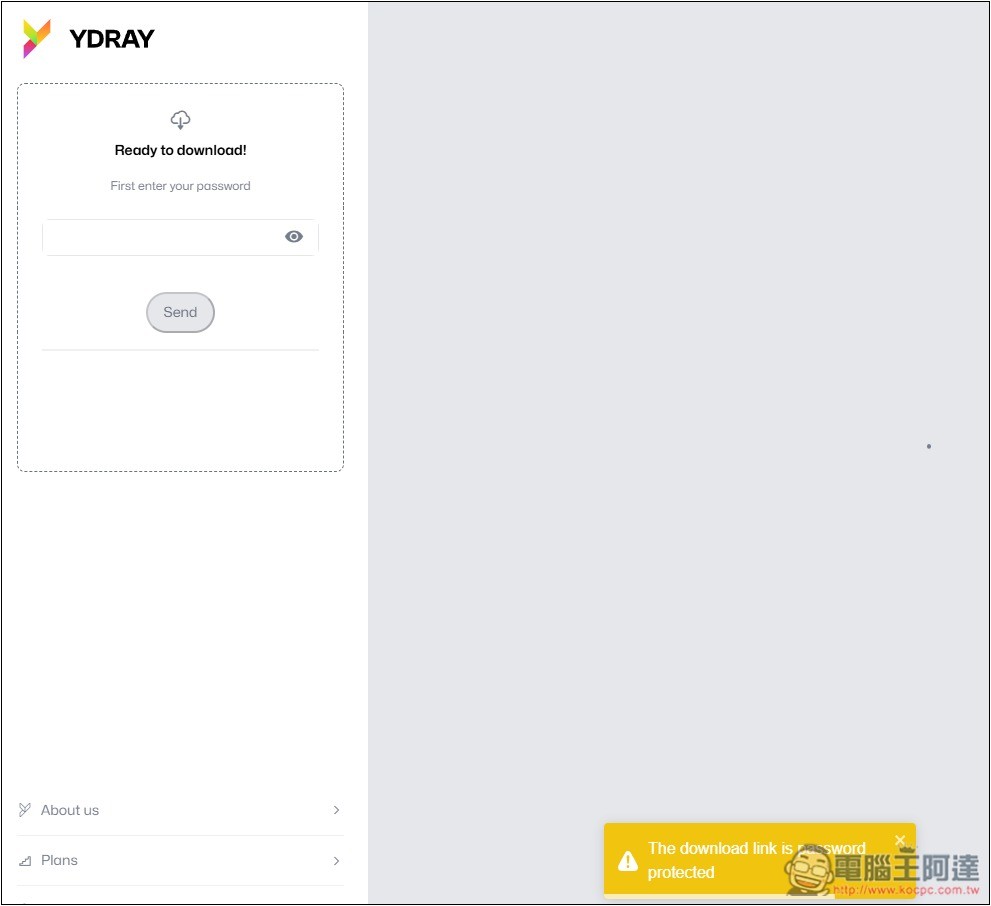
When the other party opens it, it will look like this. If there is a password, you need to enter the password to unlock:
You can then download the files, and the file name will be displayed for each file:
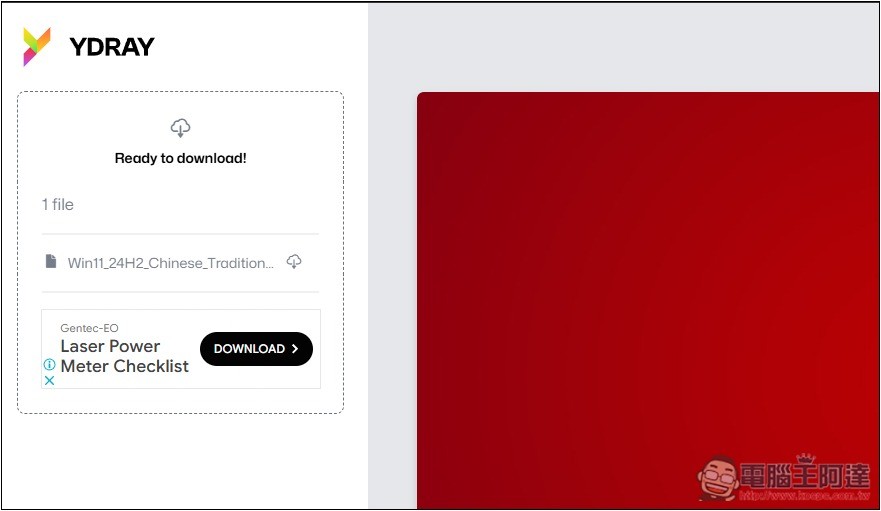
Although the download speed cannot be said to be very fast, it is about 15.4MB/s, which is much faster than many free file sharing spaces:
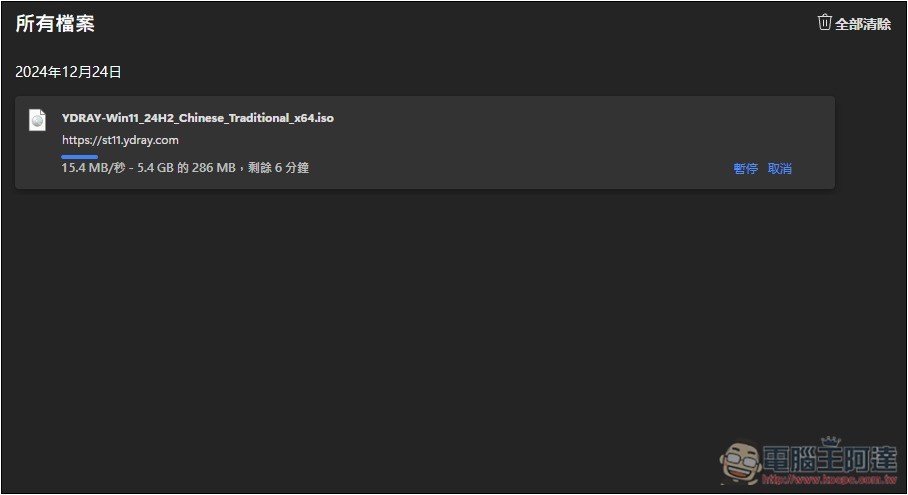
In addition, regarding the upload part, the website also mentioned that they use a highly optimized and scalable upload infrastructure, so the file upload speed is faster than other service providers.
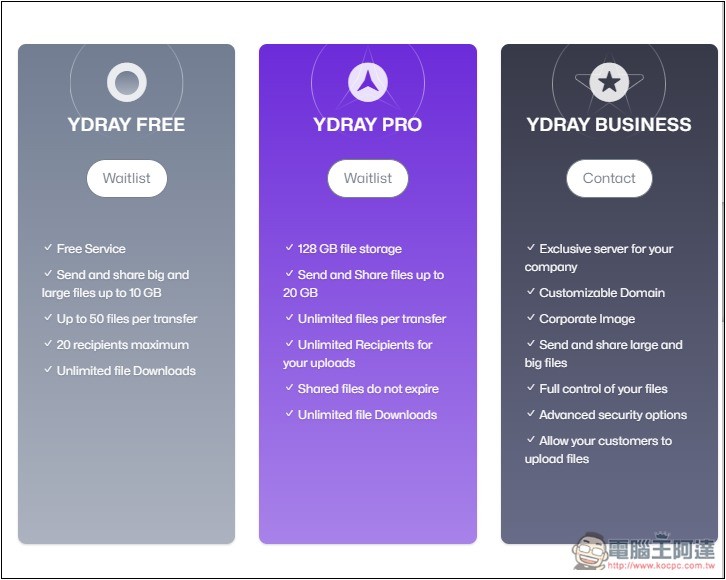
They will also launch a paid version in the future. If you want to share larger files, you can consider PRO. The maximum single file can be increased to 20GB, and the shared files will never expire. But I don’t know what the price will be:
Except for this one, we have sorted out before The 6 Best Free File Sharing Spaces of 2024, you can also refer to the ones in this list, they are all very useful, and they even have no capacity limit and can be saved permanently.
Finally, I would like to remind you that this free file sharing space is not suitable for sharing important files. Even if the website advertises high security, it is still recommended to use a private cloud such as Google Cloud.
Source: KOCPC Chinese