


If you’re still using Windows 10, Microsoft is now offering another incentive to upgrade to Windows 11. The companyA recent blog post, lists every game feature you will miss if you don’t upgrade your computer. If you are a gamer, this is unbearable! The year is coming to an end, so plan your use of the year-end bonus and upgrade to Windows 11!
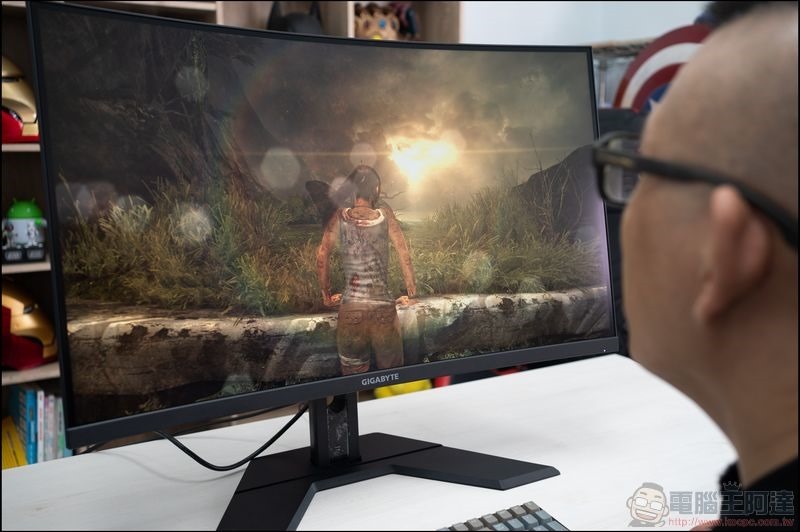
If you don’t upgrade from Windows 10, you’ll miss out on these Windows 11 gaming features
The Christmas holidays abroad are here, and Microsoft hopes that everyone can take advantage of this to update their home computers to Windows 11. Although upgrading to Windows 11 is a good choice, what deters users is its strict requirements, which make many older systems incompatible with it and cannot be upgraded in place. They can only buy a new computer. Upgrading to Windows 11 does bring a lot of benefits. This time Microsoft has listed a series of cool new game features. It also reminds everyone that Windows 10 will end support next year, which means that the operating system will no longer receive security and quality updates.
So, what are the unique features of Windows 11 in terms of games that have been whetted for so long? Next we will sort it out for you:
- Auto HDR
Auto HDR with Windows 11 automatically upscales SDR games to HDR, displaying richer colors, stronger contrast, and more immersive visuals, making games look lifelike.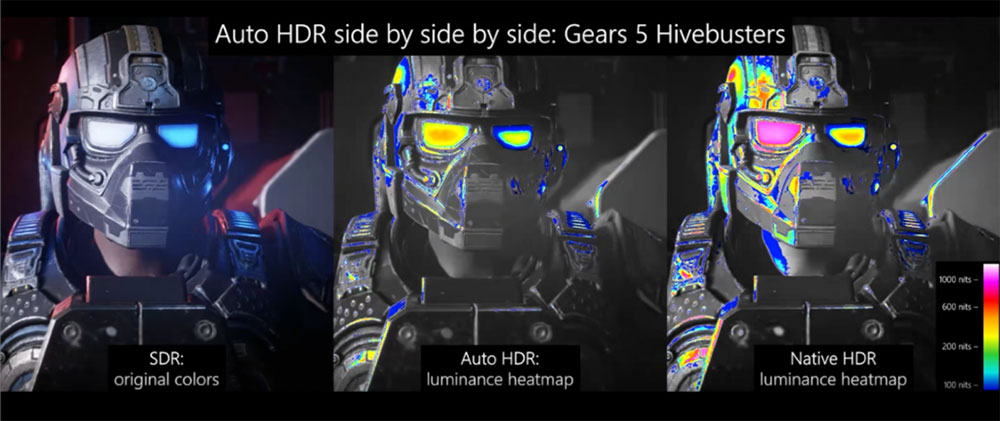
Auto HDR’s brightness boost is very close to native HDR. (Image source: Misrosoft) - DirectStorage
DirectStorage is a feature that leverages the speed of NVMe SSDs to dramatically improve load times in certain games. By optimizing the way game data is loaded and processed, games can render vast worlds with intricate detail almost instantly. Not only does it enhance the gaming experience, it also reduces the load on the CPU, freeing up resources for other tasks and ensuring smoother gaming.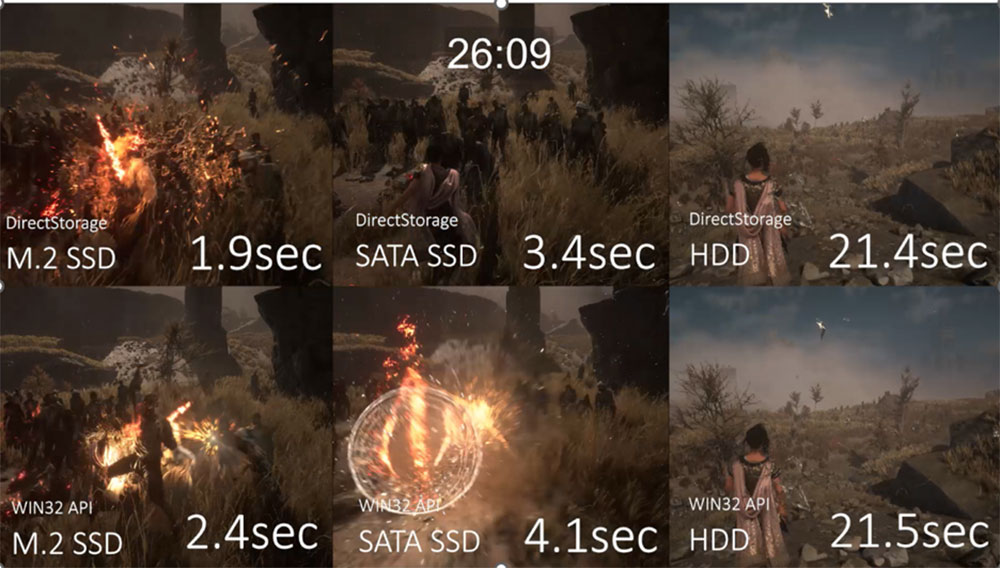
Image source: Microsoft - Game Bar Lite Mode
The new feature, launched recently, makes it easier for players to navigate Windows handheld devices, small screens, and games using controllers. Lite mode provides a controller-friendly interface that allows you to quickly access recently played games, game launchers, and Game Bar widgets, and can add performance, audio adjustment, and other layers to the game screen.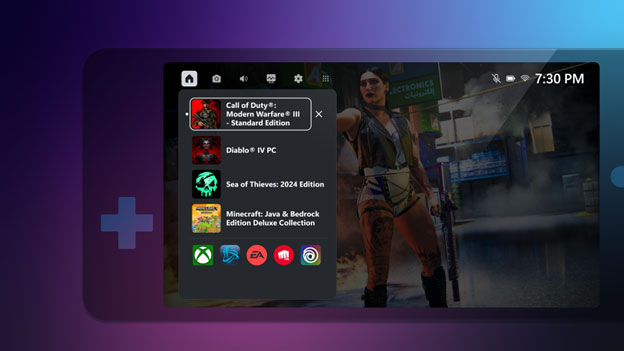
Image source: Microsoft - dynamic lighting
Dynamic Lighting in Windows 11 is an integrated solution for controlling RGB lighting on different devices. With dynamic lighting, you can synchronize lighting effects, adjust brightness, and apply custom lighting effects directly from Windows Settings.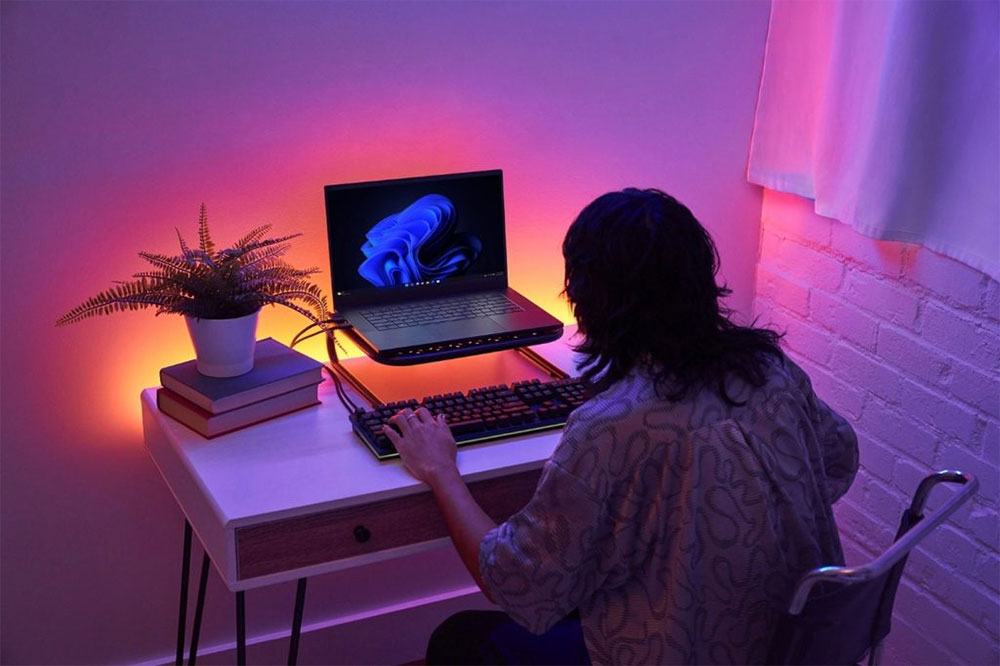
Image source: Microsoft - Game window optimization
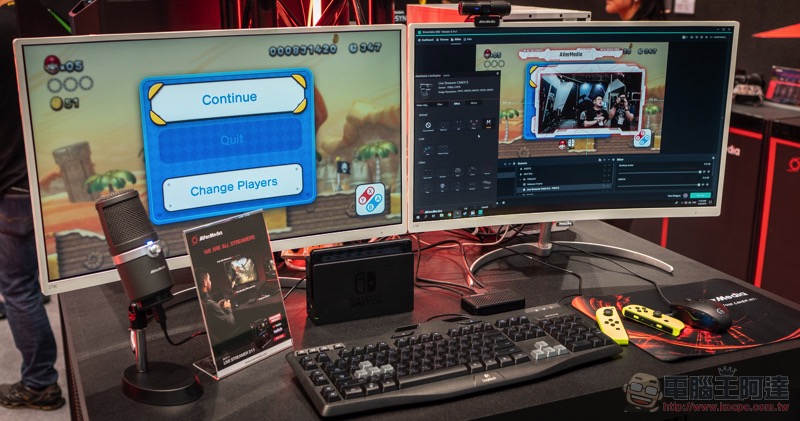
Improves latency when playing thousands of games in windowed and borderless windowed game modes. This feature also brings VRR to many windowed games, helping to reduce screen tearing and stuttering by synchronizing the monitor’s refresh rate with the game’s frame rate. This feature does not require additional adjustments by developers, and players can enjoy it as soon as they open the game.
- HDR correction application
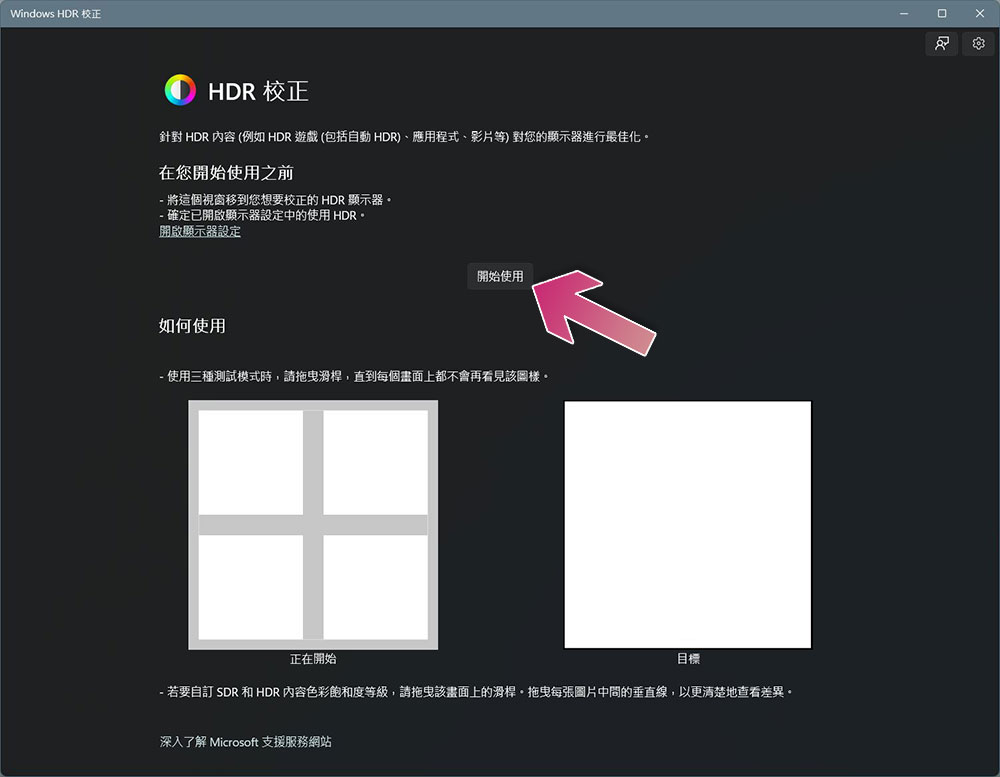
Exclusive to Windows 11, the HDR Correction app can be fine-tuned to achieve the perfect visual balance, ensuring games look as expected.
- Advanced Hybrid (CASO)/UMA
Optimizing the performance of hybrid laptops through built-in and discrete graphics, this technology reduces latency and increases frames per second (FPS) without the need for dedicated hardware. - Supports Wi-Fi 6E and Wi-Fi 7
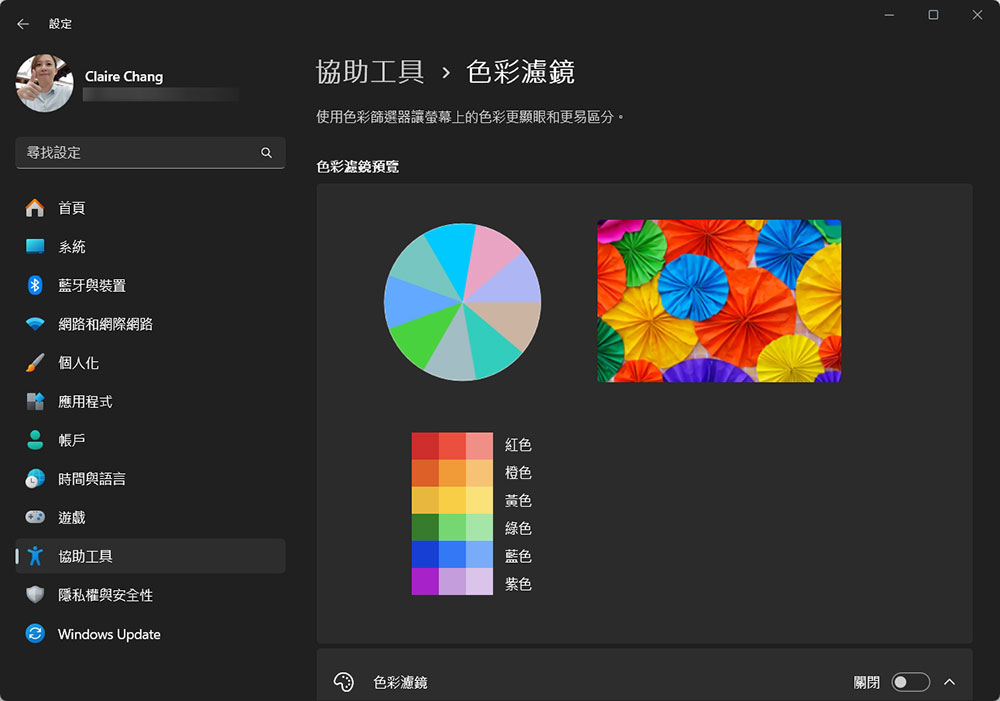
Experience faster speeds and lower latency with Wi-Fi 6E and Wi-Fi 7 compatibility for smoother online gaming and streaming. The additional expanded 6GHz frequency band reduces interference and congestion, resulting in a more stable connection. - Color filters for color-blind gamers
Color-blind gamers can better distinguish colors on their devices through color filters. This feature is now available on the GPU. When the color filter is enabled on the device, faster frame rates can be achieved in full-screen mode. Players can also control the intensity and color enhancement of the filter.
- AutoSR for Arm Copilot+ PC
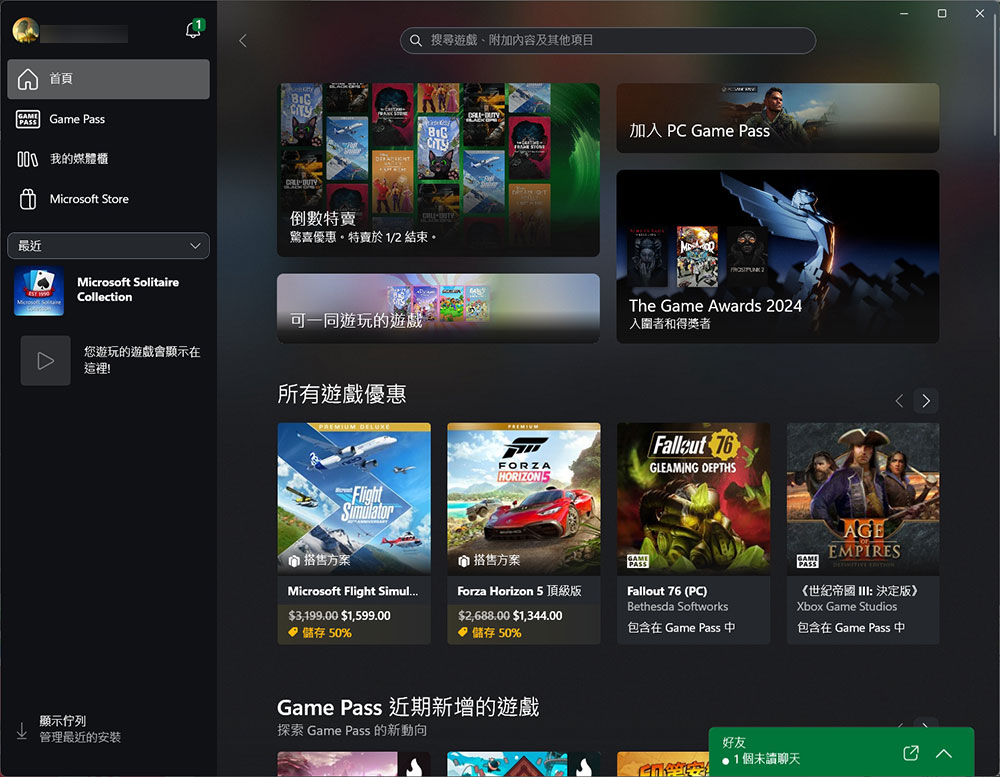
AutoSR leverages machine learning and the NPU on Copilot+ PCs to instantly upscale low-resolution content. No developer integration or dedicated hardware is required, and you can enjoy clearer images and enhanced detail in various games. - Xbox app on Windows PC
With this feature, whether you are a Game Pass member or have purchased games from the Microsoft Store, you can manage and play them directly in the Xbox app on your computer. Discover and download new PC games with Game Pass, play console games on your Windows PC with cloud gaming, and chat with friends across PC, mobile and console.
Others not mentioned include the Prism emulator and BattleEye anti-cheat. In addition, some of these features require upgrading the system to the latest version of Windows 11, the latest drivers and the required hardware. As Windows 11 becomes more and more popular, all games now support the system. After Windows 10 ends support next year, many developers should abandon the platform. If you are a computer player who loves games in your spare time but have not yet upgraded your operating system, you should really think about joining the Windows 11 camp.
Source: KOCPC Chinese