


Following the previous native file sharing function between Android devices, Nearby Share was renamed Quick Share. This quick sharing function, which previously needed to be divided into “Google version”, was found to be testing new process support for QR Code scanning, and the differences between the two have gradually become less and less. Continue reading Android Quick Share uses QR Code to quickly share files! This article teaches you how to use report text.
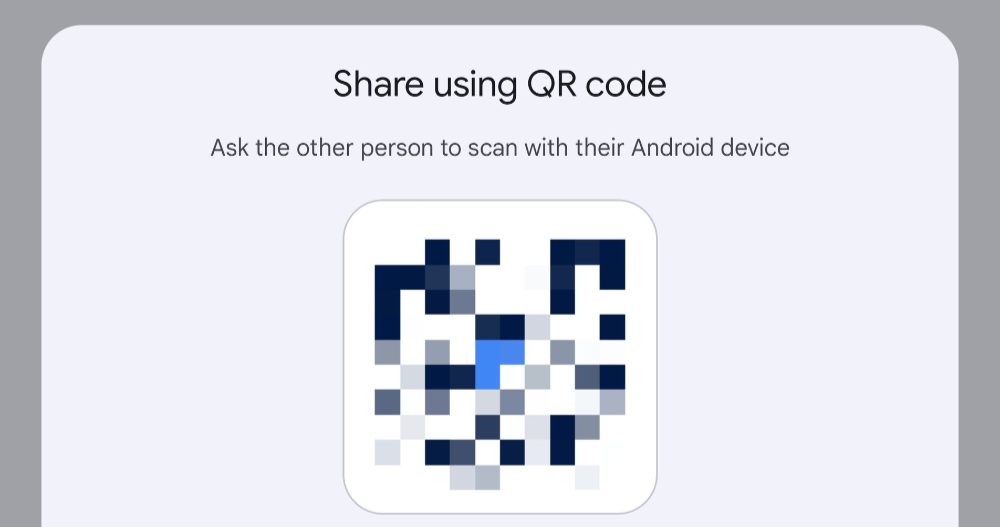
▲Image source: Mishaal Rahman
Android Quick Share uses QR Code to quickly share files! This article teaches you how to use
To some extent, this should be regarded as the relationship between Google and Samsung.Similar services name collision IntegrateAnother evolutionary direction of “paying tribute to each other” later.
Following the previous native file sharing function between Android devices, Nearby Share was renamed Quick Share. This quick sharing function, which previously needed to be divided into the “Google version”, was found to be testing new process support for QR Code scanning (oh, yes, the Samsung version has been around for a long time, we know it), and the differences between the two have become less and less.
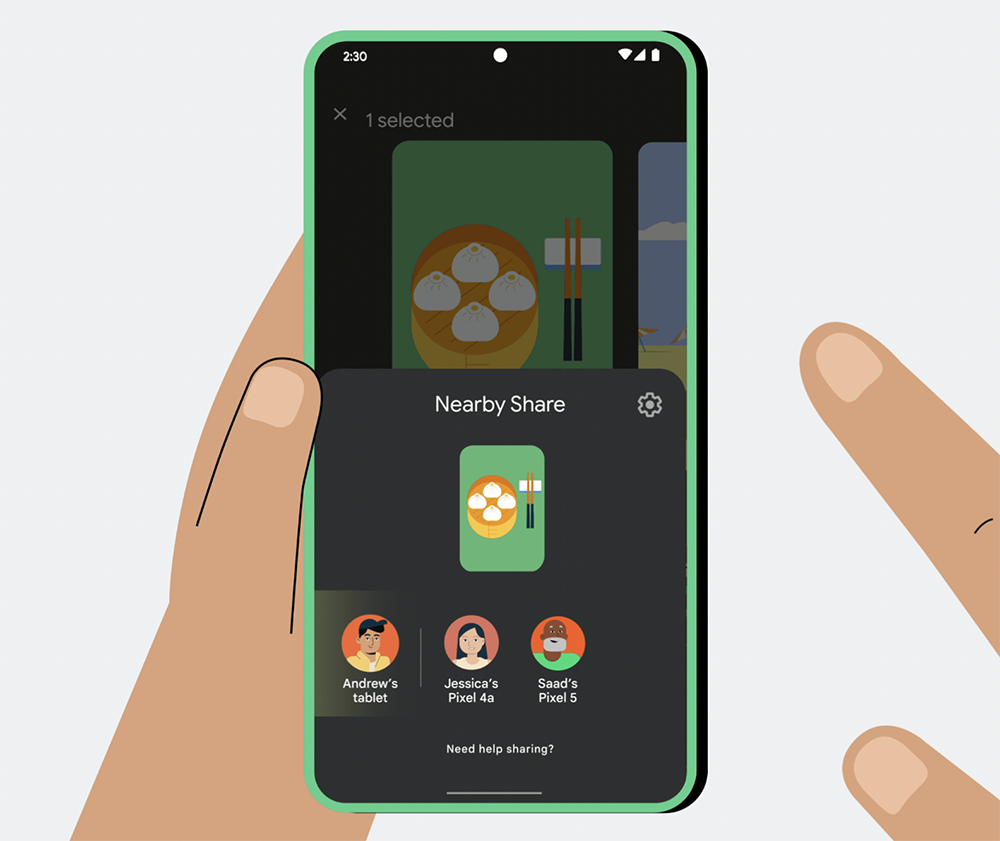
▲Image source: Google
Speaking of which, this is regarded as a function of the Android version of AirDrop. After the QR code scanning function was added, it can be regarded as having its own path – basically it means that there is no need to add special contacts or set it to be open to “everyone” when sharing, so that it can be shared quickly.
Now foreign media have discovered that this experience has begun to be officially launched. This article also uses information shared by Android users who have received this feature to give you a preview of how to enable and use Quick Share QR Code scanning support.
QR Code support tutorial for Android Quick Share
As shared by tech editor Mishaal Rahman on X (formerly Twitter). Android Quick Share is in the process of selecting “Share” in the past. You will find the “Use QR code” button with the QR Code Logo in the upper right corner of the “Send to nearby devices” field under the “Send to your devices” field to display the QR code scanning interface.
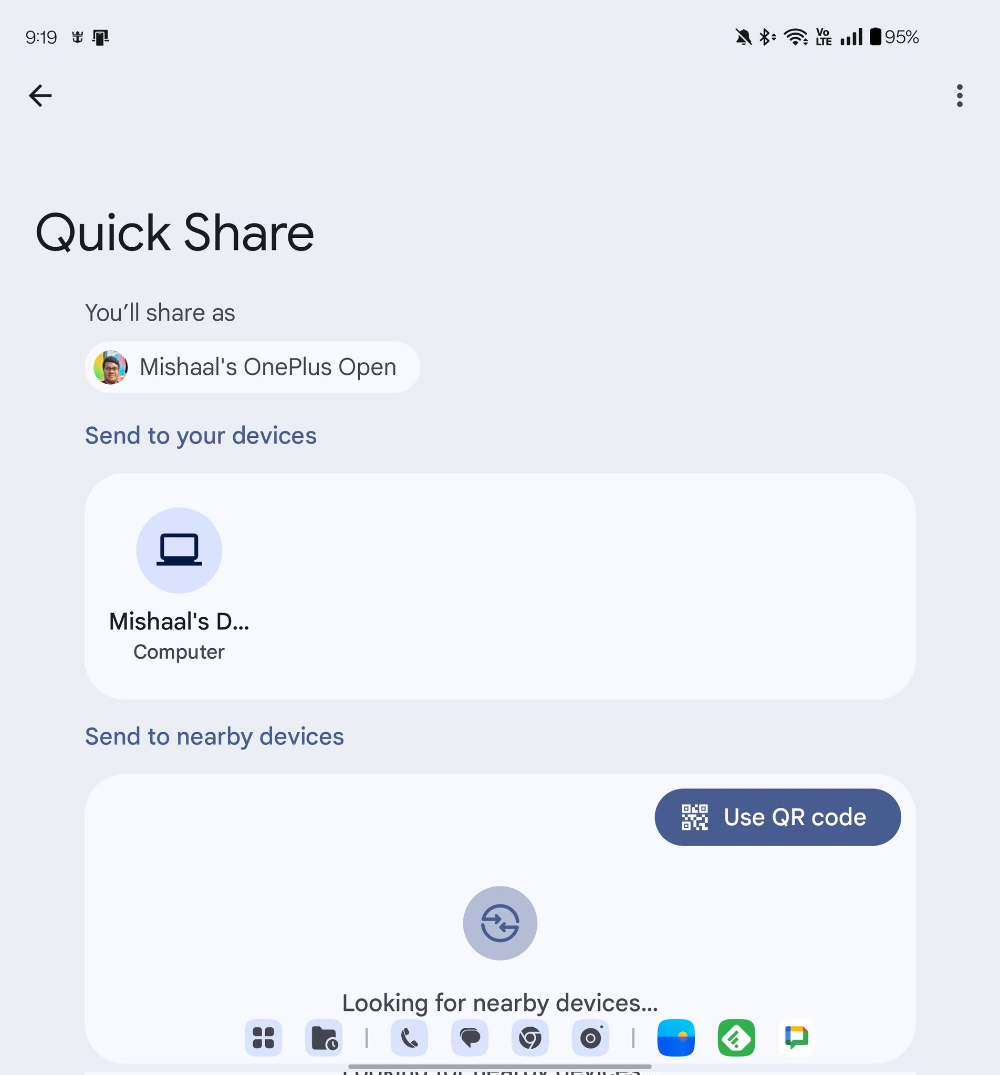
▲Image source: Mishaal Rahman
After clicking, a large QR Code will pop up from the bottom interface, and the format of the file to be sent will be marked – in the case of Mishaal Rahman, he is preparing to send a video file.
Then basically other Android users only need to open the camera or QR Code app on their phone to scan the QR Code to start the Quick Share transmission.
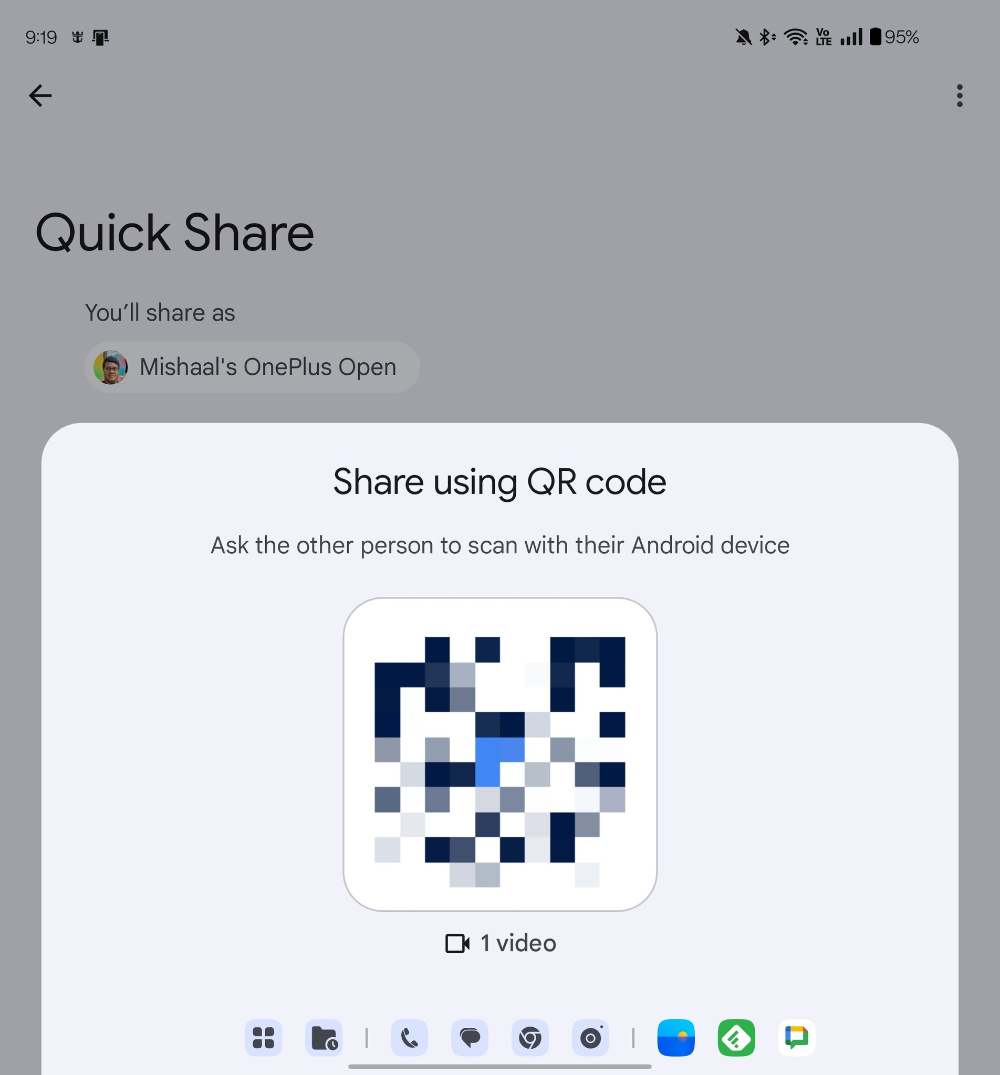
According to foreign media, this feature was officially launched last week. The OnePlus Open he uses is already acquired. However, it seems that this is a function that needs to be activated on the server side, so it will be gradually provided on all users’ devices (well, probably except for Samsung mobile phones that already have this function).
Quote sources:Mishaal Rahman|Via:Android Police|
Further reading:
Source: KOCPC Chinese