


Previously, we have already introduced several quite useful ones. Gemini WatermarkRemoval tools, such as:Banana Remover、Nano Banana Pro Watermark Removal ToolHowever, this method uses magic wand swipe detection, which may not always remove things precisely. If you only need to remove images generated by Nano Banana, then the “Gemini AI “Image Watermark Remover” is the most powerful free tool. No smudging needed—just drop in the image and it’s removed instantly, with batch processing support. Even better, the entire process runs locally, so no need to upload images.
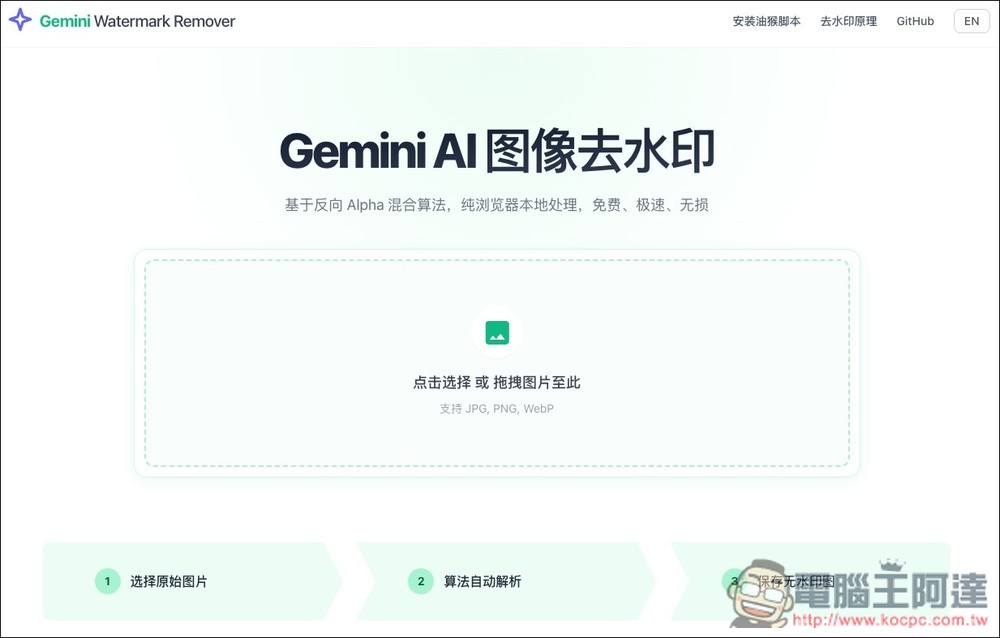
“Gemini AI Image Watermark Remover”: After importing an image, the watermark is automatically removed with no need to use any features. Everything is processed entirely on-device.
The core principle behind Gemini AI’s image watermark removal is quite different; it is based on the mathematical computation of Reverse Alpha Blending, rather than common inpainting or guessing pixel content.
This is because when Gemini generates images, the watermark is not actually overlaid directly on the image, but instead uses Alpha blending to composite the semi-transparent watermark pattern with the original image pixels through weighted mixing, which is why this method can be used to remove the watermark.
The process operates as follows: it calculates the Alpha value corresponding to each pixel in the watermark area based on the known watermark pattern and position, and creates an Alpha lookup table. It then uses mathematical formulas to reverse-engineer the original pixel values, computing the result closest to the original image from the “blended pixels.” Ultimately, it recovers the data beneath the semi-transparent watermark and gives you back a perfect image.
It’s okay if you don’t quite understand it. Simply put, this watermark removal tool only works with Gemini, and it only supports the original image dimensions. If you’ve modified the image, or it’s not the original dimensions of the image downloaded from Gemini, an error will occur.
Go to “Gemini AI Image Watermark Remover”
After following the link above to “Gemini AI Image Watermark Remover”, drag the Nano Banana image you want to remove the watermark from into the window, or you can also select it manually. It supports three image formats: JPG, PNG, and WebP.
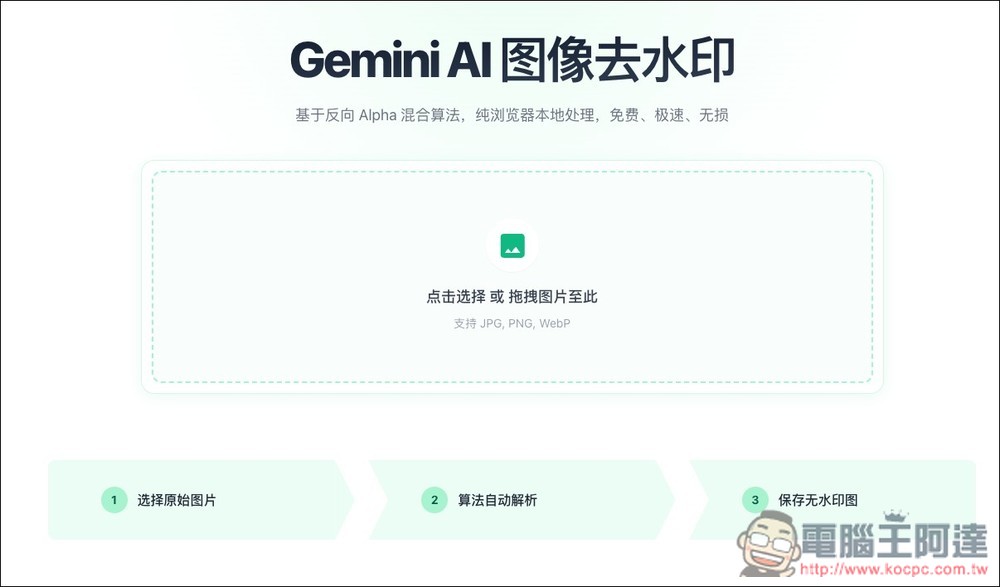
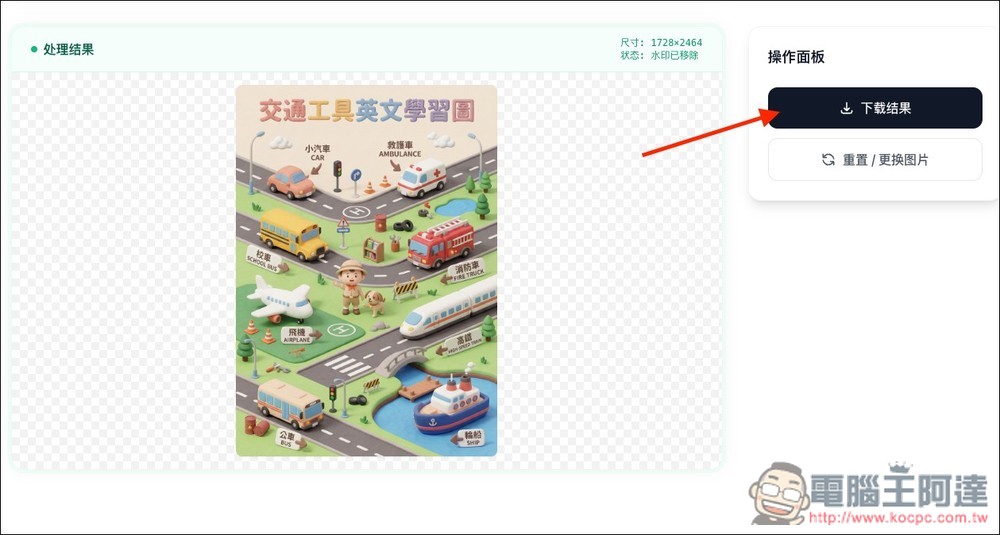
Then, in less than a second, the watermark was removed. The image below couldn’t be perfectly cleaned with the two tools introduced earlier, because the watermark sits on top of the text on the ship in the bottom right corner, but this “Gemini AI Image Watermark Remover” handles it without any problem. Click “Download Result” on the right side to save the watermark-free image:
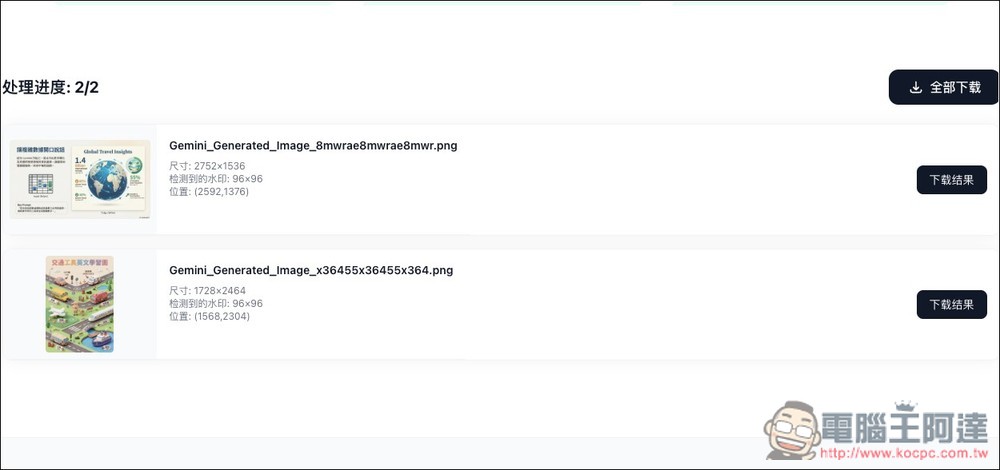
It also supports batch watermark removal and offers a bundled download feature (download all):
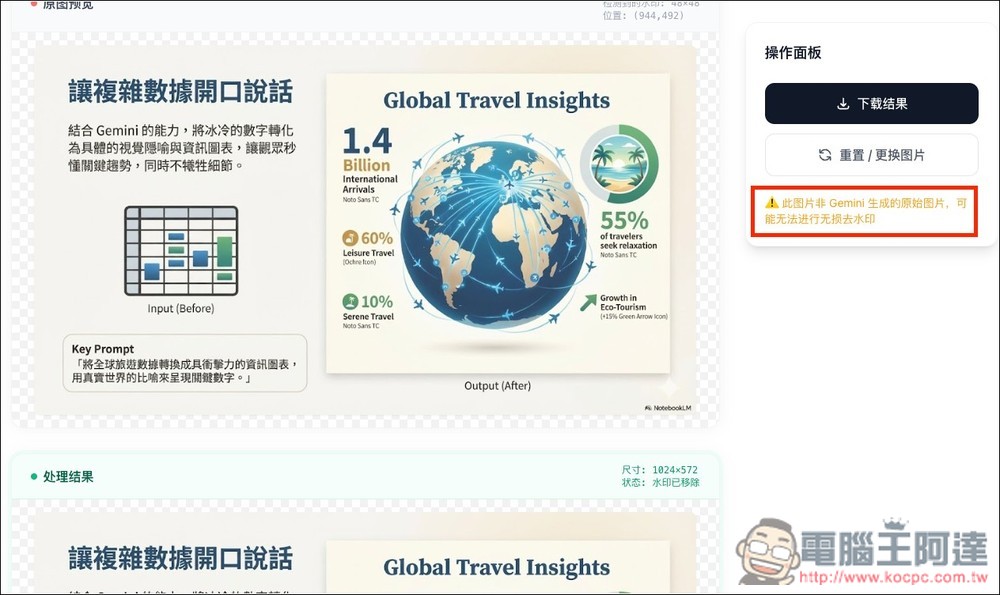
As mentioned earlier, if the image you upload is not the original size generated by Gemini, or is another image with a watermark, you will see a prompt saying, “This image is not an original image generated by Gemini, so lossless watermark removal may not be possible.” The watermark is actually not removed:
Additionally, there is an explanation of “the principle of removing watermarks” in the upper right corner of the website. Those interested in learning more can click to read it.
Source: KOCPC Chinese