


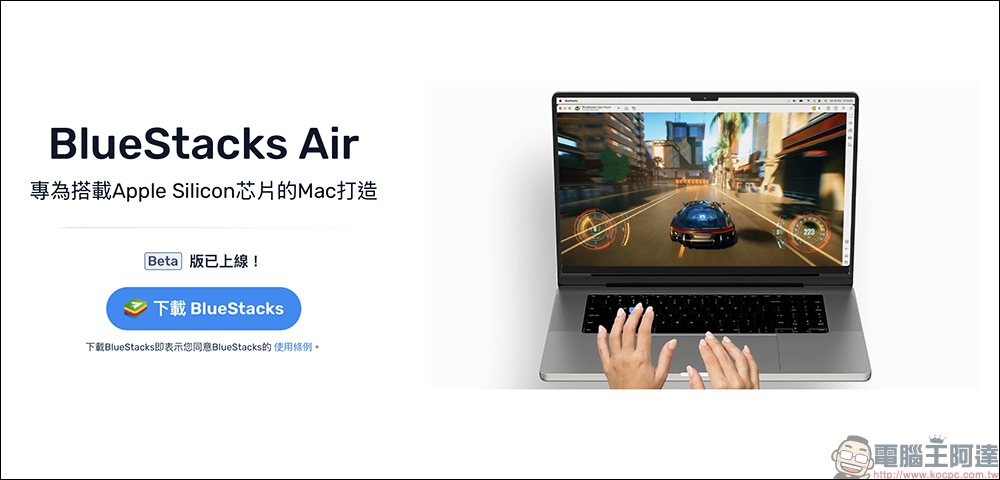
When it comes to Android emulators, many people must be familiar with BlueStacks, right? A while ago, BlueStacks announced that it will launch ARM-based Mac computers targeting Apple Silicon chips, creating an exclusive BlueStacks Air emulator. It will be officially available for download on the official website earlier. Interested Mac users can go directly to the official website to manually download the .dmg file for installation!
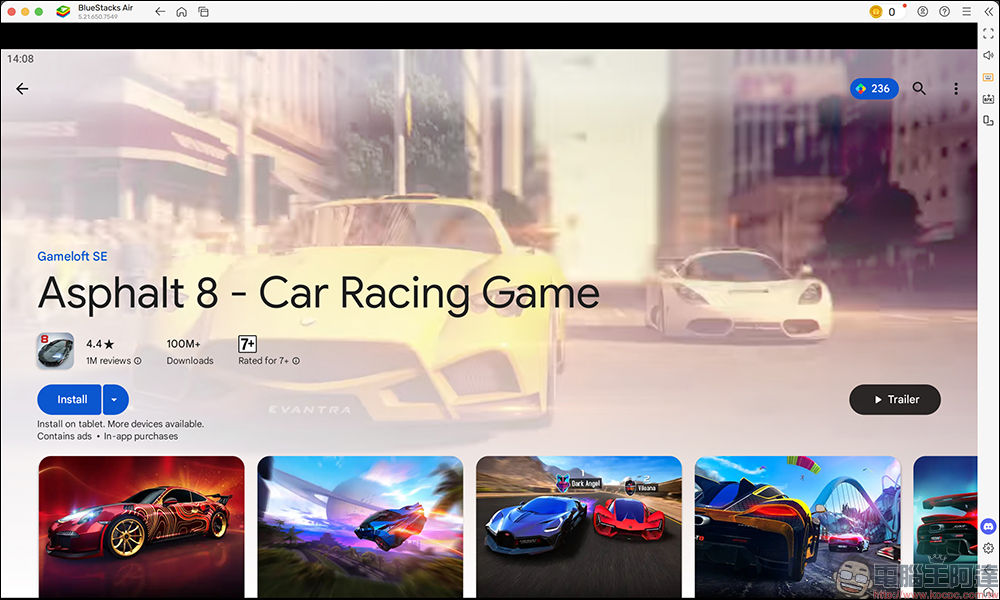
BlueStacks Air, an Android game emulator built specifically for Apple Silicon-based Macs, is now available for download
For years, Mac users have been waiting for a native, smooth, and intuitive platform that allows them to experience their favorite mobile games on their favorite Mac devices. Earlier, BlueStacks officially launched BlueStacks Air, an Android emulator designed specifically for ARM-based Macs. BlueStacks Air is fully optimized for Apple’s M1, M2, M3 and M4 chips to ensure ultra-high-speed performance and a lag-free gaming experience. Even in demanding games, the experience remains smooth and lag-free.
BlueStacks Air comes with preset gaming controls tailored for your Mac’s touch and keyboard. It seamlessly integrates with Apple’s touch and keyboard to provide natural and intuitive control, allowing players to have a perfect connection with their favorite games. Although it is still in the beta testing stage, it is already available for players to download and use for free.
How to download and install BlueStacks Air? First, download the “BlueStacks Air” application from the Bluestacks official website. After downloading, open the BlueStacks.dmg file in the “Downloads” folder:
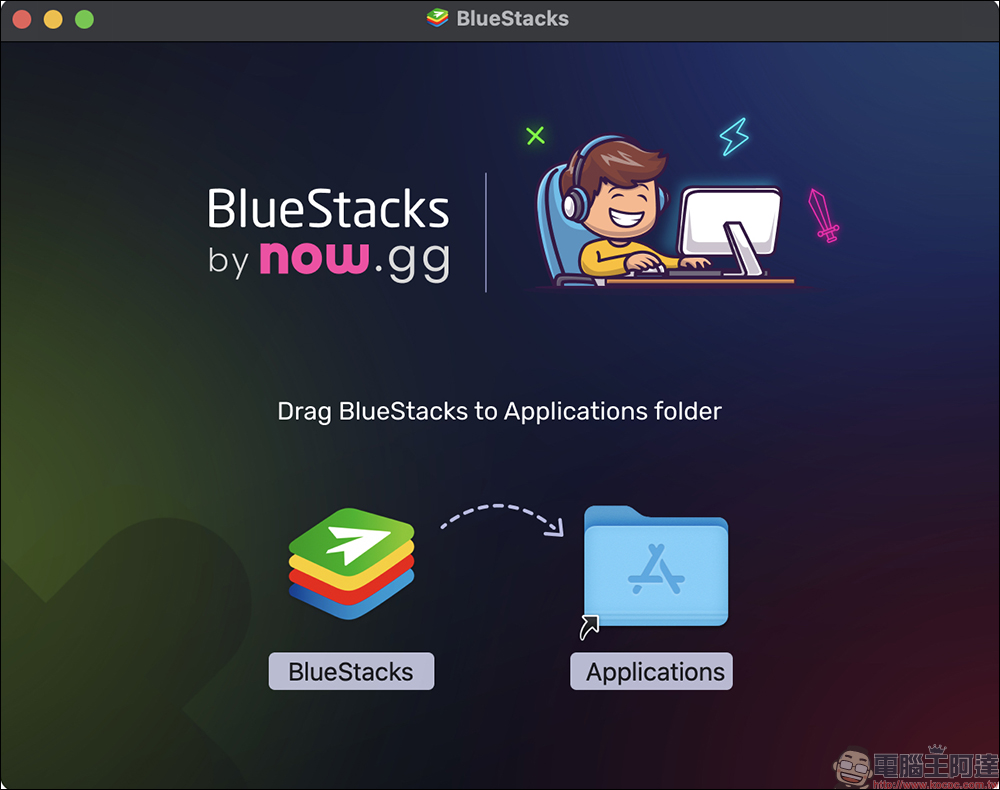
Next, double-click the BlueStacks.dmg file and drag BlueStacks to the Applications folder:
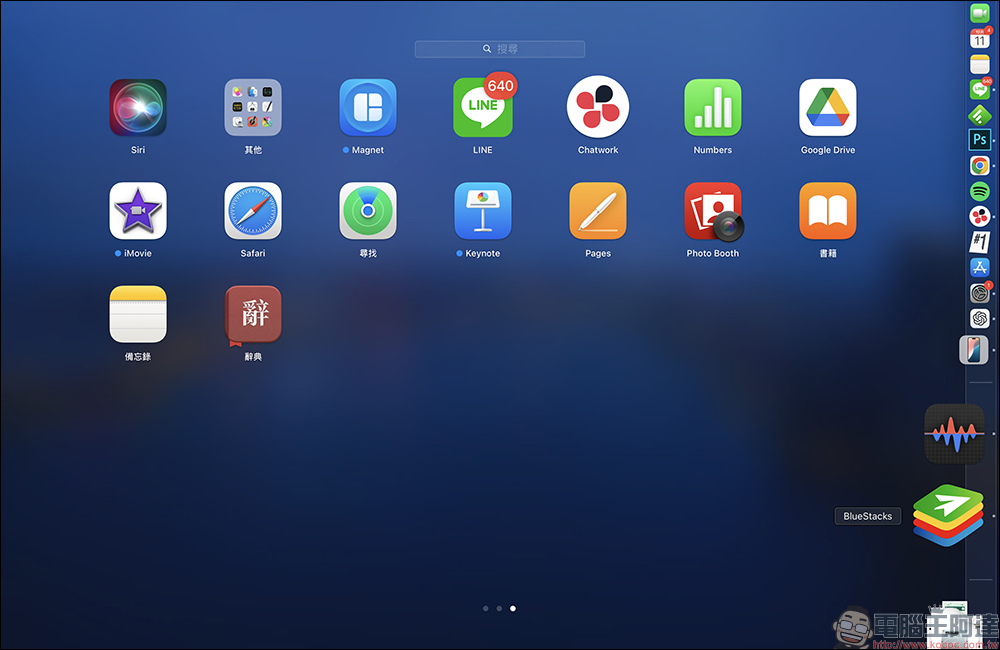
Wait for the installation to complete and click on the BlueStacks app to open it.
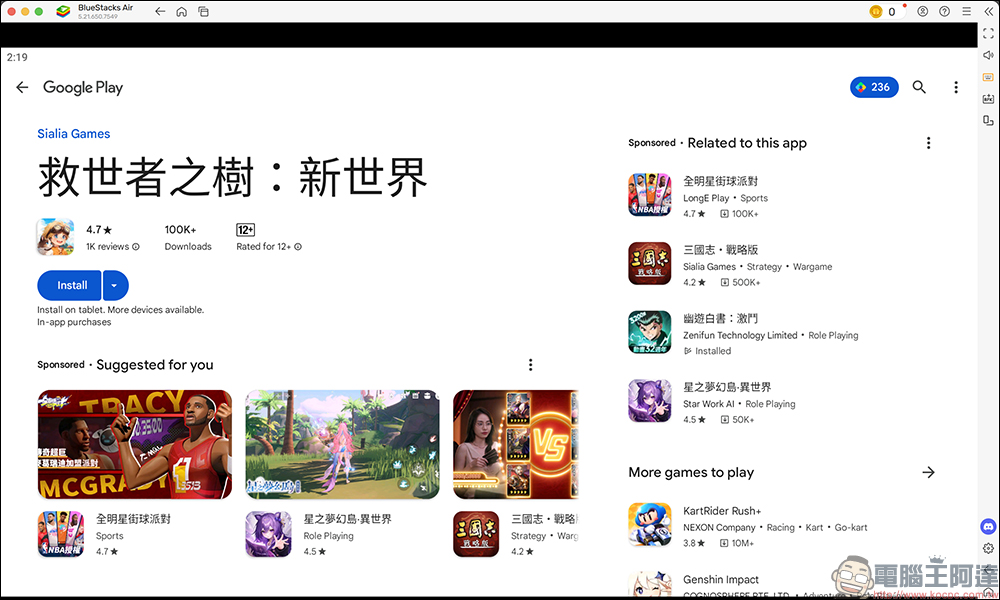
After turning on BlueStacks Air, the emulator can support the Google Play Store and third-party APKs. You can directly log in to your Google account to download and play games on Google Play like an Android phone. You can also search for Google Play games directly in the search menu on the home screen.
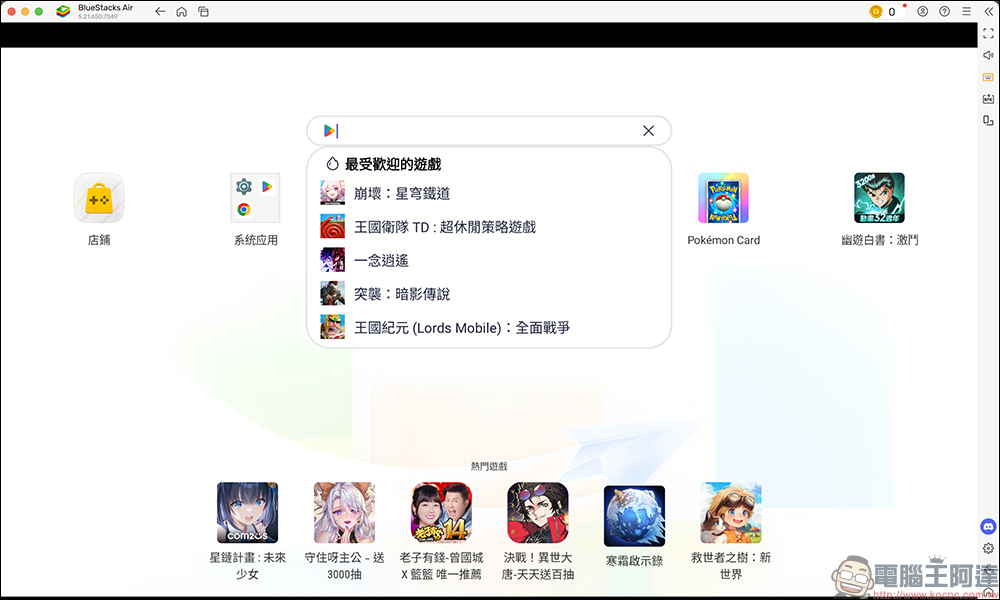
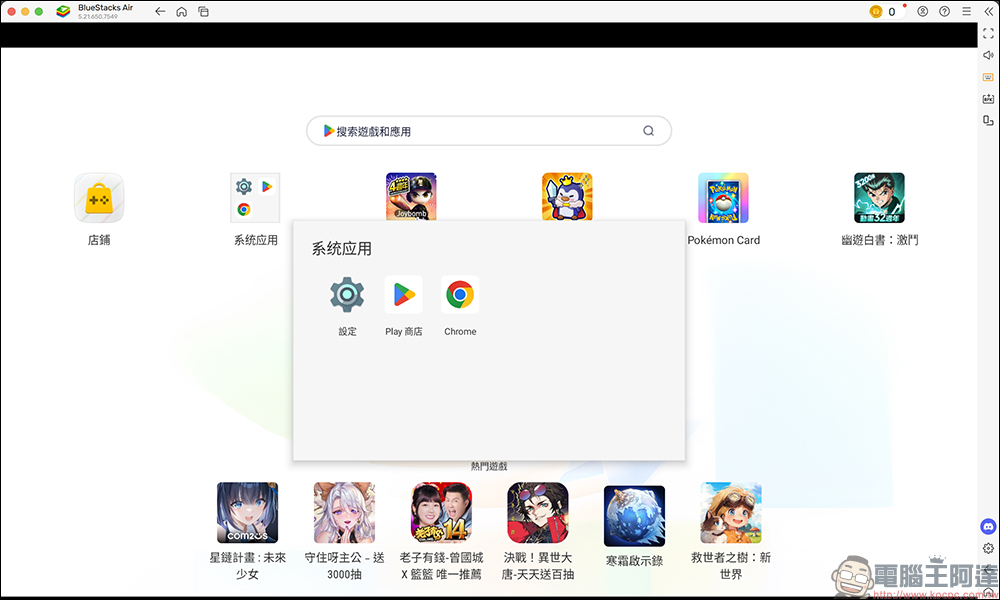
In addition, the system can also use the Chrome browser by default. It is up to you to find other Android applications on the Google Play Store.
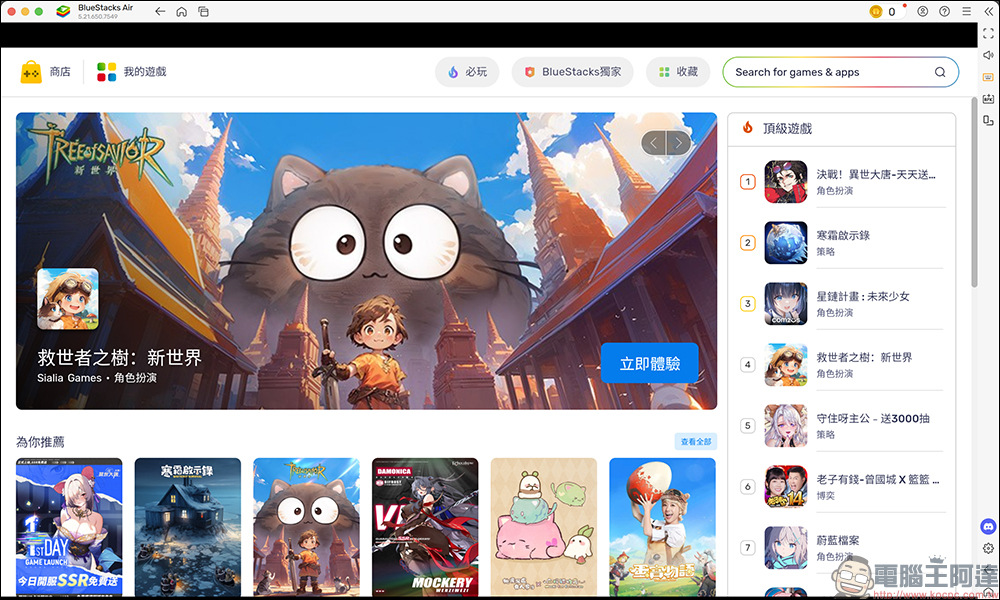
If you are in the “store” of Blustacks Air, you can browse games according to game types, such as must-play games, action, role-playing, strategy, and games that support game controllers. You can also browse recommended game content such as popular games and popular games. After selecting a game, you can jump directly to the Google Play Store to download the application.
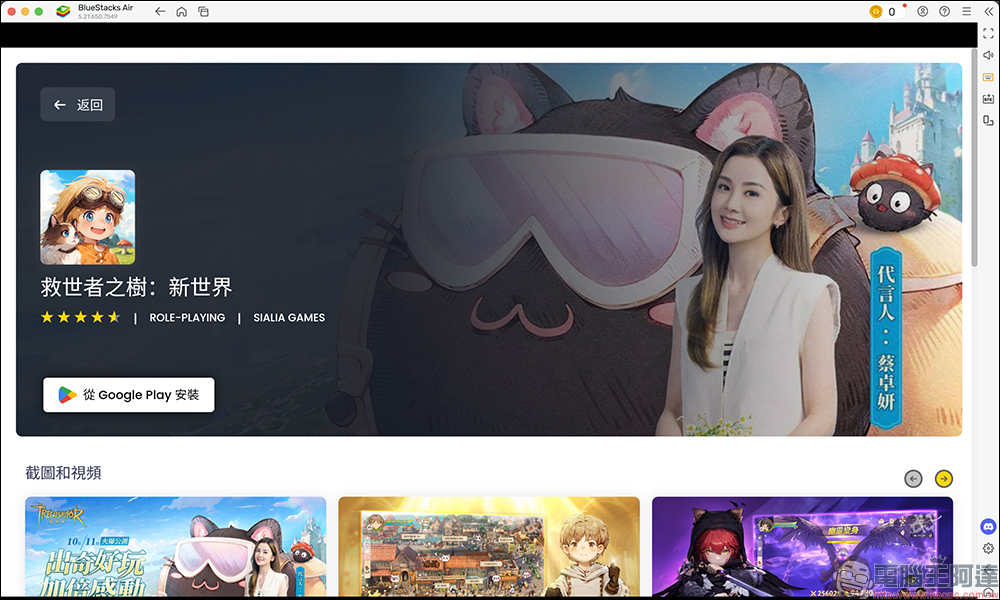
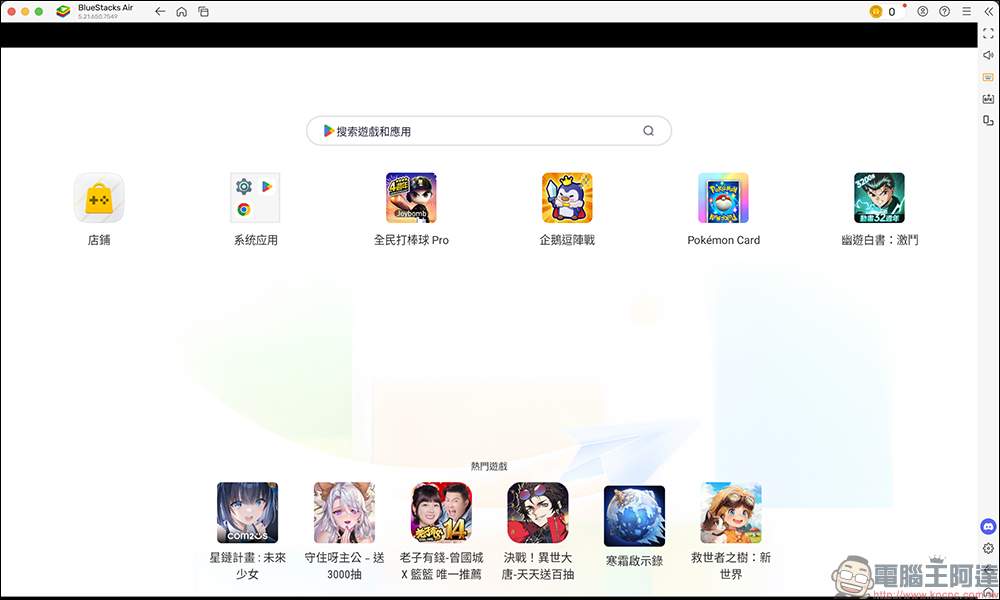
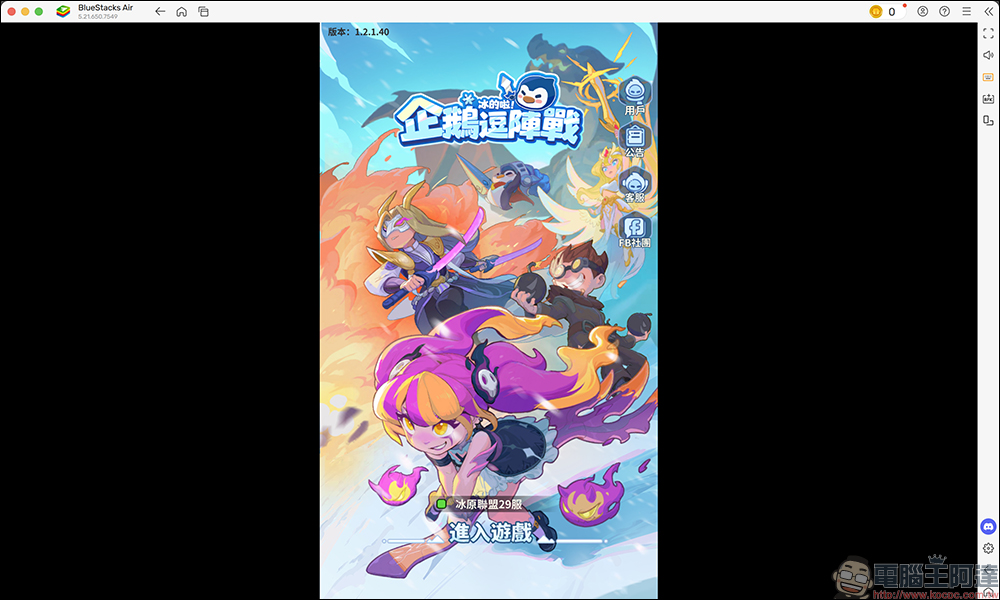
The downloaded game will be displayed on the main screen of BlueStacks Air. Click on the game to open and play it.
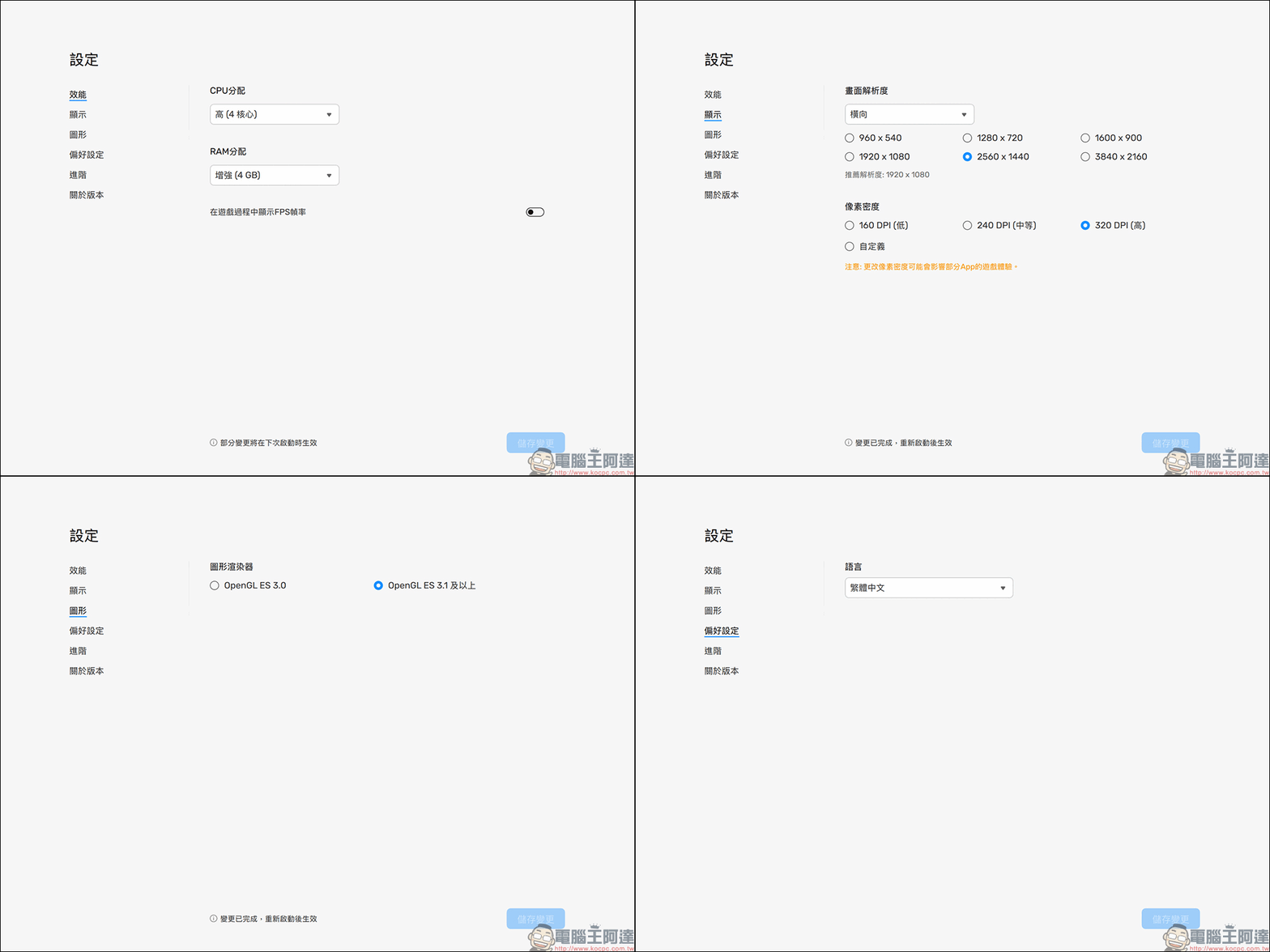
On the BlueStacks Air settings page, users can further set the emulator’s CPU and RAM performance, screen resolution, graphics renderer and other settings. In terms of system, the minimum system requirement for BlueStacks Air is a Mac computer using an Apple Silicon chip (M1-M4) and at least 8GB of RAM, but the official recommended memory is at least 16GB of RAM.
Installation reminder:
- This version is a macOS operating system computer that supports Arm-based Apple Silicon chips (M1-M4).
- This version is currently in the “beta” stage and may be unstable.
- If you encounter product or game problems, please click “Report a Problem” in “Help and Support” in the upper right corner of the platform to submit the problem to the BlueStacks Support Center.
Download BluStacks Air (official website)
Further reading:
Google Maps launches the function of customizing vehicle icon styles and colors: more car models and richer colors, change the navigation to cute cars!
Source: KOCPC Chinese