


The power supply unit (PSU) is vital to all desktop computers. This component is responsible for handling the power conversion from alternating current (AC) to direct current (DC). Your computer components cannot use AC power directly and require stable and reliable DC power from the PSU. Although some components are connected indirectly through the motherboard, all components are connected to the power supply. If the PSU encounters problems, such as defective PSU quality, overloading the PSU with other powerful components, etc., it may be at risk of irreparable damage. Thankfully, PSUs are designed not to be disrupted by sudden power outages, but there are some signs you can spot early and replace.
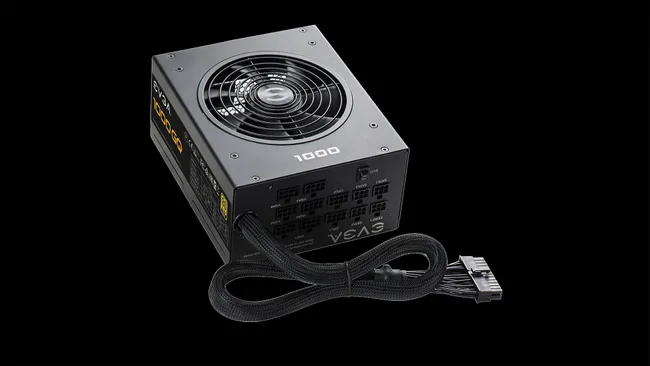
If these 3 signs appear, your computer’s PSU (power supply unit) may be faulty and needs to be replaced
1. Your computer won’t turn on – it’s pretty obvious
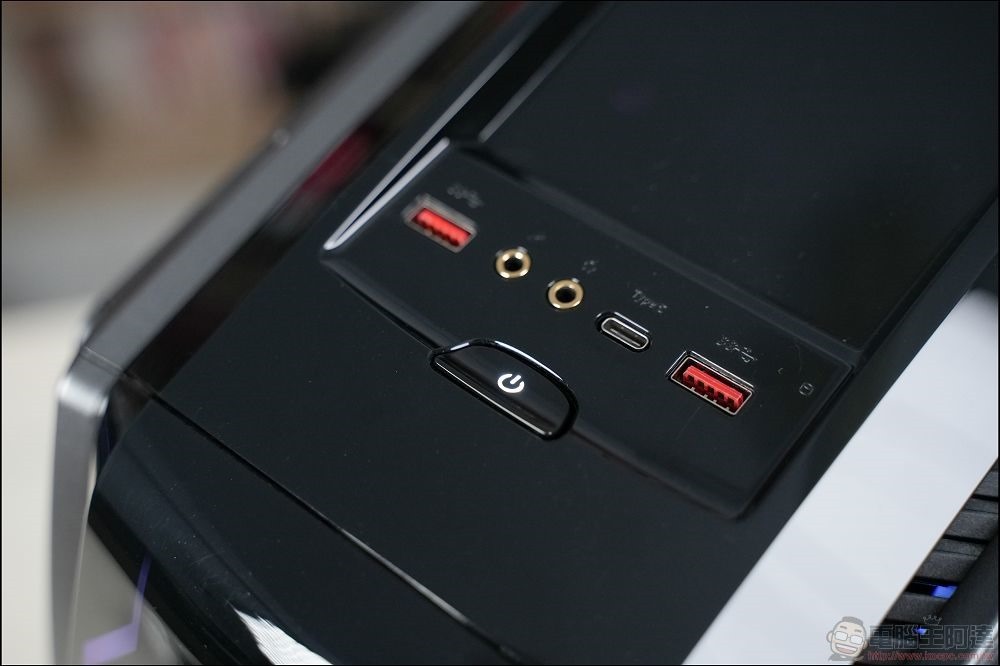
Not being able to turn on your computer is one way to identify a problem. A computer that won’t turn on is most likely a PSU failure, especially if it was working fine before and hasn’t had any configuration changes in the recent past. Although the motherboard, CPU or GPU problems can be booted, they cannot be self-detected (posted) through booting. If there are no visible LED lights on your motherboard or GPU, you can check to see if the power supply is faulty. You can try to troubleshoot the physical power button by removing the front I/O panel connector on the console version and using a flathead screwdriver to short the two power switch pins.
If the PC still fails to boot, you can replace it with a spare PSU if possible. This will make troubleshooting much easier and reduce the causes of the system not booting.
2. Visible smoke and unpleasant odor
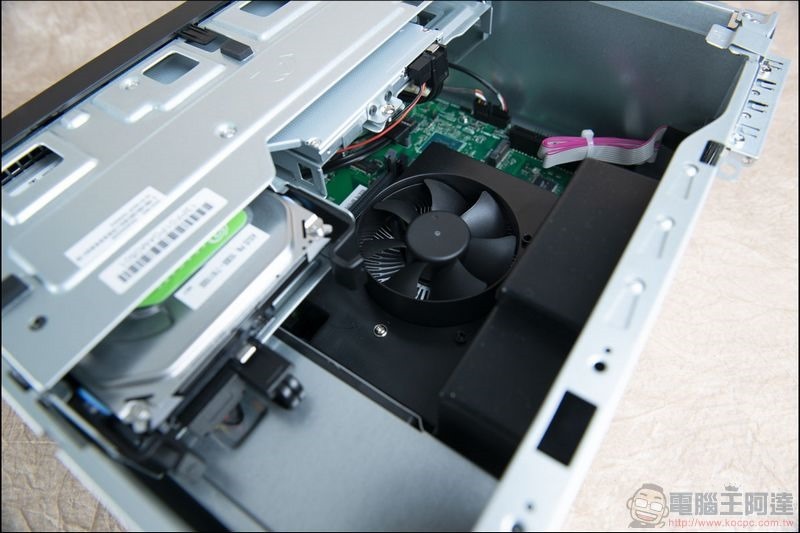
PC smoking can be caused by the PSU, but this is not always the case. Once smoke or odor is detected, turn off the power immediately and remove the side panel of the case to find the source of the odor or smoke. You have to act quickly because the burning smell dissipates quickly and makes it difficult to track slowly. Perform a visual inspection of all connections and components to help narrow down the root cause. If you can’t determine the cause of the smell or smoke, see if you can borrow a backup power supply from a friend or relative to replace it. Usually, the cause of smoke and odor is more likely to be the PSU, LED, or fan.
3. The system crashes frequently and is unstable under higher loads.
Another way to tell if your PSU is about to die or need to be replaced is when you try to play games or use higher system loads. Performing a power test when the computer starts up may cause the computer to boot repeatedly or shut down immediately. In fact, most PC component failures will cause the operating system to crash, but a power failure will shut down the system immediately. If you can’t find any other problems with your computer through Log records, your PSU is most likely failing or unable to meet your computer’s power needs.
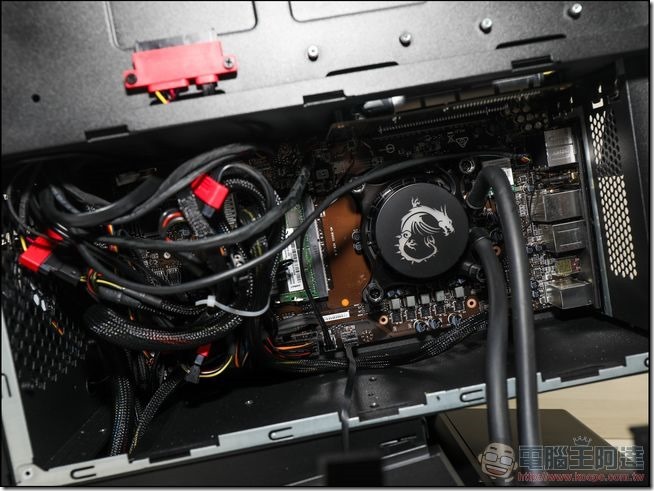
If you smell an odor in your PSU, notice smoke, or have been able to narrow your computer problem down specifically to the PSU, it’s time to buy a replacement. It is strongly recommended not to disassemble the PSU to repair it yourself, leaving this work to qualified experts. After all, the power supply may also affect other components, which is far more expensive than replacing it with a new one. As long as the new PSU has enough connectors to accommodate the existing hardware and can handle the total system load, you’ll have no trouble replacing a failed PSU.
Source: KOCPC Chinese