


Recently, Google Maps has quietly launched many thoughtful new features. Among them, some netizens in the community have noticed in the past few days that there are more vehicle icon choices in Google Maps car navigation? Compared with the previous vehicle icons that only had “arrows” and three different colors, now not only are there more car models to choose from, but the number of colors has increased to 8! Keep reading to find out how to turn it on!
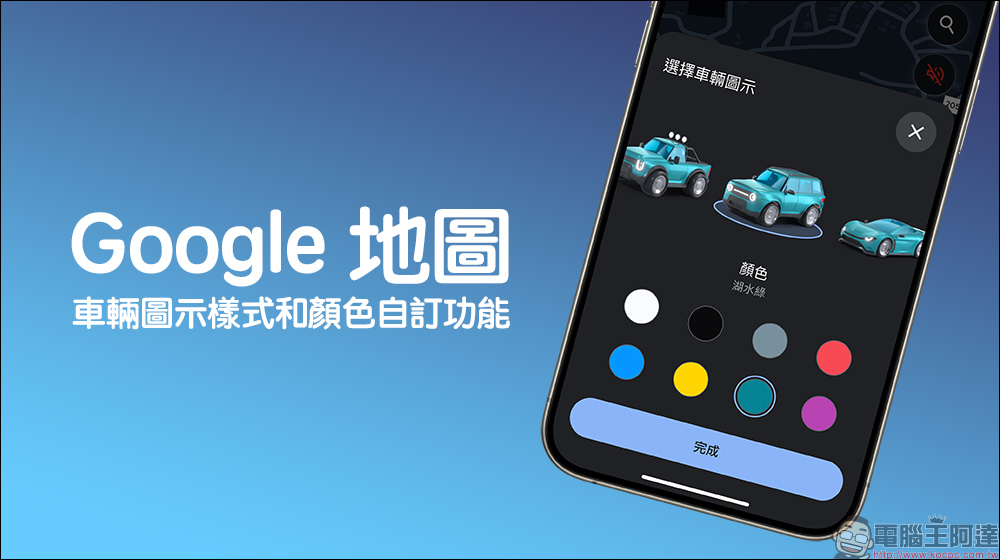
Google Maps launches the function of customizing vehicle icon styles and colors: more car models and richer colors, change the navigation to cute cars!
Drivers who frequently use Google Maps for navigation should know that when selecting the driving navigation mode on Google Maps, you only need to click on the blue “arrow” on the map to further select vehicle icons of different colors and models. However, there were few choices in the past. There were only four choices: blue “arrow”, red “motorhome”, green “pickup truck” and yellow “station wagon”. However, in the past few days, Google Maps has been randomly launching new vehicle icon styles and color customization functions, adding more models and colors for drivers to choose from.
However, I would like to emphasize that this feature is currently being rolled out in a continuous push manner just like Google’s previous features such as “Show Speed Limit” and “Show Speedometer”, so it is normal for some users to open it and not see it! Maybe you can use this function after opening it in a few days.
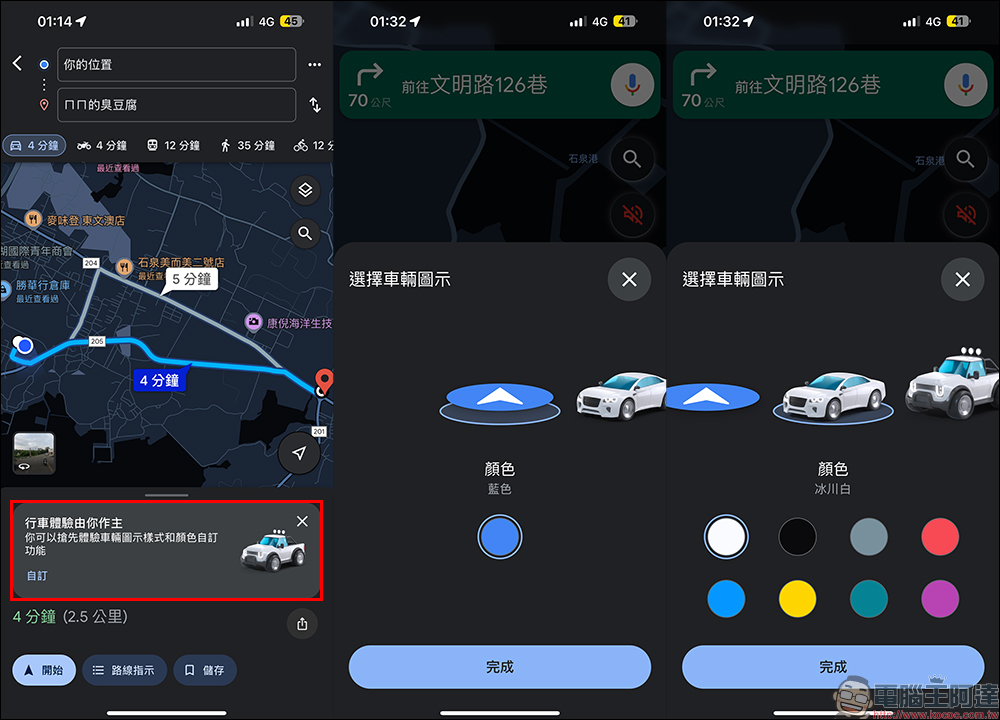
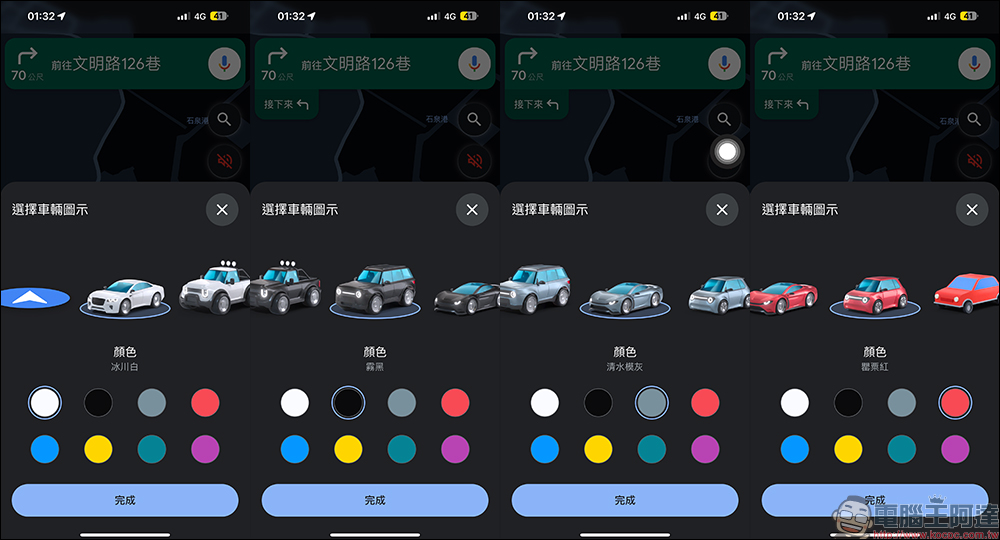
The new vehicle icon styles include large sedans, pickup trucks, SUVs, coupes and five-door hatchbacks, while the previous vehicle icons remain. In addition, the color no longer limits which car model will match which color. For example, if you drive a red pickup truck, you cannot choose a vehicle icon that is similar to your car from the previous vehicle icons.
However, from now on, users can choose their favorite vehicle icon model and choose from 8 vehicle colors! There are 8 vehicle color options available: Glacier White, Mist Black, Clear Water Mold Grey, Poppy Red, Sky Blue, Sunshine Yellow, Lake Green, and Sunset Magenta. No matter what kind of car it is, it is easier to pick icons similar to your own car, and it also adds more immersion during the navigation process (?)
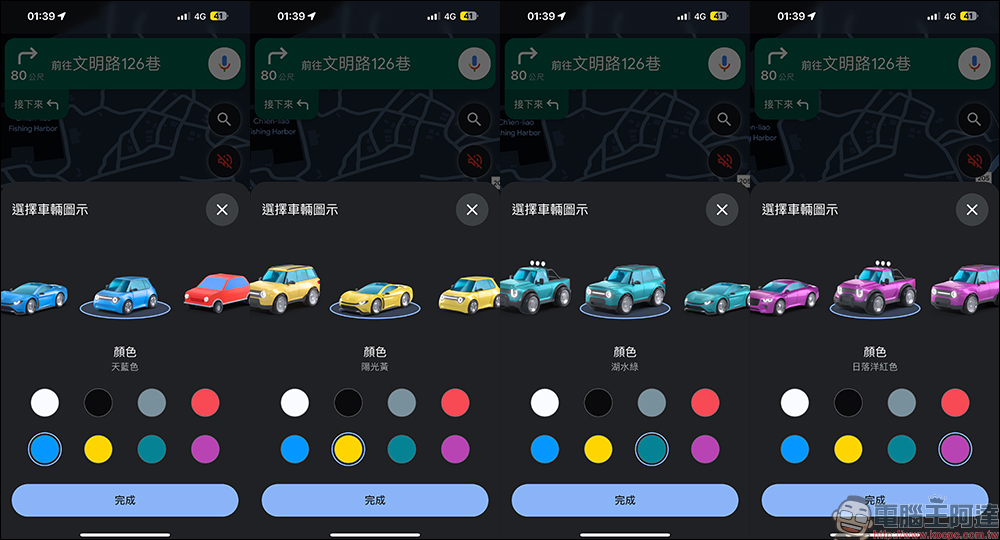
After selecting the car model and color, these cute car icons will be displayed when the navigation is turned on!
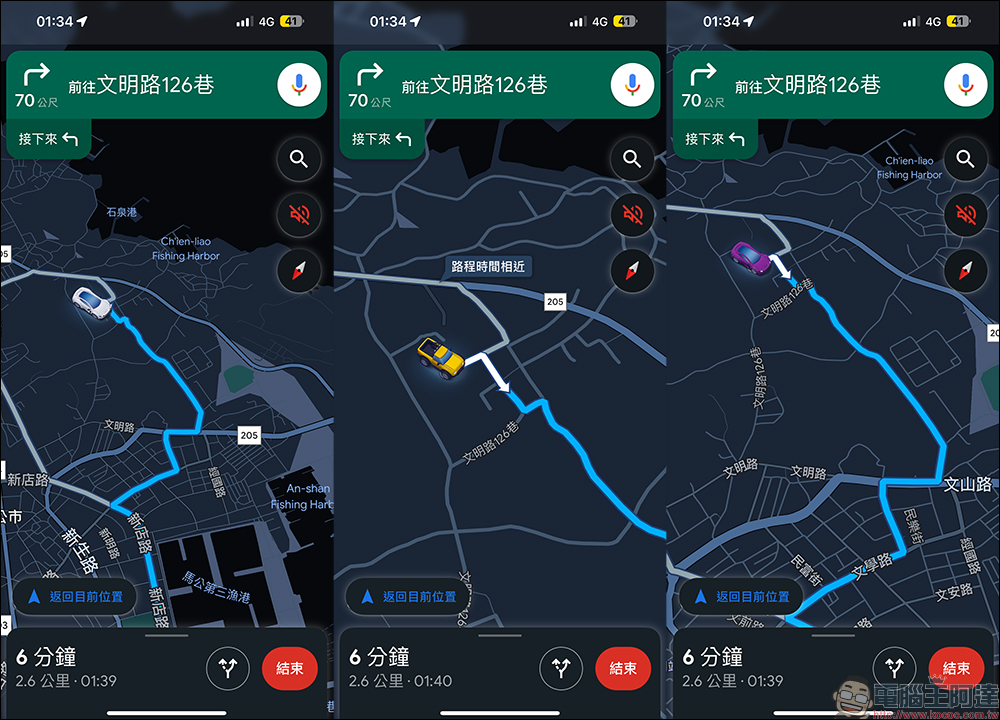
This function was actually first introduced in It will be the first to open for testing abroad in November., but at that time, users in Taiwan actually had no way to use it. Finally, a month later, Taiwanese users can also have the opportunity to experience it! However, it seems that it will be the first to be provided to iPhone users (iOS system) after it is opened in Taiwan, while Android users still have to wait.
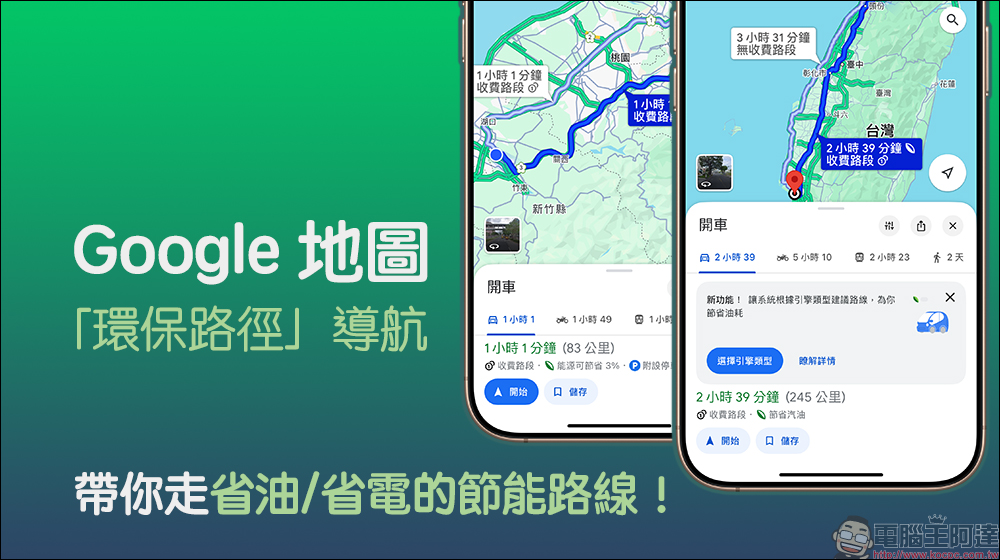
It doesn’t matter if you can’t see these cute vehicle icons when you open Google Maps. Recently, Google has also launched the “Environmental Path” navigation route, which allows you to have the system recommend the most suitable energy-saving route whether you are driving a gasoline car, a diesel car, a gasoline-electric car, or an electric car. Although it takes long-term observation to know how much fuel consumption or electricity consumption can be saved, but a little saving is still helpful.
Further reading:
Google Maps “Environmental Path” navigation takes you on energy-saving routes that save fuel/electricity!
Source: KOCPC Chinese