


As Gemini supports precise doodle editing features.Nowadays, many people probably want to use… Gemini When it comes to photo editing, it’s very powerful, but it still has flaws. After editing, the new image generated will always have a [watermark/logo] in the bottom right corner.Watermark, which also makes it impossible to obtain the most perfect post-edited resultPictureEarlier, we already introduced a Nano Banana Pro Free Image Watermark Tool,if you still can’t remove it after trying, you can also try another one recommended in this article, “Banana Remover”.
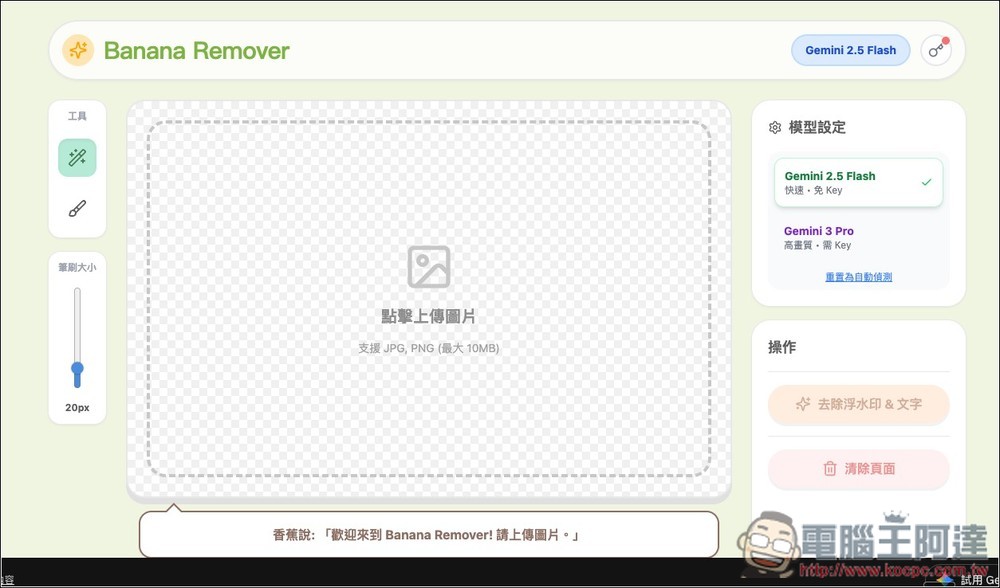
Banana Remover: Effortlessly remove watermarks and text with one click, restoring your AI images to perfection.
Banana Remover is an AI image editing tool that integrates Google Gemini’s image model, with the highlight being “just brush over the image to precisely remove watermarks and text.” Using Banana Remover is simple: all you need to do is “paint over the area you want to remove” on the image with a mouse or stylus, and the AI will automatically understand your intent and complete the removal and repair of the text or watermark.
The technology behind it uses Gemini 2.5 Flash or Gemini 3 Pro. The former removes watermarks quickly, while the latter still delivers high-quality images after removal. However, Gemini 3 Pro requires you to enter your own API Key, whereas Gemini 2.5 Flash does not and is completely free.
For those who want to quickly produce images without watermarks or text, but don’t want to spend time fine-tuning in Photoshop, Banana Remover is a great option.
Key Features
- Direct paint editing: Simply draw over the areas you want to remove or modify on the image—no need to be too precise.
- AI Smart Image Completion: Automatically fills in the background for a natural, seamless look.
- Support text and watermark removal: Clean up unnecessary extra markings and information from images.
- High-efficiency processing: Powered by Gemini 2.5 Flash or Gemini 3 Pro, delivering fast image editing.
- No installation, online access: operate directly through your browser
After clicking the link above to access the Banana Remover tool, click the upload button in the center to upload the image you want to edit. If you don’t want to enter an API key, remember to change the model setting on the right to Gemini 2.5 Flash first. Then adjust the brush size on the left to an appropriate size:
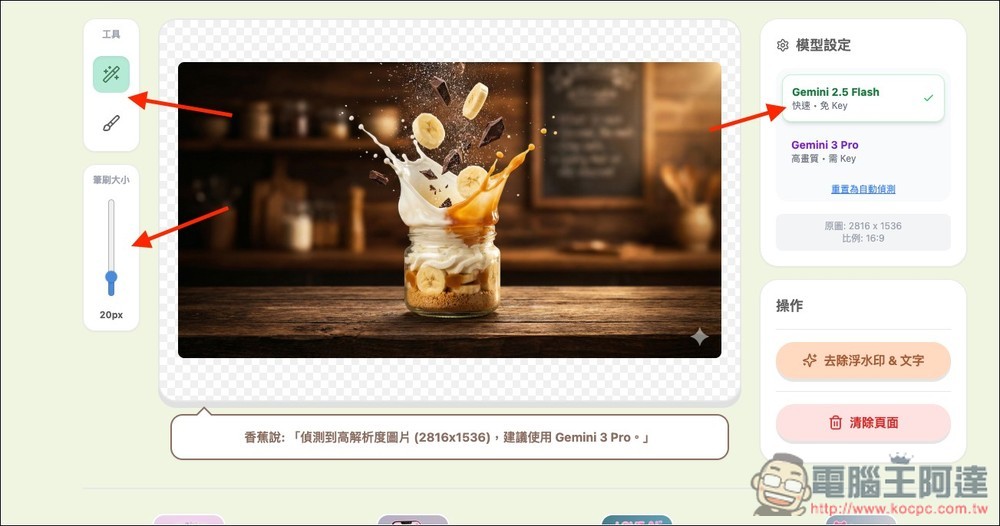
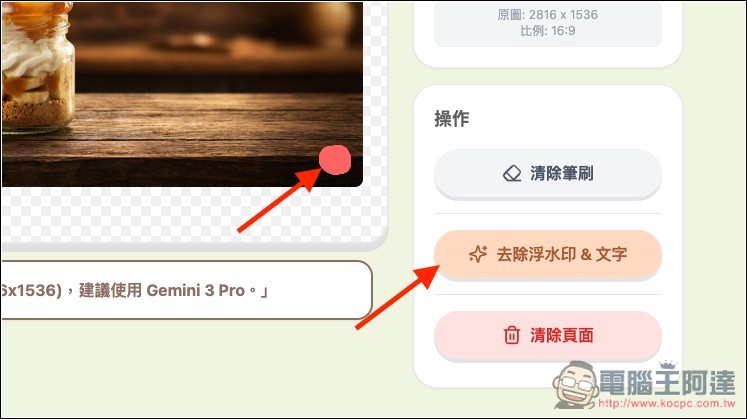
Then you can draw the area you want to remove. For example, if I want to remove the logo in the bottom-right corner of this image, I just draw over the logo and click “Remove watermark & text” on the right.
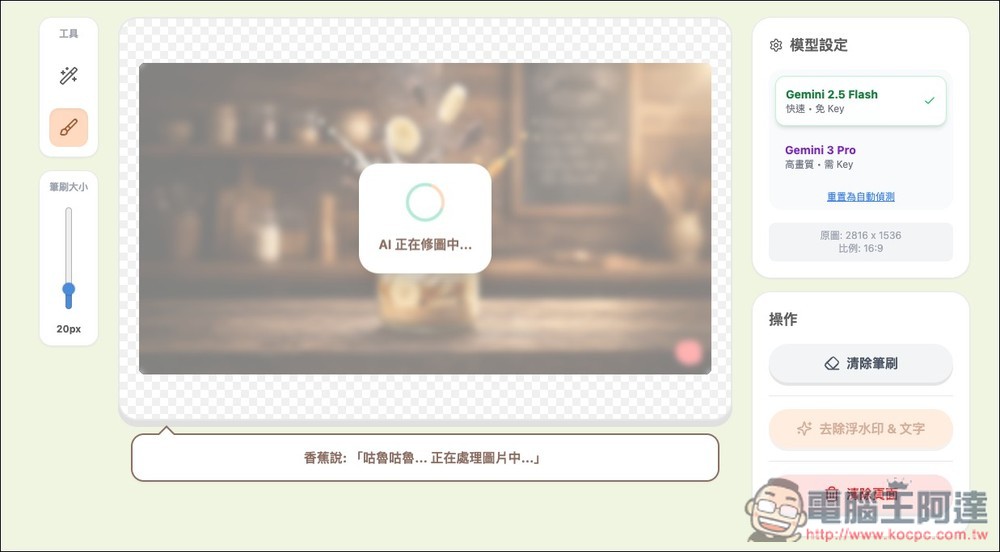
Gemini 2.5 Flash will start retouching the image:
Wait a few seconds and you’ll have a perfect image with the logo removed! If it looks good, just click the green “Download Image” button on the right. If the removal didn’t work well and you want to repaint the area, click “Re-edit” on the right:
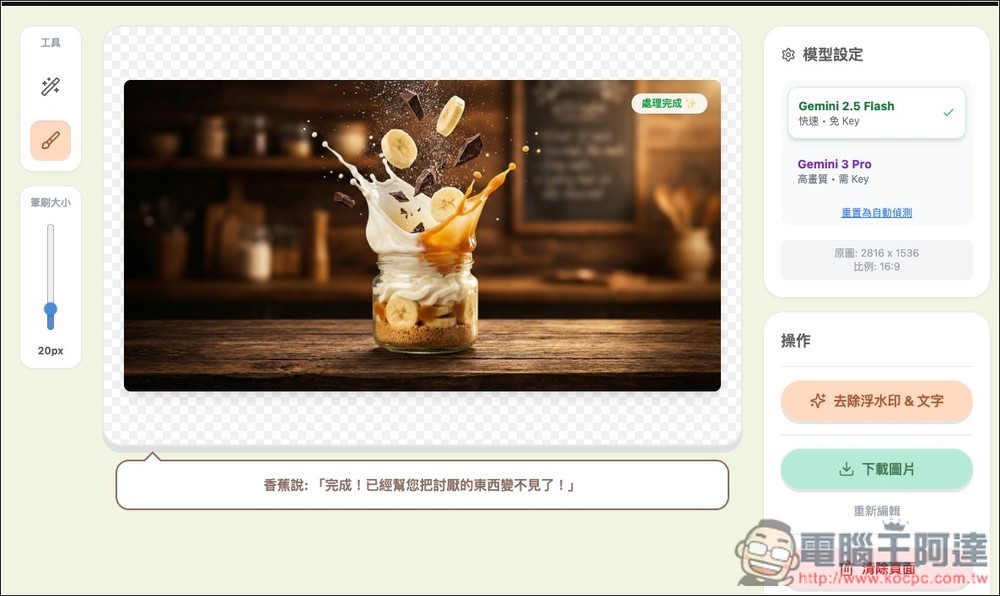
Also note that this tool removes watermarks and text all at once, so if the text happens to be directly under the watermark, the text will be removed as well.
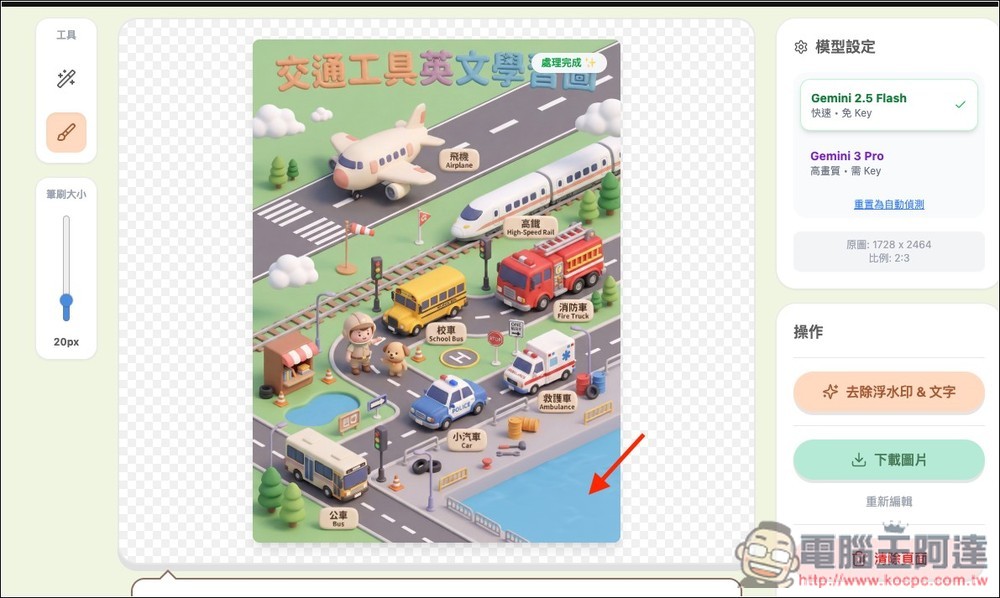
For example, I want to remove the Logo in the bottom right corner of this image, and right next to it is text. Even if I don’t draw over the text area, it will still be removed.
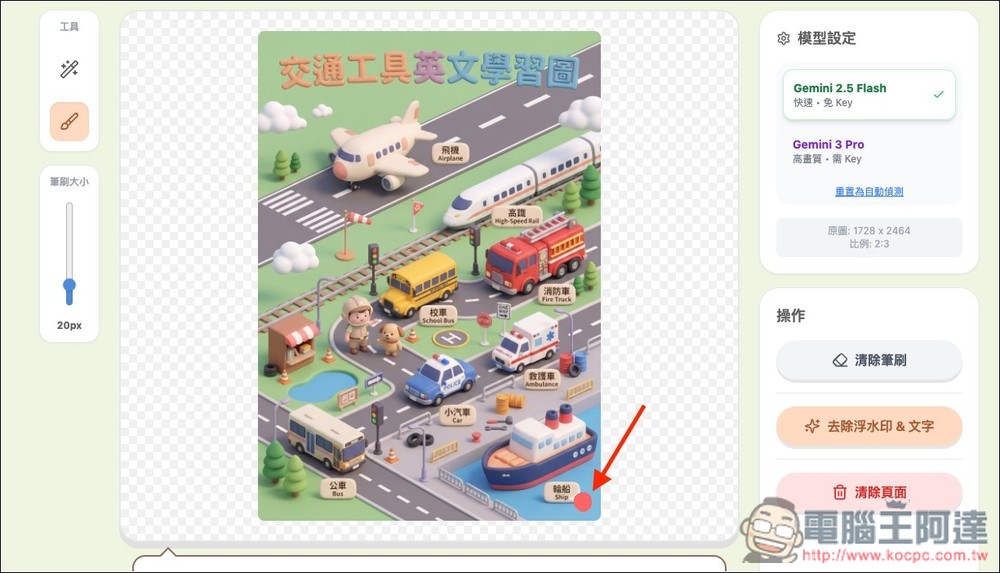
As shown in the figure below, even the boat next to it disappears:
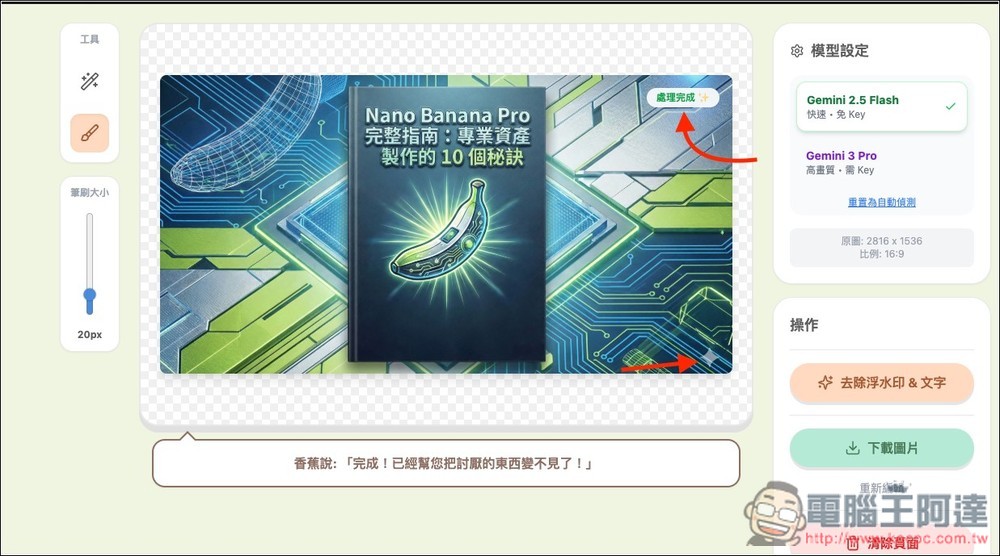
If it’s a complex background like this, removal might also fail. For example, in the image below, after I drew a logo and used the remove function, the processed image still has the logo.
Source: KOCPC Chinese