


You probably won’t be surprised to hear someone say “Macs aren’t great for gaming.” Jokes and memes aside, macOS struggles when it comes to gaming, at least when you compare the situation to Winodws gaming, and that’s the reality. Whether it’s due to real difficulties or manufacturing difficulties, it seems that as it stands, major games are dominated by the Windows platform.
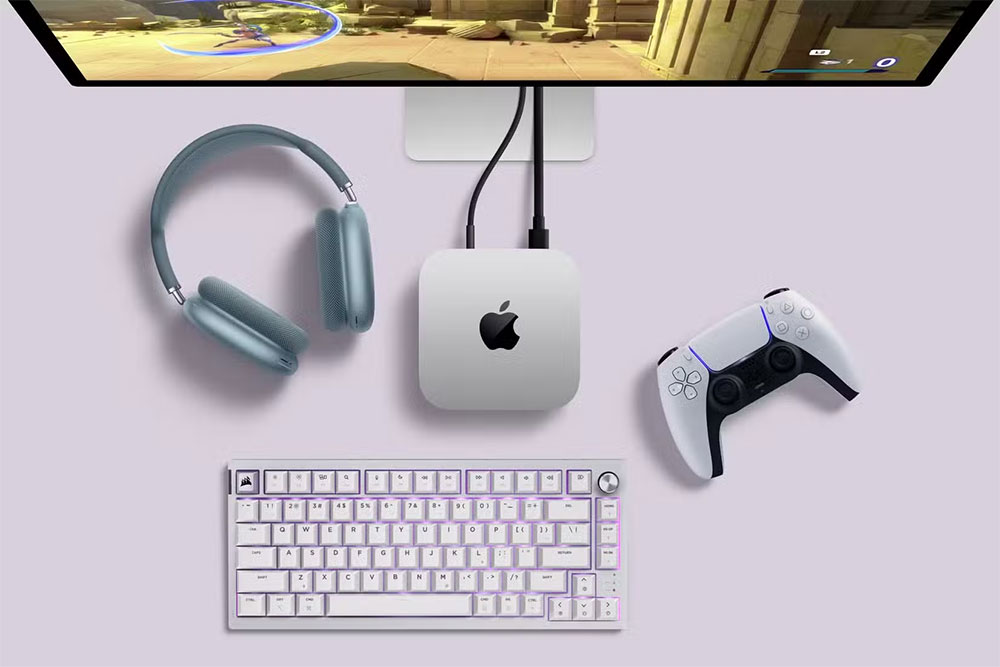
Is macOS suitable for gaming? 5 reasons to quit
Apple has made considerable strides in gaming over the past few years to showcase macOS in a better way, but isn’t that enough? Mac gaming still faces some challenges that keep gamers from taking it seriously. It’s unclear if and when Apple will overcome these difficulties, but as we get closer to 2025, the outlook should look more promising.
1. Big IP is still missing
Apple is making big progress in bringing popular games to macOS. Players can now play triple-A masterpieces such as “Death Stranding”, “Baldur’s Gate 3” and “Castle Village” on Mac. In addition, “Control” and “Dynasty 2077” will also be launched on macOS in 2025.
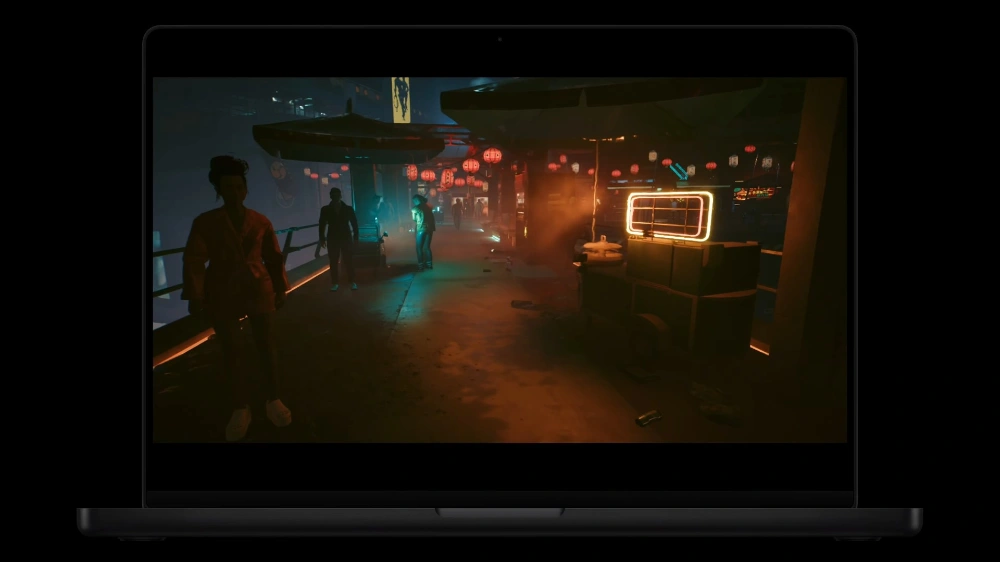
Even before Apple began its transition from Intel to Apple Silicon, there were efforts to make the operating system more developer-friendly, but those efforts were a lick of light at best. Apple is trapped in a vicious cycle where game studios choose not to develop games for the platform due to a lack of players, and people are reluctant to play on macOS due to a lack of native games.
Native support has shown great promise over the past few years, but as it stands now, it’s going to take a lot of convincing to get gamers to switch from Windows to macOS to solve their gaming problems. Even Mac users need change soon if Apple wants them to ditch their second Windows PCs and switch entirely to MacBooks or iMacs.
2. Players need to deal with the App Store
The lack of most games on macOS may be the biggest sticking point for players, but even the games the platform does offer don’t always make it easy for players to visit from their favorite stores. For example, you won’t find every game on the macOS version of Steam, which is the library most gamers use. If you want to play some of the games you are looking for, you may want to look for them in the App Store.
Everyone can see that Apple is reluctant to allow stores other than the App Store to be used on devices. That changed a bit recently following an EU ruling that saw Apple allow rival app stores to be used on iPhones, but only in the EU for now. This isn’t the same issue that’s plagued Mac gaming, but may give hope to serious gamers who want to access their favorite games on their Mac via Steam or other platforms.
Apple has its reasons for keeping the system as closed as possible, but if they really want to change the gaming ecosystem on the Mac, they have to start offering all their games not just on the App Store, but on all other platforms that gamers use.
3. Gamers are limited by simulation
Lacking elaborate native support, players are forced to emulate through programs such as Parallels Desktop, Whiskey, and Mythic. Using the above programs allows people to run Windows operating systems on Macs to run games, which will greatly open up the Mac’s game library, but the experience is still subject to many limitations.
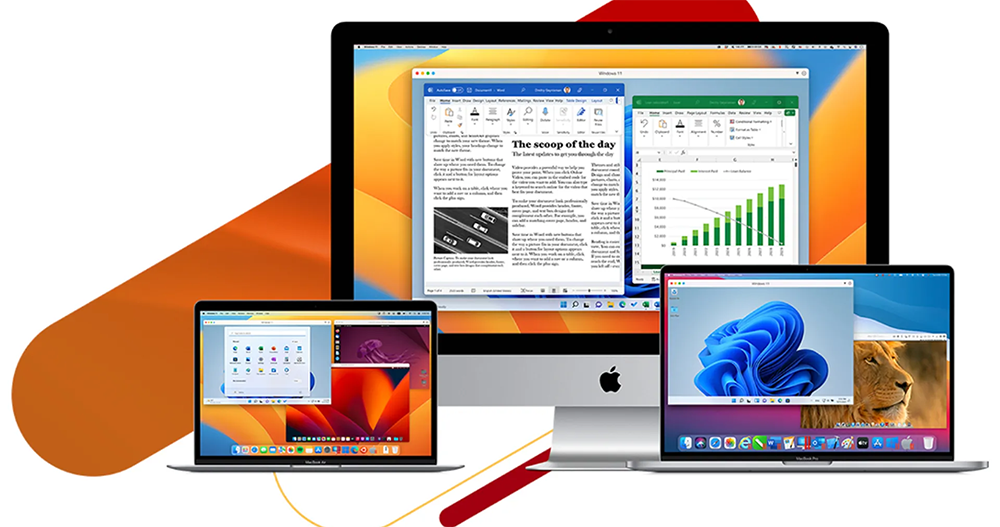
Performance, limited compatibility, conflicts with anti-cheat software, or lack of DirectX 12 support are some of the biggest issues Mac emulation is currently dealing with. Even with a DX 12-capable program like CrossOver, not all DX 12 games will run as well as expected. You may have to wait for some of your favorite game developers to work on getting DX 12 support in time.
Simulation is never perfect, but especially with demanding games, it’s usually not worth the trouble to get a less-than-satisfactory experience. Emulating standalone or lightweight Windows games on macOS can work well, but it can’t match the native support of the best games, which is still not up to par. The longer Apple’s native game support challenge continues, the more gamers will associate Mac games with Windows emulation, which is naturally not what Apple wants to see.
4. VR games are almost non-existent on Mac
VR gaming hasn’t exploded in popularity, but it’s continued to grow steadily, and with the emergence of affordable standalone VR headsets like the Meta Quest 2 and Meta Quest 3, gamers are more willing to try VR and adopt it en masse. VR gaming may not be experiencing explosive growth compared to other gaming categories, but it’s not all plain sailing, and while Windows has supported PC VR for years, macOS is still stuck in the past.
Neither Meta Quest 3 nor SteamVR supports macOS. Apple’s amazingly priced Vision Pro is an option, but its catalog of VR programs has few great games that people will want to play. Apple may be working on a cheaper mixed reality device, but it could be years before it can compete with the Meta Quest headset.

For VR gaming enthusiasts, Windows is the smart choice right now. Whether they want to play Meta’s library of games or experience their Steam library via PC VR, the process is more enjoyable and affordable on Windows.
5. Apple hardware is expensive and restrictive
With the launch of Apple’s M4 series of chips, there’s optimism about the future of Mac gaming. This sentiment makes sense given the power of these new chipsets and Apple’s renewed interest and investment in bringing popular games to the platform. However, these Apple Silicon devices, especially those that offer a gaming experience comparable to Windows, remain prohibitively expensive.

Compared to a Windows gaming PC or even a gaming laptop, investing in a MacBook Pro or iMac may seem like a waste of money if gaming is your priority. While these devices are great for everyday jobs and tasks, you’ll need a different machine to play serious games. If you’ve already purchased an expensive MacBook, you might want to consider buying a budget gaming laptop or PC.
Even if you can justify the upfront cost of Apple’s expensive hardware, the limitations surrounding configurability and upgradeability add another question mark to its relevance as proper gaming hardware. You might be able to pick up older Apple Silicon devices like the M1 MacBook Air or MacBook Pro at attractive prices, but at that point, you might as well build a budget gaming PC that’s not only capable of playing almost any game you want at higher frame rates, but also buys into newer hardware than what’s available in the Mac ecosystem.
Source: KOCPC Chinese