


When it comes to storing and backing up data outside of your device, you have several options, starting with a single external hard drive, which is great for quickly moving data between devices. But if you need more storage and don’t want to rely on a compact portable hard drive, Direct-Attached Storage (DAS) is an external device that can fill up a hard drive. Then there’s Network Attached Storage (NAS), which is essentially DAS but with more ports, network connections, operating systems, and other internal components. Finally, there are now more advanced Storage Area Networks (SANs) designed for critical data work. What are the differences between these three ways of storing data?
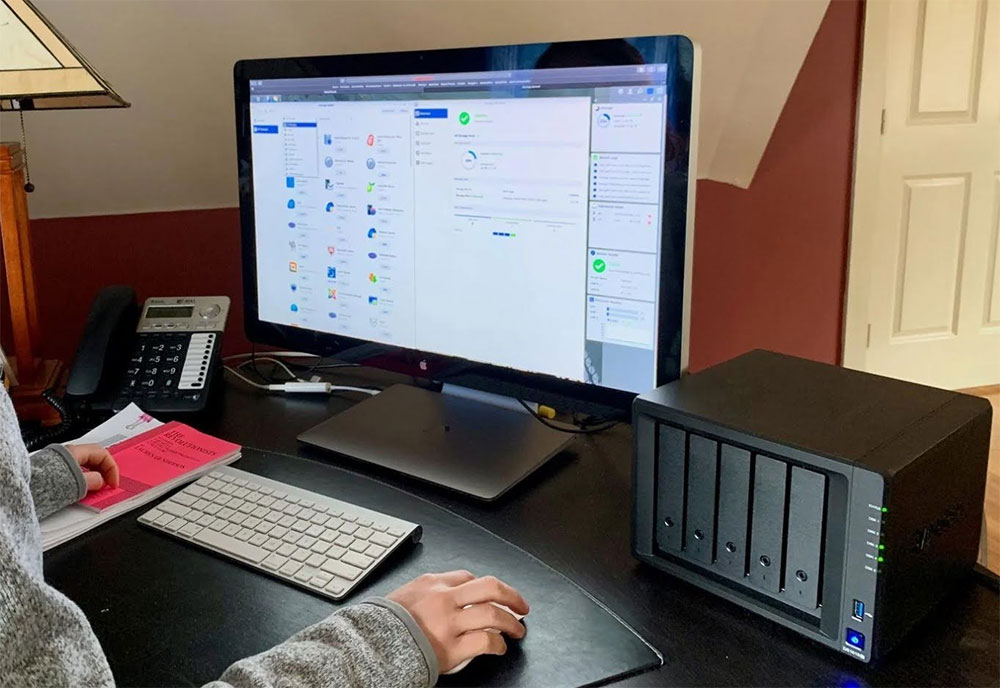
Differences between NAS, DAS and SAN data storage methods
NAS: More like a server
The term NAS is widely used these days, thanks to cases like the Synology DiskStation DS224+ or TerraMaster F4-424 Pro that act more like servers than simple storage devices. These powerful NAS enclosures differ from DAS and SANs because they run a separate operating system inside and provide memory, numerous ports, and expansion support (if applicable to the model) in one unit. DAS is very similar to NAS, but without the operating system, CPU, and other internal devices. With a NAS, you can set up your own media streaming service for purchased content, set up some game servers, launch a password manager, and more.
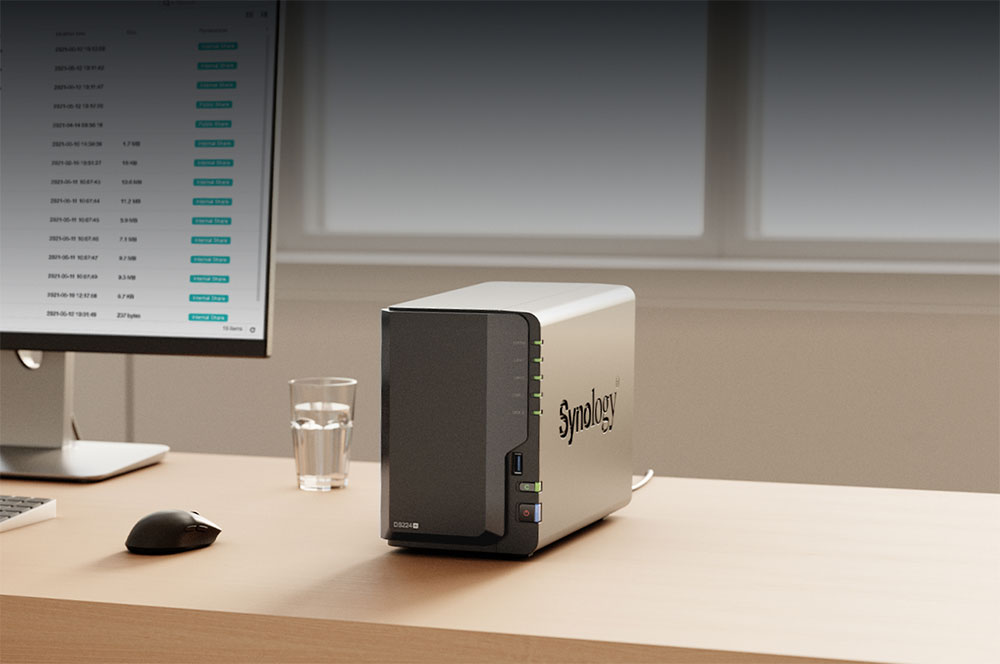
Depending on the tasks you need the NAS to perform and your budget, the price threshold for NAS is not high these days. You can also save even more by building a DIY NAS solely from old PCs or off-the-shelf parts. By using PC components, you can build a more powerful NAS system that can accommodate virtual machines, countless Docker containers, and more.
DAS: more suitable for a single device
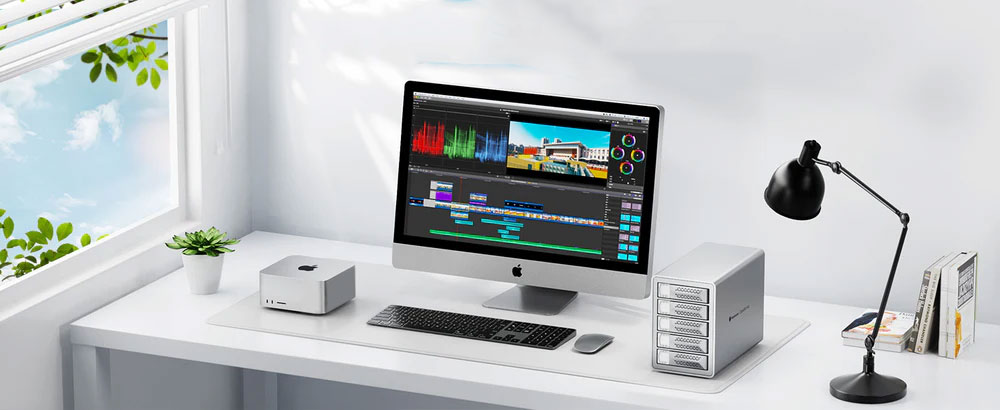
DAS is the most basic of the three storage solutions. It is essentially an empty shell with some SATA ports for connecting hard drives. You can think of it as a very large external storage device that can accommodate 2 to 8 hard drives or even more. DAS requires only one USB port to transfer data between the device and the standalone RAID. Perfect if you only use one device (like a PC) and need somewhere to store it so that the space inside the device doesn’t fill up. As you add more devices, it becomes limited since there is no network support.
SAN: for more serious data work
A SAN is more advanced than a simple DAS or NAS enclosure. Rather than relying on one device to handle everything, a SAN combines multiple elements together to create ultra-fast native storage. Using a high-speed connection through a fiber optic network, you can enjoy speeds up to 128Gbps anywhere, which is more than 10 times the bandwidth of a NAS. Unlike NAS or DAS, the advantage of SAN is scalability, with the ability to configure additional storage controllers and expand the array.
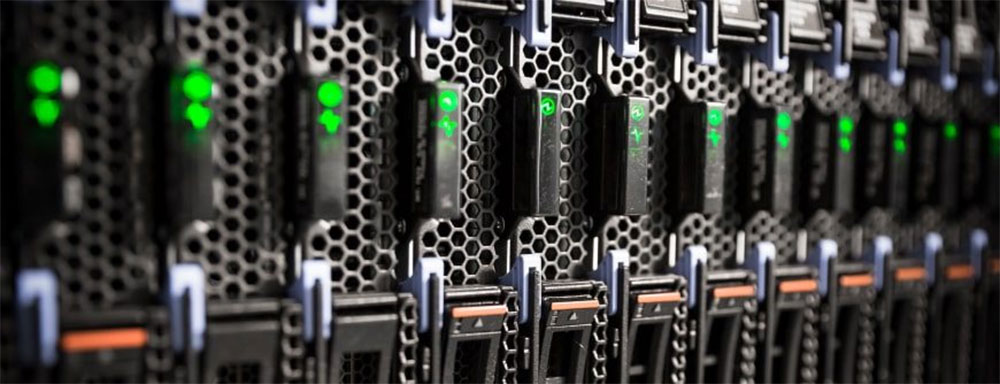
When using a SAN, you’ll be able to mount, format, and use the drive on the attached device just like an internal drive. If you use data-intensive applications and require multiple clients to process stored data simultaneously, a SAN will provide better performance and availability. If you are a member of the IT team of a medium or large enterprise, and performance is critical to data processing and requires specialized hardware, it is recommended to use a SAN.
Whether you ultimately choose NAS, DAS, or SAN, there is no right or wrong choice when it comes to storing your data. You can even use all three tools at home or in the office, depending on your data storage needs. When starting from scratch, DAS or NAS will be more suitable because the setup process and management are easier; SAN is mainly designed for advanced users and IT teams in enterprises. If you’re still not sure which is best, go for a NAS, which can even double as a SAN via iSCSI.
Source: KOCPC Chinese