


since Nano Banana Pro Since its launch, I believe most people who enjoy using AI to create images have probably already tried it. Its powerful image generation, character consistency, and Chinese character accuracy have made it, in one go, an AI image creation tool that currently far surpasses ChatGPT. However, if you haven’t bought AI Pro,Gemini 3 Pro Free users have a limited number of daily creations, and even if you buy a membership to generate images, there are still watermarks. To avoid watermarks, you need to use…Paid API key Making one on a third-party platform or AI Studio costs 4–7 yuan. If you want it watermark-free, a large batch really adds up. Ada used Vibe Coding to make one herself.Remove Nano Banana Pro image watermarkA simple app with a very simple function: it removes the watermark in the bottom-right corner of your images, so you don’t need to crop them anymore.
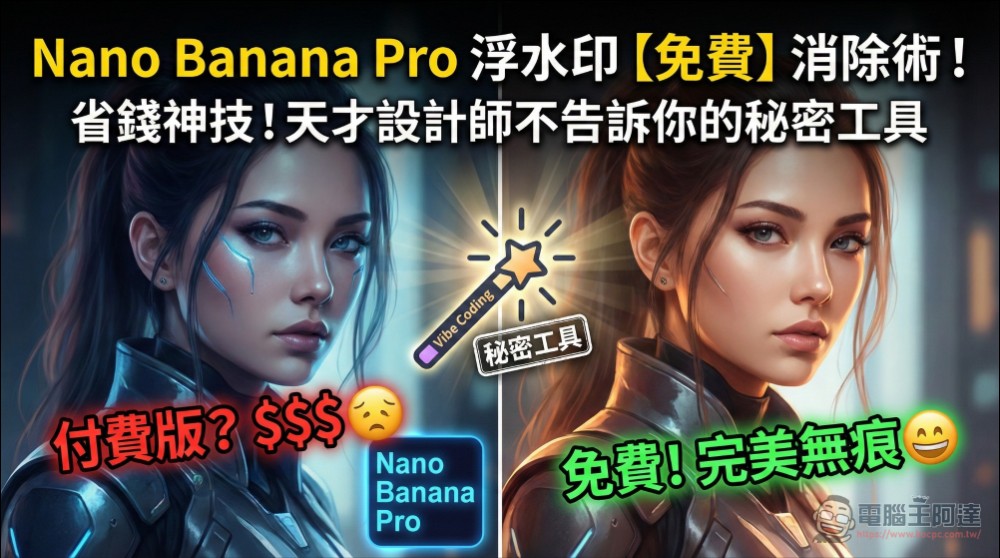
Remove Nano Banana Pro image watermarks with just one click, completely free.
The usage method is not difficult either, just open this URL (Please click me.), you will be taken to the watermark removal tool page, and click “Choose File”:
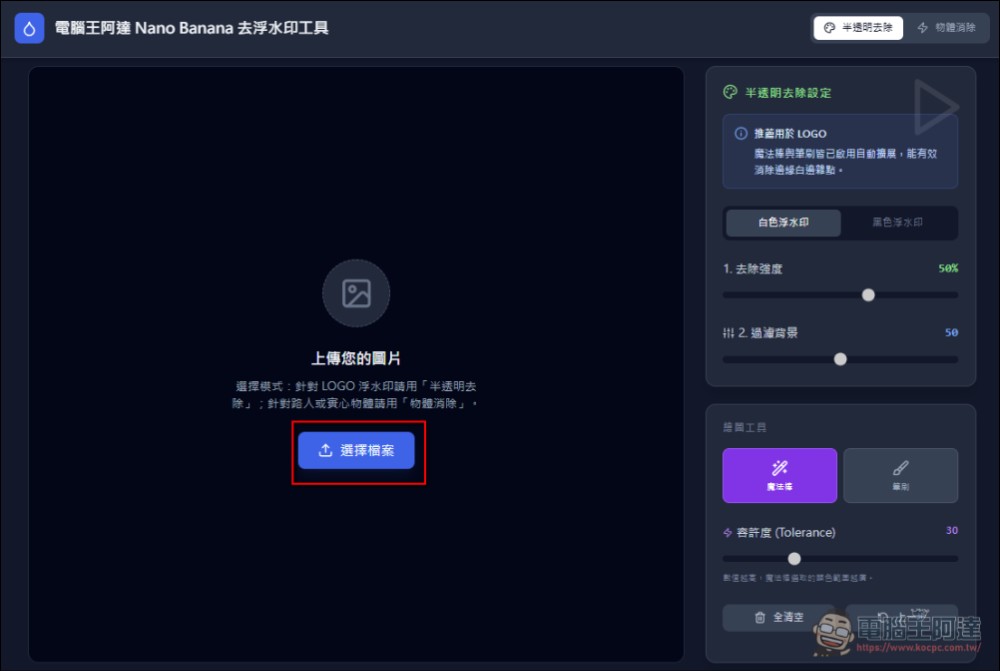
Click here for watermark removal tool
After selecting the image you want to remove the watermark from, choose the “Magic Wand” (default), then click on the Gemini watermark:

At this point, only the star watermark area is selected (I originally planned to have the program detect it automatically, but after repeated failures, I had to manually click it):

At the bottom of the original page, the processing result preview will be displayed, showing that the watermark has been removed. Then clicking download JPG image will automatically convert it to a JPG file with a smaller file size (original PNG files often take up several MB):

I personally tested most of the image removal effects, and they should be pretty good—most show no visible flaws (I didn’t use any AI, purely algorithmic processing, so there’s no cost issue):

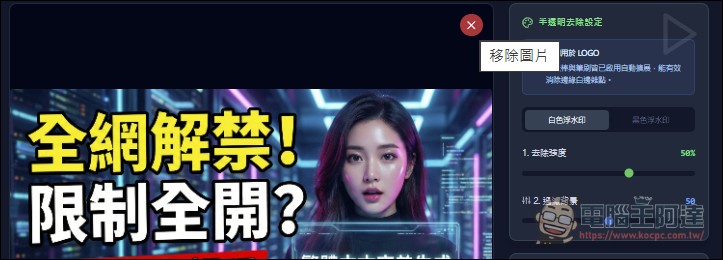
To process the next image, simply click the X on the current image:
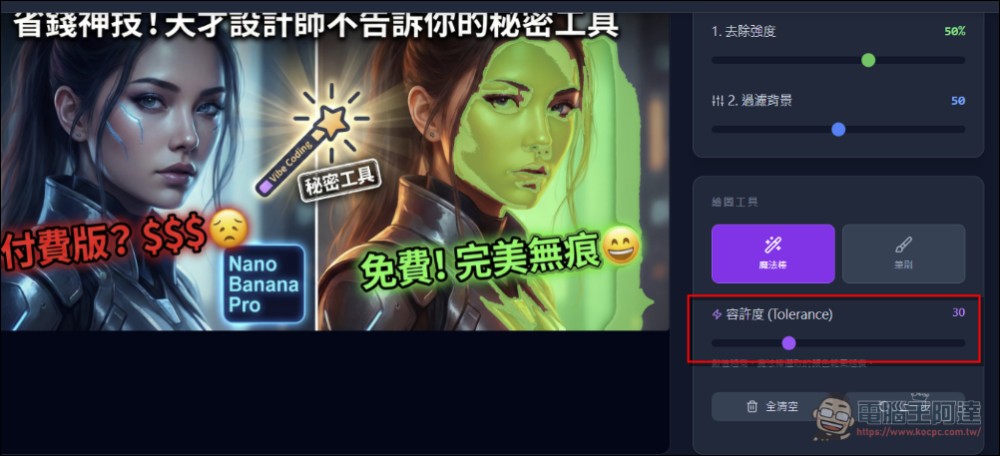
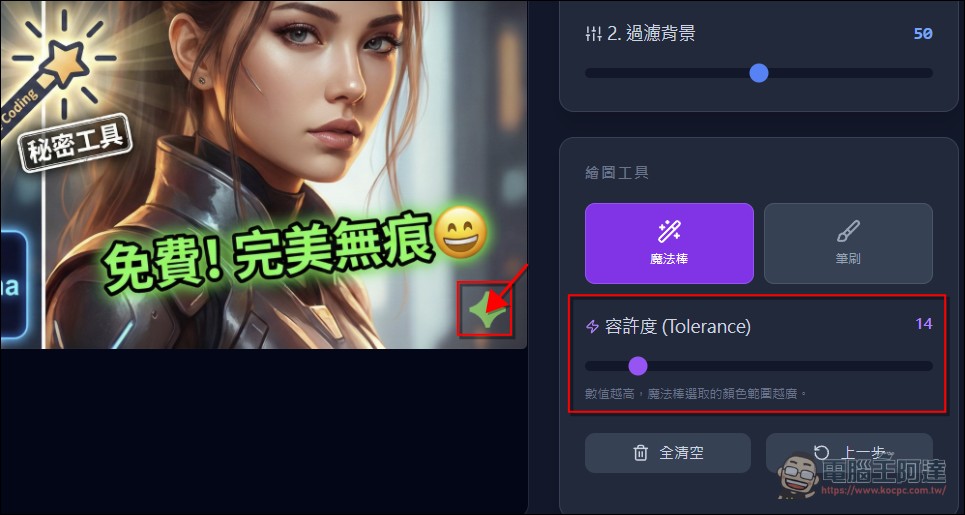
In a few cases, if there are similar graphics or fonts nearby, it may be slightly affected. If that happens, try adjusting parameters such as tolerance and background filtering; the preview below shows results in real time. If it still doesn’t work, I currently can’t do any better with my ability. When I tried AI for this situation, the whole text disappeared. So for now, this is acceptable:
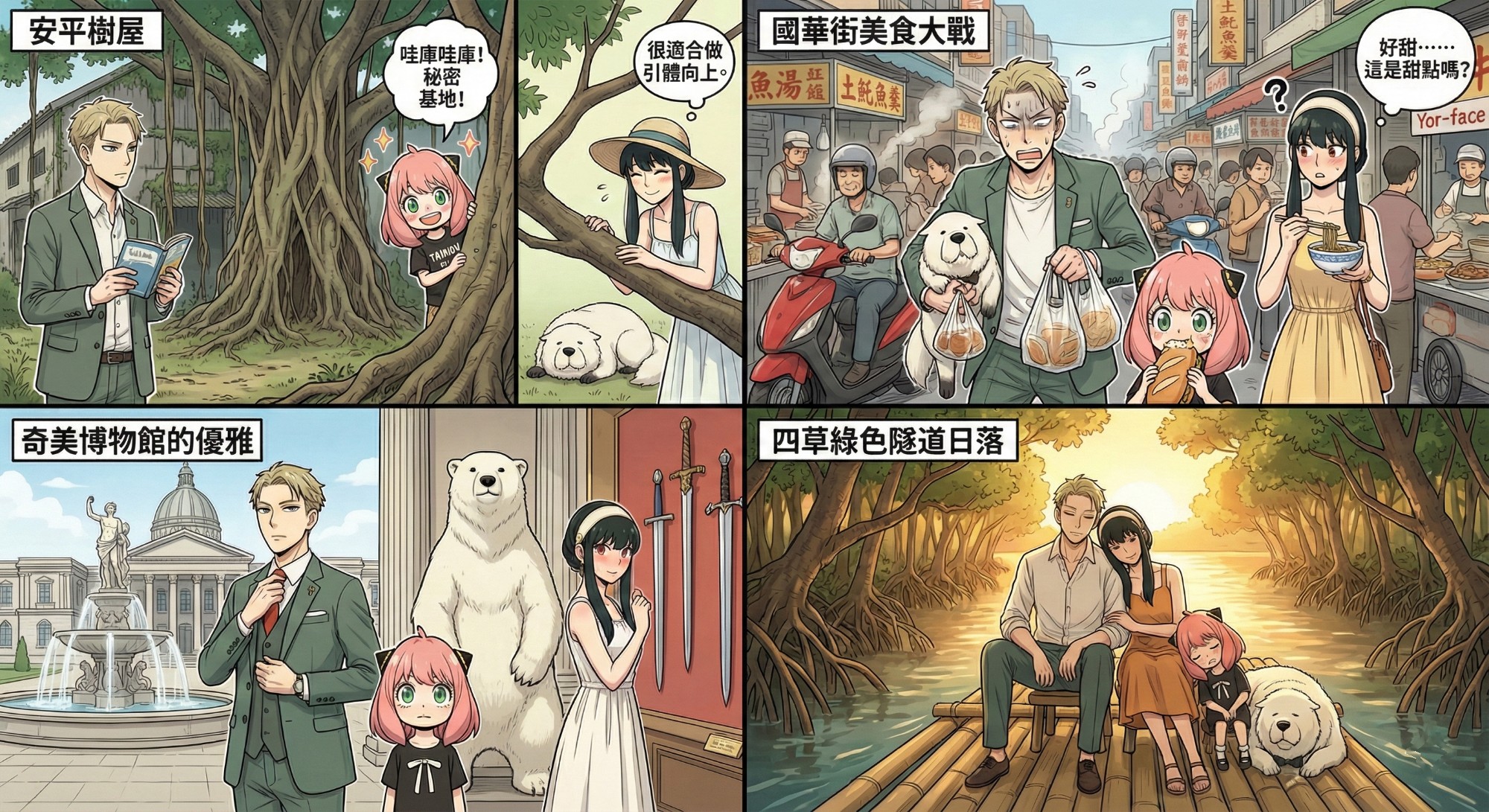
In actual testing, the vast majority of images can be perfectly restored:
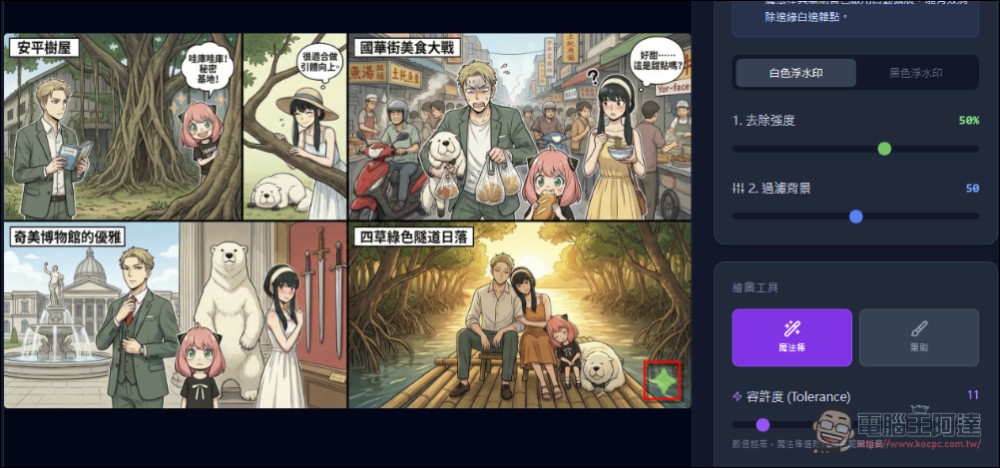
Another “brush” feature can remove other objects from the image, but the algorithm is still being fine-tuned. If you’re interested, feel free to try it out yourself. I won’t go into detail here. Friends who like this little app can also buy Ada a cup of coffee. Thanks everyone.
Source: KOCPC Chinese