


Nano Banana Pro The image generation capability is extremely powerful, which is why there are now many impressive works by talented creators online. However, not everyone shares the prompts they use.Prompttherefore you’re likely to often come across something that looks pretty good AI imageI want to try it myself and modify the content to generate something, but I keep having trouble with the prompts.
This article introduces a very useful free prompt extractor called Prompt.Gacha. You just upload an image and get its prompts with one click. I tested multiple images and it can indeed generate very similar content. More importantly, it also supports batch processing, allowing you to upload multiple images at once, which is quite convenient.
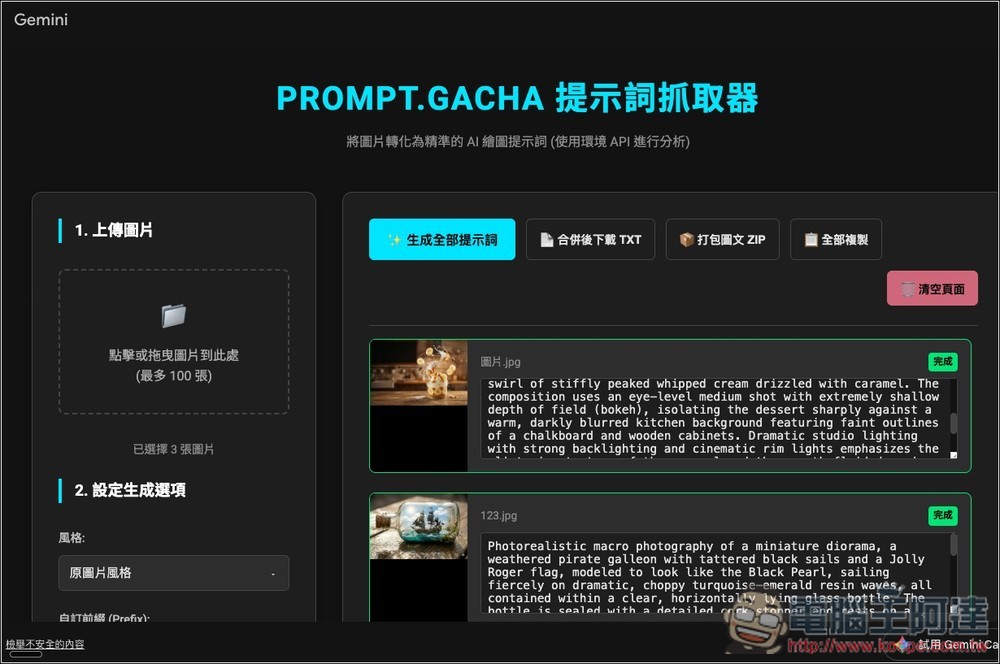
Free Gacha prompt grabber—one click to instantly get the generation prompt used for this image.
Prompt.Gacha is a practical tool designed for AI creators and prompt researchers. It can convert images into ready-to-use prompts. Users simply upload an image, and the system uses AI to analyze the composition, style, subject, lighting, texture, and detail elements in the picture, then automatically organizes them into clearly structured, copyable prompt content, allowing you to quickly apply it to various image generation models such as Gemini, Stable Diffusion, Midjourney, DALL·E, and Z-Image.
For users who want to study other experts’ AI works, reverse-engineer high-quality prompts, or for beginners who don’t know how to craft prompts, this is a very useful and efficient assistant tool.
Additionally, the interface design is intuitive, allowing you to obtain high-quality reverse-engineered prompts without any setup.
Main Features
- Image to Prompt: Automatically analyze images and generate usable AI drawing prompts
- Clear style analysis: covering art style, composition, lighting, details, and subject description.
- High compatibility: works with models such as Stable Diffusion, Midjourney, DALL·E, Gemini, and more.
- Beginner-friendly: Get high-quality prompts quickly without needing AI knowledge.
- Improve creative efficiency: reduce the time cost of repeatedly testing prompts.
- Suitable for learning and research: can be used for image style decomposition, prompt optimization, and inspiration organization.
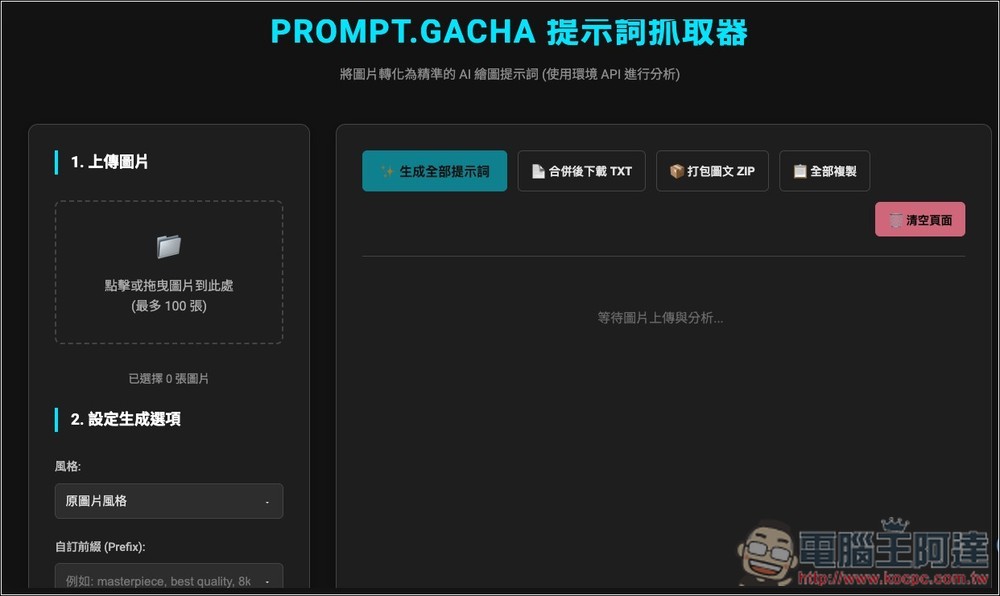
After clicking the link above to go to the Prompt.Gacha prompt extractor, you’ll see the screen shown below. Upload the images you want to convert into prompts on the left side. Batch processing is supported, up to 100 images:
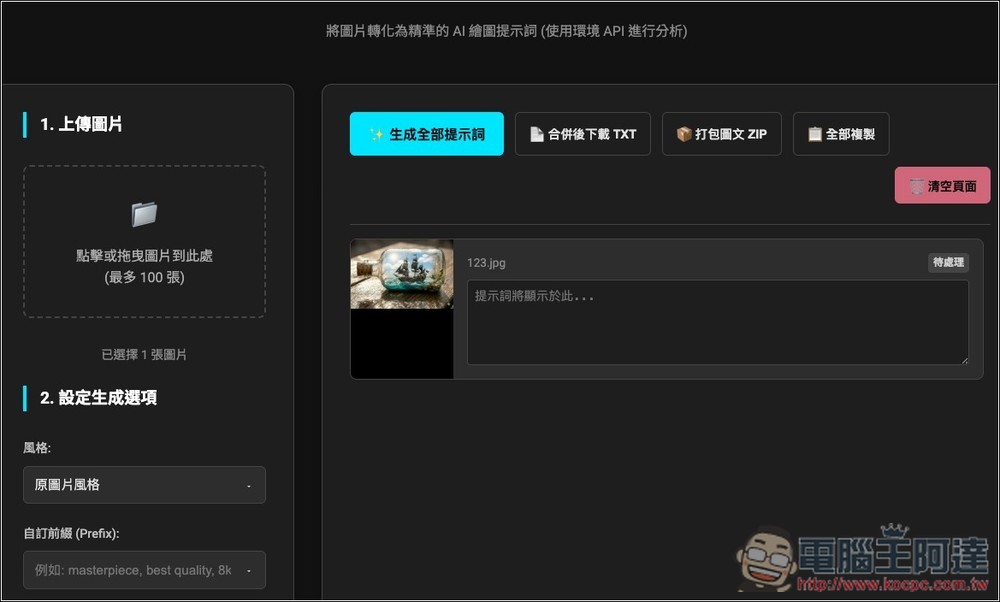
After uploading, a preview will appear on the right. Then click the “Generate All Prompts” button above to start processing. There are some settings in the bottom-left corner, including style, custom prefix, custom suffix, tags to remove, and adding a numeric prefix. If you have no special requirements, just keep the defaults:
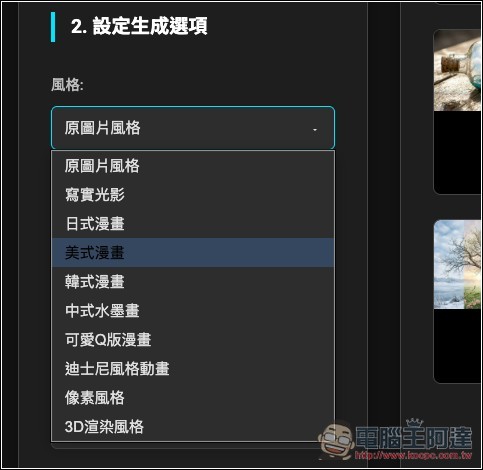
There are quite a few style options available, including realistic lighting and shadows, Japanese manga, American comics, Korean comics, Chinese ink-wash painting, and so on:
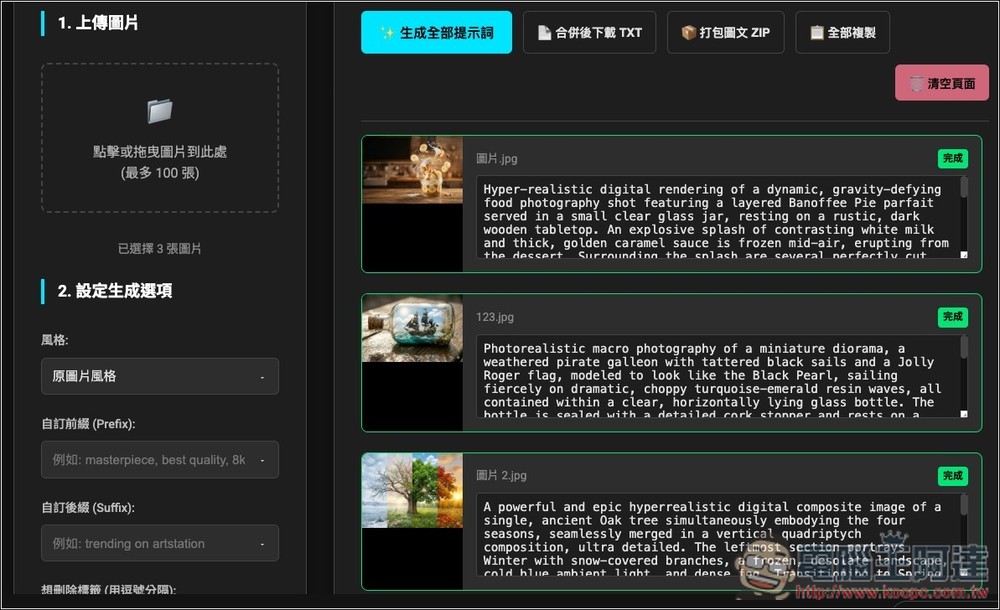
After pressing generate, the AI will start analyzing the image, and it’s quite fast—it finishes in just a few seconds:
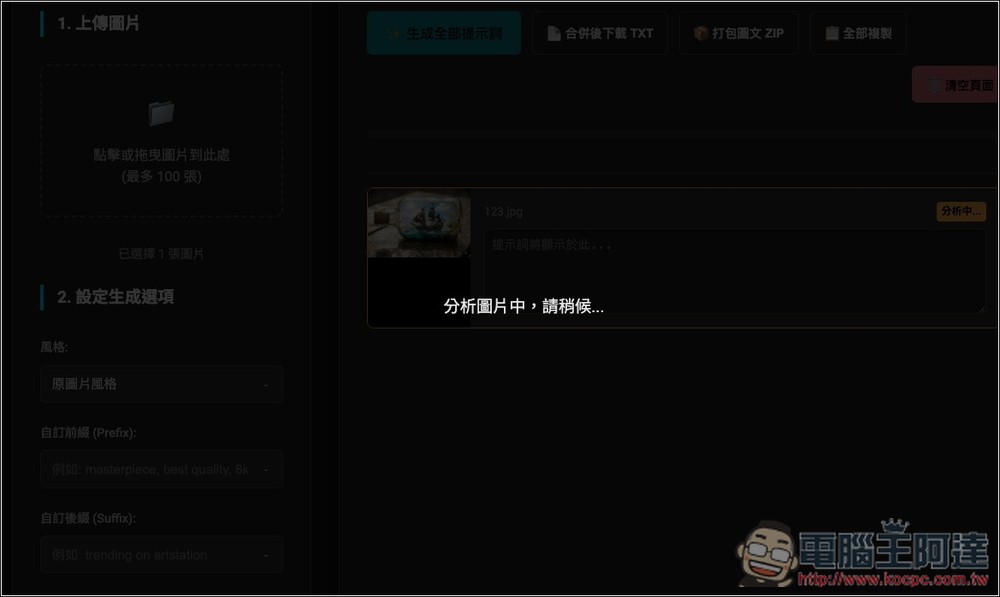
Then the full prompt will be displayed on the right side of the image:
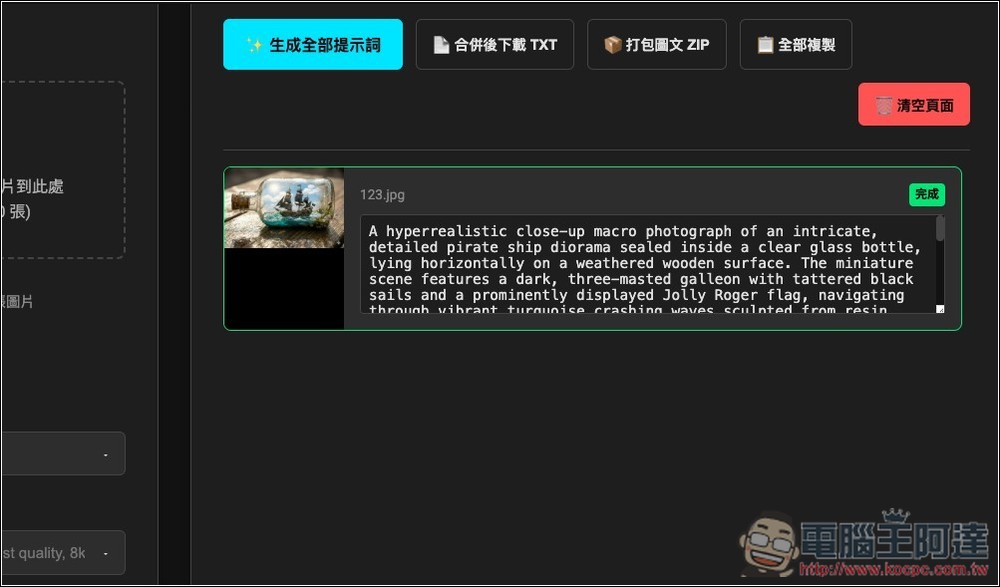
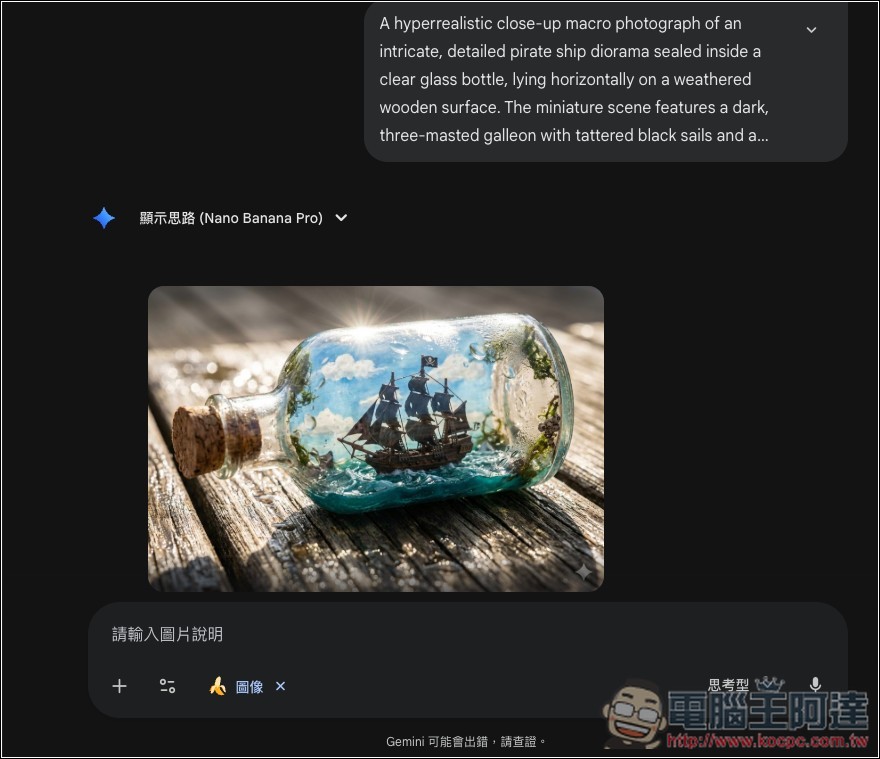
I fed this set of prompts into Nano Banana Pro to generate, and sure enough, it produced very similar images:
Next, I’ll test processing multiple images together.
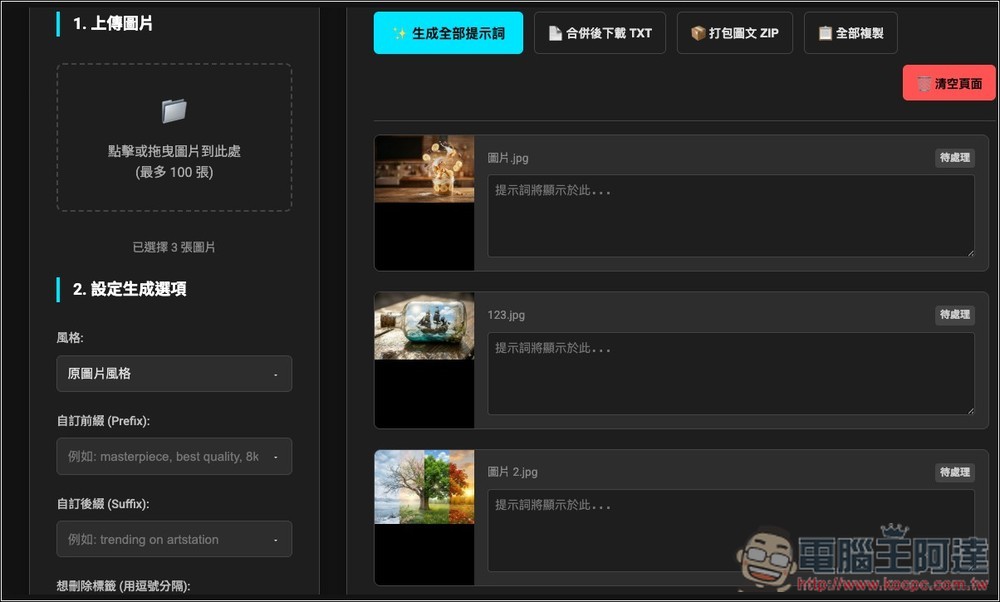
The speed is also very fast, finishing in just a few seconds:
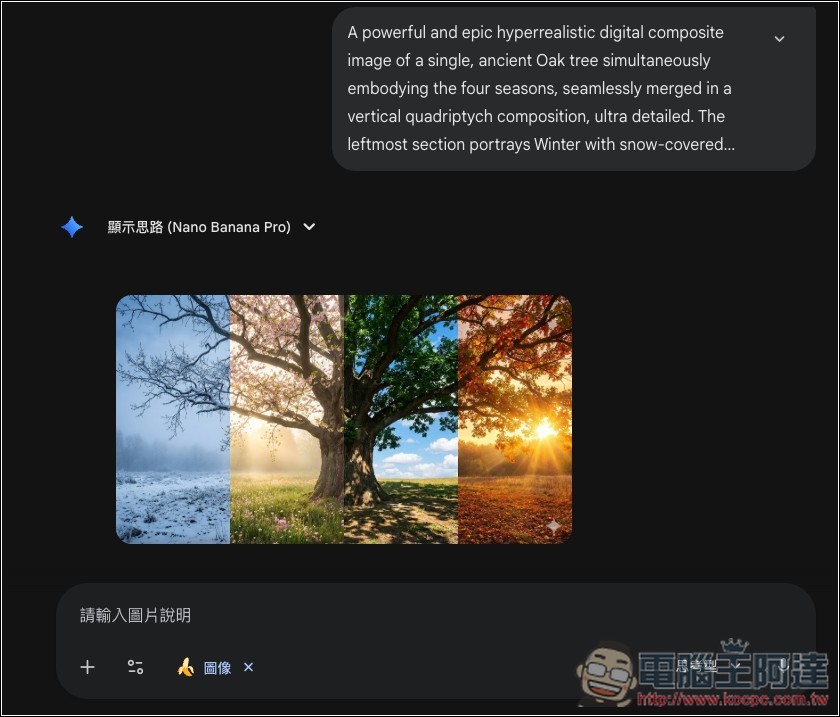
Test the prompt for the third image, and also generate very similar images:
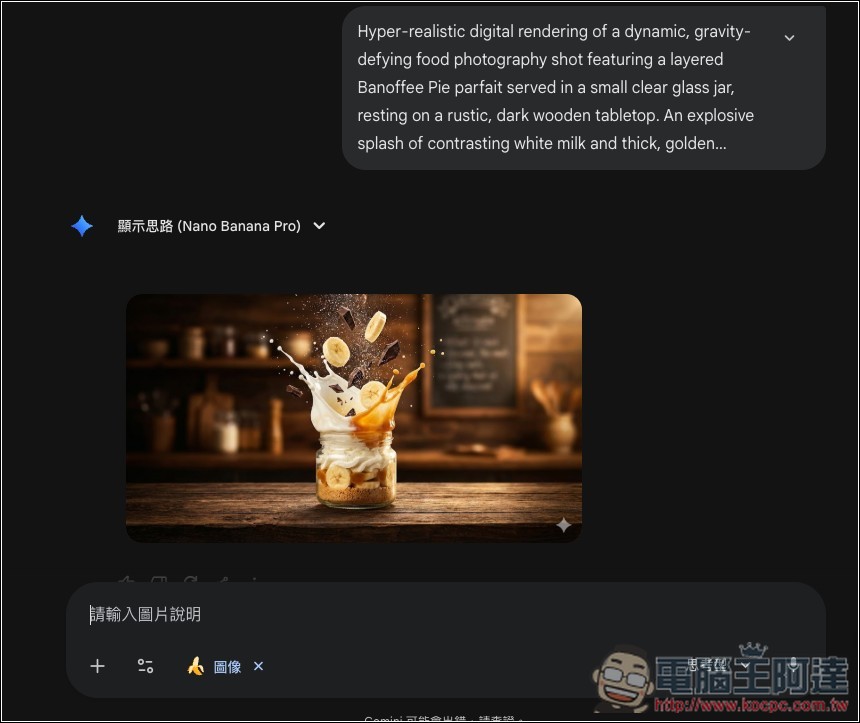
The first prompt is the same as well, which shows that this tool’s reverse-engineering capability is really impressive:
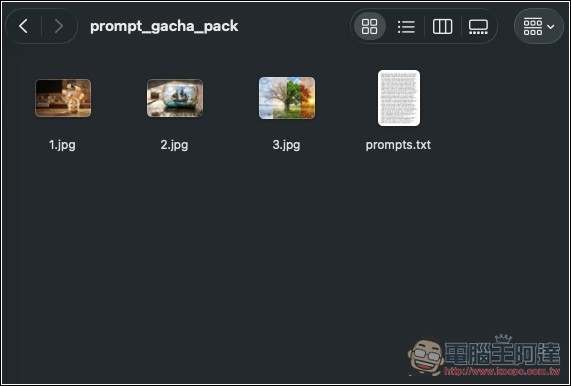
It also provides a ZIP packaged download feature; the archive contains the uploaded images and the prompt’s .txt file:
Source: KOCPC Chinese