


Recently, many users – or should we say players – have reported that they have encountered problems that cannot be played normally when playing games such as “Assassin’s Creed”, “Star Wars” and “Avatar: Pandora’s Frontier”. Continue reading Does the game keep crashing and can’t be played? Microsoft admits that Windows 11 24H2 update causes Ubisoft games such as “Assassin’s Creed” and “Star Wars” to crash and become unplayable. Text of the report.
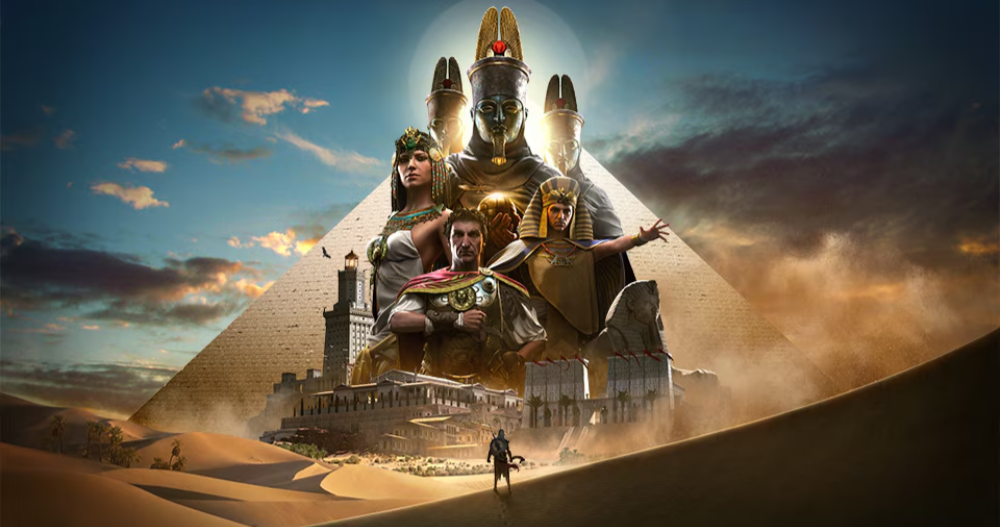
▲Picture source for this article: Ubisoft
The game keeps crashing and can’t be played? Microsoft admits that Windows 11 24H2 update causes Ubisoft games such as “Assassin’s Creed” and “Star Wars” to freeze and become unplayable
If you have recently updated Windows 11, you have found that many games will experience a crash situation where they become unresponsive or give you an endless black screen. Then you can think back for a moment and see if the disappointing and crashing game apps you have encountered recently are all games developed by Ubisoft.
If so, then you may want to calm down and listen to me. Basically, this package should be counted on Microsoft – although they also announced that they will work with Ubisoft to solve the problem.
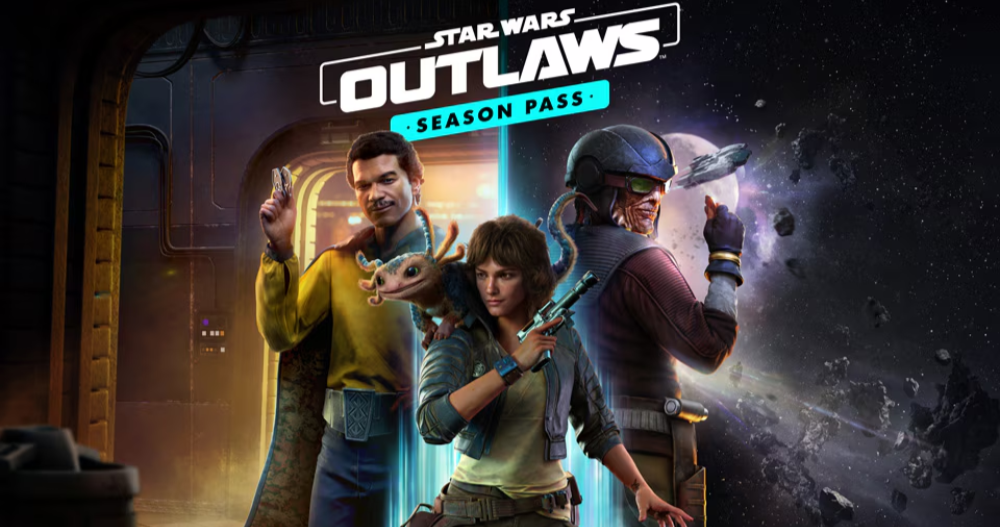
Recently, many users – or should we say players – have reported that they have encountered problems that cannot be played normally when playing games such as “Assassin’s Creed”, “Star Wars” and “Avatar: Pandora’s Frontier”.
In this regard, it can be confirmed from the recent Microsoft announcement that this problem is indeed related to Ubisoft games, but it was triggered by updating to Windows 11 24H2 update. According to Microsoft (which also lists currently affected games):
這些遊戲在啟動、載入或遊戲過程中可能會變得無回應。在某些情況下,使用者可能會看到黑畫面。受影響的遊戲包括:
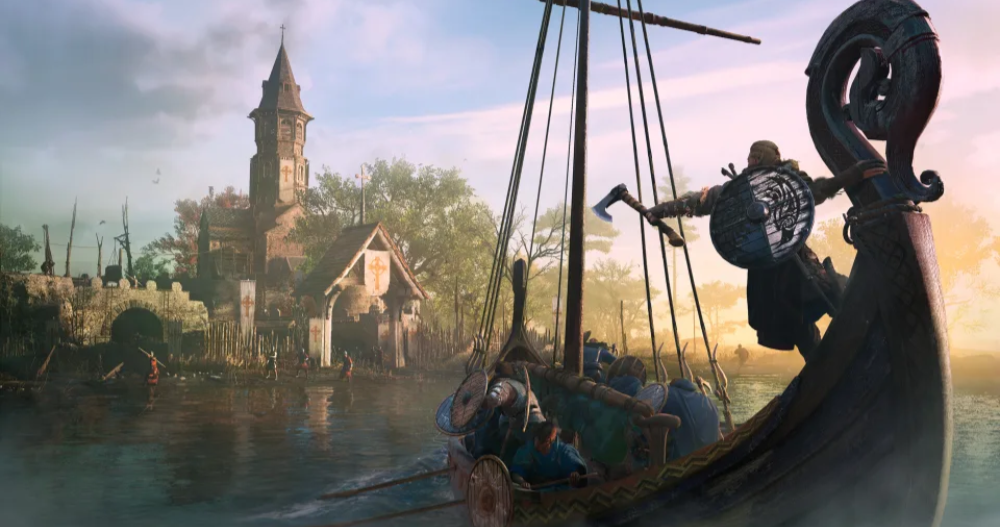
《刺客教條:維京紀元》(Assassin’s Creed Valhalla)
《刺客教條:起源》(Assassin’s Creed Origins)
《刺客教條:奧德賽》(Assassin’s Creed Odyssey)
《星際大戰:亡命之徒》Star Wars Outlaws(Star Wars Outlaws)
《阿凡達:潘朵拉邊境》(Avatar: Frontiers of Pandora)
At this stage, Ubisoft has initially issued temporary fixes to players of “Star Wars: Desperados” in response to this disaster – but it has been said that there may still be performance issues.
In addition, Microsoft has temporarily stopped pushing Windows 11 24H2 (referring to the Windows Update pipeline) to players of these games, and it is recommended that everyone not update to this version manually. And we have cooperated with Ub0soft to solve this bug situation.
Microsoft also provides a temporary solution to the crash (although it seems to just shut it down with the work administrator…):
Temporary solution (original page machine replica):
If the game stops responding to your commands and you are unable to exit the game as normal, use the Job Manager to close the application. Please follow these steps:
-
Start the job manager:
- Use the Ctrl + Shift + Esc keys on your keyboard.
- Alternatively, right-click the Start button and select Job Manager from the menu.
-
Find game programs:
- Find your game in the Programs tab of the job manager window. It may be listed with the name of the game or the name of the game launcher.
-
End game program:
- Click on the game name
Quote sources:Microsoft|Via:Engadget|
Further reading:
Source: KOCPC Chinese