


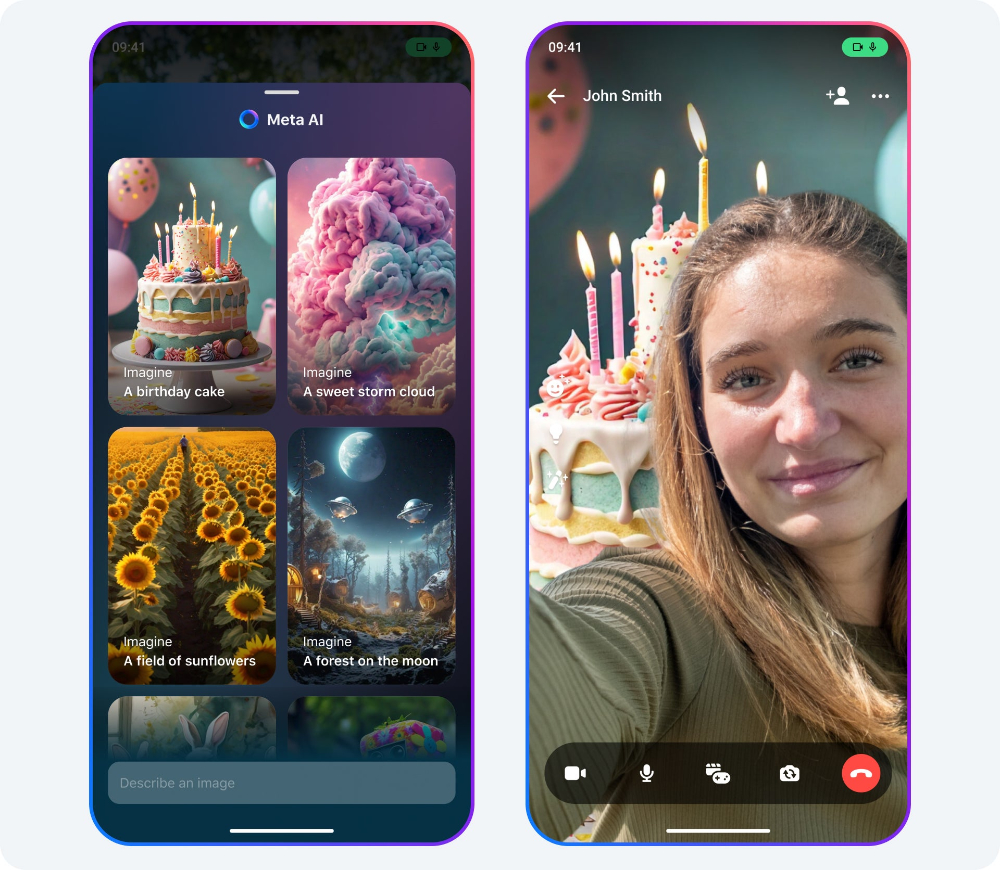
Unexpectedly, in the Facebook Messenger app store, the seemingly cookie-cutter update description actually hides a bunch of update projects. This time, Facebook Messenger has many improvements and new features not only for audio but also image and video. In addition, in terms of the function of directly speaking to command the AI voice assistant to send messages, Facebook Messenger has also added support for messaging/call commands that can be carried out through Meta AI to the integration function of Apple Siri. Continue reading Facebook Messenger brings six major updates: Siri messaging calls, HD video, AI background, and audio enhancements to give you the content of your reports all at once.
▲Photo source for this article: Facebook
Facebook Messenger brings six major updates: Siri messaging calls, HD video, AI backgrounds, and audio enhancements all delivered to you at once
Unexpectedly, in the Facebook Messenger app store, the seemingly cookie-cutter update description actually hides a bunch of update projects. This time, Facebook Messenger has many improvements and new features not only for audio and video but also related to AI. Can you guess what it is?
In addition, in terms of the function of directly speaking to command the AI voice assistant to send messages, Facebook Messenger has also added support for messaging/call commands that can be carried out through Meta AI to the integration function of Apple Siri.
This article will also teach you how to set up this integrated function to allow you to quickly send voice messages.
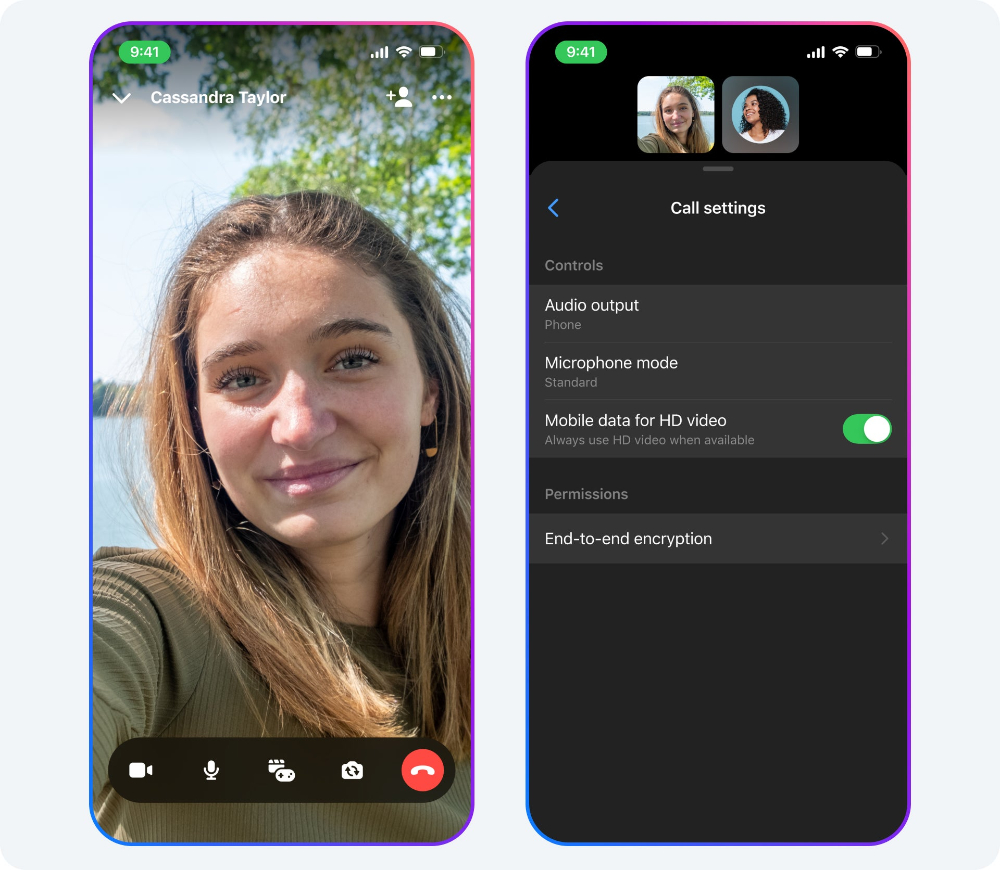
First of all, Facebook Messenger has added a video function that uses AI to change the background of the video function. The audio part supports voice isolation and HD video calling functions – the relevant settings can be turned on in the video options.
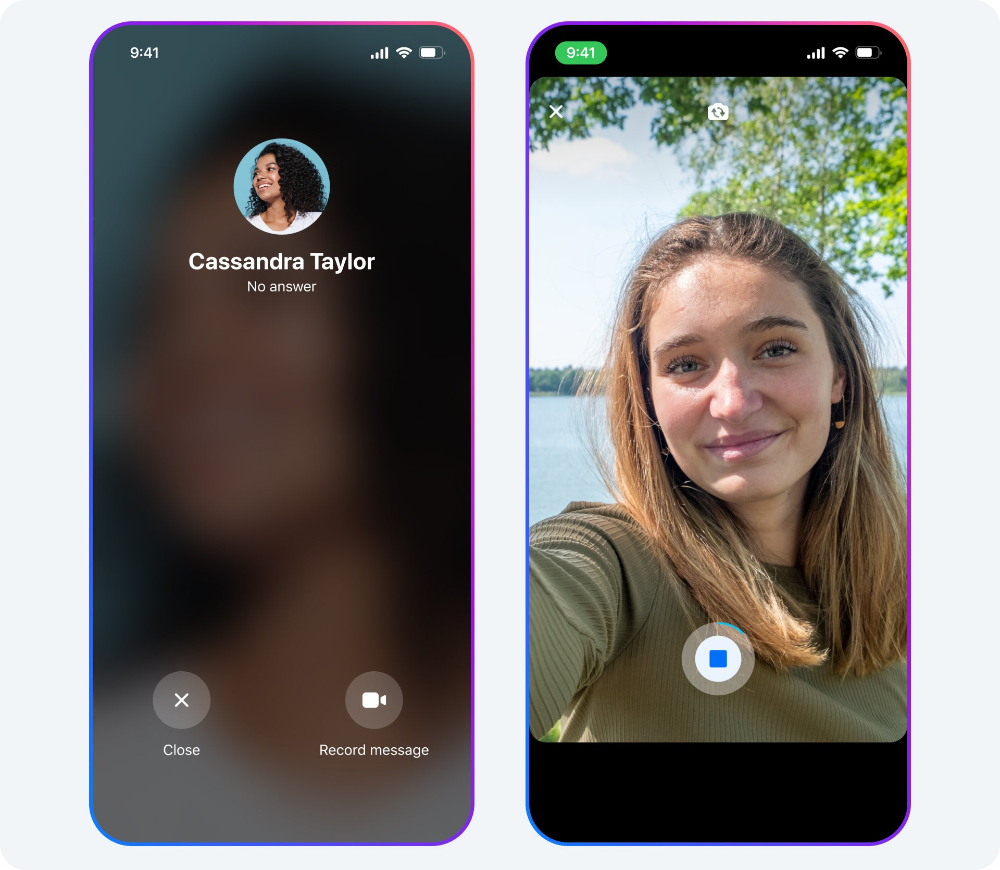
If the call isn’t answered, you can now leave a voice message via Facebook Messenger – and even video chat is available.
How to enable Facebook Messenger Siri messaging support
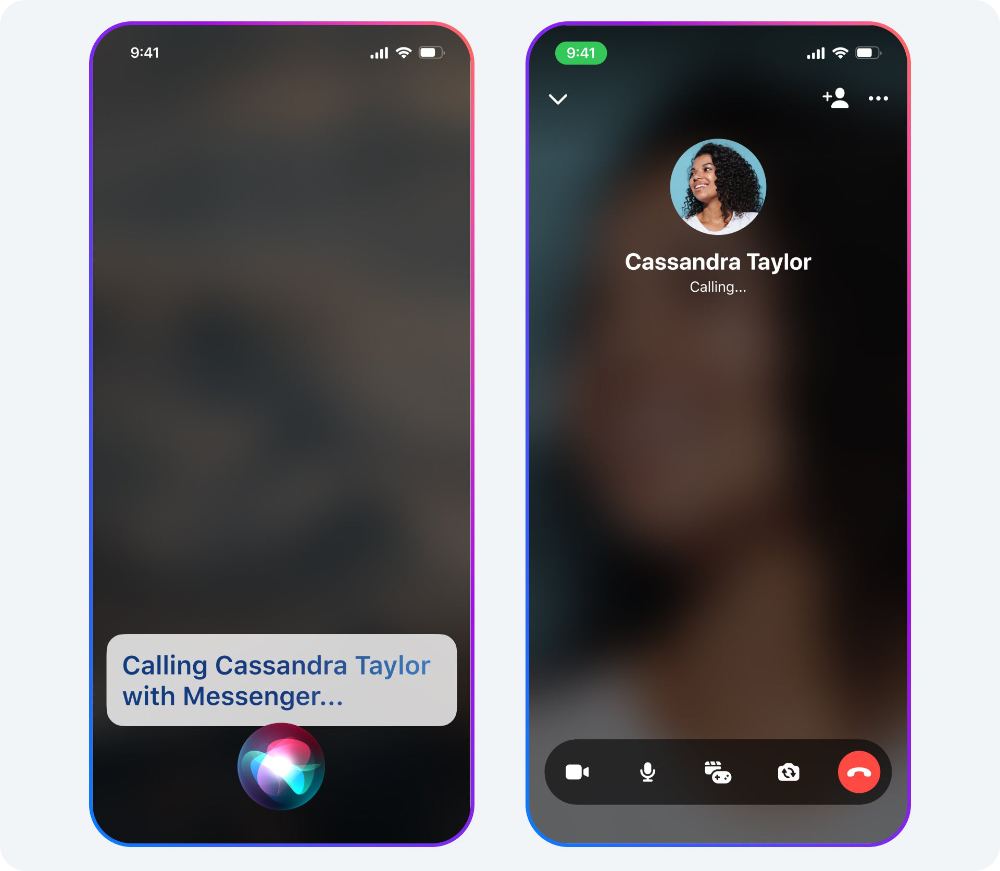
It’s easy to enable Facebook Messenger support for Siri messaging calls. For the settings part, you can directly go to “Settings > App > Messenger > Apple Intelligence & Siri” to find the “Use with Siri Requests” option and turn it on. You can activate the sending function of Facebook Messenger through commands such as “Send Messenger Message”.
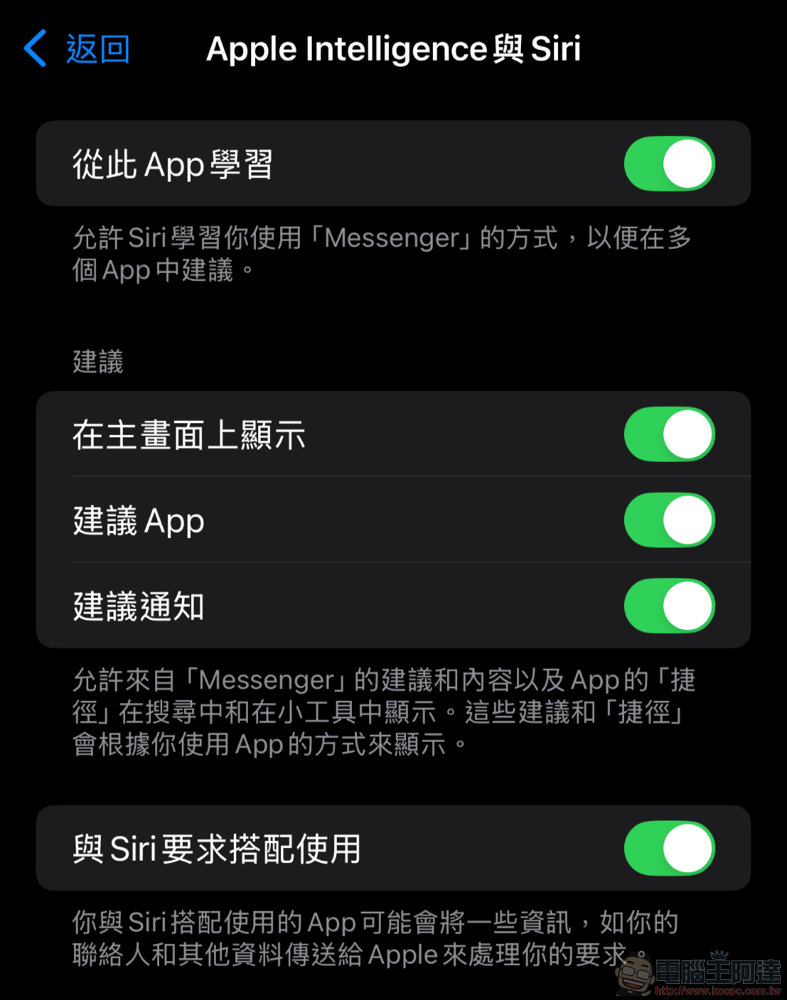
Of course, there is an easier way. Even if you directly tell Siri to send a message using Facebook Messenger (the command in the previous paragraph), the system will pop up “I will need to access your “Messenger” data to use the app, is that okay? ” prompt window. If you want to use this feature, you can click “Yes” to agree.
If you want to turn off this feature, you can also go to “Settings > App > Messenger > Apple Intelligence & Siri” and find “Use with Siri Requests” and select to turn it off.

Quote sources:PhoneArena|
Further reading:

Source: KOCPC Chinese