


About two years ago, Google offered iOS users apps from official iOS to Android.Switch To Android”. Recently, Google quietly launched an App called “Android Switch”. At first, some people were confused about the purpose of this App, but now the answer is revealed, it is the previous Switch To Android App, but Google has remodeled this App to make it look more “attractive”?
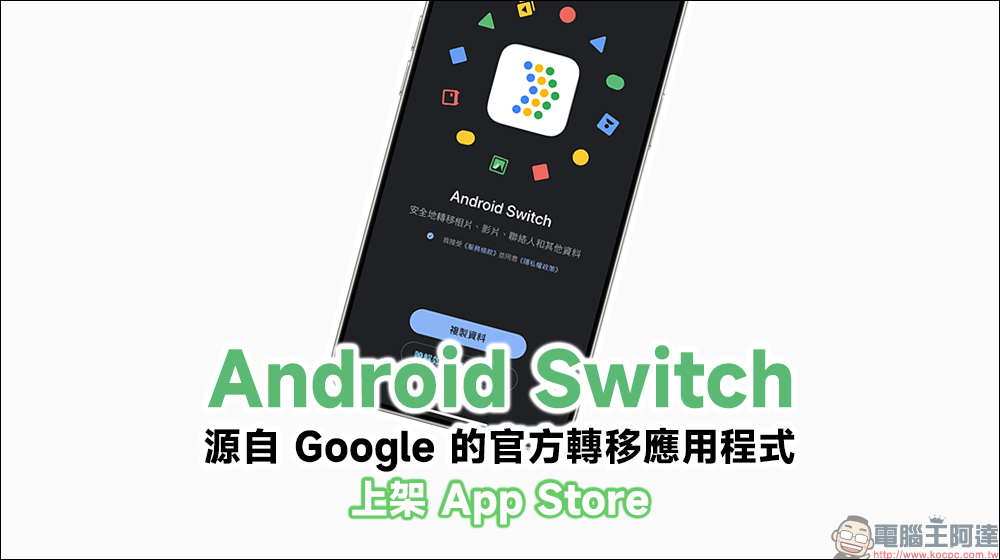
Android Switch is officially on the App Store, returning from the past Switch to Android with a new look
Google has recently revamped the “Switch to Android” application designed specifically for iPhone and iPad users. Not only has it changed its name, but it has now been renamed to a simpler name “Android Switch”. It also has a new App icon, and the user interface has become more concise and intuitive. The goal is to make more iPhone users willing to try the Android world. According to the description of Android Switch in the App Store, users can use Google’s Android Switch application to transfer photos, videos, contacts, and calendar events to a new Android device. No transmission lines are required in the process, which is easy and safe.
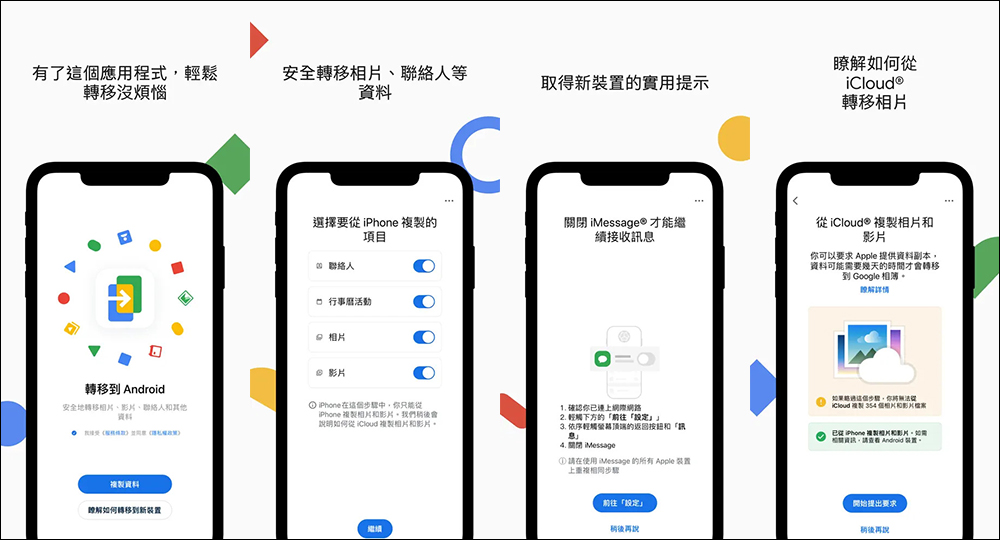
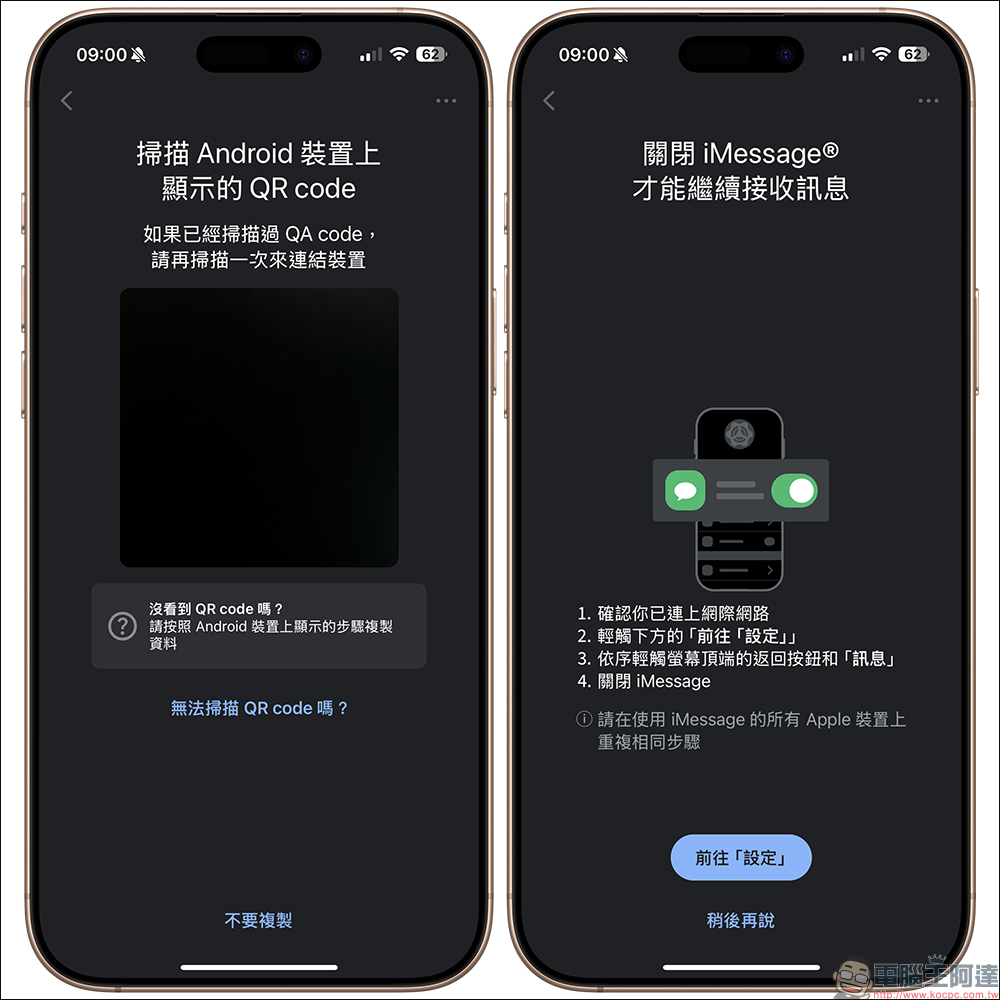
Android Switch is a super simple app designed to help iPhone users transfer data to Android devices like Google Pixel. You can directly handle contacts, calendars, photos and videos with one click, and it will even remind you to turn off iMessage and switch to RCS or SMS so that you will not miss messages.
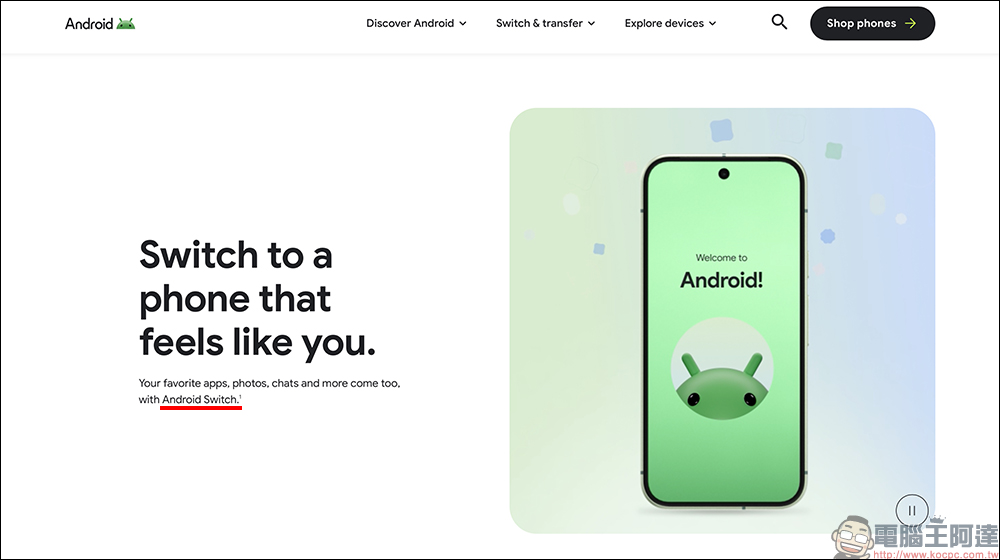
Google also took advantage of this revision to update the content on the official website of “Switch to Android” to be consistent with the app name. The website also answers many questions that iPhone users care about, such as how to handle text messages, transfer files, make video calls, and even whether your accessories can be used.
Google says that Android users can use RCS to send text messages to iPhone users without any problem. If you’re looking for an alternative to FaceTime, they recommend Google Meet. Although there is currently no function like AirDrop that can directly transfer files from Android to iPhone, Android users can easily transfer files to Android, ChromeOS or Windows PC devices through “Quick Share”.
Apart from its appearance and name, the functions of “Android Switch” this time are basically the same as before, and they still focus on making data transfer fast and simple. For iPhone users who want to give Android a try, this newly revamped app is definitely a good helper! If you are considering changing your mobile phone recently, you might as well download it and give it a try!
Android Switch App Download (App Store)

Source: KOCPC Chinese