


Mobile phones are an indispensable companion in modern people’s lives, and battery health is one of the keys to the life of a mobile phone. Many people talk about the battery performance of iPhones, but at the same time, they have unknowingly developed bad habits that damage the battery, causing the battery of a phone that could have been used for several years to decline significantly in less than a year. What kind of charging habits will make the iPhone battery “short-lived”? Let us break it down one by one and provide solutions to make your phone last longer and feel more secure.
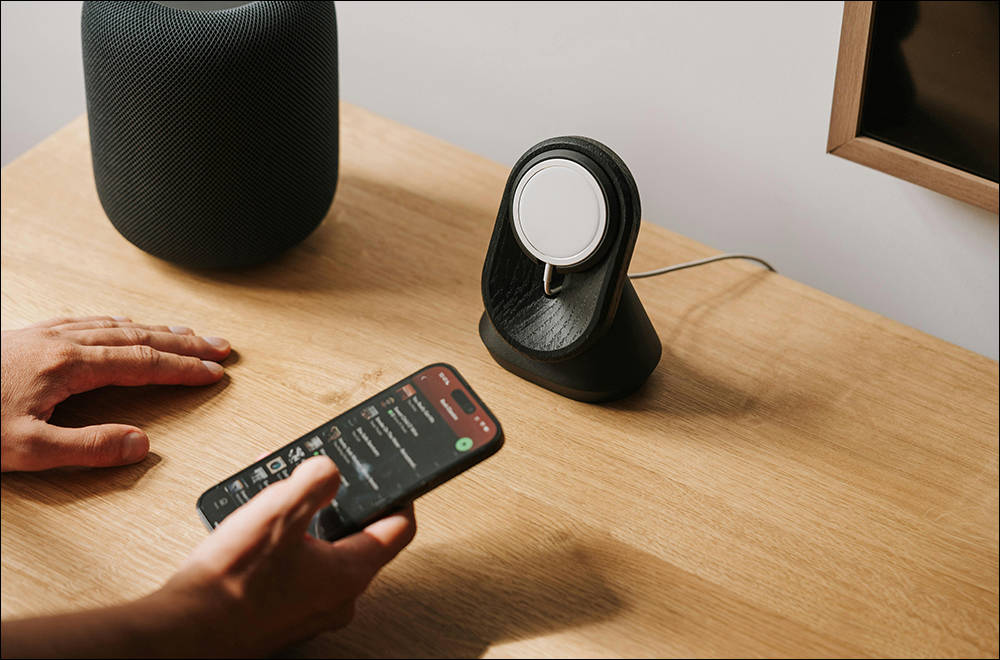
The 4 worst charging habits for your iPhone that hurt your battery, have you done them too?
It is normal for mobile phones to gradually lose power as lithium batteries are used. Apple recommends that users replace the iPhone battery when its battery health drops below 80%. However, why is it that everyone buys the same iPhone at the same time, but the battery health of everyone’s iPhone is so different after one year of use? Today I’m going to share with you the 4 charging habits that are most damaging to your iPhone battery, and see if you’ve fallen victim to it too! Of course, Android users are also worthy of reference. After all, good mobile phone charging habits are also longer and more positive for the life of mobile phone batteries.
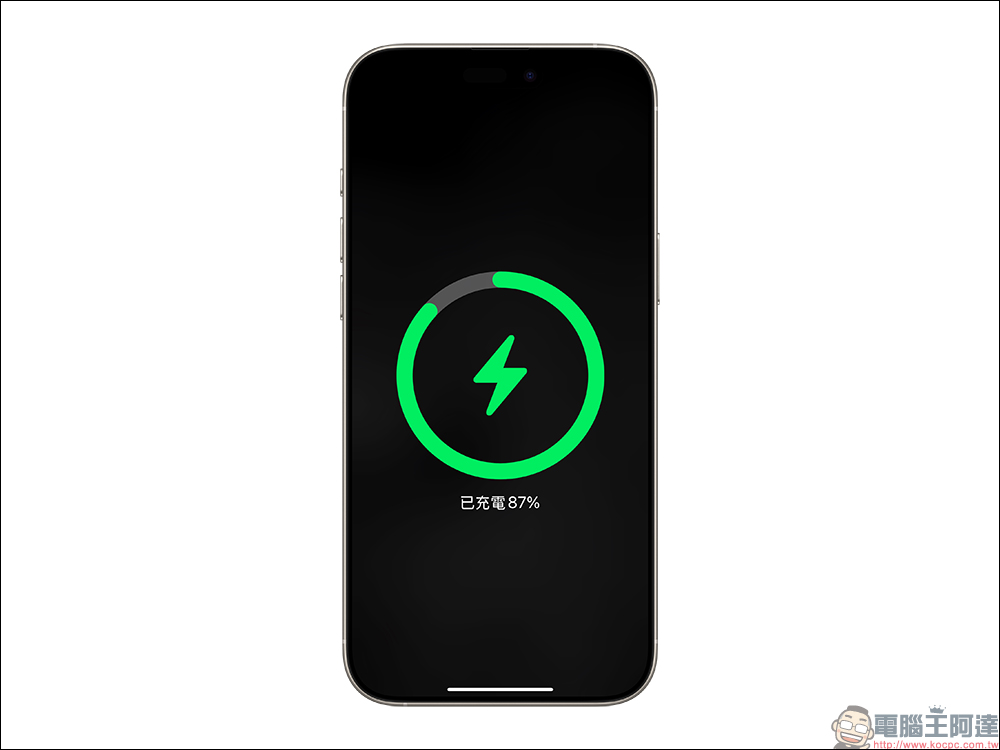
1. Play with your phone while charging
Many people are used to playing games, scrolling on social media, and watching videos while charging. Although this behavior seems very enjoyable and harmless, as if the phone can always be kept fully charged, it is actually a “silent killer” that damages the health of the battery. The reason is that the mobile phone will generate a certain amount of heat when charging, and the process of operating the mobile phone will also cause the battery to continue to discharge, forming a so-called charge-discharge cycle. At the same time, a large amount of power is consumed and charged, which will expose the battery to a high temperature environment, which will undoubtedly put a burden on the battery and shorten the battery life.

In addition, many people now use Apple CarPlay (or Android Auto for Android users) while driving. In order to avoid turning on CarPlay while the vehicle is driving and causing the iPhone to lose power at the destination, most people charge the iPhone at the same time. However, turning on the CarPlay function consumes power and charging at the same time is not the worst thing for the battery. Instead, many people will use apps such as Aegis Speed Camera, or play videos on their mobile phones at the same time. This results in the aforementioned “charging while playing with mobile phones.”
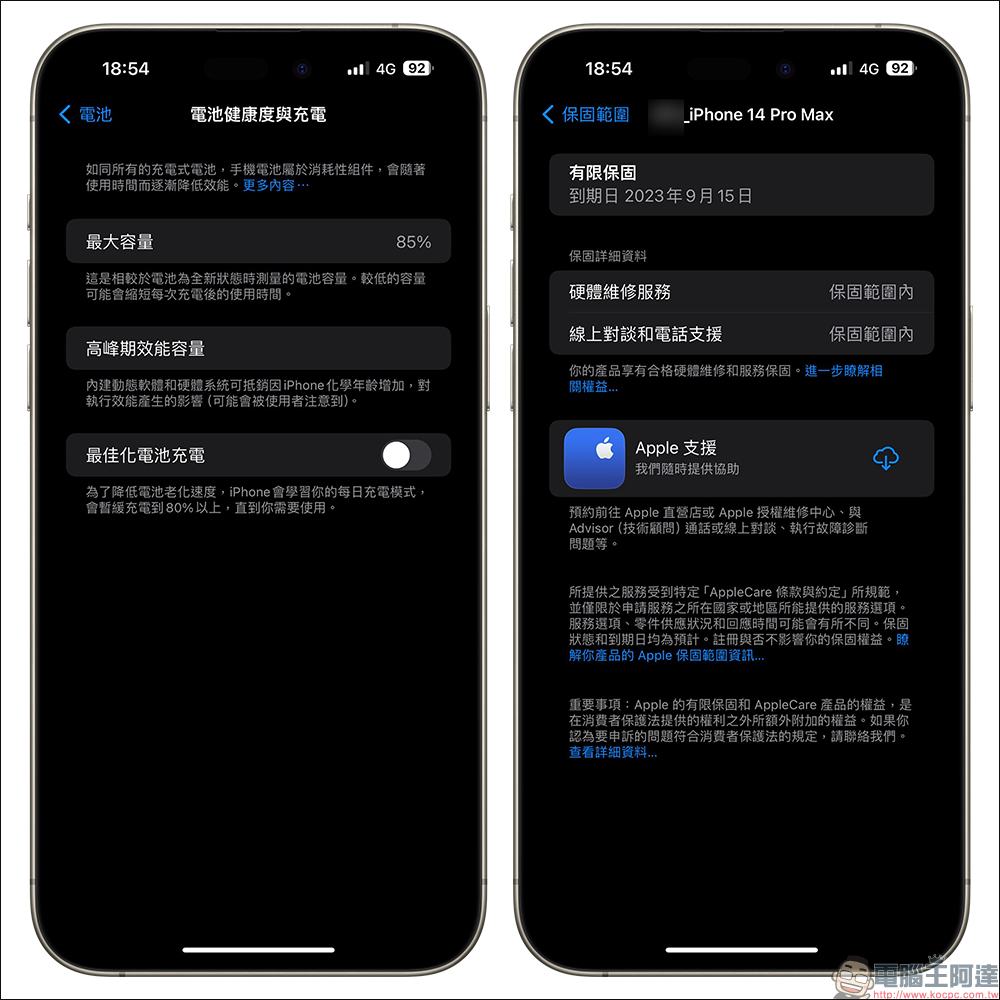
The author has actually tested this aspect himself. After purchasing the first batch of iPhone 14 Pro Max in 2023, he will charge CarPlay for long periods of time while driving, and use the phone to play videos for passengers to watch. After such a long period of charging the iPhone while the screen is on, the battery health of the iPhone 14 Pro Max will only be 85% after about 9 months of use. If it continues at that time, it may even reach less than 80% of the free battery replacement conditions within the warranty.
How to improve?
In addition to minimizing the frequency of using your iPhone while charging, especially power-consuming applications such as games and video playback. If you have to charge your iPhone at the same time, please pay attention to the following points:
- Keep the back of your iPhone ventilated and avoid placing it on a mattress where heat cannot escape
- Use items to help cool down when appropriate. MagSafe cooling fans and car air-conditioning outlets blowing toward the back of the fuselage are good methods.
2. Charging time is too long
Many people have the habit of charging before going to bed, thinking that it is more convenient to let their mobile phones “charge overnight”, but this practice is actually extremely detrimental to battery health. When the battery is fully charged, the charging system will automatically stop supplying energy, but even so, the phone will still perform a small “recharge” to maintain 100% power, accelerating battery aging.
Especially at night, the phone may be placed next to the pillow and cannot dissipate heat well. The high temperature will further aggravate battery damage. Not only that, leaving it plugged in for a long time may also cause battery life to decrease due to sudden voltage fluctuations.
In addition to the habit of charging for too long and keeping charging before going to bed, many people also watch videos and social media during this period, and thus have the habit of “charging while playing with their mobile phones”, which is not good for the health of mobile phone batteries.
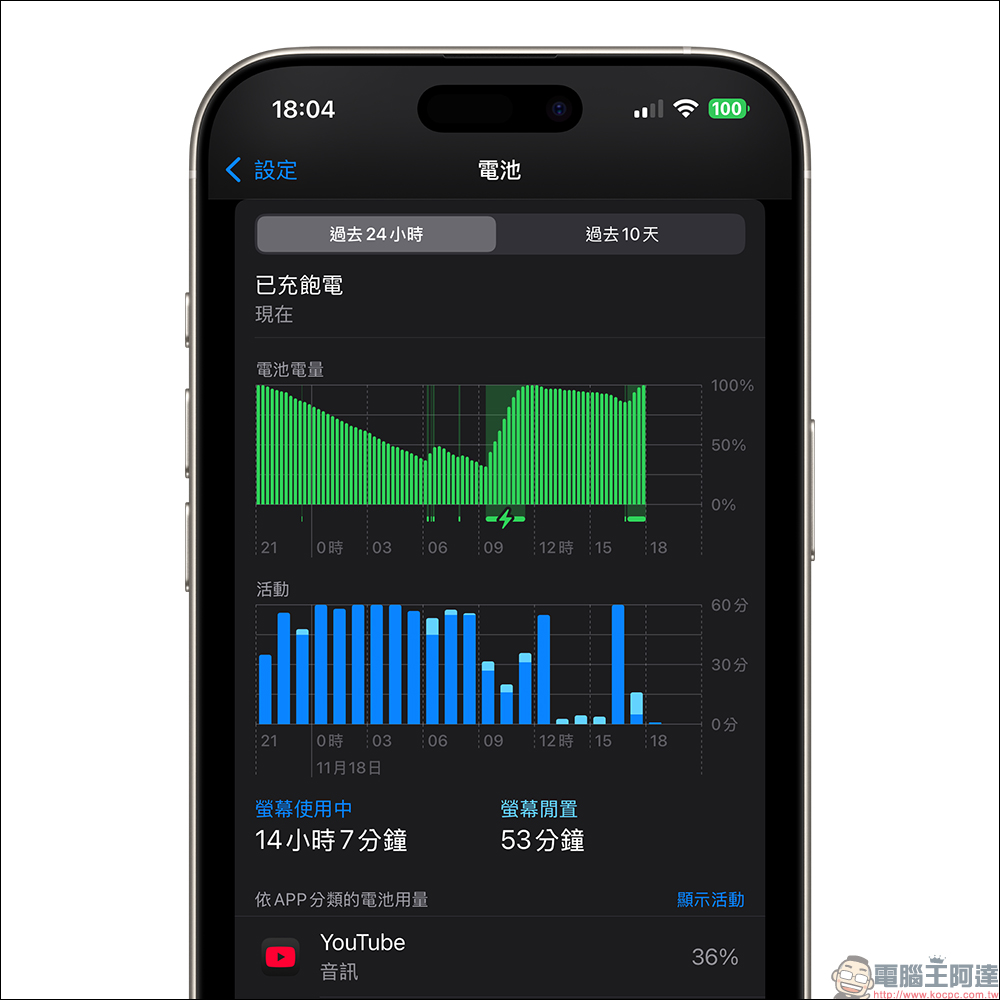
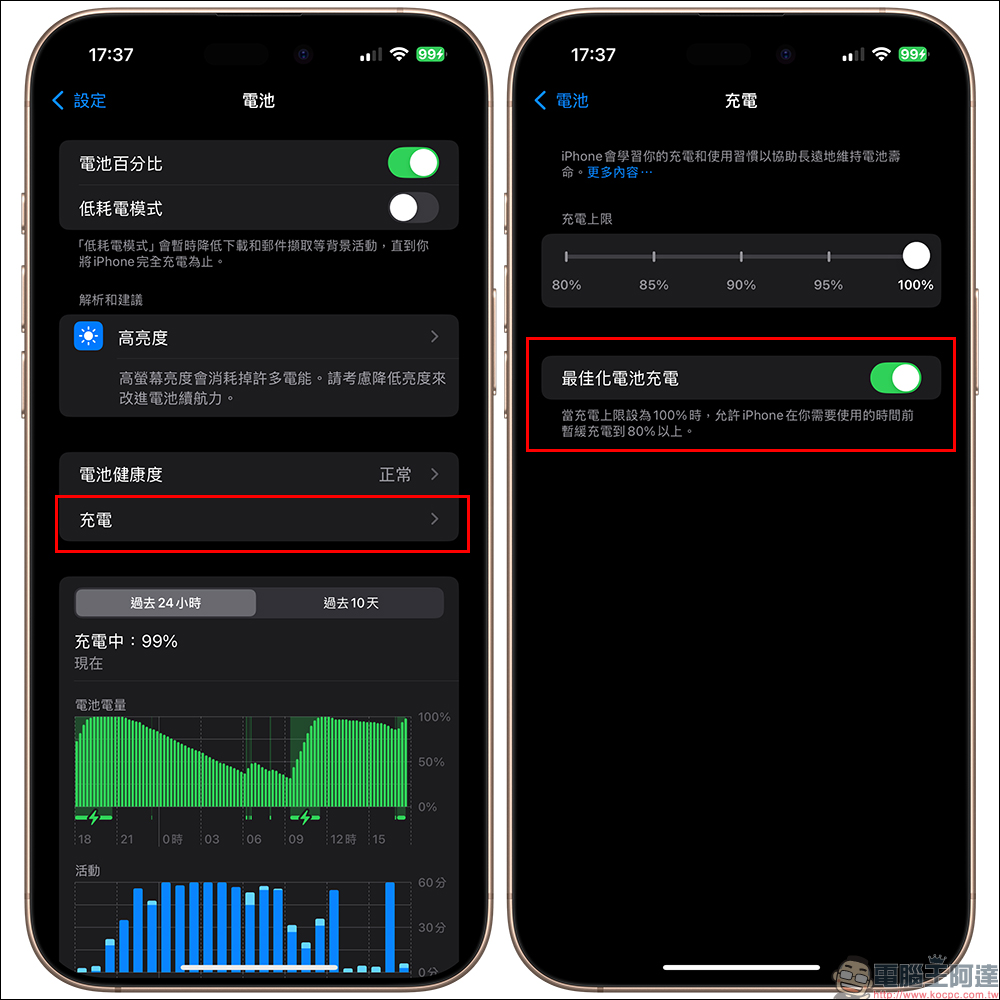
If you want to avoid charging your phone for too long, but are worried that if you don’t charge it all night, your phone will be low on power the next day, you can do this. First, find “Charging” in “Battery” in iPhone settings, and then turn on “Optimized Battery Charging”.
“Optimized Battery Charging” is designed to shorten the time the iPhone is fully charged to reduce battery wear and extend battery life. When “Charge Limit” is set to 100%, “Optimized Battery Charging” can be used.
When this feature is enabled, the iPhone will delay charging for more than 80% of the time in some cases. iPhone uses on-device machine learning to learn about your daily charging habits, so Optimized Battery Charging only kicks in when iPhone predicts it will be connected to a charger for an extended period of time. The goal of this algorithm is to ensure that the iPhone remains fully charged when unplugged.
3. Don’t wait until your phone is almost out of battery before charging it
Many people insist on charging their mobile phones until they have 10% or less power left, thinking that this is “cost-effective”. But in fact, deep discharge (recharging when the battery is too low) will put great pressure on the battery and accelerate the chemical deterioration inside the battery. The iPhone’s lithium battery is designed to perform best between 20% and 80% charge, so keeping the charge at an extremely low state for an extended period of time will shorten the battery cycle life.
When the phone is charged to more than 80%, the charging speed when trickle charging is turned on is actually relatively slow. If you want to charge the phone between 80% and 100%, it is better to leave it to full while sleeping. If you choose to charge your phone to 100% during the day, the waiting period will be even more inefficient. If you use your phone while charging, it will damage the battery even more.
How to improve?
- Don’t wait until your phone’s battery drops below 20% to start charging
- There is no need to charge to 100% every time. For daily use, charging to 80% can meet the general needs of the whole day.
4. Do not use chargers from unknown brands
There are a wide variety of chargers on the market with huge price differences. Many people choose to use cheap chargers or non-original accessories in order to save money. However, these chargers often lack necessary safety protection mechanisms, such as over-current, over-voltage or over-heat protection, which may not only cause battery damage, but even bring risks of fire and explosion. In addition, counterfeit charging cables may output unstable current, causing damage to the battery’s electrochemical structure and affecting charging efficiency and lifespan.
In addition, in recent years, many group purchases have a type of multi-function mobile power supply that “comes with its own plugs, multiple charging ports, and comes with its own cable” and even wireless charging. However, such products sometimes cause terrible consequences such as overheating and even burning due to improper use by users.
Regardless of the brand of this type of product, I personally do not recommend it to everyone, because the correct way to use this type of product is to use it as a “power bank” to charge devices, and the socket is used to charge the power bank. However, many people are accustomed to using it as a charging head and plugging it into the socket to “simultaneously” connect multiple devices such as mobile phones, headphones, and watches.
When the power bank is charging and the power bank is charging various devices at the same time, this will cause the power bank to be output to charge the device, and at the same time, a large amount of power will be input to the power bank from the outside. First, the temperature of the power bank itself will increase. Simply imagine, it is a bit like the situation of “charging and using” a mobile phone. In addition, many of these products are OEM, and whether safety certification is indeed a question mark, the result is up to your imagination.
How to choose a better charger or power bank?
- For chargers, power banks and even charging cables, in addition to original manufacturers, please choose third-party brands that are well-known and have a wide range of charging equipment. If something unfortunate happens, at least you can find your partner
- For chargers or power banks, give priority to products with “single function”:
- charger:
There are many GaN charger product options on the market, but in most cases, choosing a 2C1A charging hole and a power of about 65W will be relatively good. If you only need a mobile phone to charge, choose a single-hole product. - Power bank: When choosing a MagSafe power bank, iPhone users give priority to models with Qi2 specifications, and the battery capacity is about 5000mAh~10000mAh (select according to personal habits). This type of product gives priority to models with a single USB-C hole. Products equipped with digital displays and multiple charging holes are relatively less practical.
- charger:
Conclusion
iPhone battery health is not only a problem that affects the usage time of the phone, but also is closely related to your safety. By changing these bad charging habits, your phone will not only last “a few more years” but also provide you with a more stable and reliable usage experience. Remember, if you take good care of the battery, you take good care of your phone! You will find that it is not difficult at all to develop good charging habits. Later, I will have the opportunity to share with you how to choose a magnetic power bank, how to choose unused functions, and how to avoid being deceived.
Further reading:
The most popular passwords in the world in 2024 are revealed. Taiwanese people use these most as passwords.

Source: KOCPC Chinese