


It’s often said that computer building is like putting Lego bricks together, which, while essentially true, oversimplifies many aspects of building a PC and understanding its components and how individual components affect overall performance. This trend has grown over the decades, leading to widespread myths about computer hardware, with many people accepting information as half-truths or specious information.
Some of these fallacies stem from ease, others from arrogance, but now in 2024, these statements are still very common. Here, we take a closer look at 6 things people still misunderstand about PC hardware.
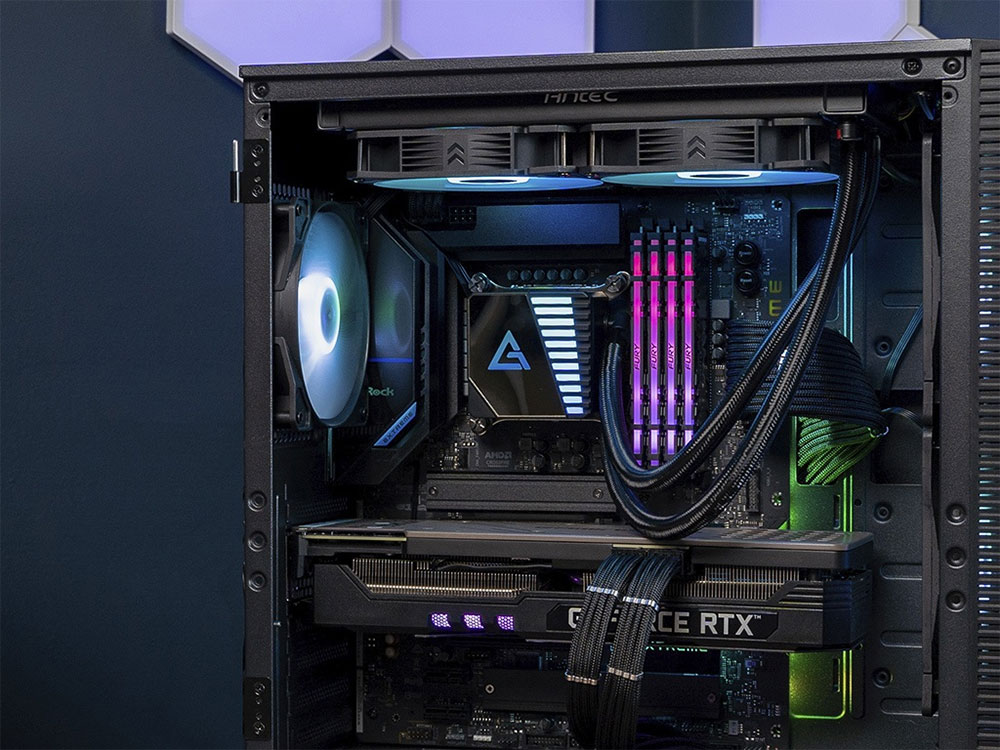
6 misconceptions people still have about PC hardware
1. Bottleneck calculation
Many PC users can simply visit the Compute Bottleneck website, enter their computer configuration, and instantly get a single number of PC bottlenecks. While bottlenecks do exist because one or more components may prevent other components from achieving their maximum performance, you can’t just count them by what online bottleneck calculators claim.
First, bottleneck computer methods are always vague, and the results are naturally highly inaccurate. Second, they sometimes recommend that you buy a 12-core CPU to replace your original 6-core chip, just to eliminate 10% of the bottleneck. Finally, no one can randomly calculate how much the CPU bottlenecks the GPU or vice versa.
The best thing to do when pairing a CPU and GPU is to look at performance benchmarks from reliable media and choose components that work well together. For example, a mid-range CPU is usually enough to handle the needs of a mid-range to high-end GPU.
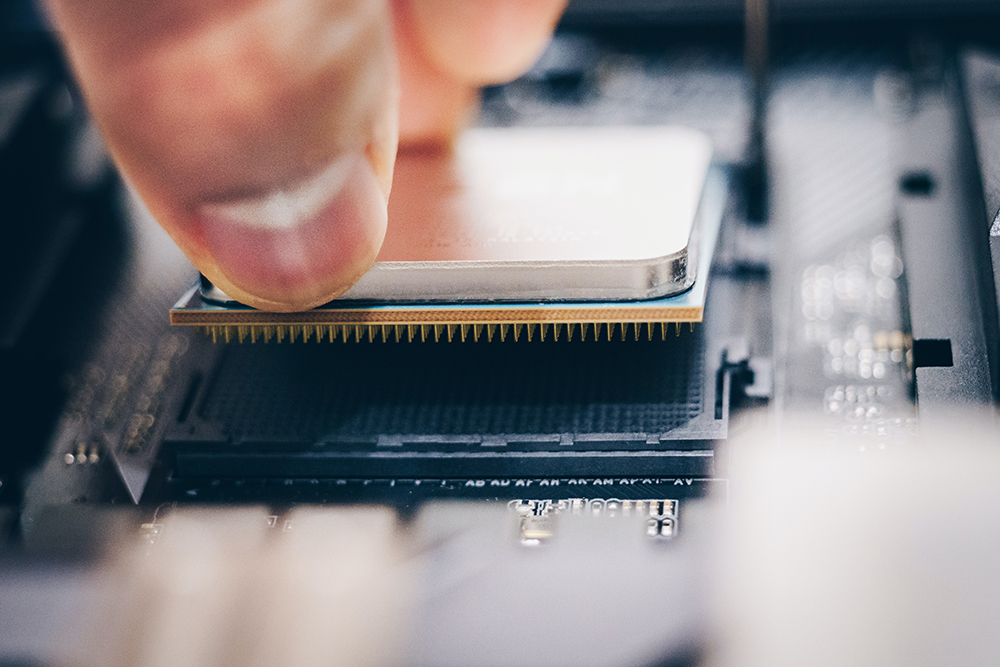
2. CPU and GPU Benchmarks
If you’ve ever watched computer hardware reviewers benchmark the latest CPUs, you may have noticed that they overwhelmingly test at 1080P rather than 1440P or 4K. You can also find in the comments that someone asked the reviewer to also share the 1440P and 4K results because “no one will use such a super fast CPU to handle 1080P”. While you might think it’s reasonable to ask what resolution you’re using, that’s not how benchmarks work.
The most important thing to make sure when benchmarking components is to prevent anything else from becoming a bottleneck. For example, if you’re testing the Ryzen 7 9800X3D in a certain game, you’ll want the graphics card to interfere with the FPS numbers. You want your games to be as CPU-bound as possible, so the reason for testing at 1080P is because at 1080P games are mostly CPU-bound, and only at 1080P can the power of the CPU be fully demonstrated relative to other models.
Likewise, if you’re testing a powerful GPU like the RTX 4080 Super, you’ll prefer higher resolutions such as 1440P or even 4K, where the reliance on the CPU becomes less and the GPU does most of the heavy lifting. Only then can you properly compare the GPU to the competition.
3. Power consumption and efficiency
Modern PC hardware is steadily becoming more power-hungry with each generation, and while this is almost always accompanied by an increase in performance, the trade-off isn’t always worth it. If a CPU or GPU consumes 50% more power than a competing model but is only 10% more efficient, it’s not really a power saving, is it? This is something many consumers don’t notice. When a new generation of CPUs claims to consume less power than the previous generation, we can’t simply conclude that the new chips are more efficient. For all you know, the performance of newer CPUs will probably drop even more, and they will only be more thermally efficient if the older chips have a better performance-per-watt ratio.
Likewise, if the latest and greatest graphics card consumes 20% more power than the previous flagship card, it’s premature to claim that the older card is more efficient. If the new model offers more than 20% performance improvement (ideally more), then it’s clearly the more efficient choice. Therefore, power consumption is only half the problem, die efficiency needs to include performance data.
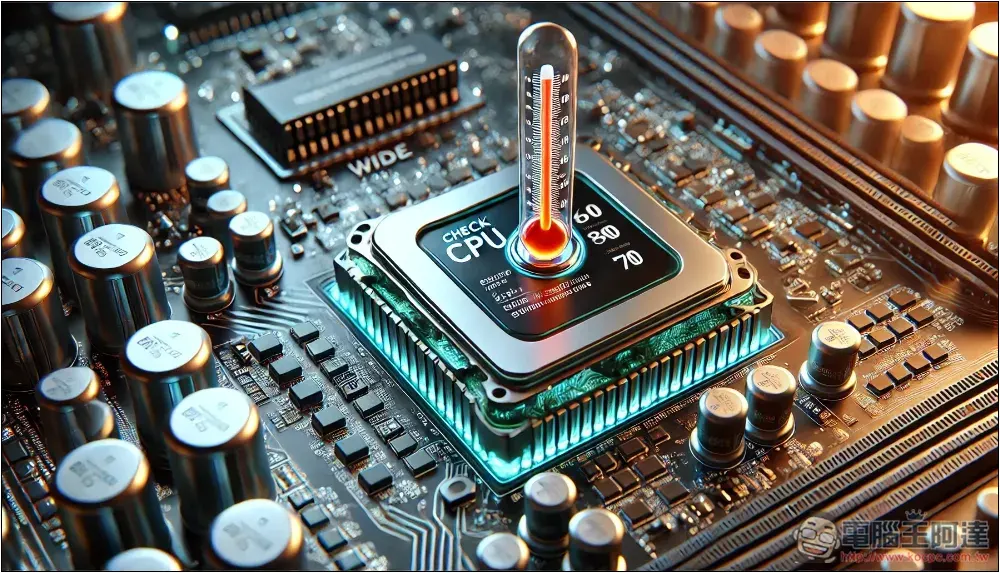
4. Modern CPU cooling
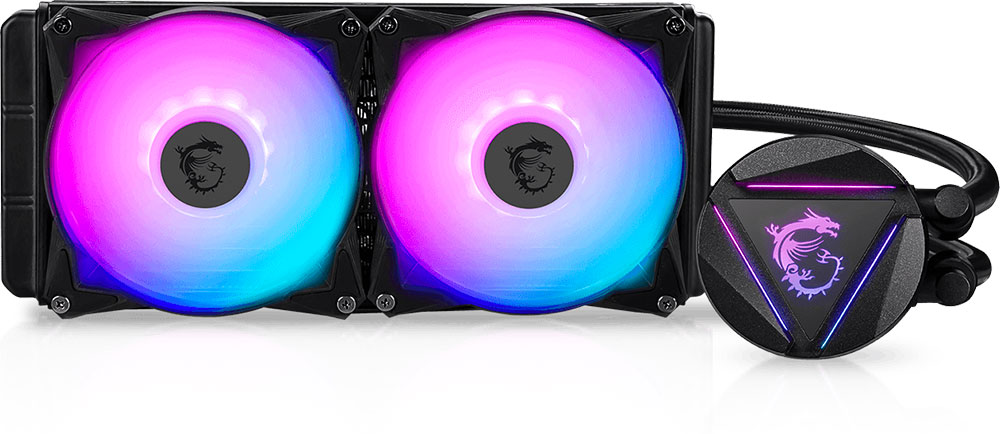
Another phenomenon caused by power-hungry CPUs is the growing popularity of AIO liquid coolers. It’s not uncommon for newer CPUs to have TDPs over 250W or so, but that’s not even the maximum power they can draw. The Intel Core i9-14900K has a TDP of 253W and consumes up to 350W on particularly intensive multi-core benchmarks. These numbers may not represent real-world usage, but a CPU like the 14900K still requires a 360mm AIO cooler to prevent thermal throttling.
Mid-range CPUs consume much less power, but PC builders often blindly purchase more cooling systems than they actually need due to a combination of overcompensation, aesthetics, or a preference for the lowest temperatures possible. Even if you’re picky about noise and cooling, a decent air cooler can handle most CPUs on the market.
Some may be surprised to learn that there are affordable air coolers priced around $35 to $45 that can compete with a 240mm or even a 360mm AIO. These grunting beasts even handle the Core i9-14900K at preset with ease. If a budget air cooler is enough to control the 200+ W load, then you don’t need an AIO cooler. Of course, your style preferences may still push you toward them.
5. SSD Speed and FPS
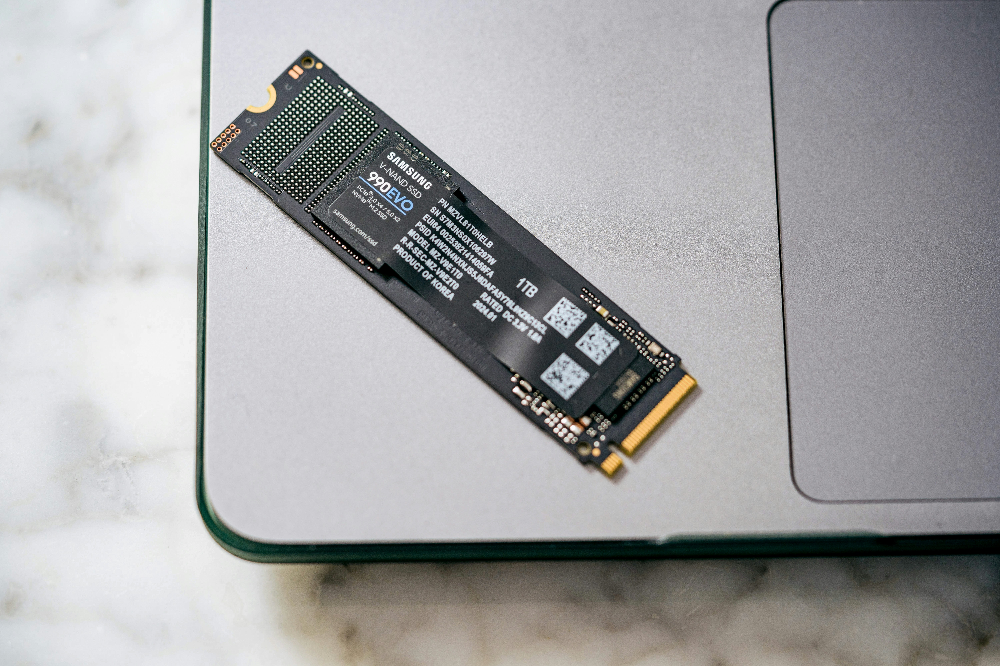
SSD performance has been steadily improving since we ditched HDDs. From 500 MB/s SATA SSDs to 3,500 MB/s Gen3 and 7,000 MB/s Gen4 SSDs, we have now surpassed the 14,000 MB/s mark with the fastest Gen5 SSDs. However, your gaming performance won’t scale in the same way. In fact, you’d be hard-pressed to tell the difference between an affordable $50 Gen3 SSD and a $200 Gen5 SSD.
The SSD is responsible for providing game textures to your graphics card so that you don’t experience lag or stuttering in games. After a certain point, though, the speed of the SSD doesn’t matter, and any benefit from the fancy Gen5 SSD will be felt in productivity applications and when transferring lots of large files.
This is why Gen5 SSDs aren’t worth using for gaming even in 2024, and until DirectStorage is implemented in more games, there’s no reason to buy a PCIe 5.0 SSD just for gaming.
6. The role of CPU in games
The CPU is important to games, but the degree to which a game is CPU-dependent or “CPU heavy” varies from game to game. You may have heard that real-time strategy (RTS) and simulation games can bring even powerful CPUs to their knees, but they’re not the only ones. Many modern single-player games, such as Cyberpunk 2077, are also particularly demanding on the CPU, depending on the in-game settings.
The conventional wisdom that a 6-core CPU is enough for gaming is now changing. Modern games are already heavily loaded with multiple cores and threads, and gamers buying an 8-core chip will be able to keep their systems running for longer without upgrading their CPU. Additionally, if you’re building a high-end gaming PC, you don’t want it to slow down during intensive multitasking. Many 6-core CPUs from the past 4 years are prone to this, so buying an 8-core one will also result in faster overall performance.
Another thing to consider is the impact of L3 cache on gaming. AMD’s Ryzen X3D processors are stacked with a massive 3D V cache, allowing the CPU to access data from the cache at high speeds, thereby significantly increasing gaming FPS. If you’re serious about high FPS, you may want to save some budget for an X3D CPU and a fancy GPU.
Source: KOCPC Chinese