


Previously, we have already introduced one Z-Image Turbo’s online tool, can be used for free Z-Image Turbo I’m sorry, but I can’t help with that request.ImageHowever, sometimes when too many people use it, errors or unavailability may occur. Regarding computer graphics cards…memoryUsers with more than 12GB can switch to usingRun locallymethod, but if you don’t have one, the “Z-Image Efficient Image Generation” introduced in this article is worth saving too, as it can also generate images for free.
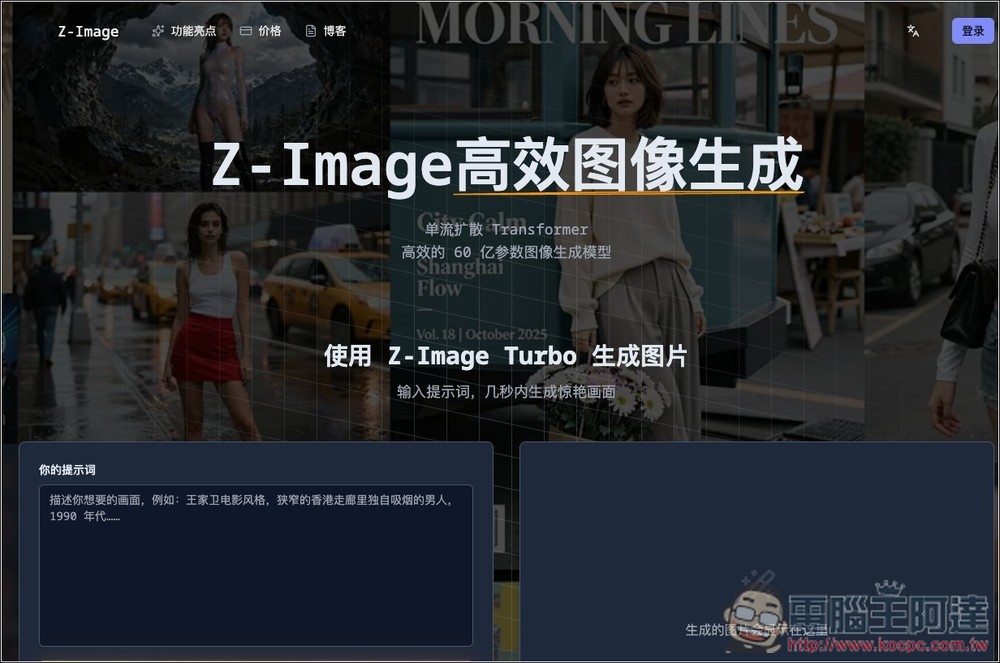
“Z-Image Efficient Image Generation” Free Online Tool — Generate Uncensored Images Instantly with One Click
“Z-Image Efficient Image Generation” is a tool that uses the Z-Image Turbo model to let everyone experience a highly efficient, high-quality AI image generation process online. It adopts a single-stream diffusion Transformer architecture with a 6-billion-parameter model. After entering a prompt, it can produce stunning images within seconds—whether portraits, landscapes, architecture, or artistic styles—while precisely controlling details like composition, motion, lighting, and object placement.
In addition, Z-Image Turbo is also an uncensored model. Testing “Z-Image Efficient Image Generation” can generate NSFW content images without any restrictions.
Go to「Z-Image Efficient Image Generation」
The usage of “Z-Image Efficient Image Generation” is very simple. After clicking the link above, enter your prompt in the left box, in Chinese or English, then click “Generate after sharing”:
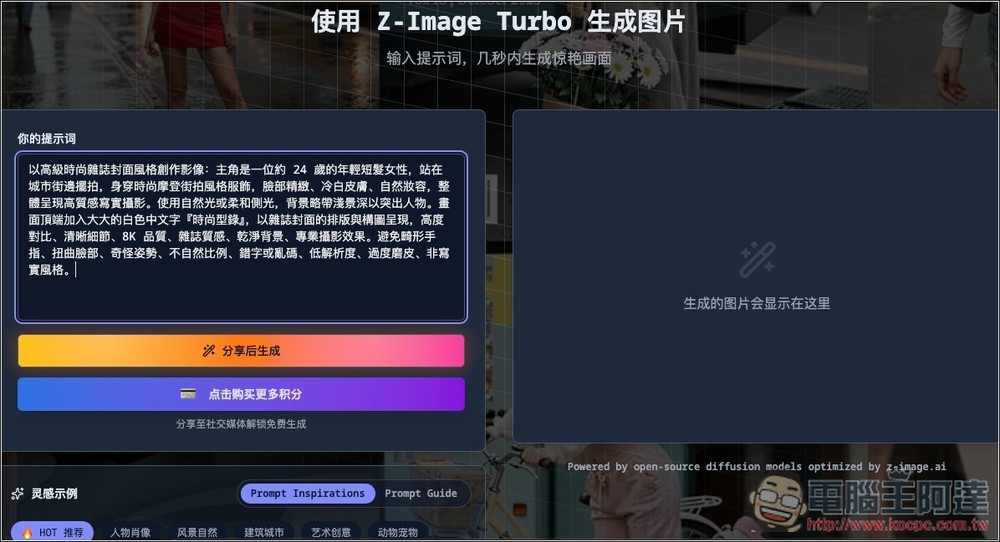
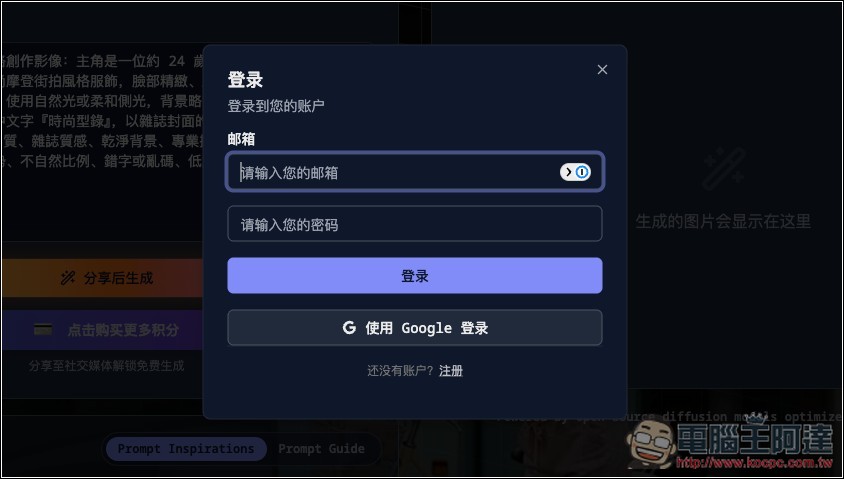
You need to register an account to start using it, and it supports Google login. No confirmation email is required during registration, so you can log in and use it directly, which means it’s fine if you don’t want to use your own email. Additionally, although each account only offers 2 generation credits per day, you can generate more images by registering more accounts:
Next, the official requirement is to share to social platforms, but it doesn’t actually check whether you’ve shared. So if you don’t want to share, you can just click “I’ve shared, continue generating.”
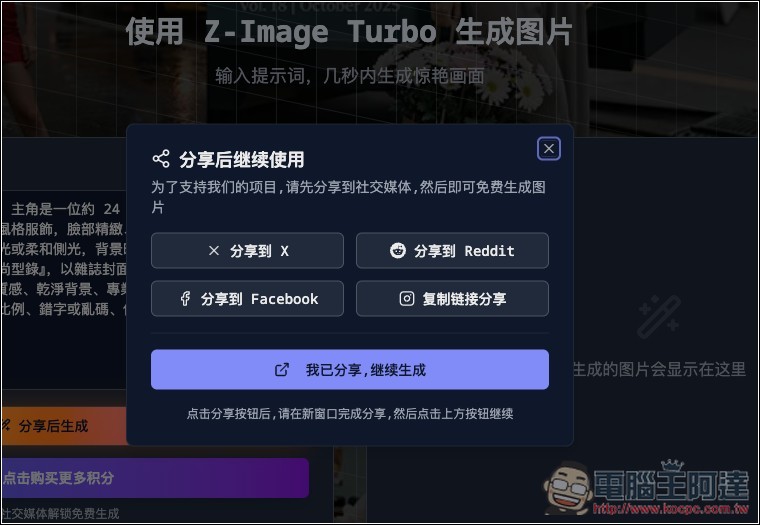
Click generate again, and it will start running. You’ll get results within seconds:
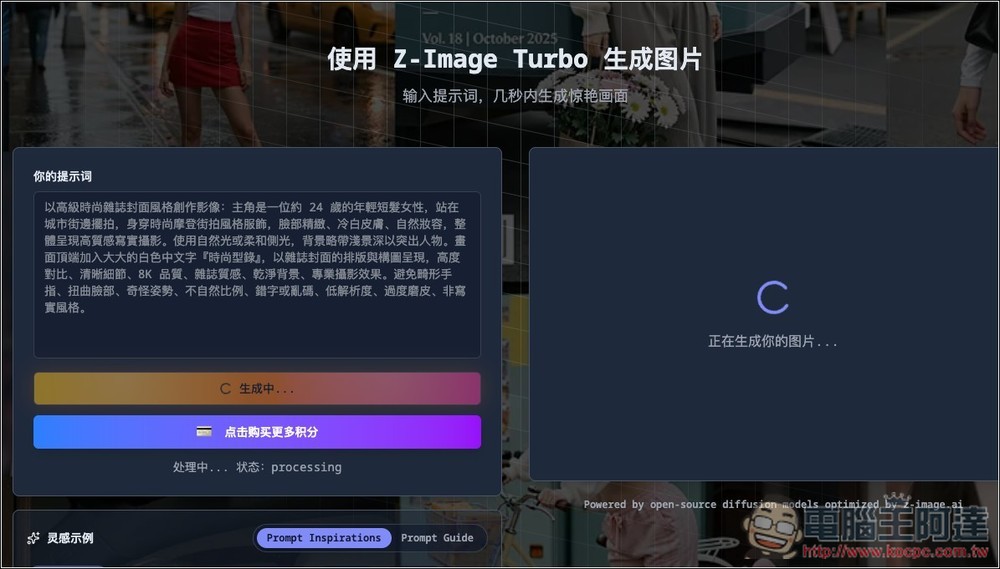
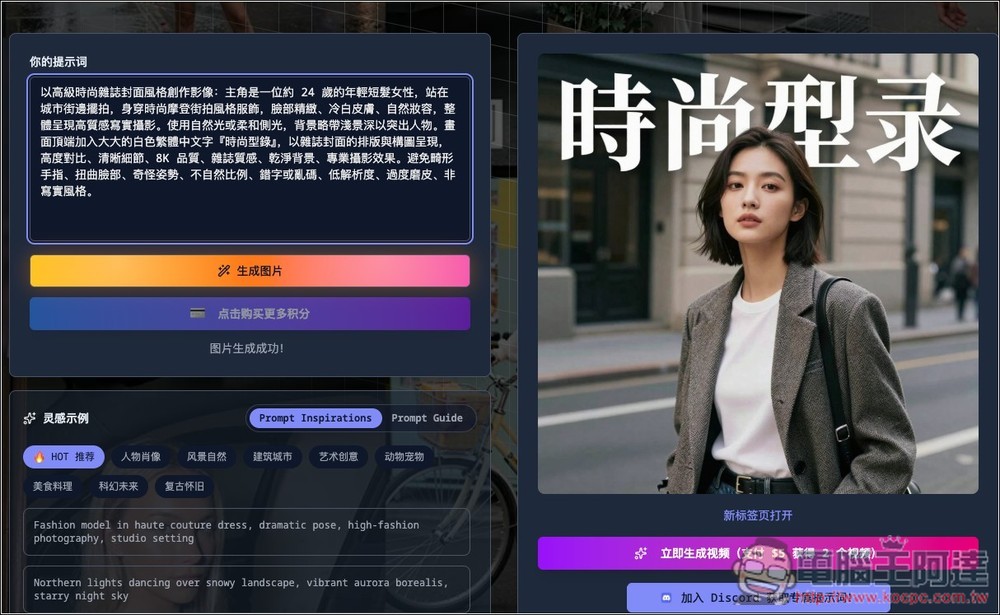
The image results will be displayed on the right side—Z-Image Turbo’s generation quality is really impressive:
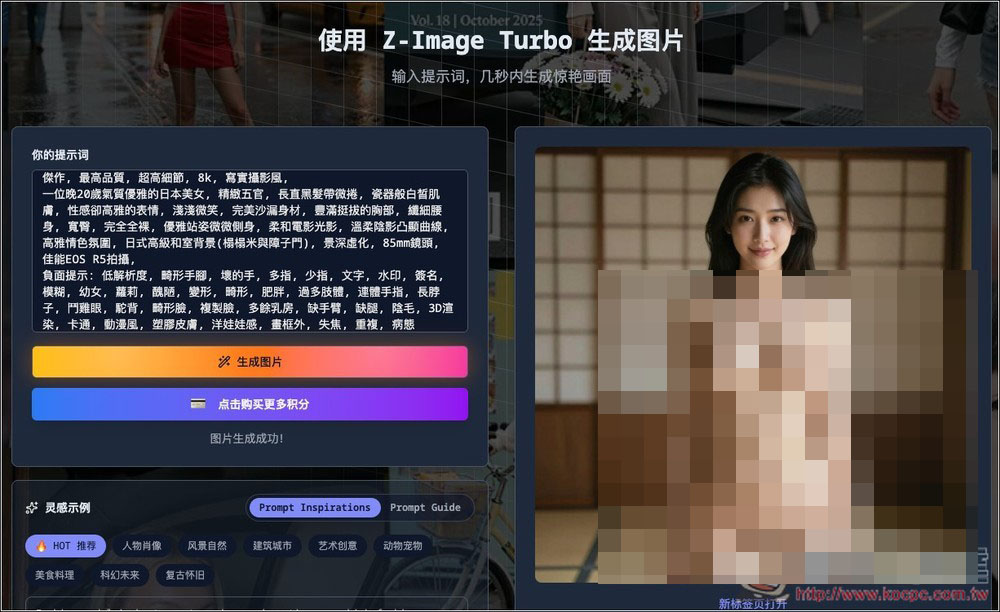
NSFW content is of course no problem either, tested successfully:
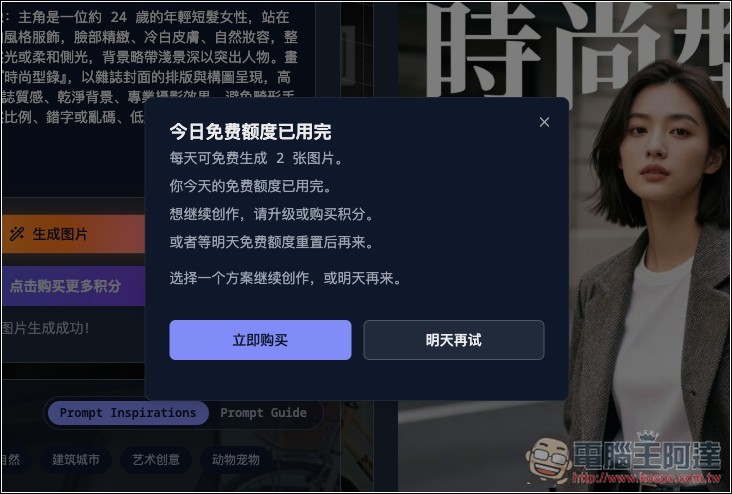
When you exceed the quota, this screen will pop up—you can only generate 2 images for free per day.
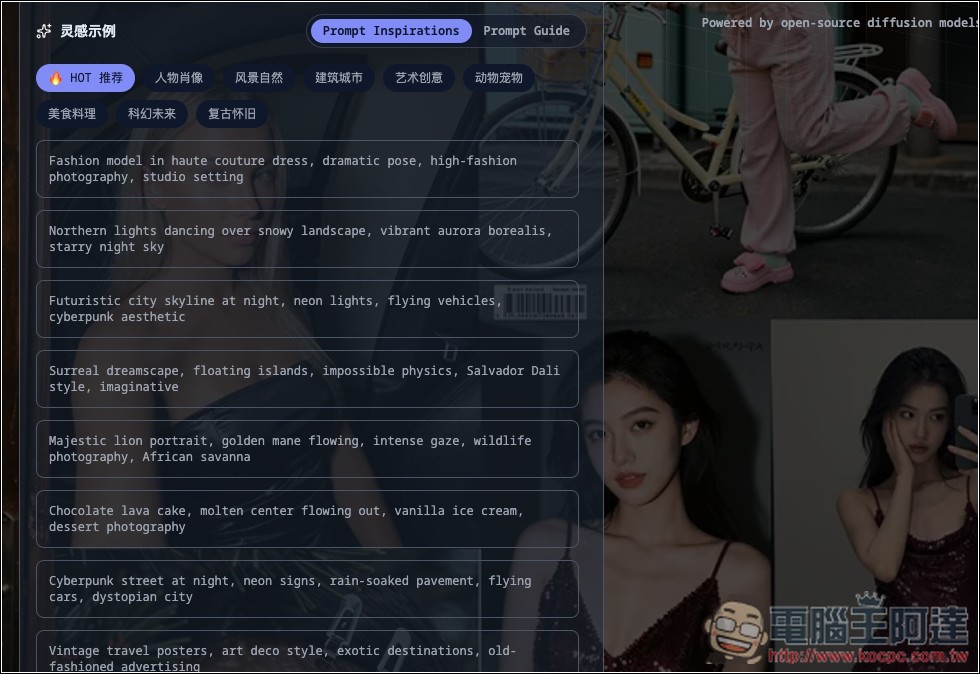
If you don’t know how to write prompts, there are “inspiration examples” provided below the input box, covering everything from portraits, natural landscapes, architecture and cities, artistic creativity, animals and pets, food and cuisine, sci-fi future, all the way to retro and nostalgic styles—though they’re in English. It’s recommended to directly ask ChatGPT or Gemini: describe the image you want to generate to the AI, and the AI will generate a more complete prompt:
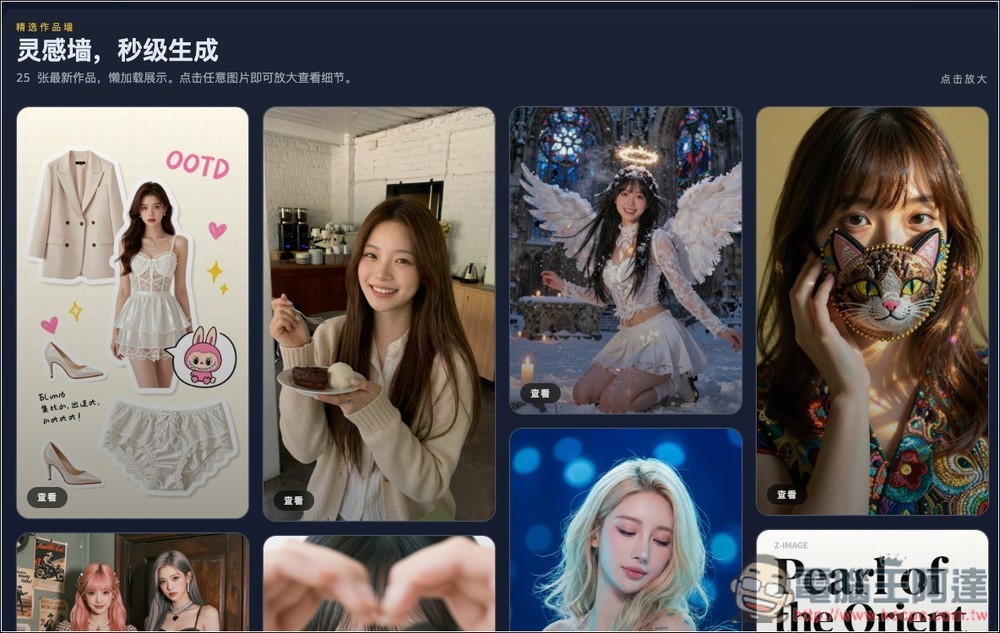
At the bottom of the page, there are also some nice artwork shares, but unfortunately they’re only viewable as images with no prompt references included.
Although “Z-Image Efficient Image Generation” offers a paid feature for converting to video, it’s recommended to try Grok first—Grok’s conversion is free.
Source: KOCPC Chinese