


For the people you care about, you should never forget to add basically all memorable days to your calendar, and set reminders in advance – whether you want to buy a gift or prepare a restaurant reservation, etc., you will be able to do it as early as possible. Now it seems that Google hopes to allow you to add contacts to your phone while also providing you with a good place to centrally manage your records. In the new version (v4.44.31.692334116) of the Google Contacts app, a new “Reminder” function interface has been introduced. It is recommended that everyone make good use of this function. This article will also teach you how to enable it. Continue reading The new version of Google Contacts App adds a thoughtful memo function and teaches you how to enable it to report content.
The new version of Google Contacts App adds a thoughtful memo function and teaches you how to enable it
For the people you care about, you should never forget to add basically all memorable days to your calendar, and set reminders in advance – whether you want to buy a gift or prepare a restaurant reservation, etc., you will be able to do it as early as possible.
Now it seems that Google hopes to allow you to add contacts to your phone while also providing you with a good place to centrally manage your records. In the new version (v4.44.31.692334116) of the Google Contacts app, a new “Reminder” function interface has been introduced. It is recommended that everyone make good use of this function. This article will also teach you how to enable it.
How to join Google Contacts App important date reminders
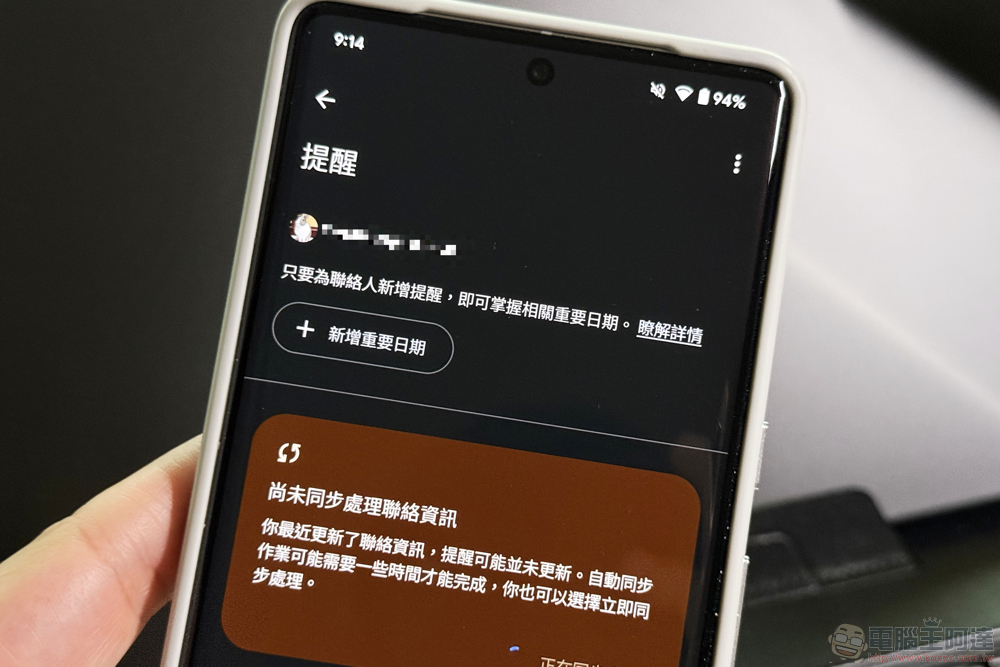
The reason why I recommend this function is because I personally feel that this reminder function can not only be set in a single contact information. The Google Contacts App also provides a dedicated area for “Reminder” in the “Organization” settings of the main function. Allows you to add reminders for important dates more quickly.
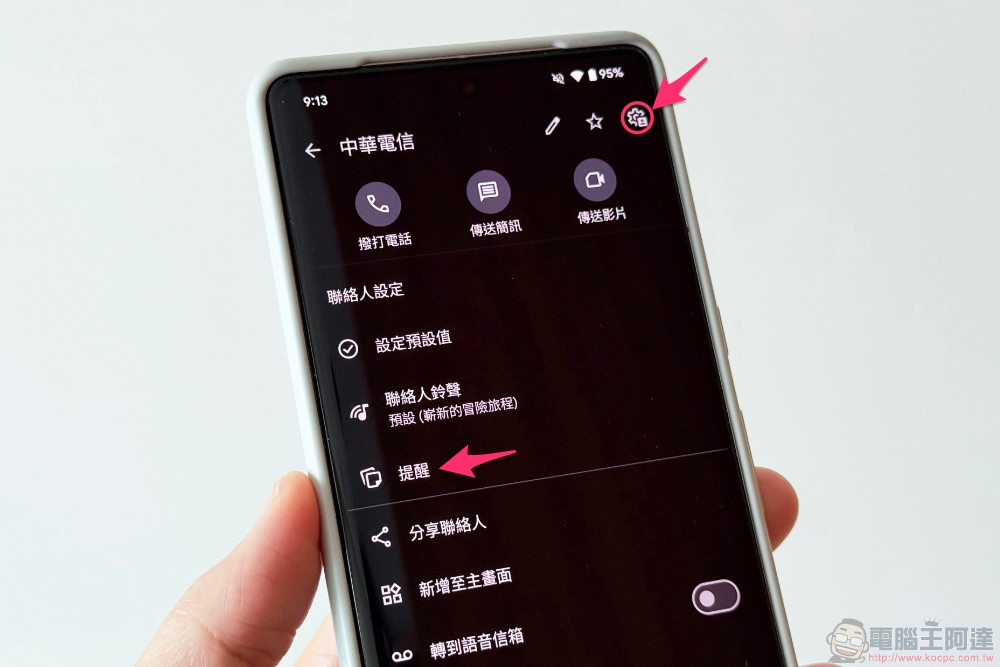
If you want to set up a single contact (this is usually the way to go, right?), you can click on the contact information, select the “gear ⚙️” icon in the upper right corner, and the system will automatically slide down to the “Contact Settings” field. Here you can see the “Reminder” function.
After clicking in, you will see the page below. After adding reminders of important dates, they will also be organized in this interface.
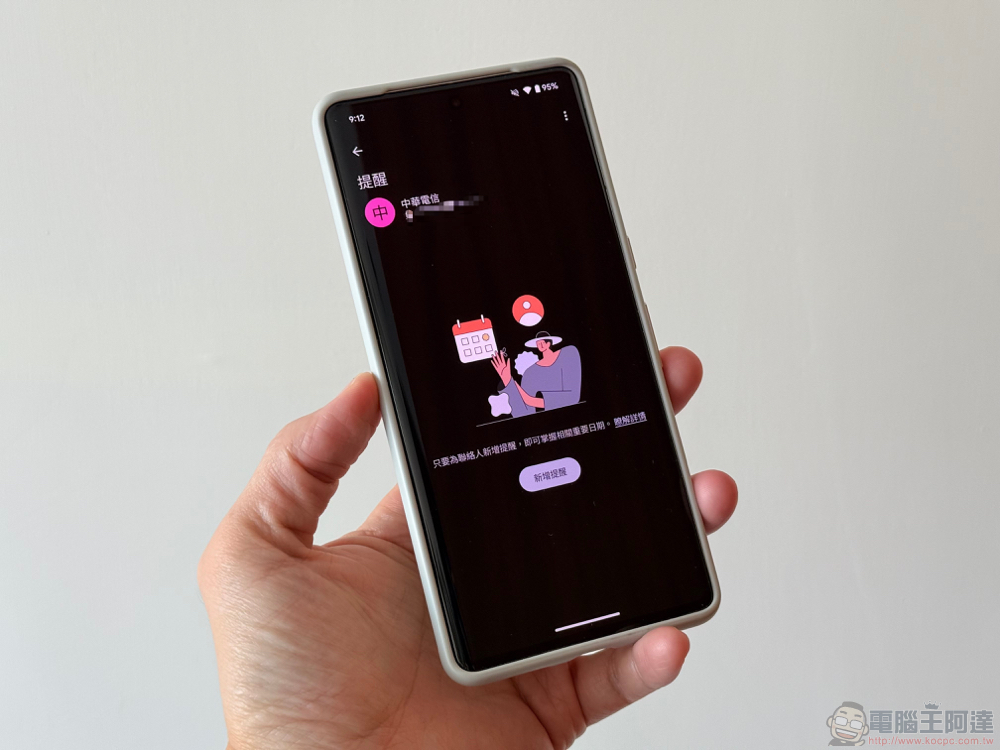
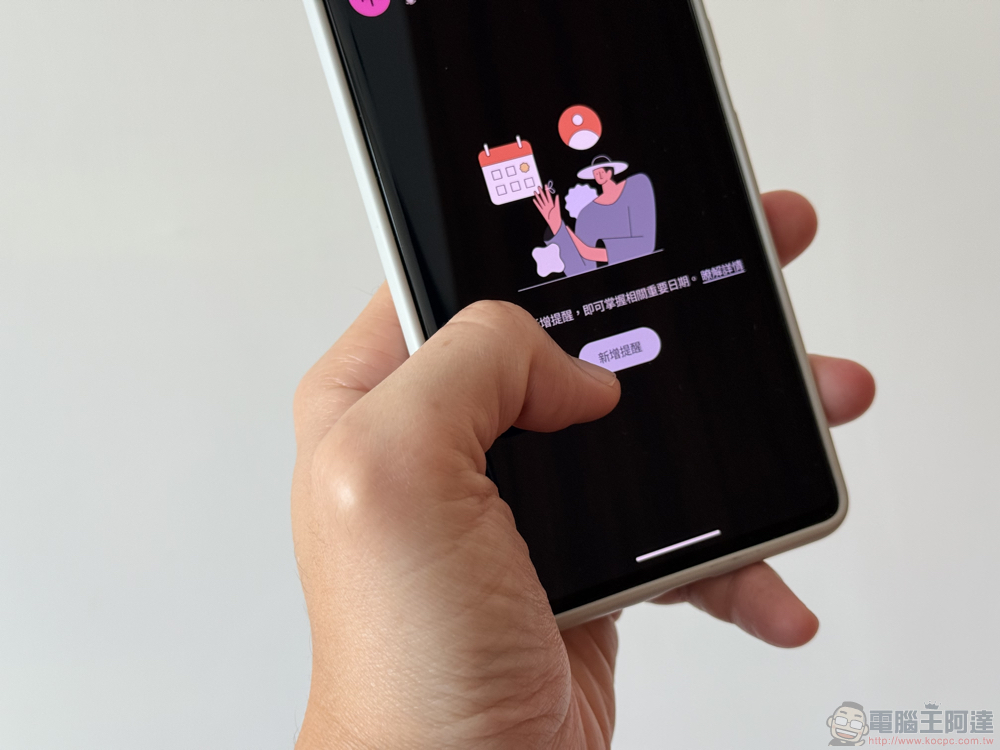
Select “Add Reminder”.
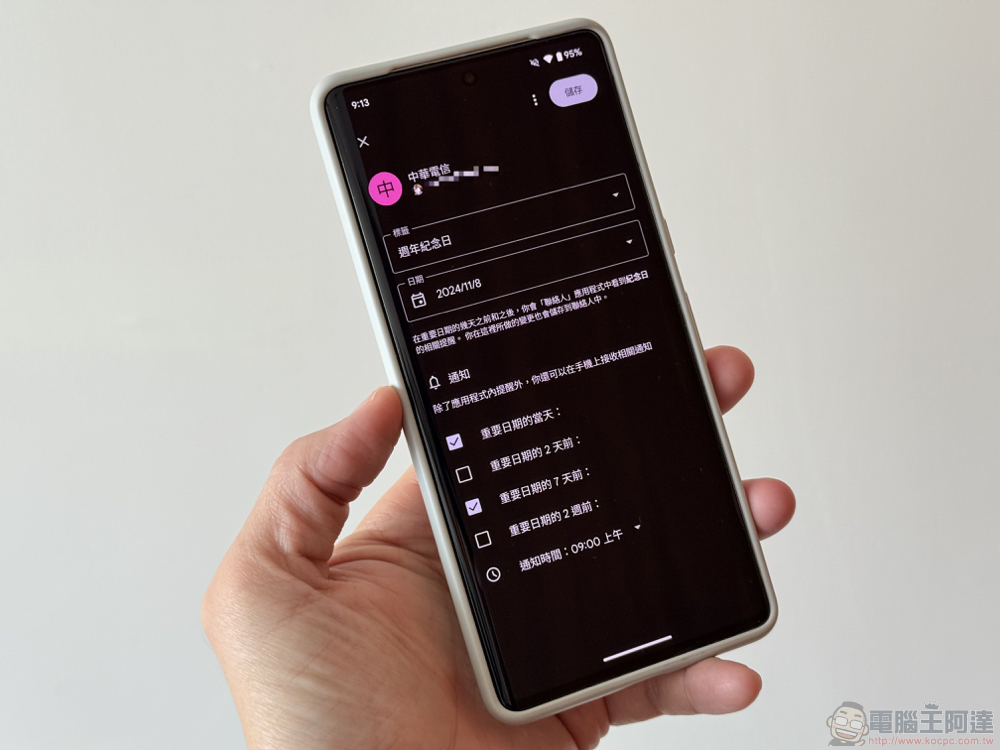
The system will automatically bring up today’s date by default and provide labels for you to choose (you can also customize labels); if there is a birthday date set, you can also choose from it (a thoughtful reminder to add a birthday reminder will also appear in the previous reminder interface).
When you add a new date, don’t forget to check the time point you want “Notification” to remind you – including “the day”, “the past few days” or “the past 2 weeks”. You can also specify a time on the day of the notification – perhaps at least during your commute by car, so you don’t want to be seen.
via:Android Authority|
Further reading:
Source: KOCPC Chinese