


When browsing the App Store earlier, I discovered that there is an Aido AI chatbot app that ranks quite high. I was curious and found out that the lifetime version is currently available for free. After I tested it, I can actually get it for free. It also boasts the use of GPT-4 and is quite rich in functions. In addition to basic AI chat, it also has built-in text creation, various preset prompts, and AI coaches, and even keyboard support.
I highly recommend getting it. It seems that the discount is currently limited to two or three days and may end soon.
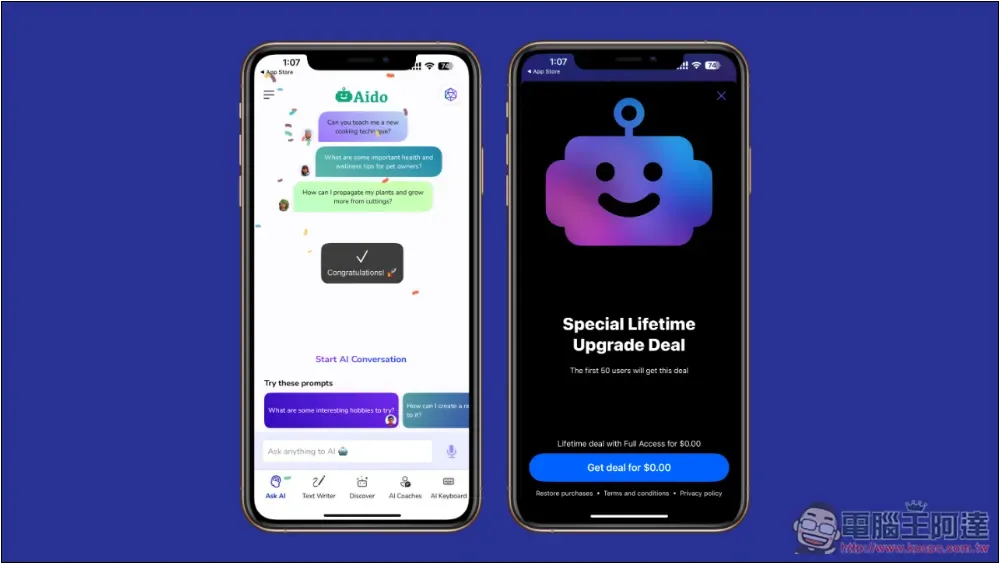
Aido AI Chatbot App is free for life and is said to be equipped with GPT-4 model
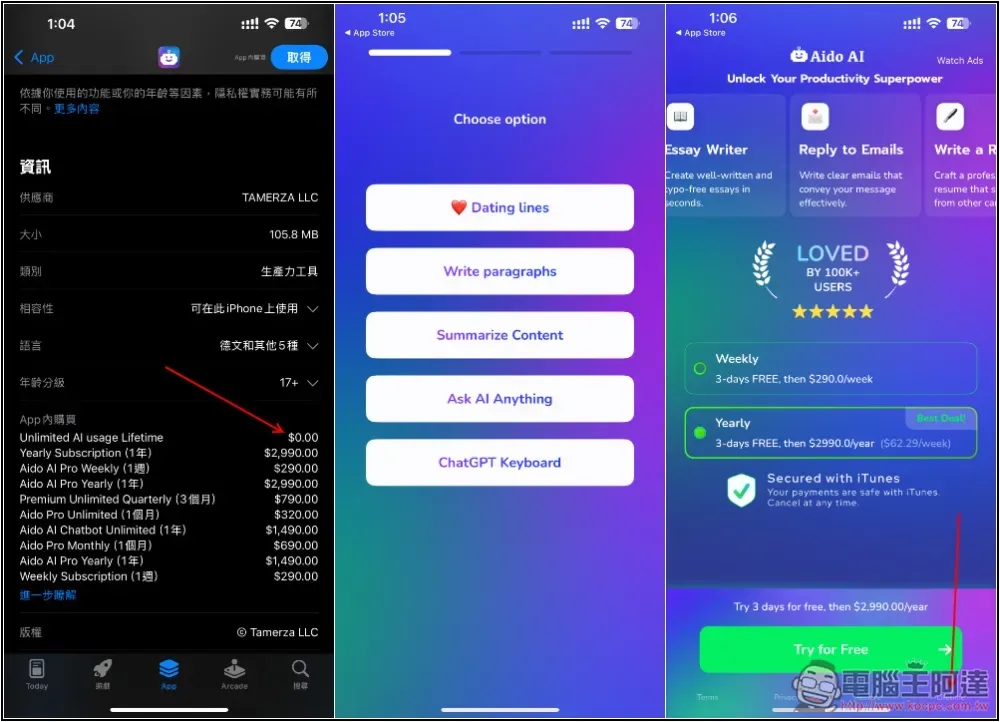
After clicking the link above to enter the App Store page of Aido AI, scroll down and scroll down to the Lifetime version of the in-app purchase. It says 0 yuan for free. An annual subscription costs NT$2,990, which is not cheap. After downloading and opening it, you will be asked for the first time what the app is mainly used for. Just choose whatever you want. When you enter the weekly subscription or annual subscription page,Please click the “Lifetime” option in the lower right corner of “Try for Free” below, if you cannot enter this page and the screen displays “Unlock Free Trial” and cannot turn it off, justExit and close the app entirely, then open Aido again so that you can select Lifetime Got:
You will see that the price of Lifetime changes to 0 yuan. After pressing Get deal for $0.00, please make sure that no amount is displayed. After completion, it will show that the purchase has been successful:
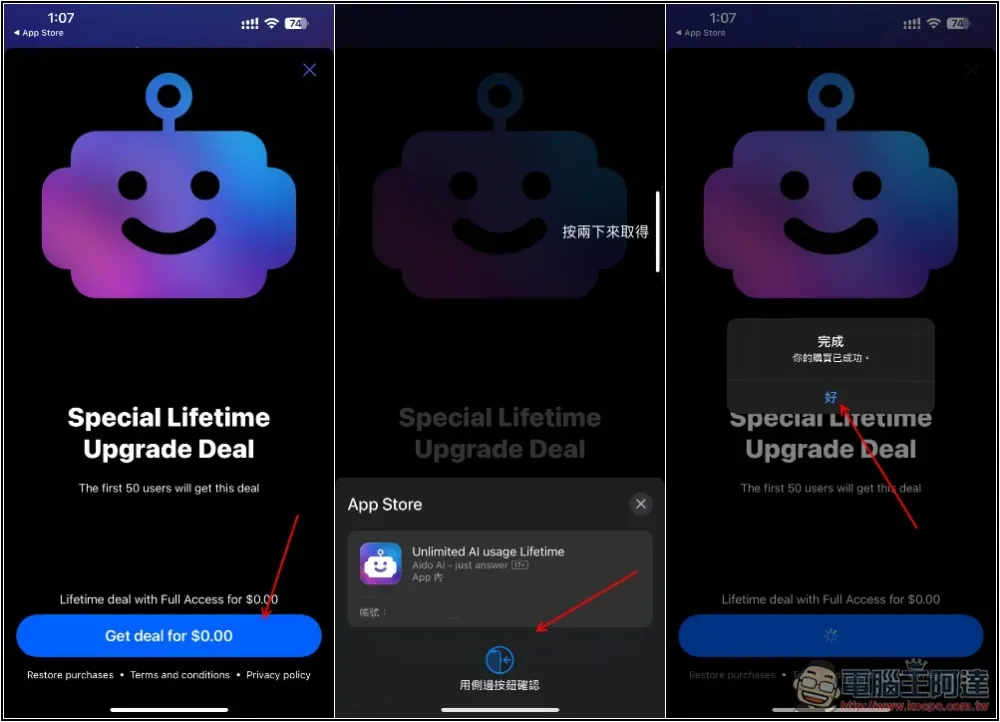
Then you can use all the functions, not only without restrictions, but also without any ads, which is very different from the free version.
AI chatbot
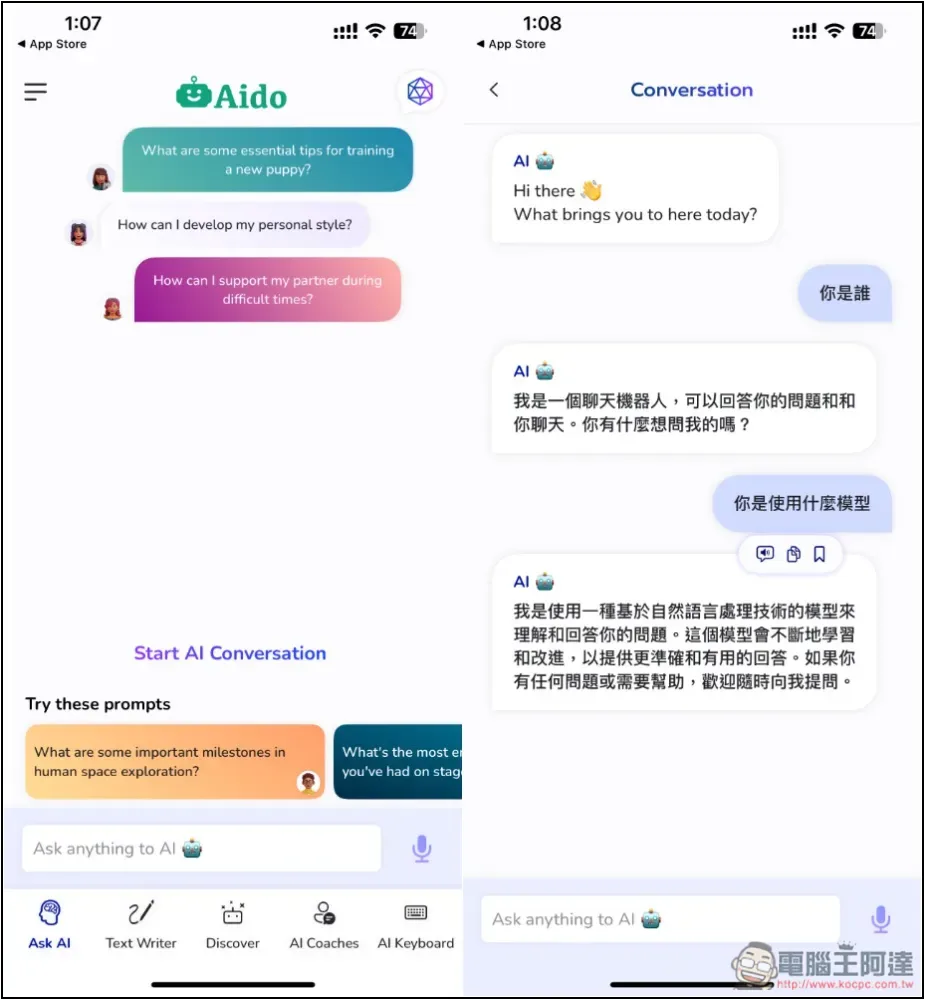
After entering the homepage, you can start chatting with the AI. I originally wanted to check what model he used, but I didn’t answer whether it was GPT-4. Although the interface is in English, if you ask in Chinese, the AI will still answer in Chinese:
AI text creation
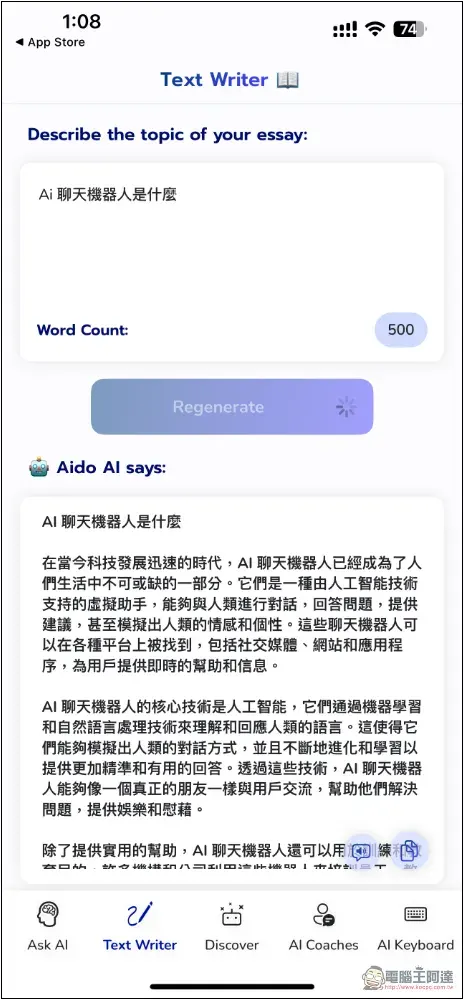
There is also a simple AI text creation function. Enter a description or the title of the article you want to create, press Regenerate, and the content will be generated. The default number of words is 500, which can be increased or decreased by yourself. Click to modify the number:
Built-in many AI coaches
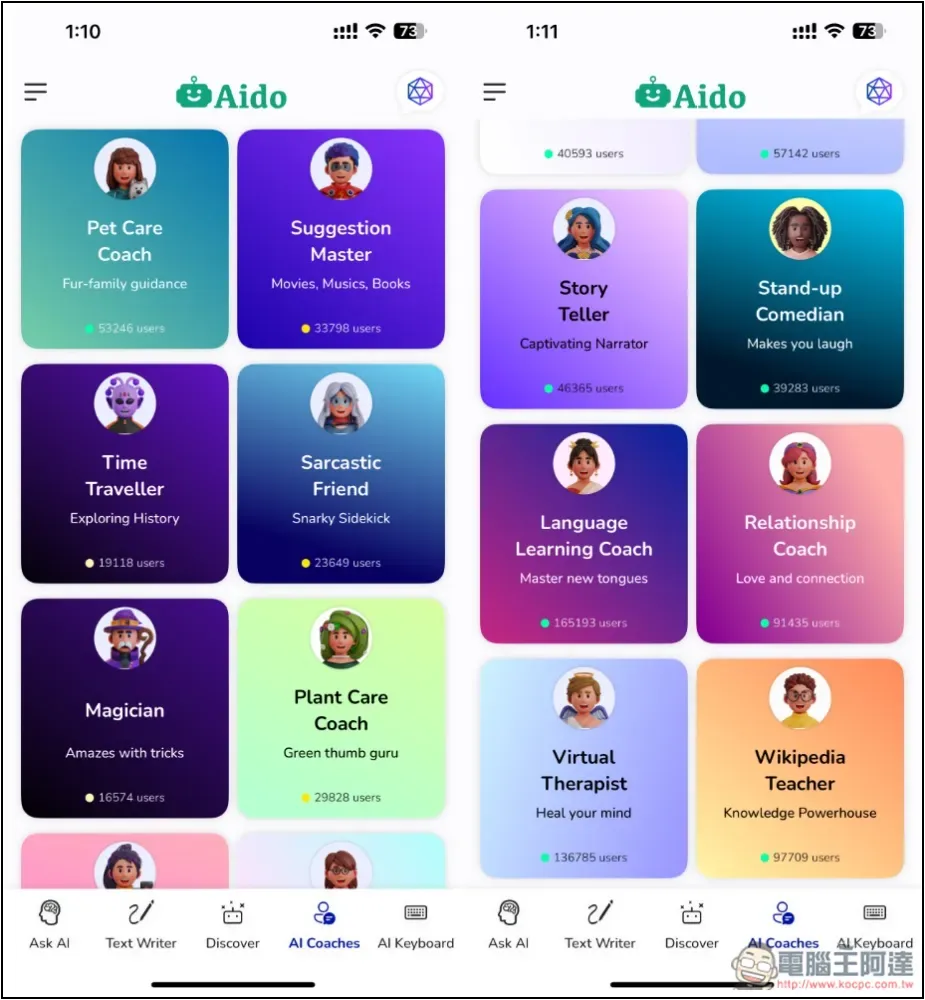
If you have a specific topic you want to ask the AI for help, you can try AI Coach. You can find information about pet care, advice guru, historical background, friends, magic, content writing, student coaching, chef, career, finance, etc. The AI here has already set the role, so you can get better answers:
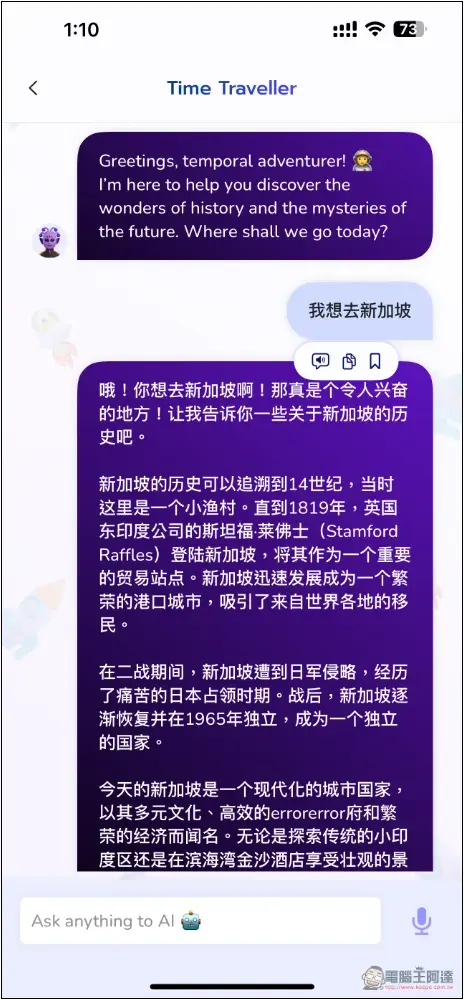
For example, when I ask Time Traveler, I only need to give it the name of the country or place, and it will explain the historical background. There is no need to ask it for additional explanations:
Various practical prompts are preset
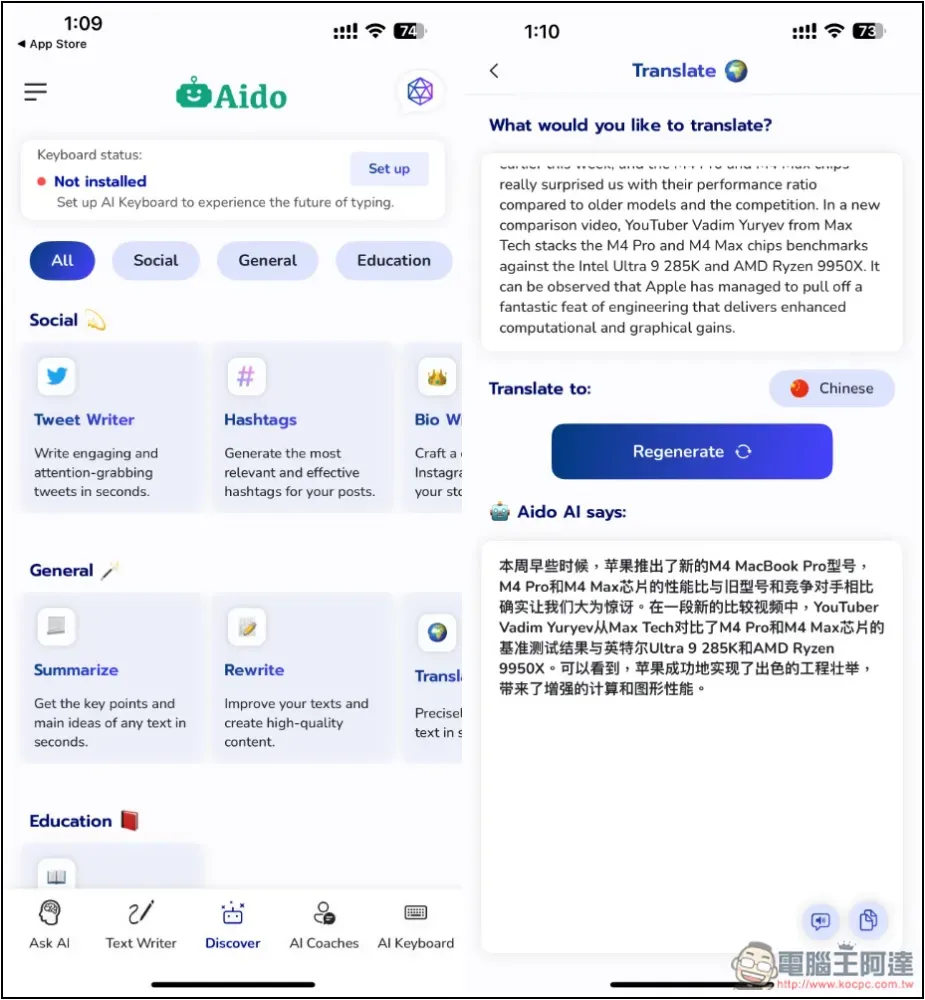
In addition, in the Discover menu, you can also find a number of AI tools with preset prompts, such as: specially used to optimize tweets, summarize content, rewrite content, translate, reply to emails, etc. The translation part should be quite practical. Paste the content and press the generate button, and it will be translated into the specified language. However, the Chinese part only supports Simplified Chinese:
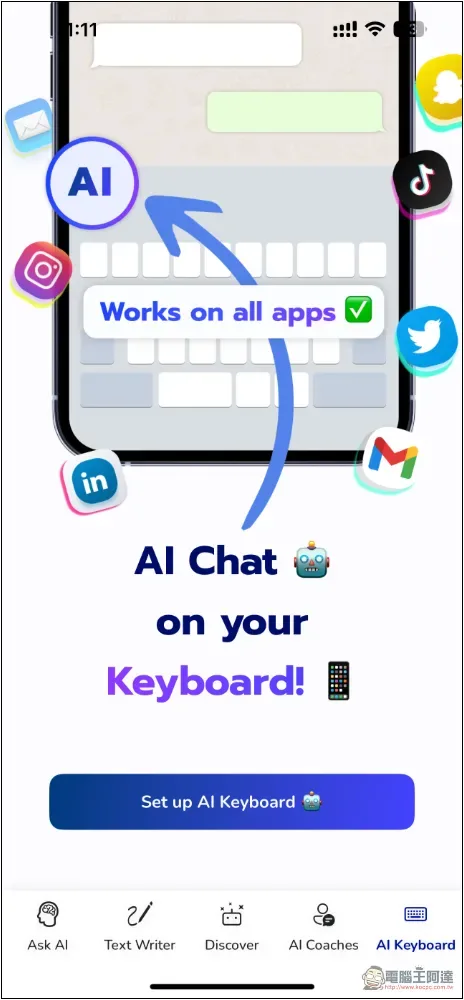
Support AI keyboard
This App also provides an AI keyboard function, which can be opened by those who need it, but the input method only supports English:
Source: KOCPC Chinese