


Have you ever cleaned your AirPods before using them? Cleaning your AirPods and AirPods Pro regularly can help preserve the lifespan and sound quality of your device and avoid issues like skin irritation. This article will provide step-by-step instructions on how to clean the grille, body, earbuds, and charging case of AirPods and AirPods Pro 2, while providing tips to avoid skin irritation.
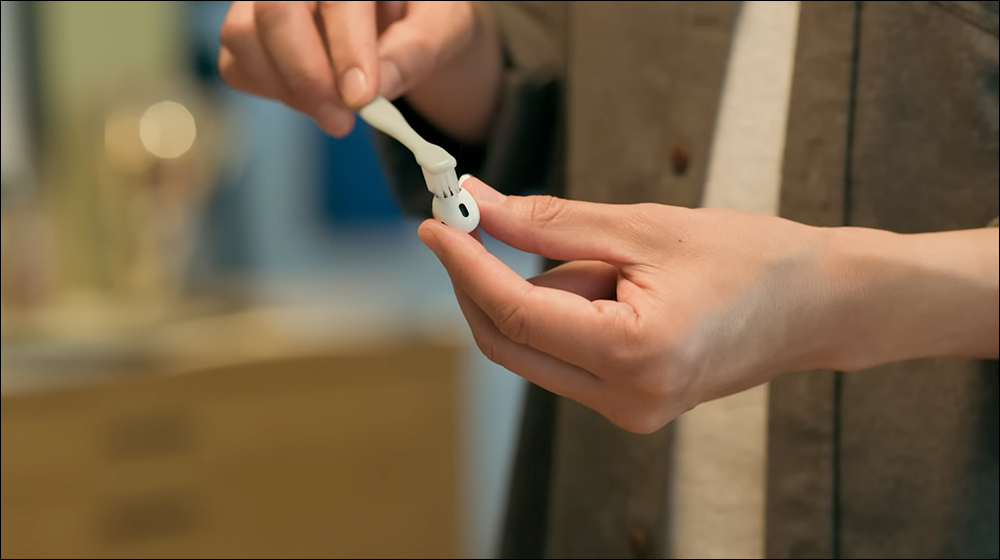
How to properly clean AirPods? Apple teaches you just a few simple steps to keep your AirPods / AirPods Pro in top condition
Do you clean your AirPods regularly? Or do you want to clean it but don’t know how to clean it and are worried that using the wrong method will cause the earphones to break? Don’t worry, today I’m going to share with you the AirPods cleaning instruction taught by Apple. With just a few simple steps and some small items, you can make this task easy!
Before we start cleaning, let us first understand our AirPods. Since the cleaning process is the same for AirPods 3, AirPods 4 and AirPods Pro / AirPods Pro 2, let’s take AirPods Pro 2 as an example. We need to clean the grille surrounding AirPods Pro 2 and avoid cleaning any other areas.
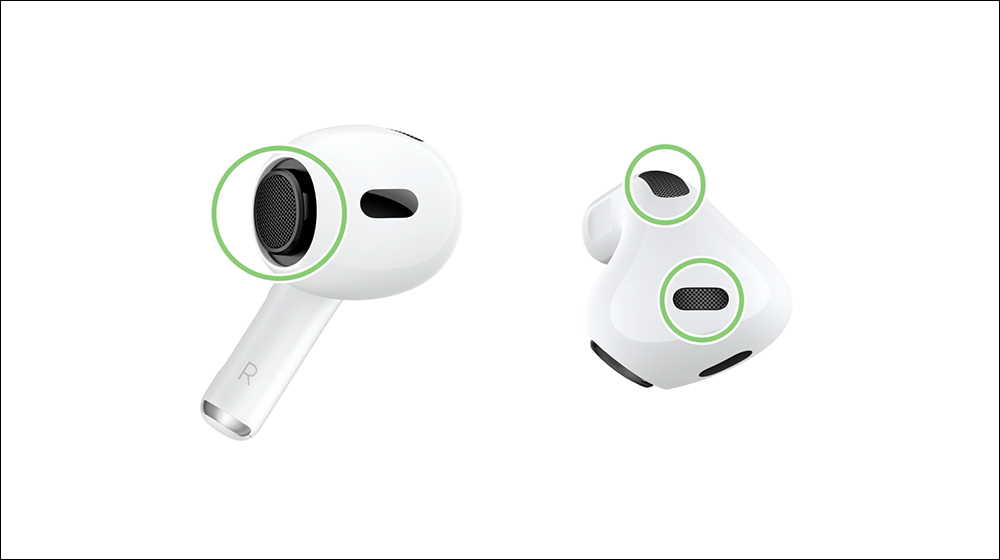
On the newly launched AirPods 4, users can clean the grille surrounding AirPods 4. Avoid cleaning any other areas.

As for AirPods 3, you can also clean the grille surrounding AirPods 3, while avoiding other areas.

1. Clean the grille of AirPods Pro 2
Prepare the necessary tools in advance:
- Makeup remover with PEG-6 caprylic/capric glycerides
- distilled water
- Soft bristle toothbrush
- two small cups
- Paper towel or absorbent cloth
Cleaning steps:
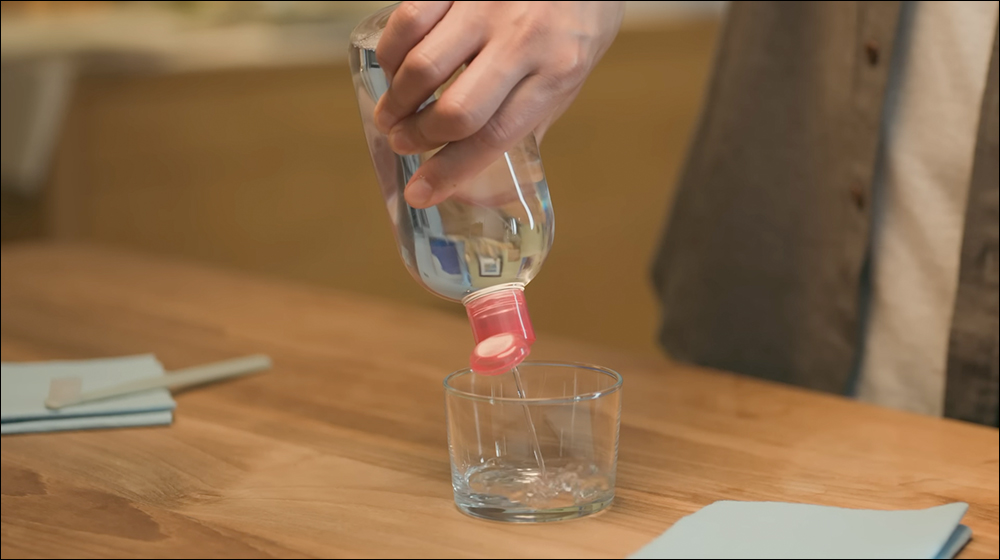
1. Prepare makeup remover:
First, add a small amount of makeup remover to the cup.
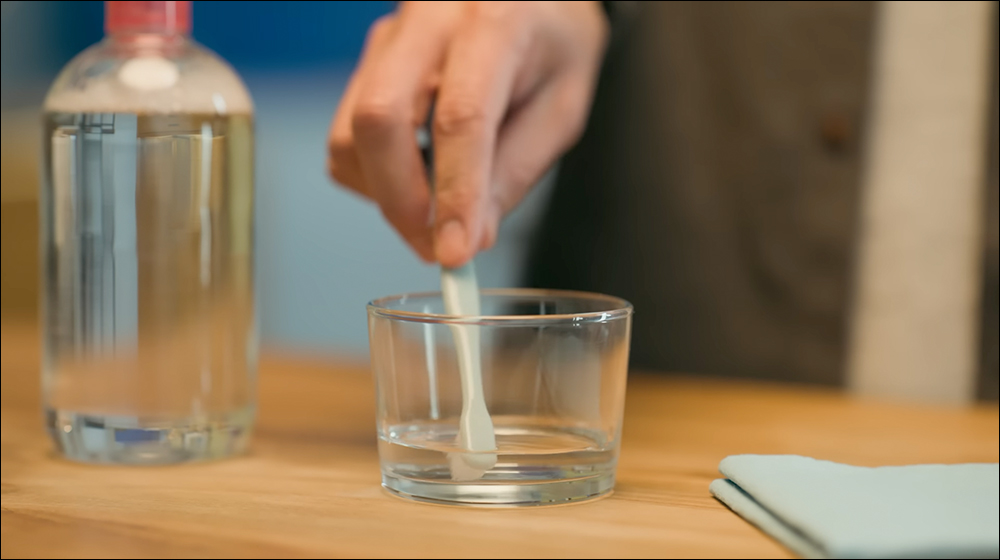
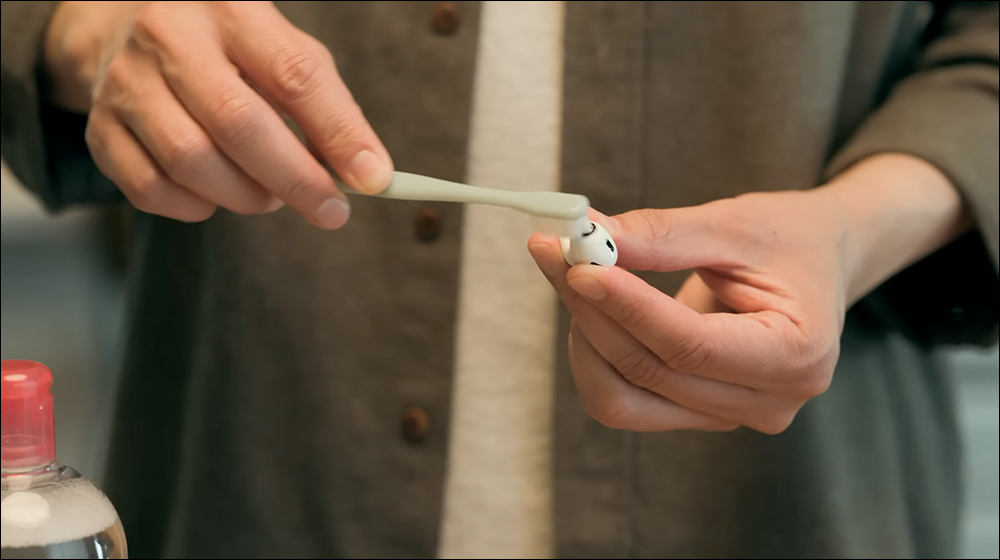
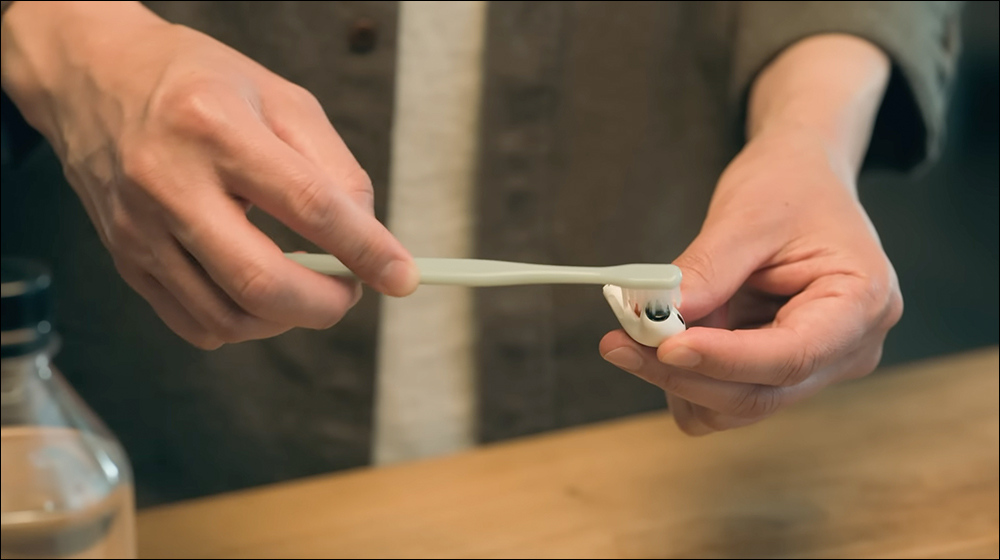
First, completely soak the toothbrush in makeup remover water. When choosing a toothbrush, it is recommended to choose a type with soft bristles to reduce the chance of scratching the headphone grille. When picking up the soaked toothbrush, tap it a few times with your fingers to reduce excess makeup remover adhering to the bristles.
2. Clean the grille:
After removing the earbuds first, hold the AirPods with the grille facing up.
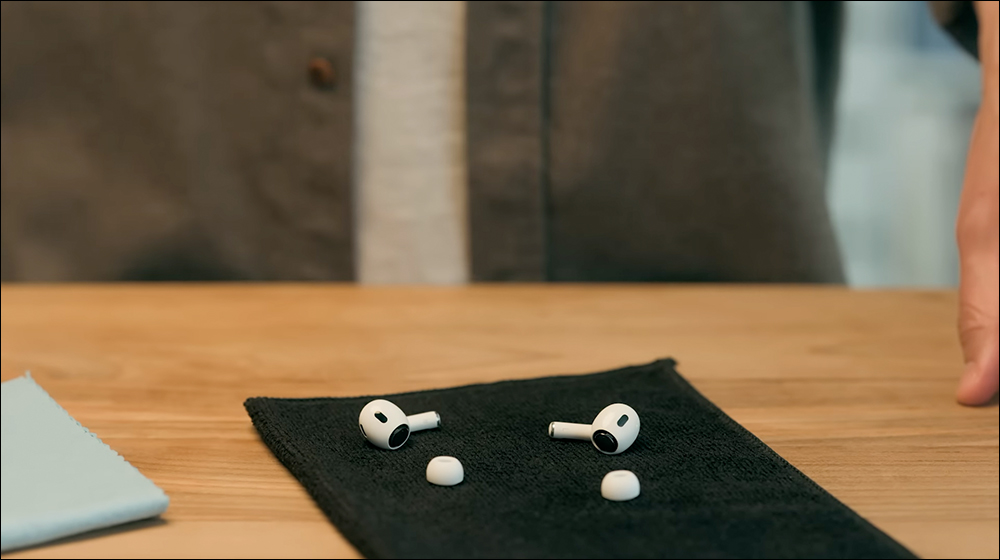
Use the toothbrush you just used to brush the grille in a circular motion for 15 seconds.
3. Absorb the moisture:
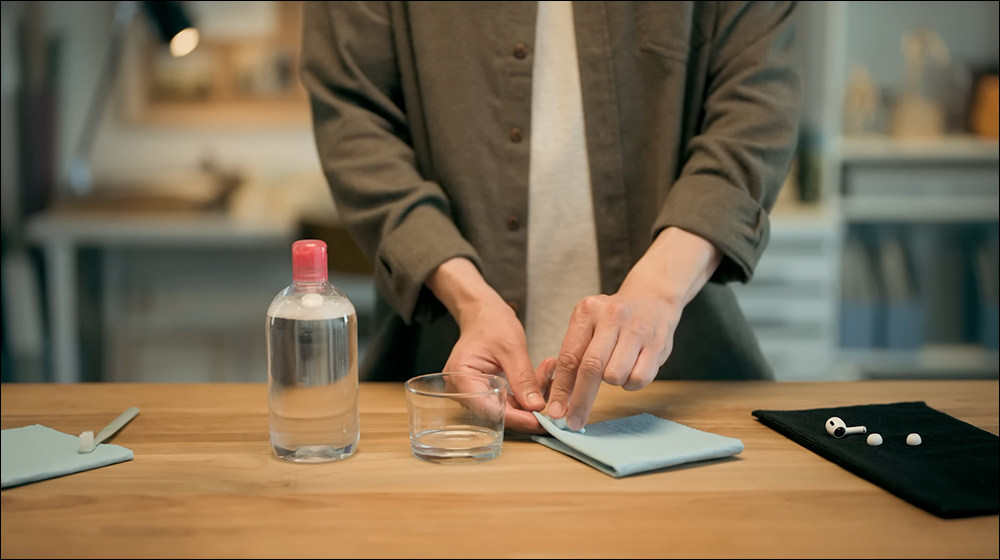
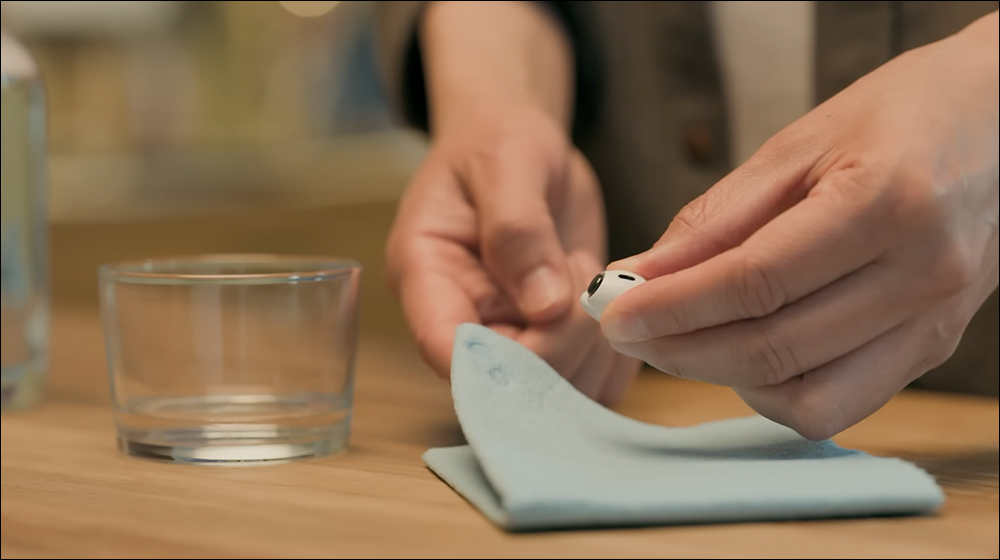
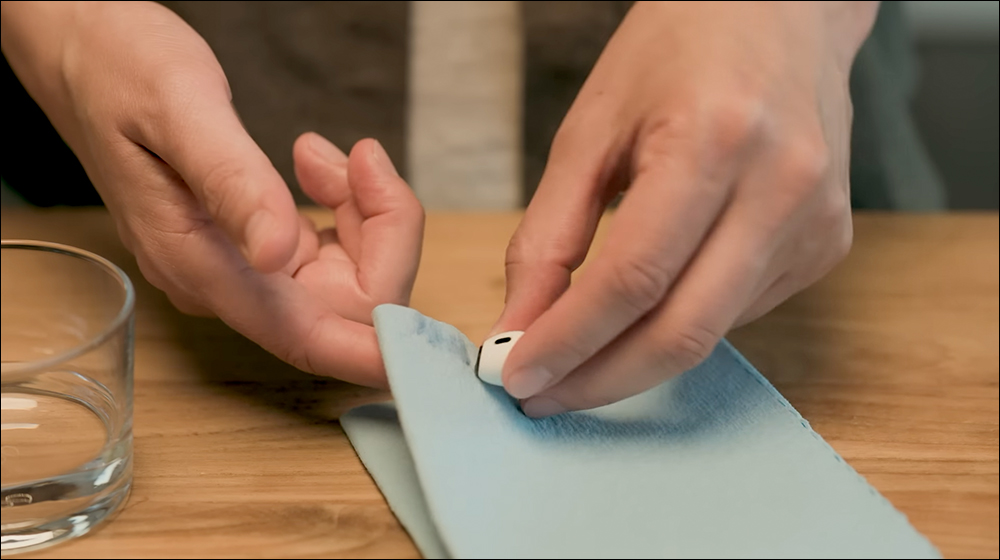
Turn the AirPods over, gently press a paper towel (or absorbent cloth) on the grille, and then separate after a few seconds. Repeat this to ensure that the moisture is absorbed.
4. Repeat cleaning:
Then repeat the above cleaning process 2 times (3 times total).

5. Rinse with makeup remover:
Next, rinse the toothbrush with distilled water:
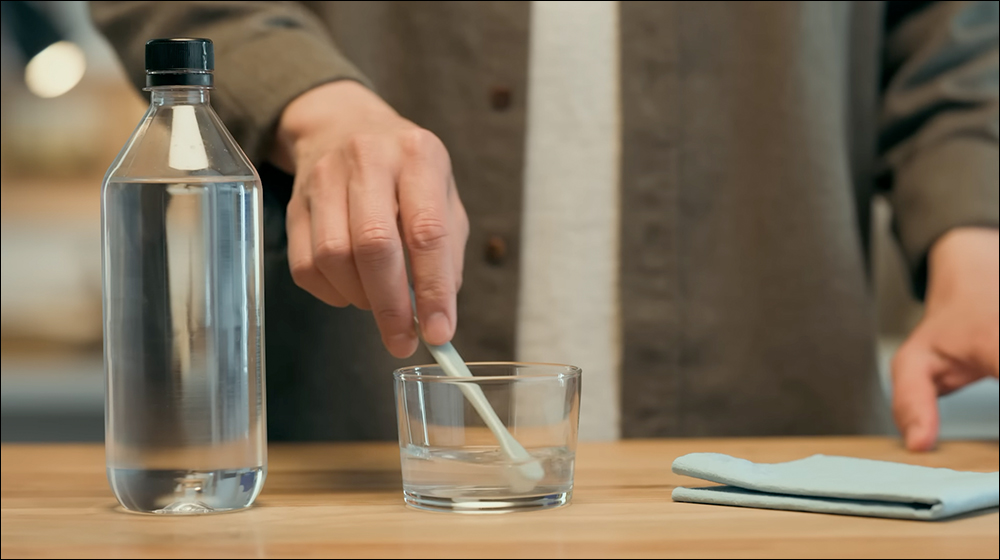
Then brush the grille in the same manner for 15 seconds and blot dry.
6. Let dry:
Let AirPods dry in a dry environment for at least 2 hours:
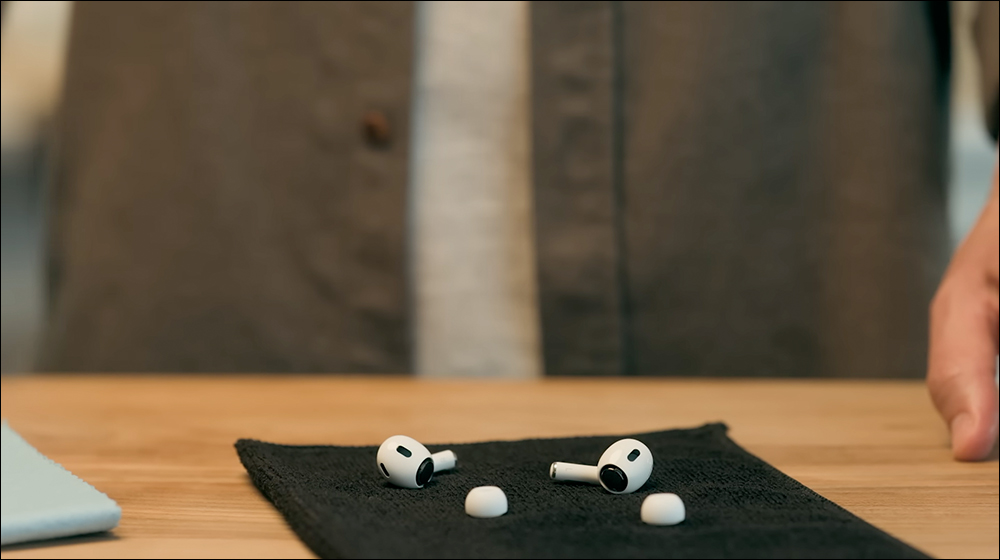
Then reattach the earbuds or put them back into the charging case.
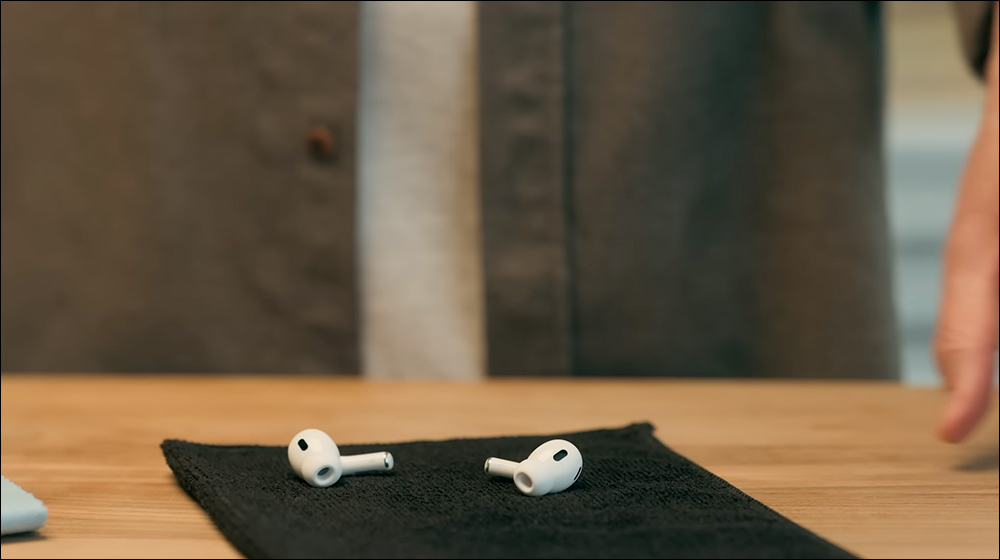
2. Clean the AirPods / AirPods Pro body
If your AirPods/AirPods Pro come into contact with stains or chemicals (such as soap, lotion, perfume, sunscreen, etc.), please follow the steps below to clean them:
- Wipe with a damp cloth: Wet a soft cloth with a small amount of water, wipe the body gently, and then wipe dry with a soft, dry, lint-free cloth.
- Drying time: Allow the phone to dry completely (at least two hours) before putting it back into the charging case or using it.
- Note: Never rinse AirPods Pro under running water or use sharp objects or abrasive materials to clean them.
3. Clean the earbuds of AirPods / AirPods Pro
Earplugs are prone to water accumulation or staining, so they require special attention to cleaning:
- Remove the earbuds: Remove the earbuds from both sides of the AirPods, turn the opening of the earbud downward, and rinse with clean water; do not use soap or detergent.
- Pat gently: Pat the earplugs gently with a dry cloth to remove excess moisture, and make sure the earplugs are completely dry before reinstalling them.
- Reinstall the earbuds: Since the earbuds are oval-shaped, align them and press lightly into place.
4. Clean the charging case of AirPods / AirPods Pro
- Wipe with a soft cloth: Use a soft, dry, lint-free cloth to clean the charging case. If necessary, you can wipe it with a slightly dampened cloth using a small amount of disinfectant alcohol, and then let the charging box air dry naturally.
- Pay attention to details: Do not let liquid enter the charging port; use a clean, dry and soft brush to remove debris from the charging port, and avoid placing any sharp objects to avoid damaging the metal contacts.
5. Tips to avoid skin irritation
If you are sensitive or allergic to certain substances, proper cleaning can reduce the risk of skin irritation. Here are a few quick tips:
- Keep Dry: Clean and dry your AirPods and skin immediately after using AirPods, especially after sweating or using products containing chemicals (such as perfume, lotion, etc.).
- Choose the right cleaning products: Avoid using harsh detergents and only use water or an appropriate makeup remover to clean AirPods Pro.
- Check the material: If you’re allergic to certain materials, check the material information for your AirPods to make sure the device won’t react adversely to your skin.
Conclusion
Regularly cleaning your AirPods Pro will not only extend its service life, but also maintain its optimal performance. Of course, the most important thing is to reduce bacteria and make it cleaner and hygienic! Finally, a cleaning instruction video for AirPods Pro 2 and AirPods is also attached. You might as well find some free time and spend some time cleaning it!
Further reading:
iPhone SE 4 will become the most cost-effective iPhone in history, take a sneak peek at more complete appearance and specifications
Source: KOCPC Chinese