


You may often hear people say that you should restart the computer to solve some problems, but many people do not pay attention to this matter. It is easy for people to think that it is enough to just shut down the computer or put it into hibernation and keep it on standby at other times. However, we are going to tell you 6 extremely good reasons why you need to restart your computer regularly or even just turn it off.

6 reasons why you should reboot your computer
1. Save electricity
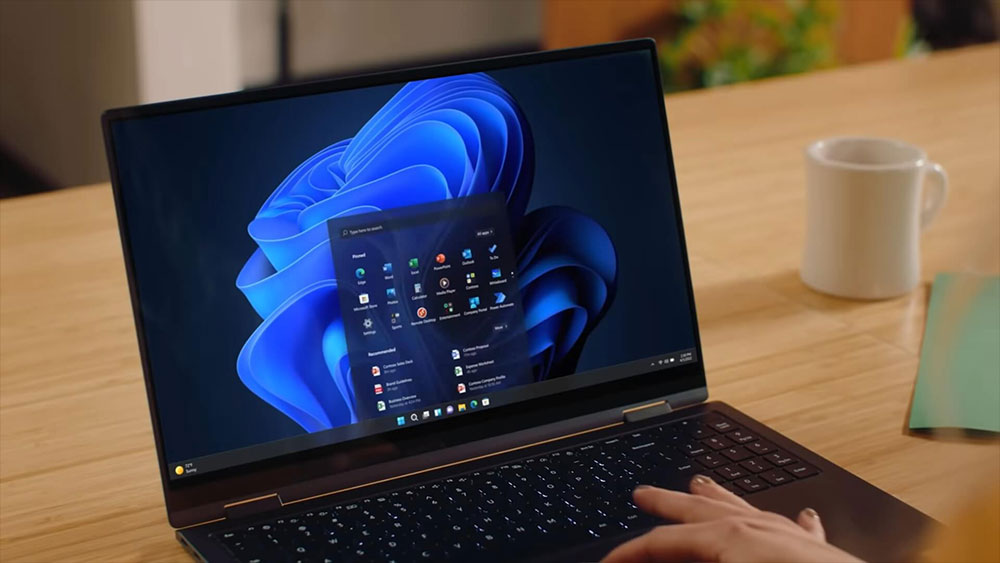
All right! This isn’t really a question about rebooting, but it’s worth mentioning anyway since many people just leave their computers running indefinitely, with hibernation in between. While hibernate mode may save a lot of power, the power used during this period is not insignificant. Your computer will still use power even when it is sleeping. When using a desktop computer, you may not be too concerned about your electricity bill, but when using a laptop, this can have a huge impact on battery life.
It’s no secret that laptops (at least until the Qualcomm Snapdragon
2. Install updates
Windows 11 computers receive regular updates, and Windows Update can also install driver updates for you to improve your overall experience. Most of the time, these updates require you to restart your computer, and it’s not a good idea to ignore the prompt to restart.
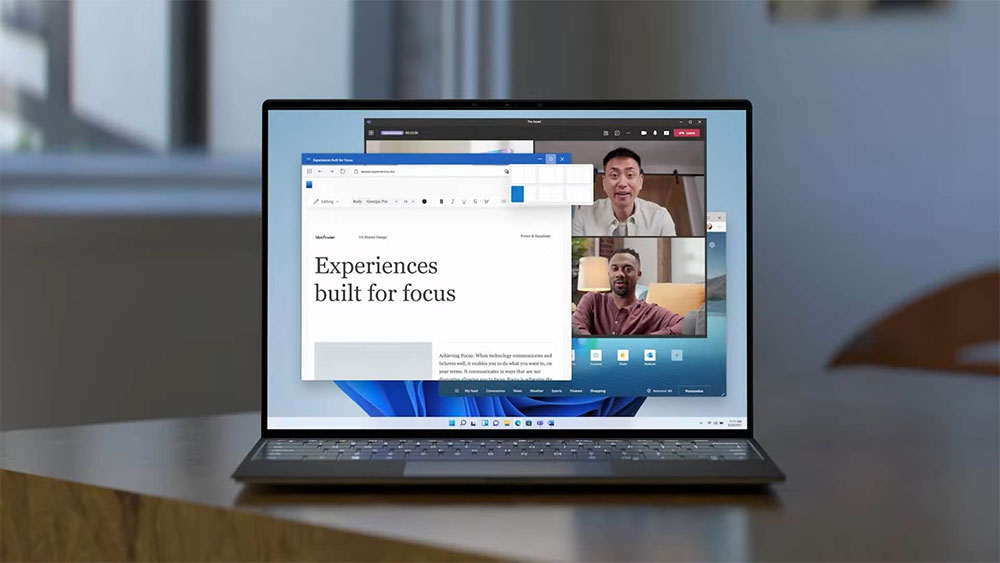
On the one hand, your computer will restart at some point, and if you don’t do it within your control, you may end up losing unsaved data when it automatically restarts. On the other hand, waiting for updates isn’t good for your computer, and if you keep messing with files on your computer before restarting, the updates may not be applied correctly, and your computer may slow down before the updates are completed. In the case of graphics drivers, your computer screen may not look normal until you reboot to complete the update.
Installing drivers for new hardware (such as sound cards) may also require a reboot, and these devices may not function properly until rebooted.
3. Uninstall the installer
Just like installing new updates and drivers often requires a reboot, removing software from your computer will most likely require a reboot to complete properly. Some programs will prompt you to reboot immediately, but some may not, but you should do it anyway. Uninstalling apps and software often leaves behind some residual files that are only deleted after the computer is restarted, usually because they may be stored in system folders that should not be touched during normal use.

If it prompts you to reboot after uninstalling, you should do so as soon as possible, even if it doesn’t tell you why, you should reboot immediately.
4. Help improve performance
As you use your computer more and more at a time, the system starts to fill up your system memory (RAM), which is a natural process and basically a good thing because Windows can allocate RAM for necessary tasks at any time. However, there may be memory leaks or traces of apps running in the background taking up some RAM, and the system isn’t perfect, so performance tends to degrade over time. Restarting your computer will force a complete clear of RAM, as RAM needs power to hold any data, turning your computer off, even briefly, will make things easier and ensure you’re at your best again.
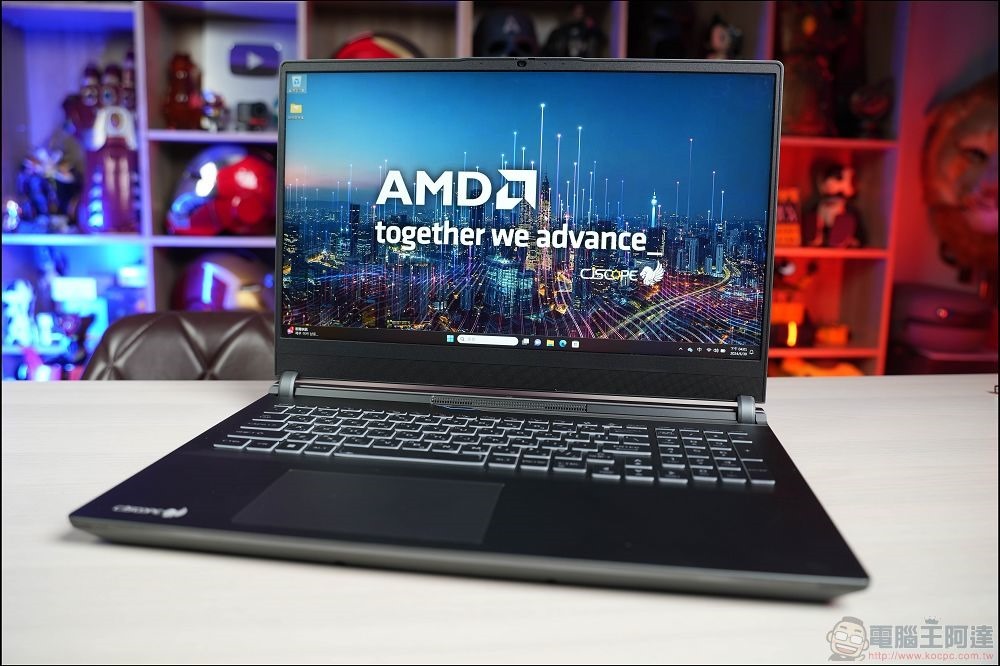
It’s not just about RAM. As you run more and more apps and they hang in the background, more CPU resources are used to keep the apps running even when you no longer actively need them. Restarting will terminate the operation of all applications, so every restart is a fresh start. It’s also a good idea to check your startup apps to make sure you’re not being slowed down.
5. Fix the fault
Another thing about constant computer use is that when you run a lot of applications simultaneously or sequentially it introduces a lot of variables that are hard to explain. Software itself is very complex, it can be difficult to tell when one thing affects another, and you can end up with some unexplained glitches and issues in your application.

As we already know, rebooting can wipe everything clean, so if you’re experiencing unusual software glitches, it’s likely that rebooting will help. Try running your app again after a reboot to see if the issue you were experiencing has been resolved. You’ll be surprised how often it works.
6. Solve network problems
Another thing that can happen when you leave your computer on for an extended period of time is network issues. The root cause may be difficult or impossible to determine, but simply put, sometimes a computer stops cooperating with the network for one reason or another. When you wake up your computer and find that the network connection function has stopped, except for network hardware problems, it usually only needs to be restarted to return to normal.

There are several factors that go into keeping your network connection working properly. Restarting your computer will update your network connection without having to reset everything. Don’t forget to try restarting your computer before you go crazy and try other measures.
Finally, a reminder that turning off your laptop’s screen or simply pressing the power button does not shut down your computer. In most cases, it will put your computer into hibernation, but all data in the session will still be stored, and you will never restart in this way. These junk files, pending changes, and other potential issues will accumulate and degrade your experience. Use the restart and shutdown options in Windows whenever possible, and you’ll quickly find that your computer performs much better.
Source: KOCPC Chinese