


There are many genuine audio and video websites nowadays, but in some cases, you may still choose drama fans, for example, if you can’t find the movie you want to watch, and the players of drama fans themselves are not as powerful as those of genuine audio and video websites. For example, they do not have a convenient memory function. If you have not finished watching, you will have to move to the last ending position when you open it next time. This article will recommend a useful “GAssistant (for drama fans)” extension function.
Once obtained, it will automatically record the videos and time points that you did not watch last time, and you can open them with one click next time to continue watching. It also has the functions of skipping the title, quick search, and AI recommendation of other videos that may be of interest to you.
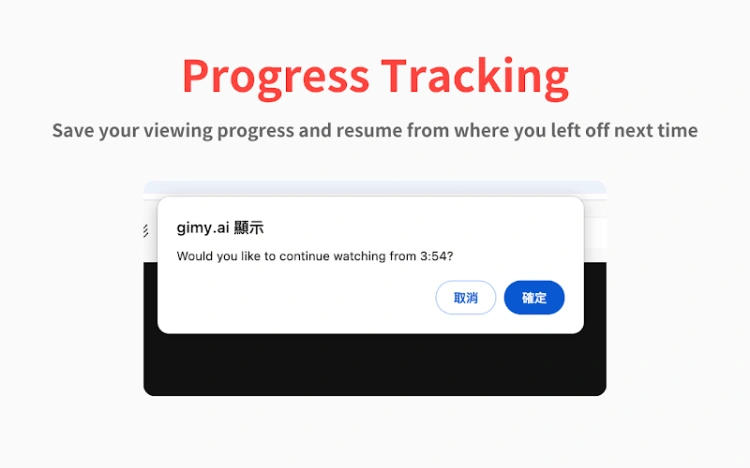
GAssistant (for drama fans) extended function introduction
GAssistant (for drama fans) is a Chrome extension. In addition to being installed on Chrome, it can also be used on Microsoft Edge, as long as it is a browser developed by Chromun core. I would also like to add that we do not recommend watching videos with copyright issues. This article mainly introduces good tools to everyone.
Click the link above to enter the Chrome extension store page, and click Get in the upper right corner:
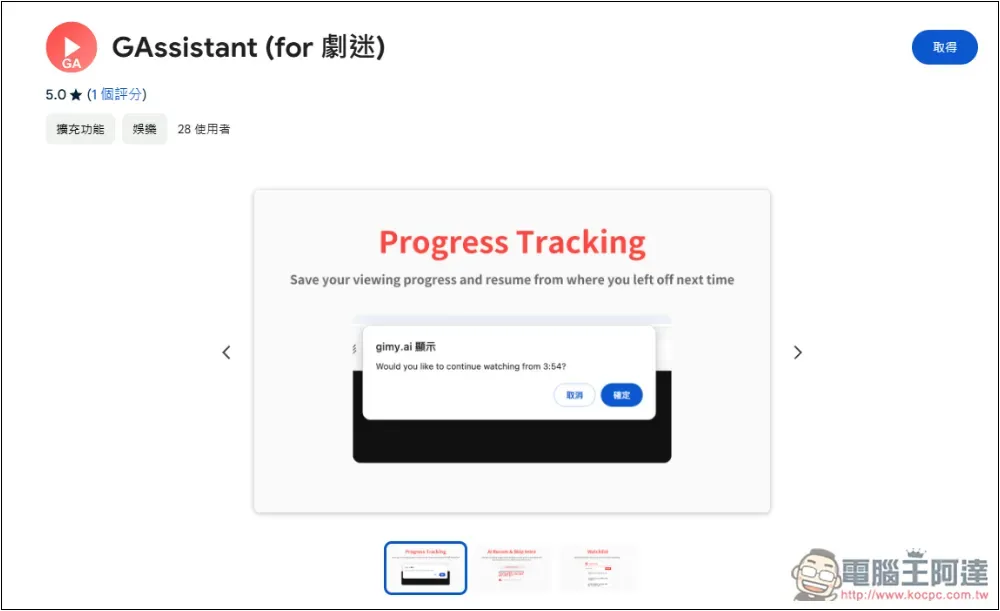
This message will pop up at the top, click “Add Extension”:
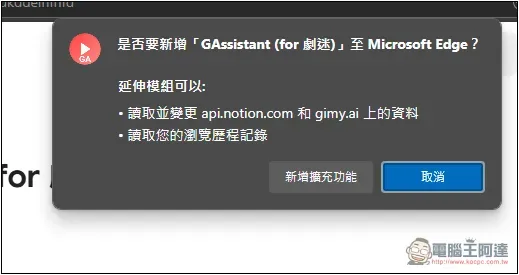
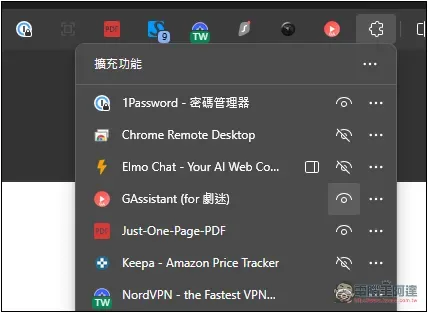
This is installed, but the extended function icon will be automatically hidden by default. You need to go to the puzzle icon next to it to open it manually:
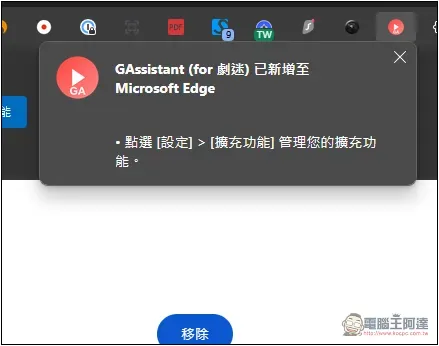
After finding the GAssistant, cancel the hidden icon on the right and it will be displayed on the upper right:
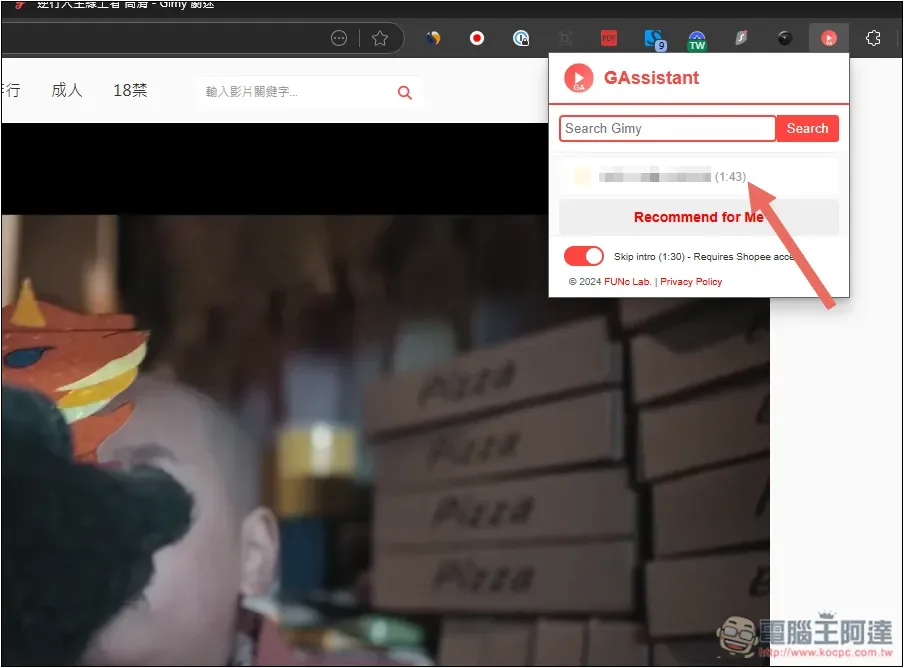
The method of use is very simple. After entering the drama fan website, it will start to work. First, it will automatically skip the title and let you watch the main movie directly. Second, it will automatically remember the movie and time you are currently watching. If you don’t want to skip the intro, just turn off Skip intro below:
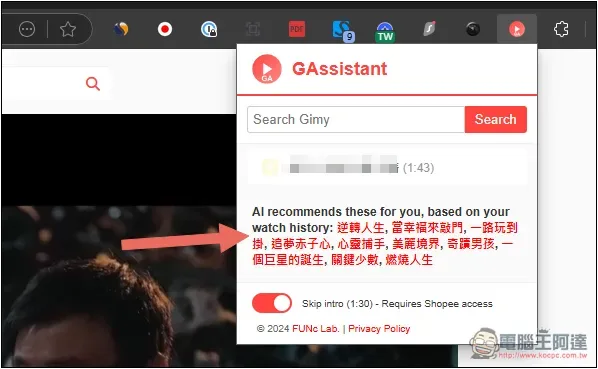
Click Recommend for Me below, and AI will recommend movies that you may be interested in based on your viewing history. Clicking on the movie name will automatically open the drama fan website and search for the movie’s keywords:
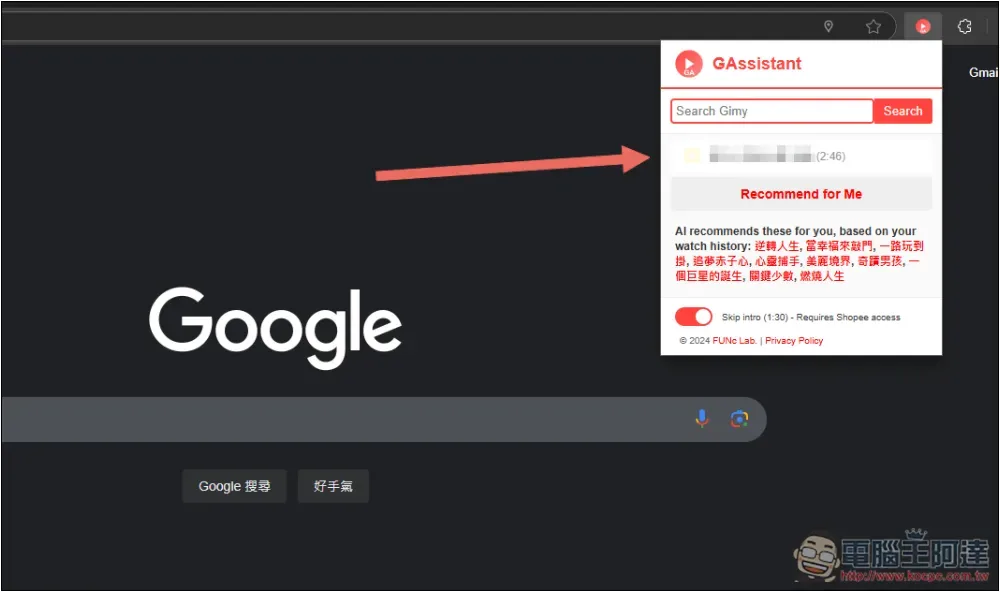
After a fan’s video is closed, the video and the last viewing time will be automatically saved in GAssistant (for drama fans). When you want to continue watching in the future, click on the video link and it will automatically open. This is very convenient:
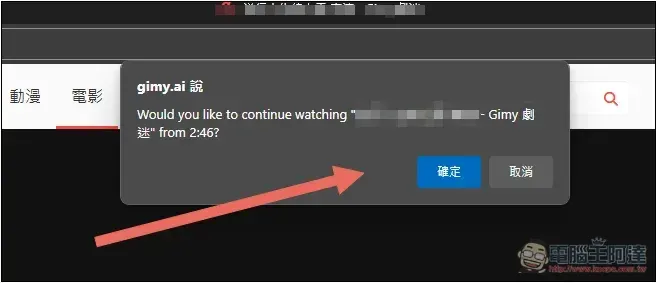
When you open the video, a pop-up window will pop up saying whether you want to continue watching from the last ending time. If so, press OK:
In addition, GAssistant (for drama fans) also has a search function. After entering the video you are looking for, it will automatically open the drama fan website and search for the video. You do not need to manually open the drama fan video search, which is also very convenient.
The videos in memory can also be treated as similar viewing records or a list of unfinished videos. If you have finished reading and do not want it to continue to appear in the list, click the trash can icon next to it to delete it.
GAssistant (for drama fans) Features
- Record progress: Record the viewing progress in the background and continue watching from where you left off.
- Movie list: Sorted by time, list the dramas you are currently following.
- AI recommendation: Recommend other movies that may be of interest based on the movies you have watched.
- Skip title: Automatically fast forward 1:30, skip most video titles.
Source: KOCPC Chinese