


Although there are many open source tools on the Internet today, many people may not know how to find what they need, or how to find a tool that can replace the original paid tools. This article will introduce a very good OpenAlternative website, which collects more than 400 free open source tools, and just like its name, it allows users to find suitable alternative open source tools. It has many functions that make it easy to find.
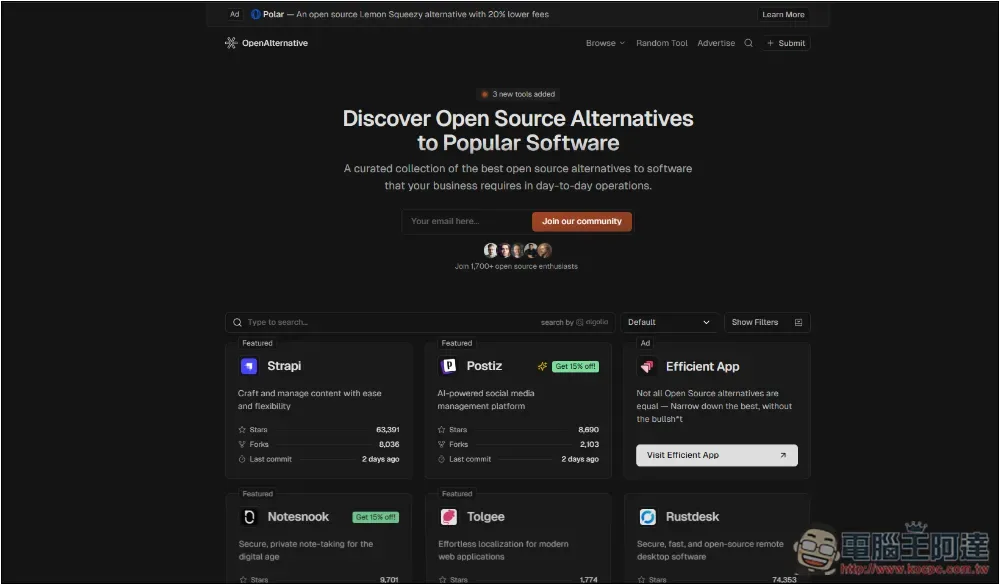
OpenAlternative is a website that allows you to quickly find the open source tools you need
OpenAlternative is very different from other websites looking for alternative software. All tools are open source, and representatives say they are basically free to use (some still have paid plans). More importantly, each model has a detailed introduction. Although it is in English, you can read it throughimmersive translation, or use the browser translation function to quickly translate into Chinese.
Each tool introduction page provides an official website link, so you don’t have to Google it yourself.
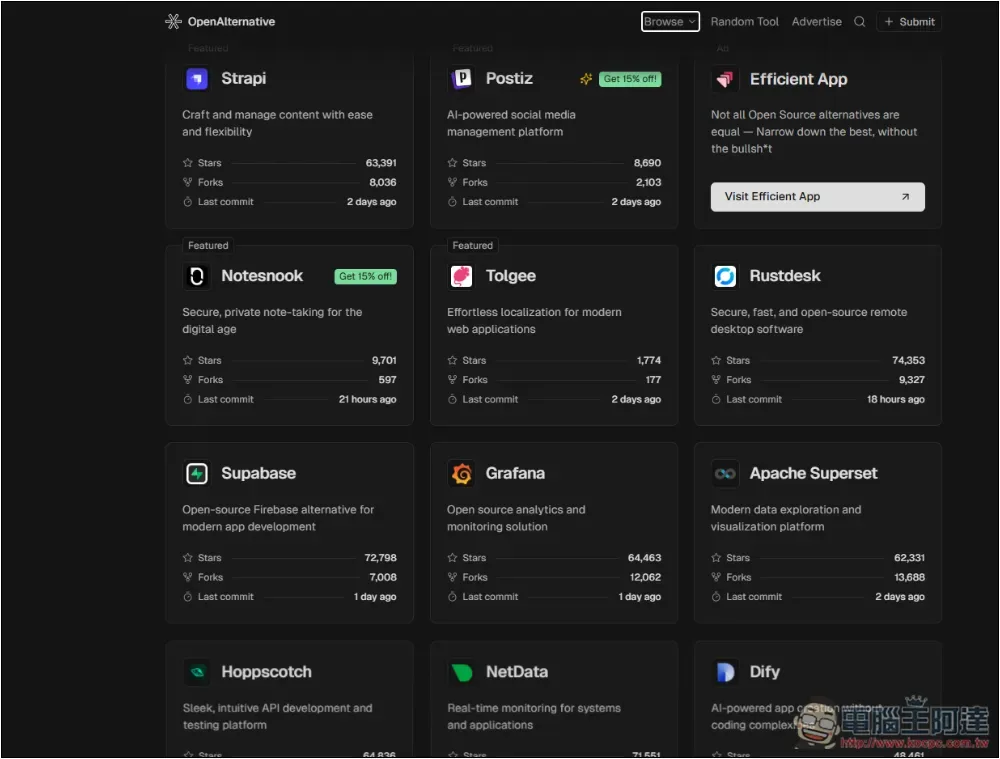
After clicking the link above to enter OpenAlternative, you can start browsing various open source tools. Each one has a simple description, as well as data such as the number of stars obtained for your reference:
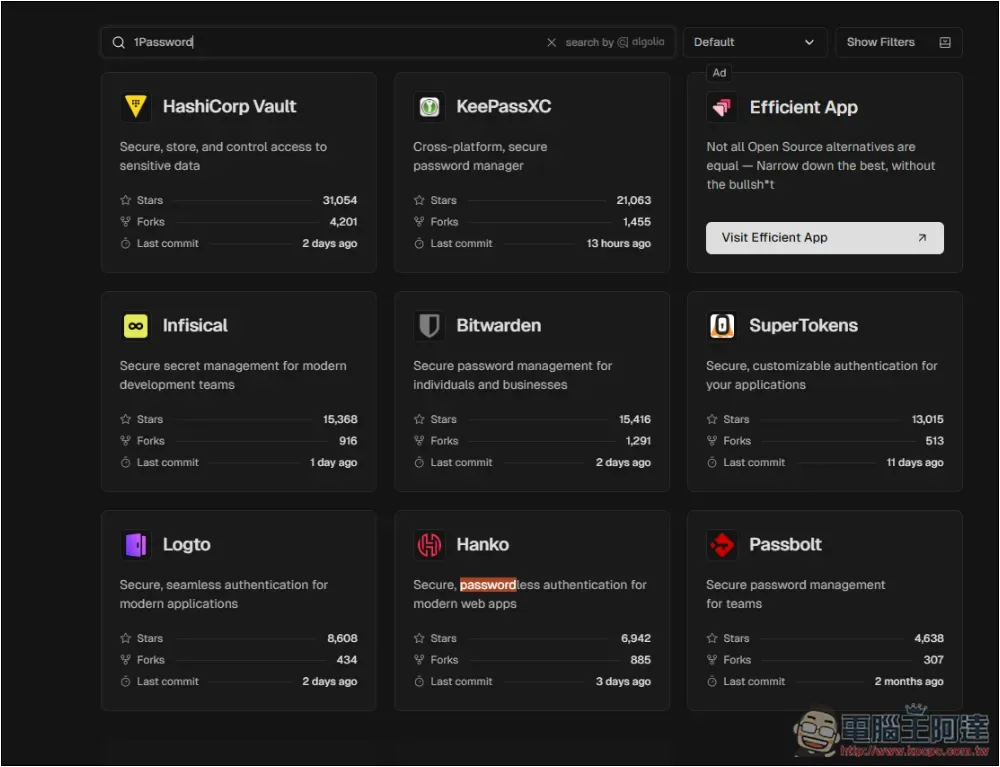
It also supports a search function. You can directly enter the similar software you want to find. For example, if I enter 1Password, a list of open source password management tools will be displayed. The recently very famous Bitwarden is also on the list:
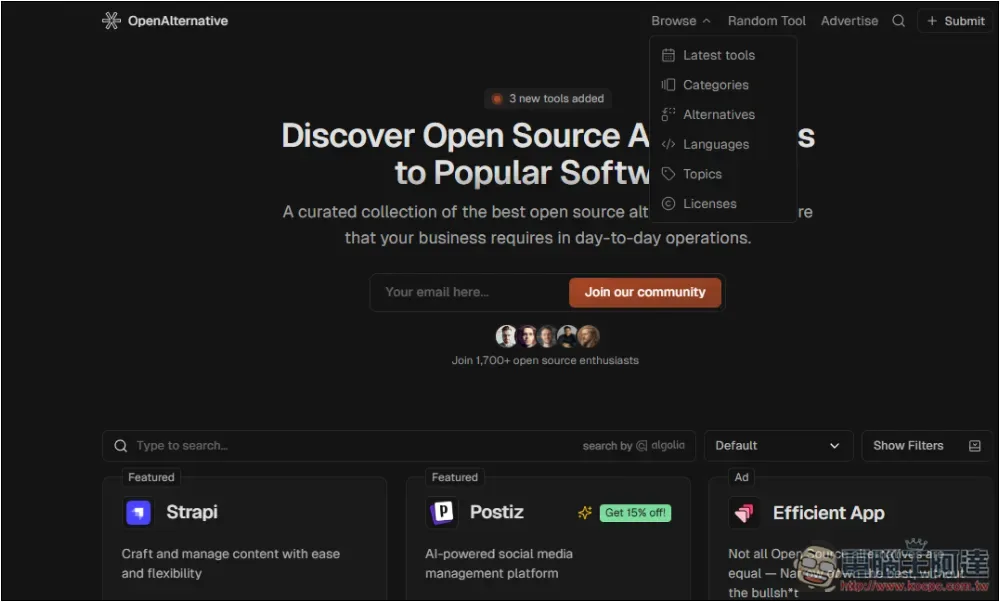
The Browse menu above also has some classification options, such as the development language used, theme, authorization, etc.:
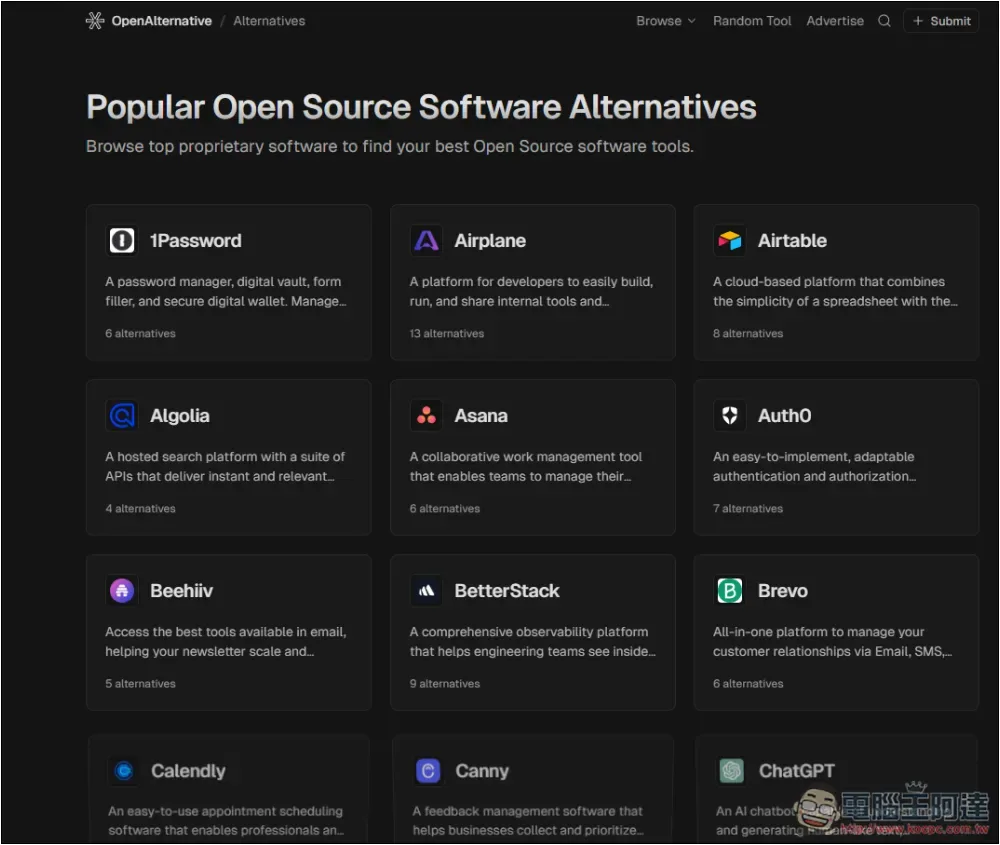
If you are looking for open source tools for popular software, you can go to Alternatives to find them. Here are a few, such as the 1Password I mentioned earlier, as well as ChatGPT, Claude, Dropbox, Google Drive, Notion, Toggl, Zapier, Canva, etc.:
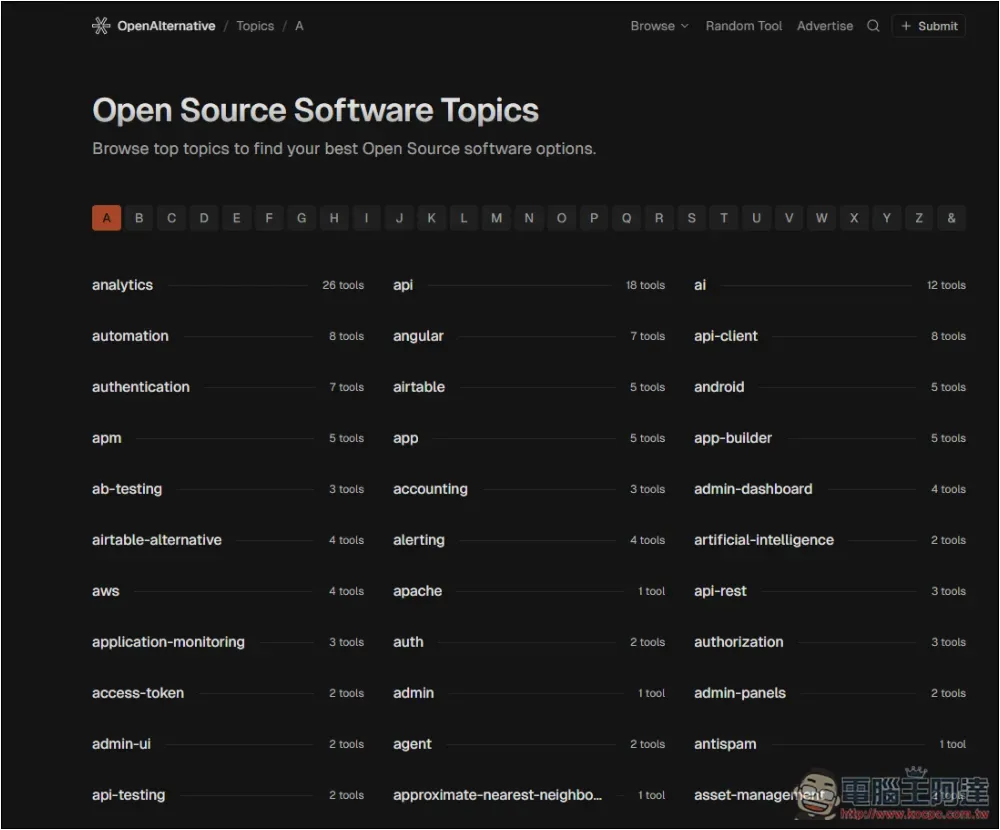
Topics will display A-Z topics, there are a lot of them, such as: analysis, ab testing, App creation, OpenAI, search engine, storage space, screenshots, etc.:
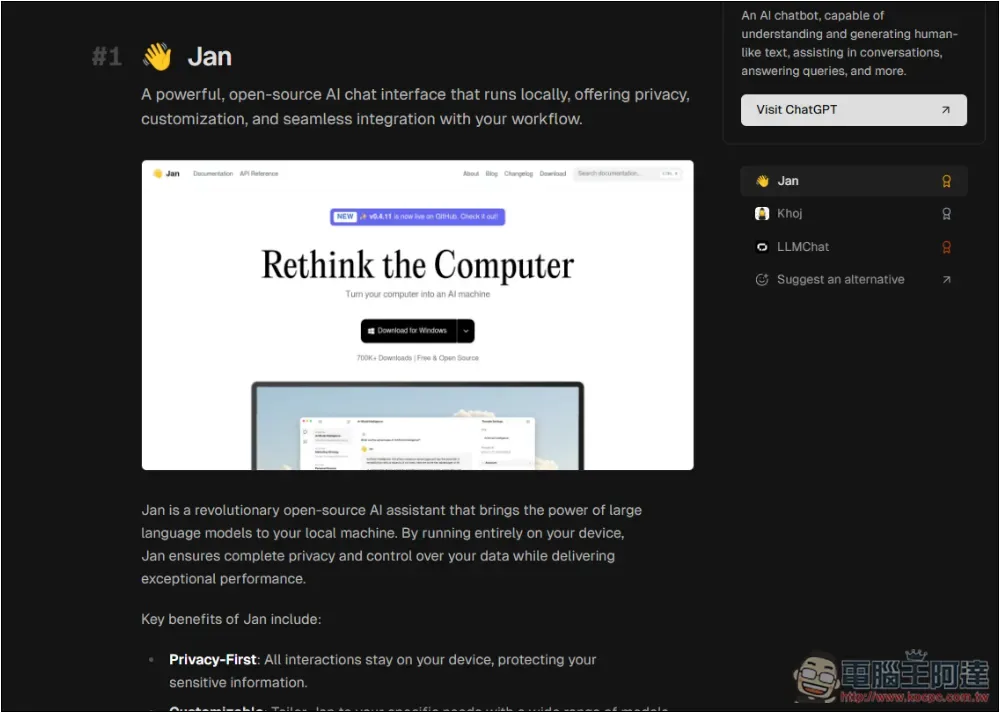
Once you find something that interests you, you can start browsing alternatives, like my search for alternatives to ChatGPT, the first one I recommended was Jan, but also Khoj, LLMChat:
Open the continue reading button, and a button to jump to the tool website will appear above:
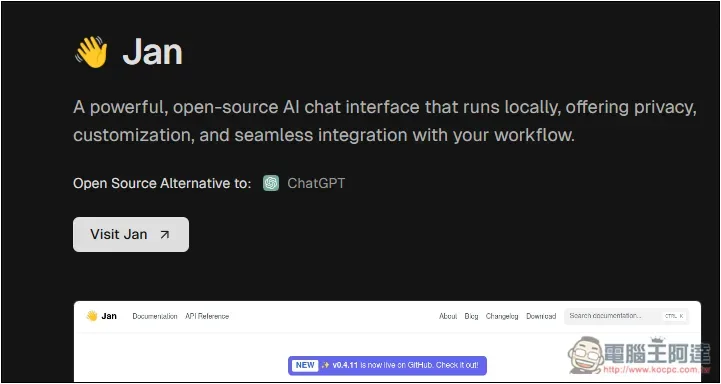
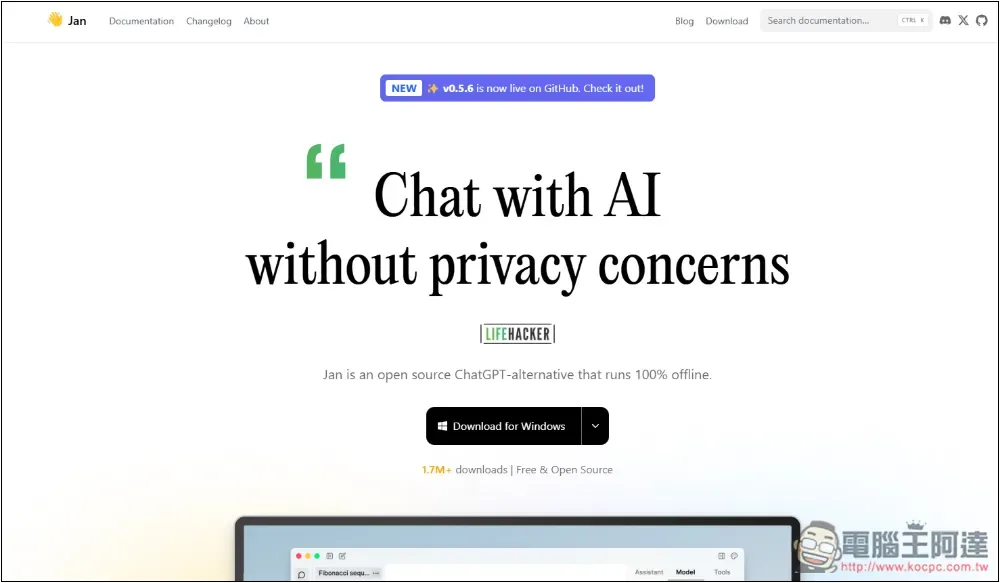
Jan is a completely free chatbot tool that runs offline:
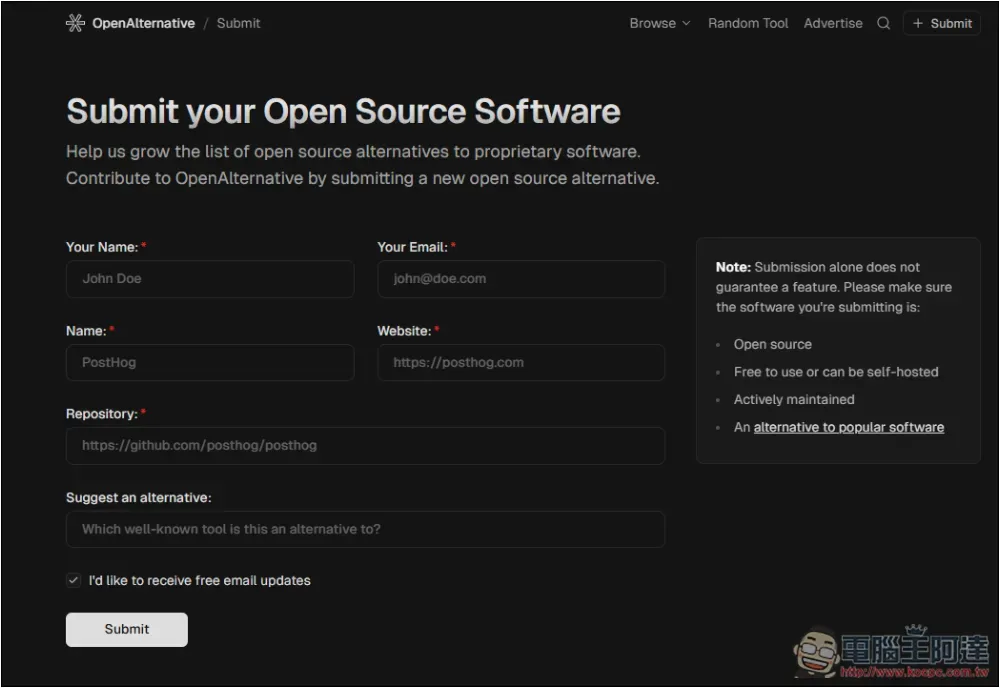
Everyone can submit their own open source software to the website administrator. There are also noted matters on the right, such as it must be open source, free to use or host by yourself, continuously actively maintained, and can be used as an alternative to mainstream software:
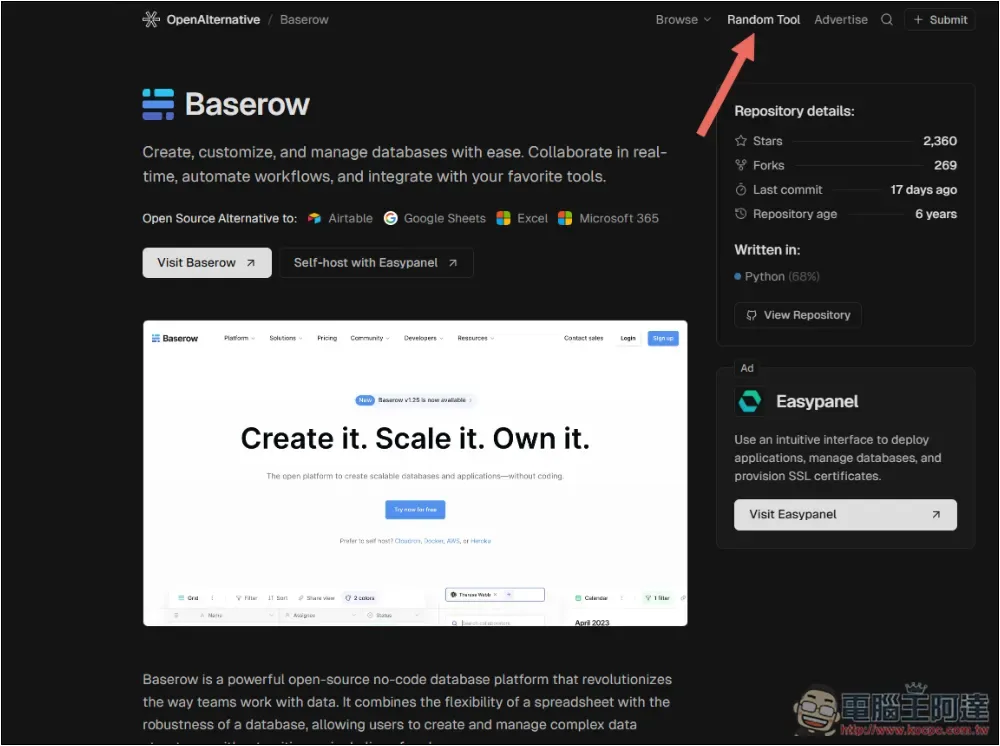
Another interesting function is Random Tool. Click it and it will randomly recommend an open source tool. If you have no idea, you can play around with this function:
Are open source tools really safe?
Not necessarily but relatively safe, because the transparency is high and the source code is public, so anyone can view and review the code. In theory, it can help find security vulnerabilities and fix them immediately. However, this relatively means that attackers can also view the program code, find vulnerabilities and then carry out some attacks.
In addition, it is also related to the popularity of open source tools. Popular projects are usually more secure because more professionals work together to test, review and fix problems.
Are open source tools completely free?
Open source projects are usually free, and users are free to download, use and modify the content, but this does not mean that all functions are free.
Some open source projects provide a free basic version, and then launch additional paid services, such as more advanced technical support, professional features, or hosting services. Most of the popular open source projects are like this, which is why many of the open source tools provided by OpenAlternative have paid options.
Source: KOCPC Chinese